A Standalone Script Delivering a Realistic Elevator Experience
Preview | View Documentation | Tebex | Discord
no-elevators is a versatile script that provides players with an immersive and realistic elevator system. Fully standalone and highly customizable.
Synchronization
Fully synchronized for all players:
-
Multiple players can use the same elevator to travel between floors.
-
Players on different floors can call the same elevator and wait for it.
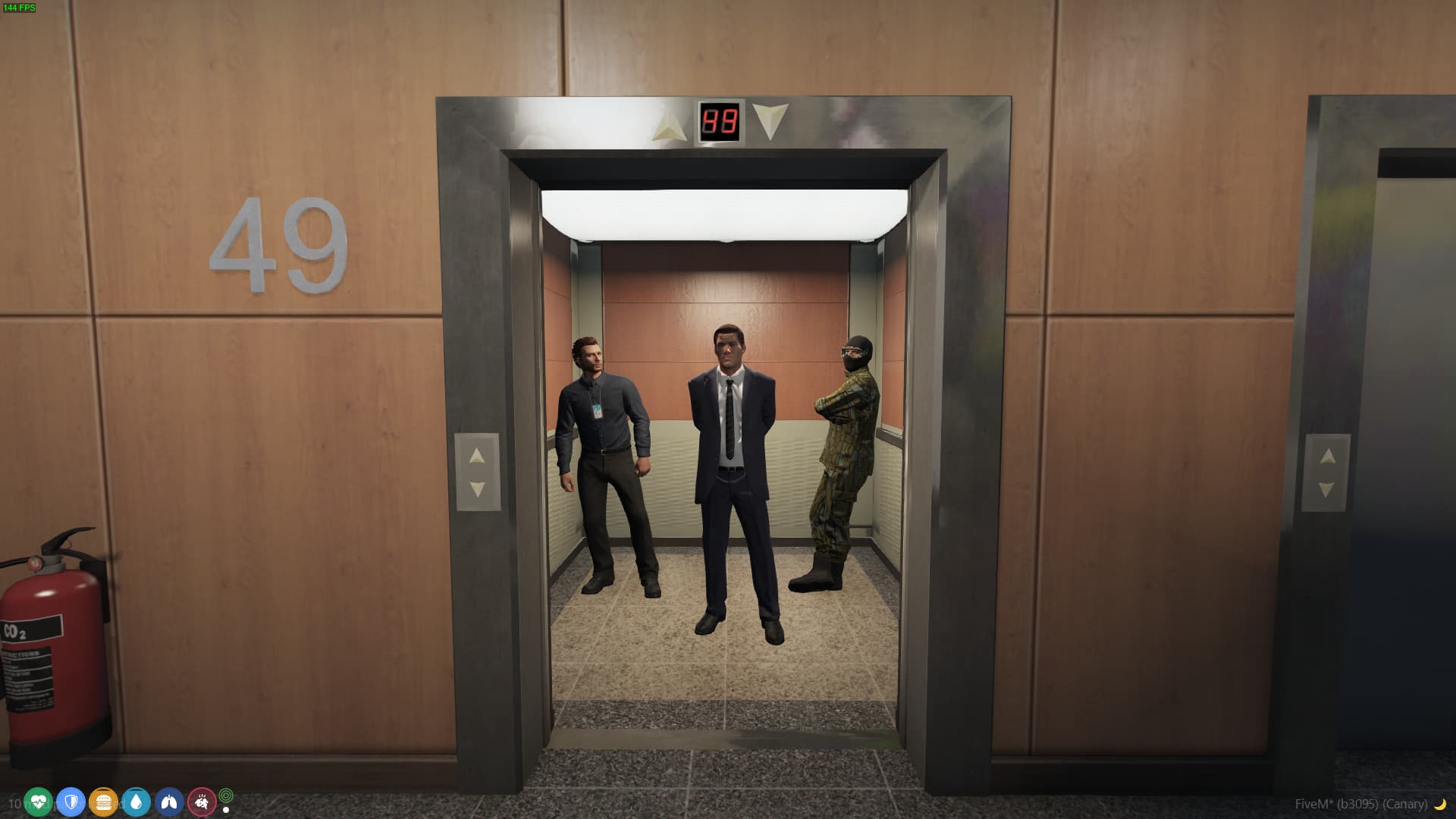
User Interface (UI)
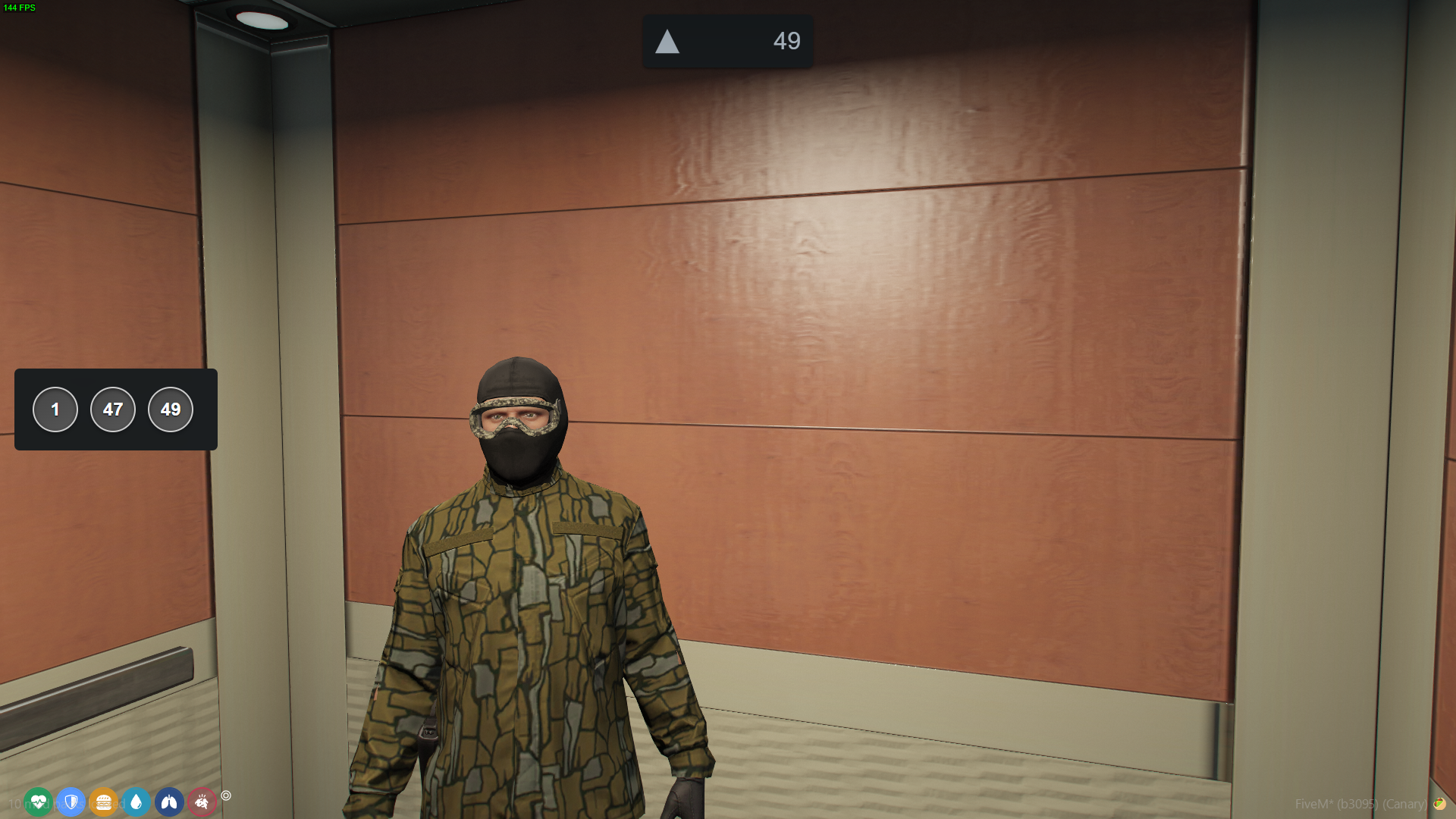
Dynamic Elevators
Integrate functional elevators from the map into the system.
Create a large, realistic elevator network with working doors.
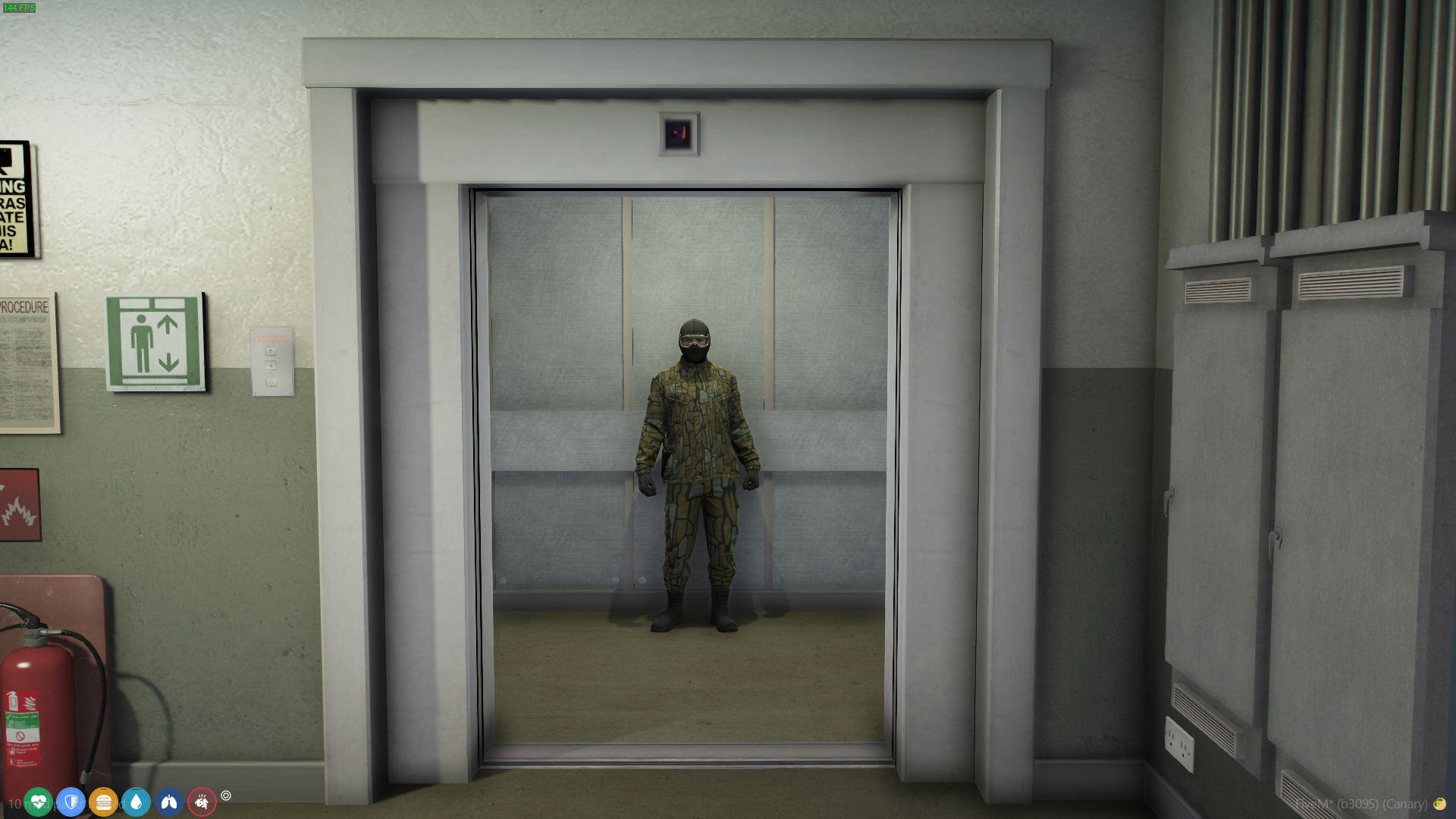
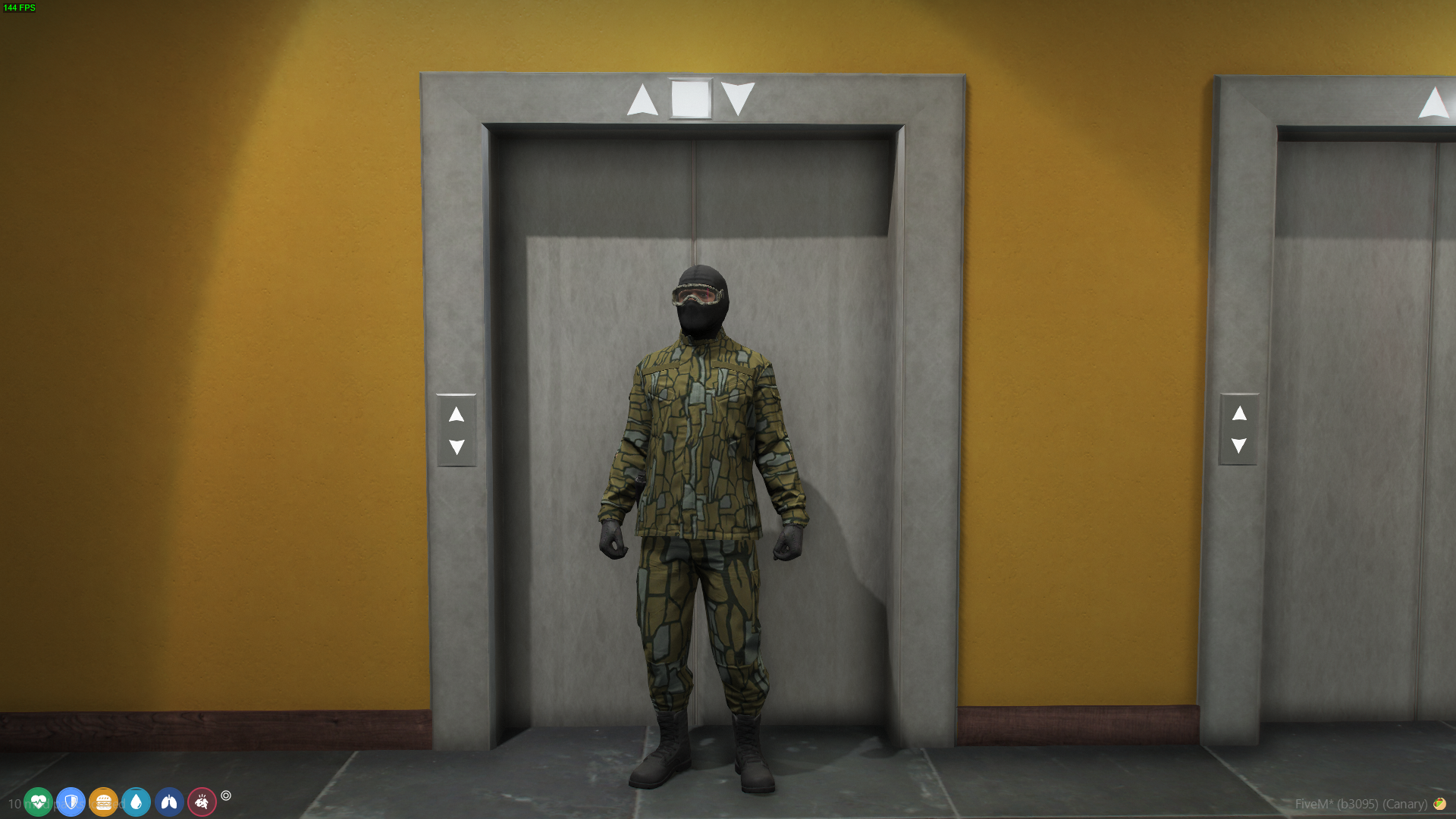
Static Elevators
Register any location on the map as an elevator:
- Use unopened elevator doors, regular doors, or even open spaces.
Static and dynamic elevators can seamlessly work together and be added to the same system.
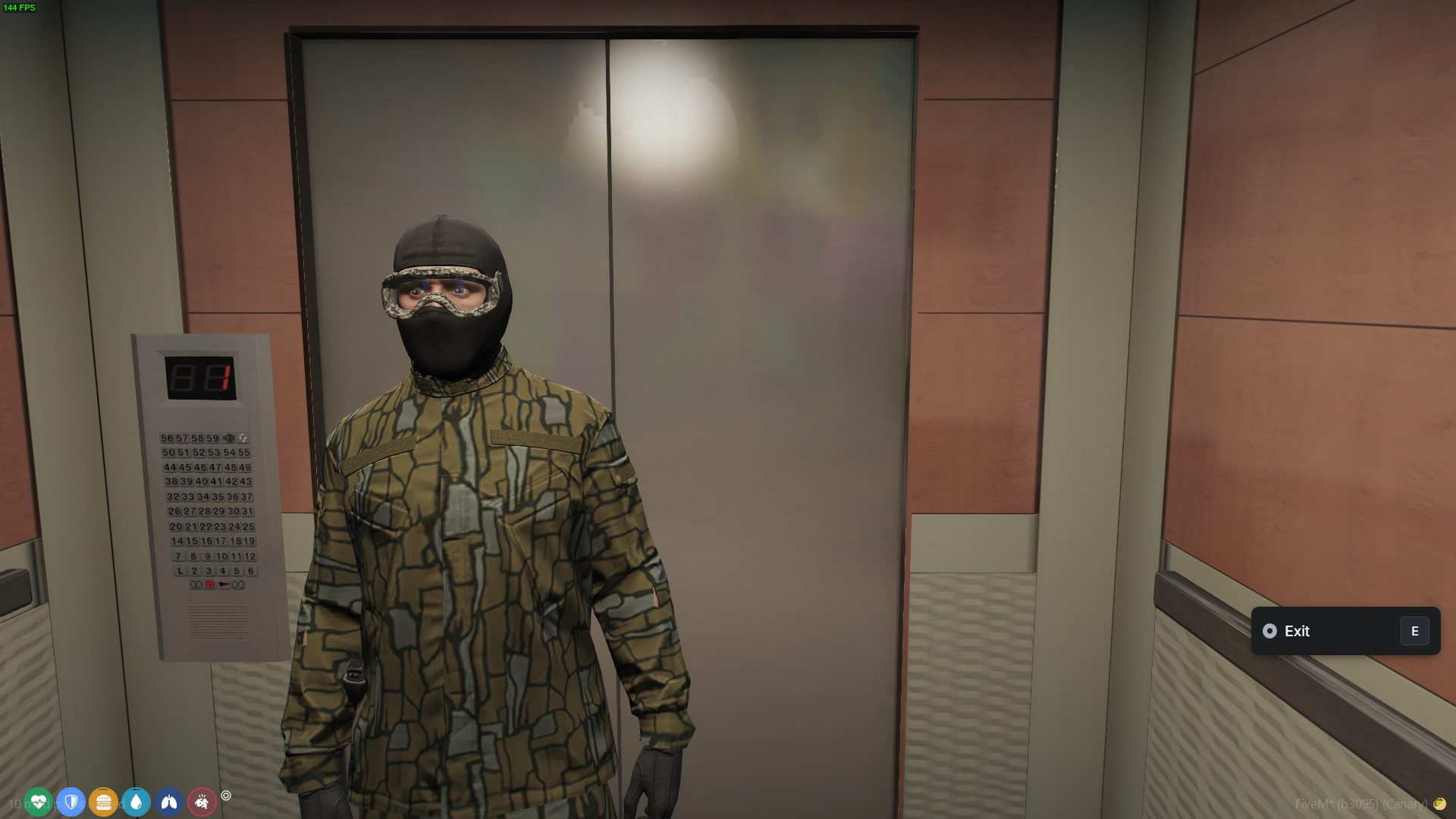
Realistic Sound Effects
Sound effects play when elevators move or reach a floor, enhancing immersion.
Restrictions
Implement custom access restrictions for specific floors:
-
Players without access cannot call elevators from or to restricted floors.
-
Players with access can call the elevator and travel with restricted players.
Restrictions can be implemented in various ways, such as a simple job or role check, possession of specific items, or any other custom logic you choose. The system is designed to be flexible, allowing you to define the criteria that best suit your needs.
Example: In a police station, officers may access all floors, while civilians can only access the ground floor unless accompanied by an officer.
Detailed examples of implementation are included in the package, allowing for seamless integration and customization of restrictions. For more information, refer to the documentation: Restrictions.
Creators
The elevator system operates with scenes and floors:
-
Dynamic Scenes: Each scene can only belong to one floor.
-
Static Scenes: Can be used across multiple floors.
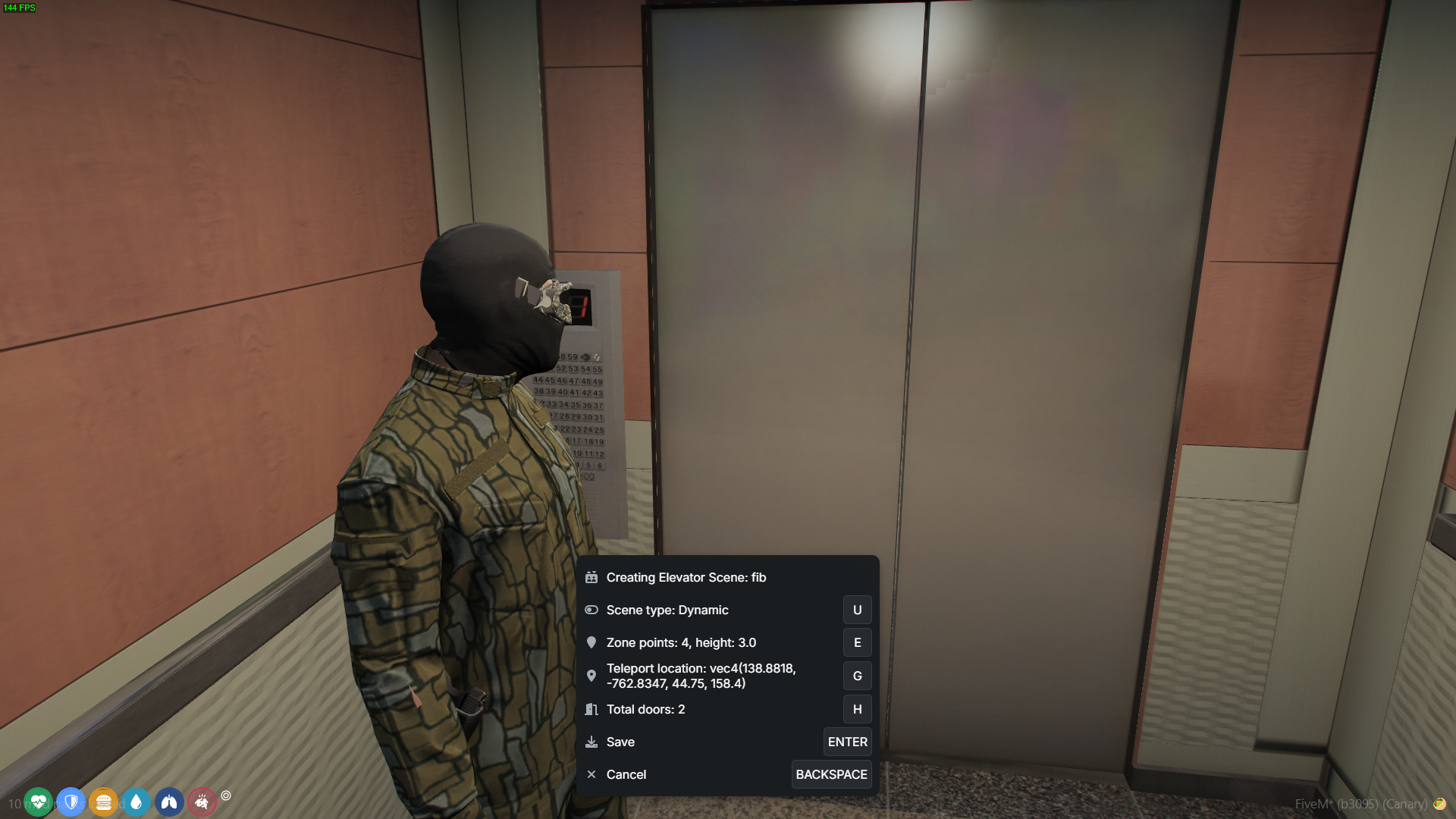
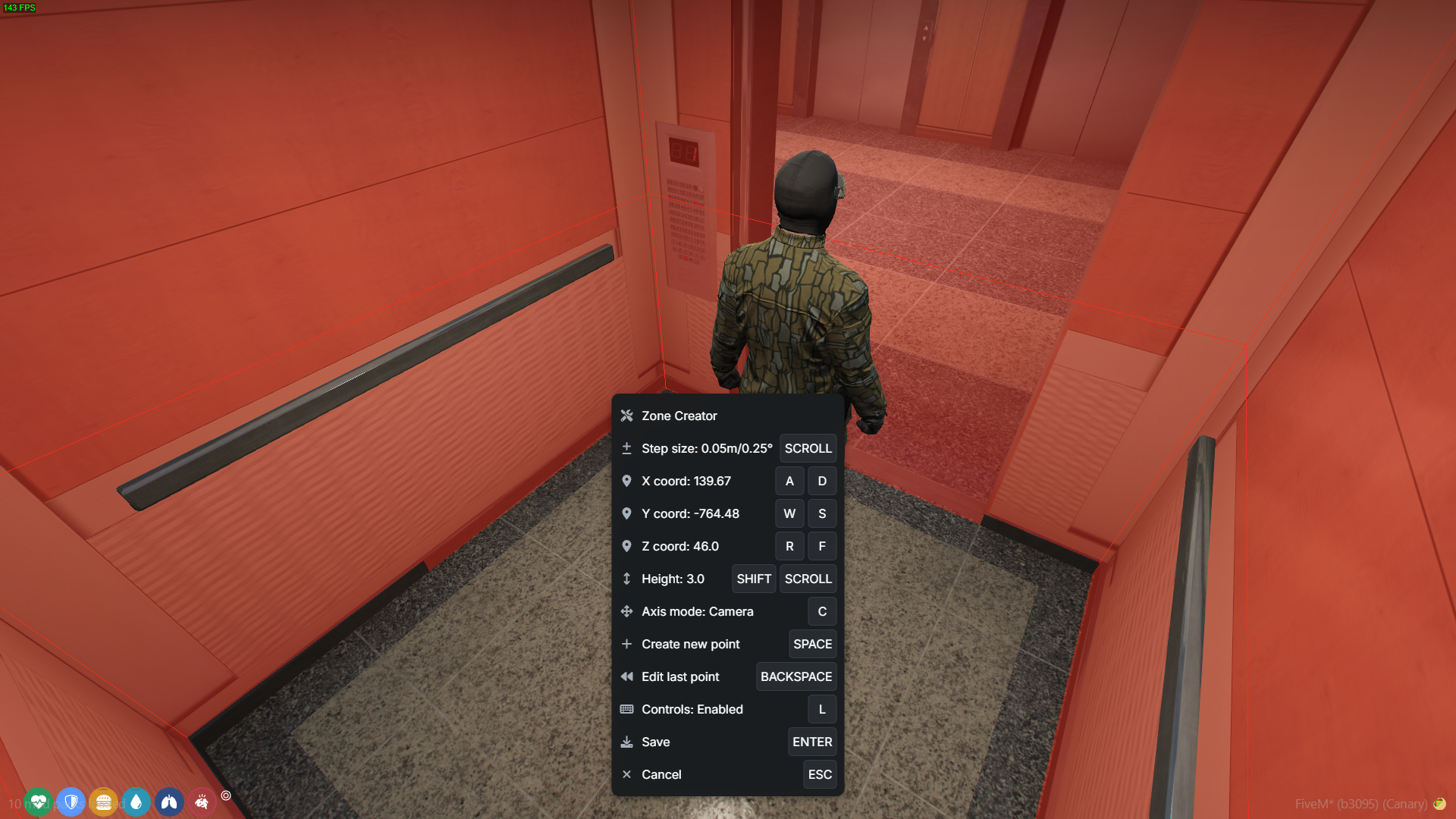
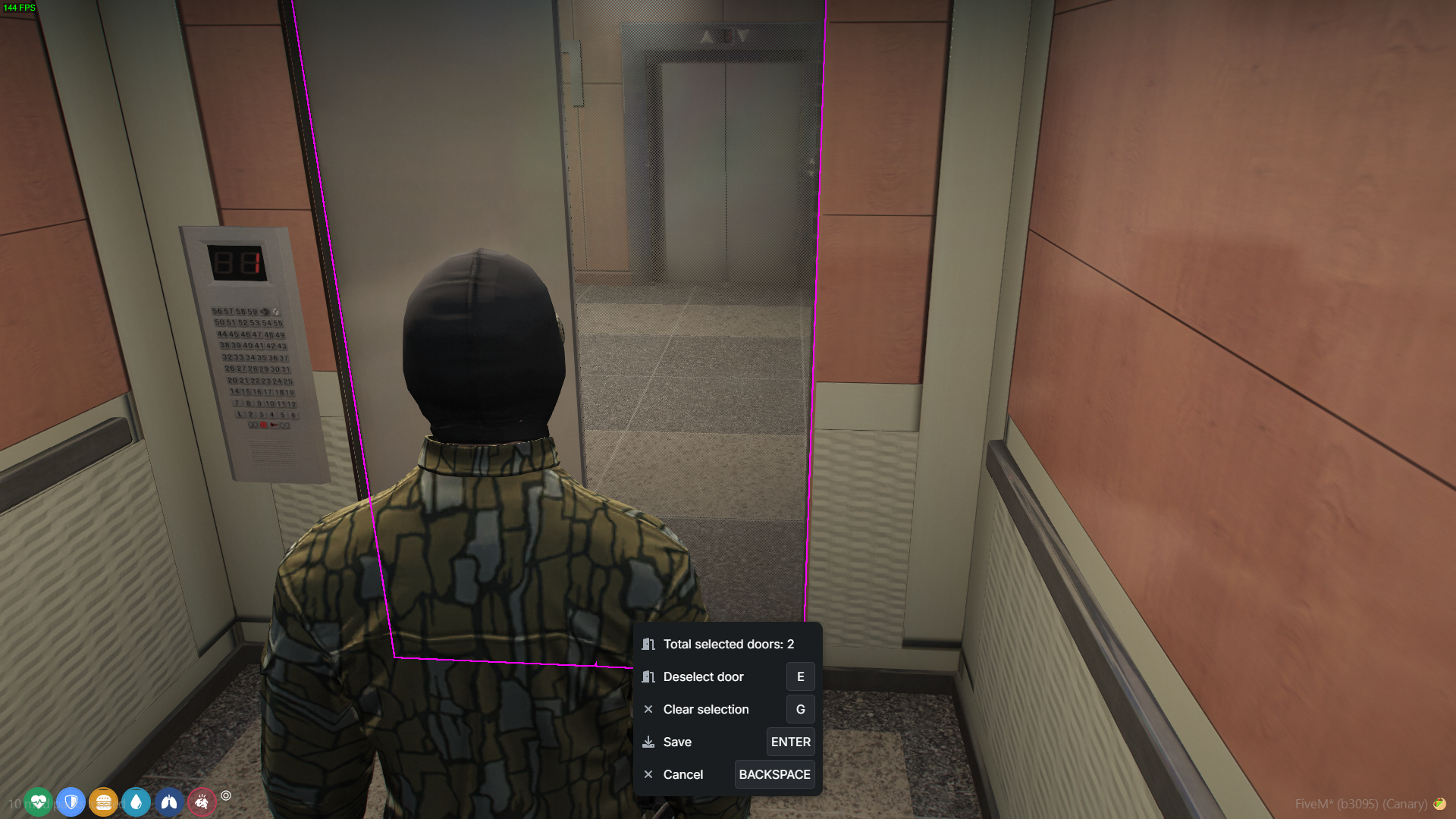
Scene Creator
A useful tool for creating elevator scenes.
Define the scene zone, type, doors, and more.
Elevator Creator
A tool to create elevators and their floors.
Configure:
-
The scene for each floor.
-
Travel times between floors.
-
How long the doors remain open.
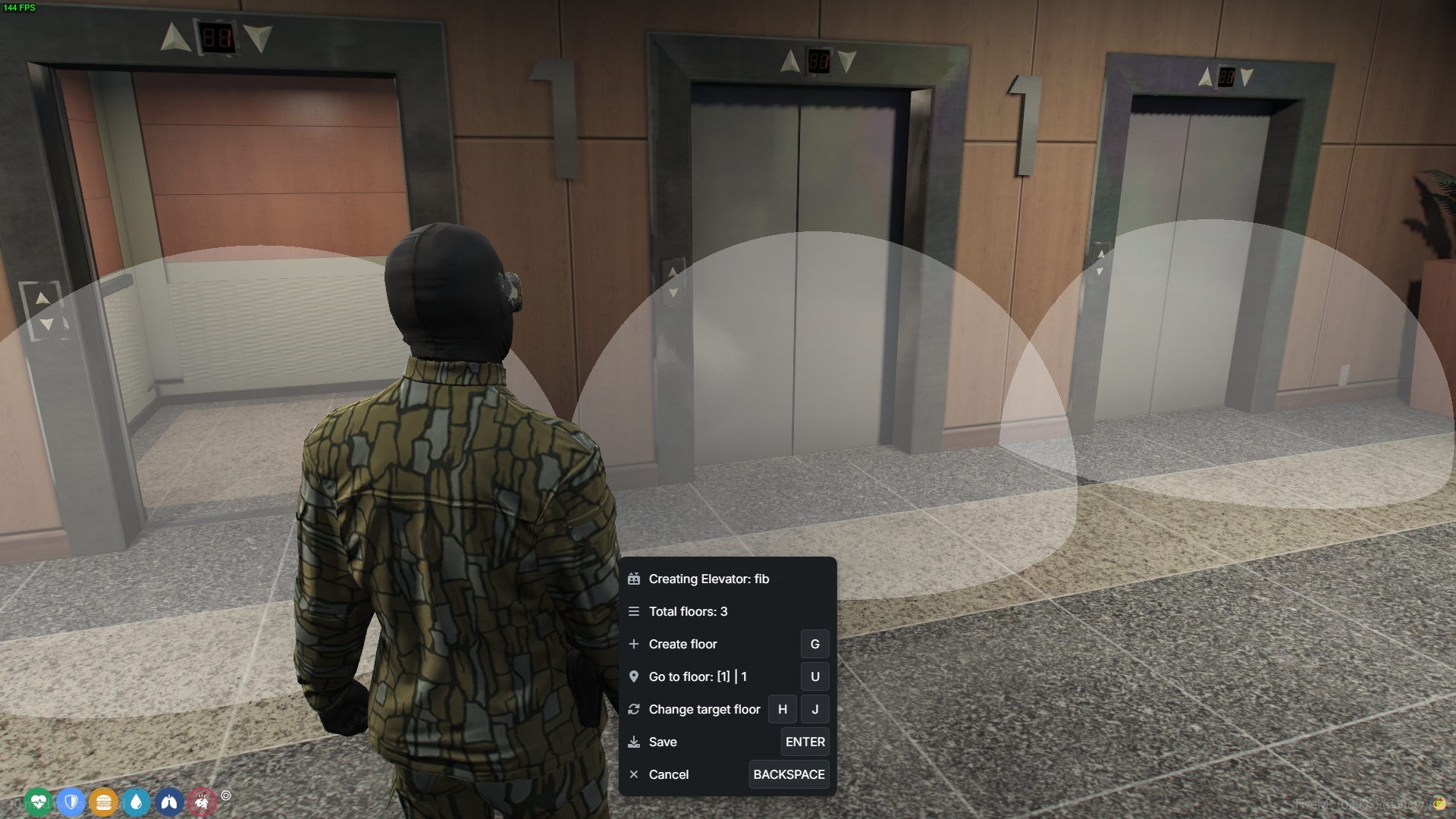
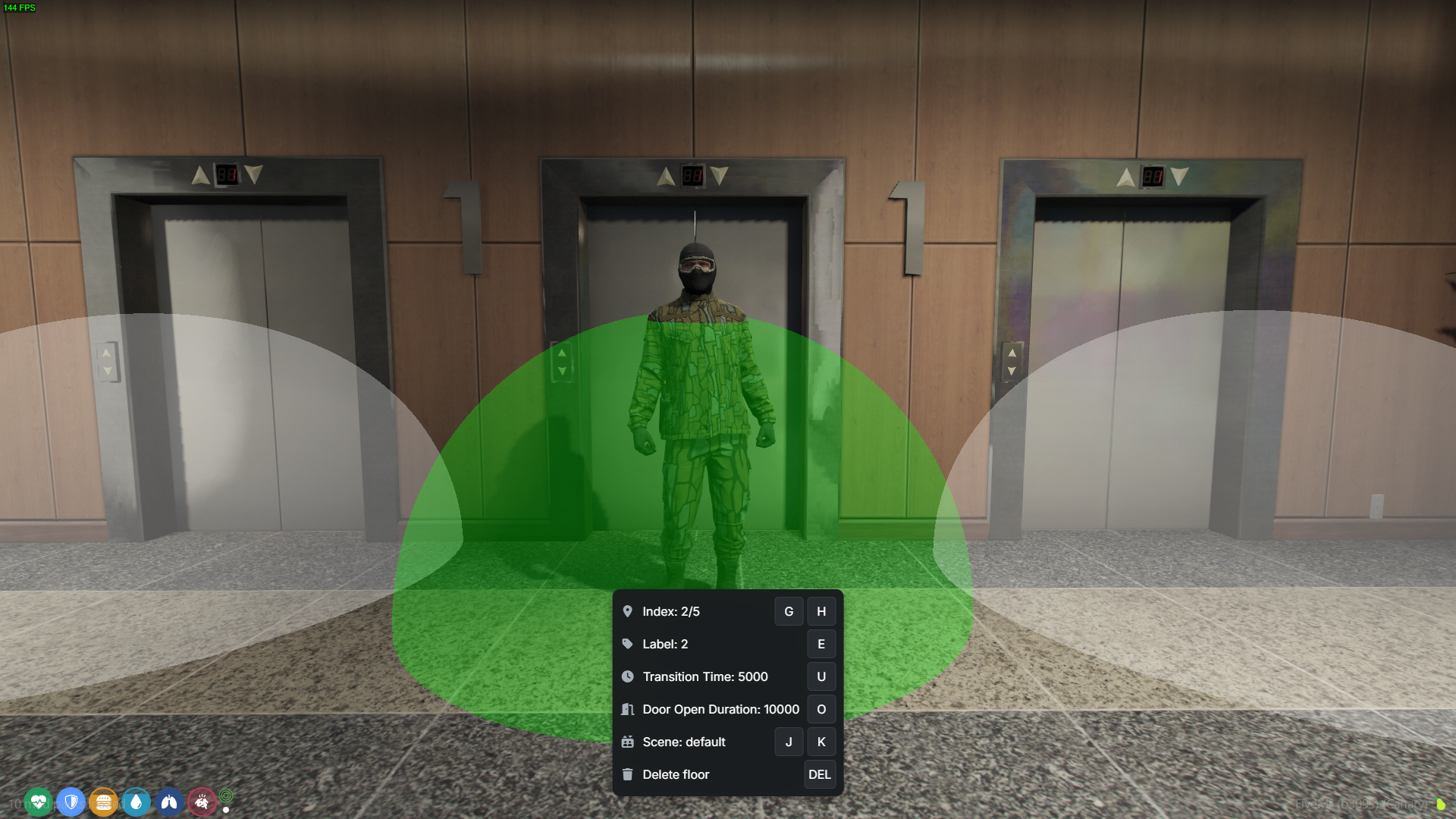
All data is saved as JSON, which becomes active after a script restart.
Edit data easily, either manually or through the creators.
Additional Notes:
- Each scene must be unique. You can’t create different scenes using the same location.
- Ensure that a static scene with the “default” ID is always present in the system. You can change its location, but you can’t remove it entirely.
Additional Features
Language Support: Default language is English, with editable language files.
Customizable Keybinds: Players can modify keybinds through settings. Default keybinds can also be configured in the config file.
Preview | View Documentation | Tebex | Discord
| Code is accessible | No |
| Subscription-based | No |
| Lines (approximately) | 5000 |
| Requirements | - |
| Support | Yes |