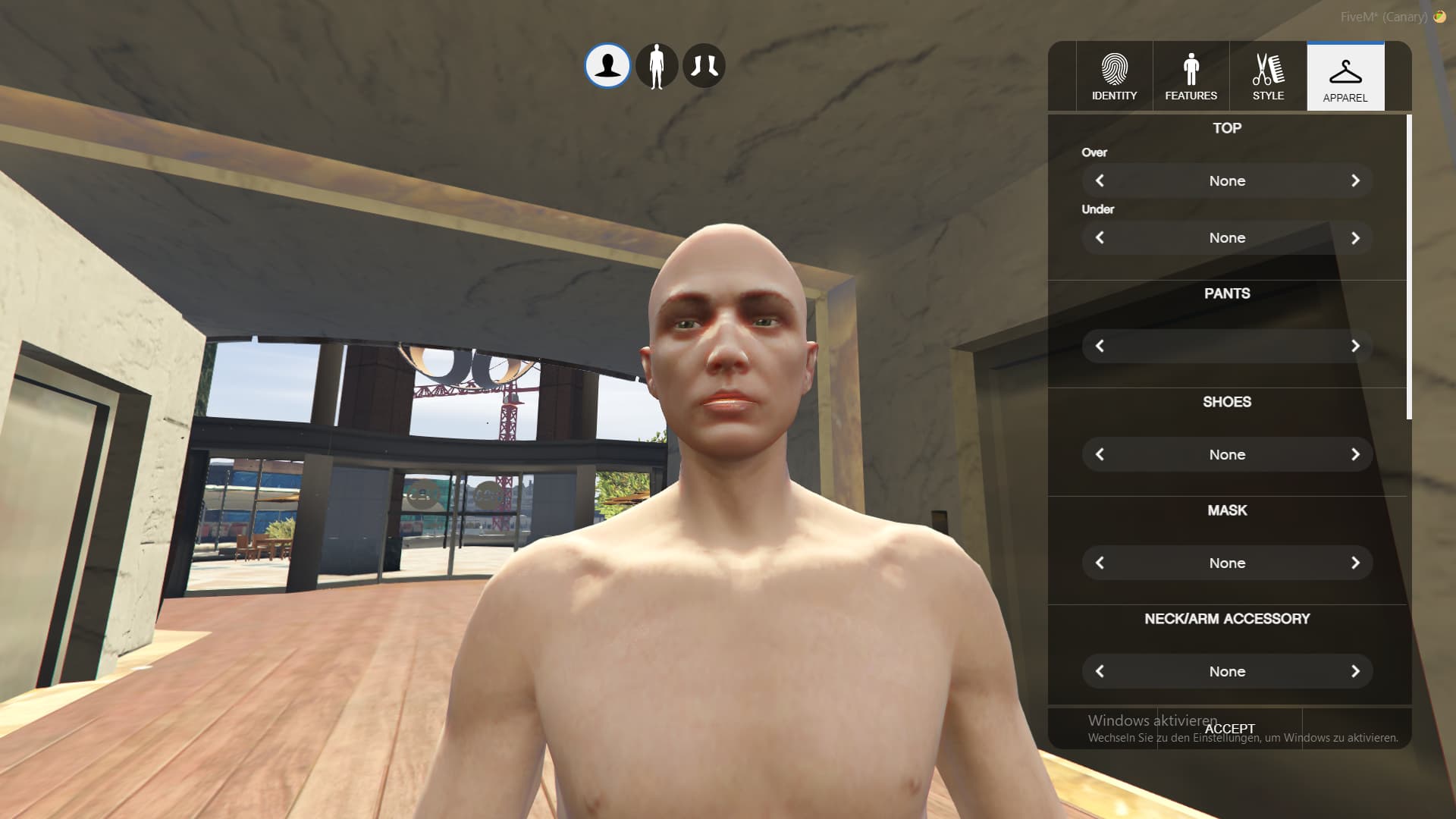
Insane Work ! I love thos types of mods, i will use it for sure ! Thanks for this resources !
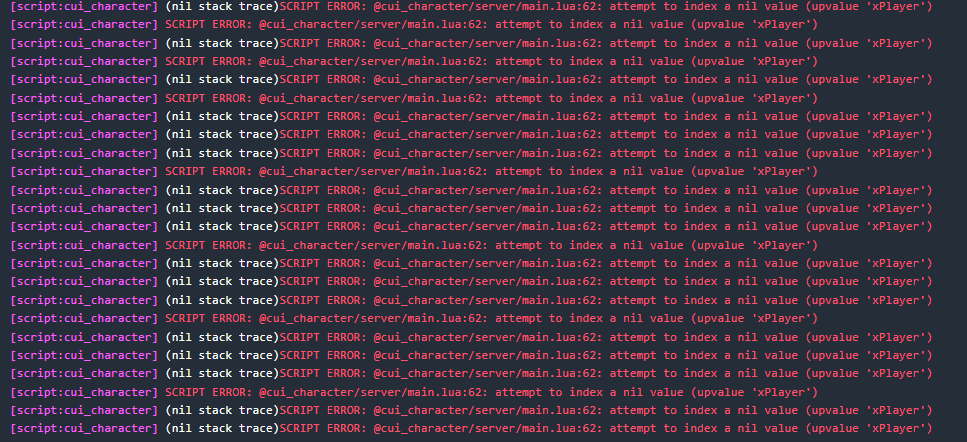
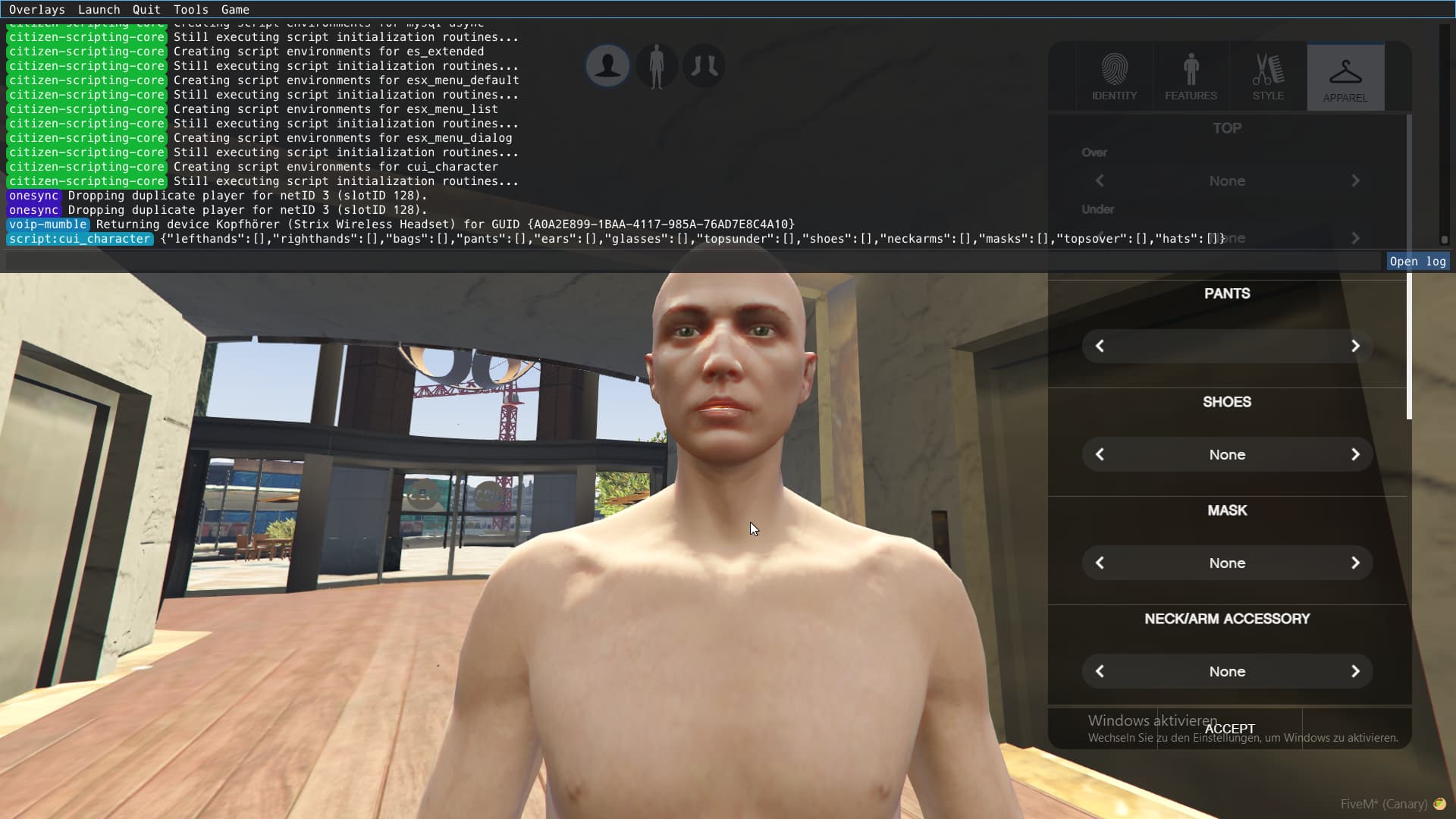
I have a problem when i press ACCEPT. It gives me a consol error and nothing els happens.
ERROR:

If anyone know a fix please help, Thx!
Doesn’t work for me, when i saved my char and rejoin the server i’m stuck in a black loading screen. Anyone knows how to fix that?.. I can pay also for the fix please…
Anyone resolved this issue? is there any way we can update it like having numbers and variations?
Hello, arrows suddenly are non existent, any help?
Set GUI false
Help add bag ?
player gets stuck at plastic surgery, clothe shops and this spams but another player is OK how to fix this?

how do i fix that the Identity screen pops up then the skincreator and i cant type anything in identity
hey, can you please tell me how to change the names of clohing and everything else? I want to see ID’s of the clothing not the names like in GTA do you know how to change it ?
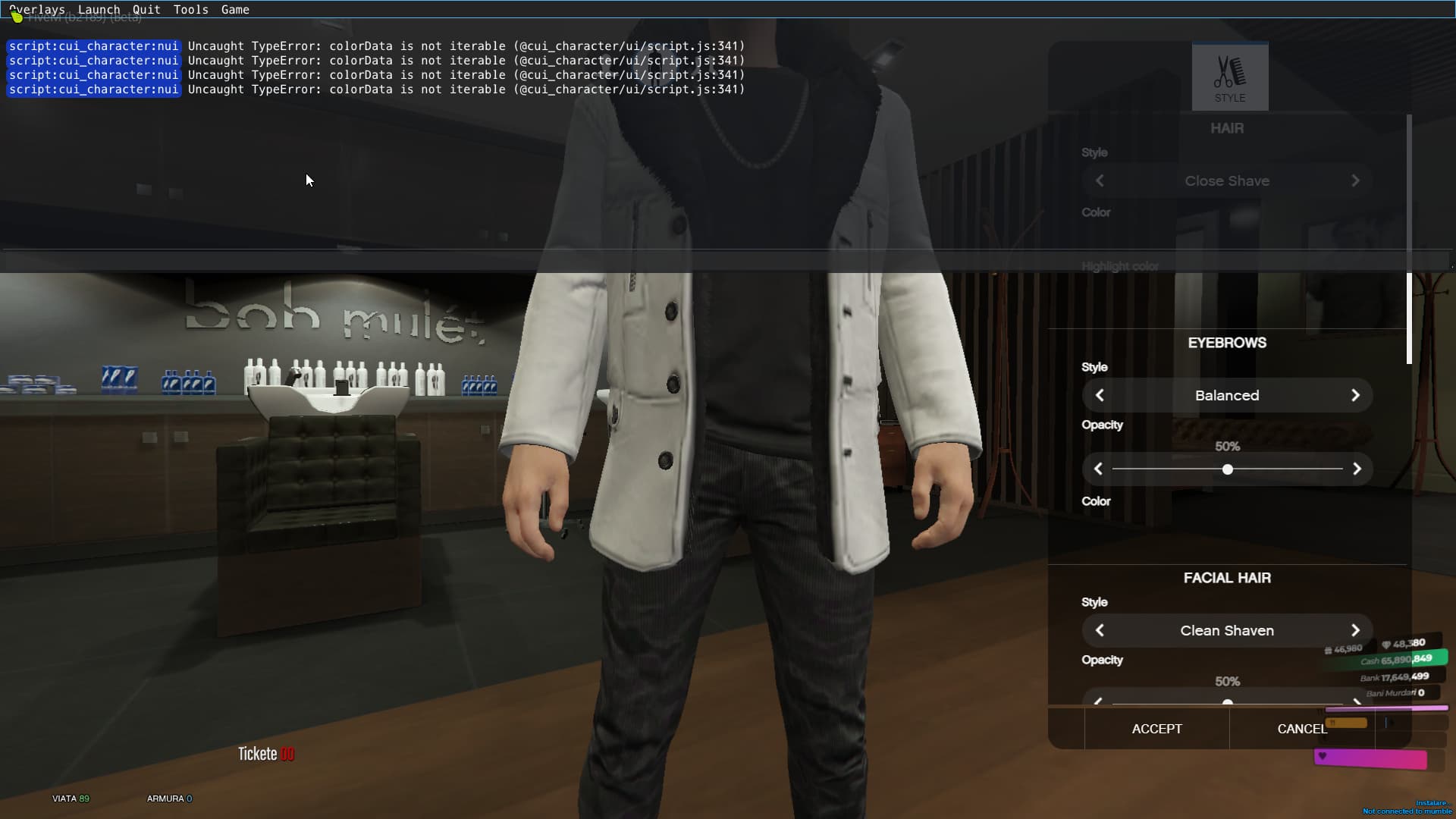
So we’ve been using this character creator for a while now but I wanted add more hairstyles to our shops. Unfortunately it didnt work. Does anyone have a solution to this?
Search in “script.js”
option.text (item.name)
change to
let item_name = ‘’ + item.drawable + ‘-’ + item.texture + ‘’
option.text (item_name)
No problem adding clothes or hair
I recommend the tutorial.
Hello I wanted to test and when I want to change my clothes or other in your menu nothing happens. The ui moves but nothing changes on my character and I can’t escape the menu is blocked I have to log out… no error in the console
==================================================
The client / main.lua file
swap lines (1282)
    -- result.bags = GetComponentsData(5)   -- there seems to be no named components in this category
on
       result.bags = GetComponentsDataBags(5)
Add Functions in a Line 1148
function GetComponentsDataBags(id)
 local result = {}
 local drawableCount = GetNumberOfPedDrawableVariations(previewPed, id) - 1
 for drawable = 0, drawableCount do
     local textureCount = GetNumberOfPedTextureVariations(previewPed, id, drawable) - 1
     for texture = 0, textureCount do
         local hash = GetHashNameForComponent(previewPed, id, drawable, texture)
      if hash ~= 0 then
           local component, drawable, texture, gxt = GetComponentDataFromHash(hash)
            local  label = GetLabelText(gxt)
                         table.insert(result, {
                             name = label,
                             component = component,
                             drawable = drawable,
                             texture = texture
                         })
           end
     end
 end
 return result
end
file ui/script.js
uncomment lines (323 to 400)
 let bagslist = tab.find('select#bag.clotheslist');
        bagslist.empty();
  bagslist.append($('<option data-component="5" data-drawable="0" data-texture="0">None</option>'))
  clothesData.bags.forEach(function (item) {
      let option = $('<option data-component="' + item.component + '" data-drawable="' + item.drawable + '" data-texture="' + item.texture + '"></option>');
     option.text(item.name)
     bagslist.append(option);
  });
swap linie
     // refreshComponentList(element, '#bag', 5, data.bags_1, data.bags_2); NOTE: there seems to be no named components in this category, commenting it out
    on
      refreshComponentList(element, '#bag', 5, data.bags_1, data.bags_2);  //NOTE: there seems to be no named components in this category, commenting it out
====================================================
edit ui / pages / apparel.html
uncomment lines (49 to 60)
<div class="group" id="itembags">
      <h2 class="header">Bag</h2>
           <div class="list">
             <div class="controls">
            <button class="arrow left"></button>
           <select class="clotheslist component" id="bag" data-drwkey="bags_1" data-texkey="bags_2">
                <option data-component="0" data-drawable="0" data-texture="0"></option>
            </select>
            <button class="arrow right"></button>
        </div>
    </div>
</div>
===========================================================
Good luck
1 Like
please don’t hit me I scrolled up to find it but couldn’t find it… 
what did you have to do again if the normal skin changer comes after the cui? just disable the normal esx skinchanger or esx_skin?
delete both
1 Like