Advanced Spectate System
The Spectate system you always wanted + a lot more options !
with full support of ONESYNC INFINITE AND Talking/Hearing players on spectate !
Features:
-
OneSync infinite Support !
-
Support for routing bucket (dimensions)
-
Spectating from gameplay camera (NEW)
-
Voice system support ! (tested with mumble-voip , pma-voice , toko-voip and salty-voice)
-
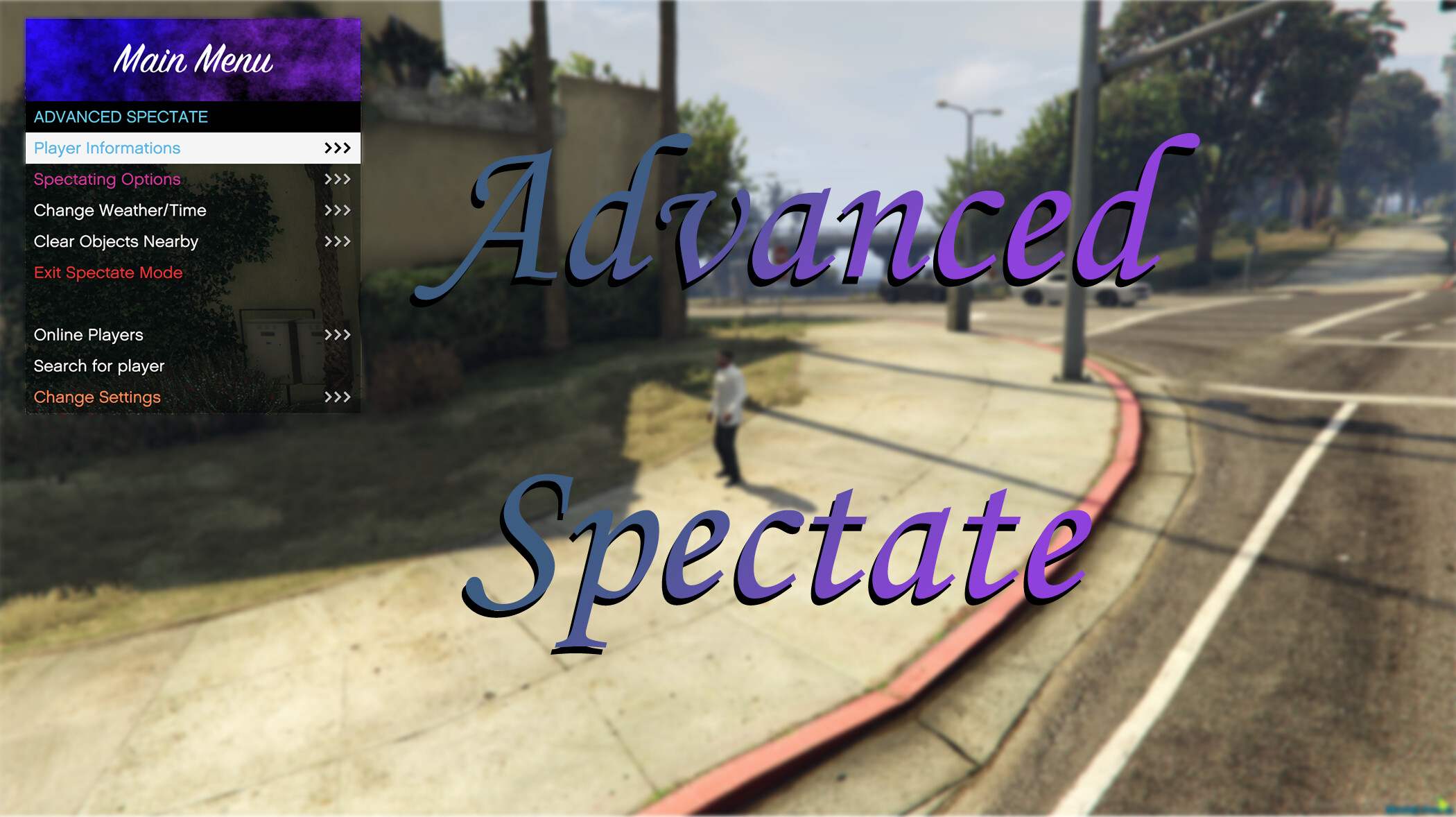
Configurable Menu
-
Player in game info
-
Player vehicle info
-
Clear area around players (read more)
-
Player session time (how many hours/minutes/seconds this player is connected to server)
-
Player Informations :
- Player Name
- Player Character Name
- Player Server ID
- Player Client ID
- Player Ped ID
- Player Health
- Player Armor
- Player Rag doll
- Player Godmod
- Player Running state
- Player Talking
- Player Coordinate
- Player Vehicle info (while in vehicle)
- Player Inventory
-
Clientside Weather / Time change ! (more information below)
-
Search Player by name (ingame and steam)
-
Support for ESX player inventory / money / Weapons (optional)
-
Support for QBCore player inventory / money / Weapons (optional)
-
Support For inventory UI
-
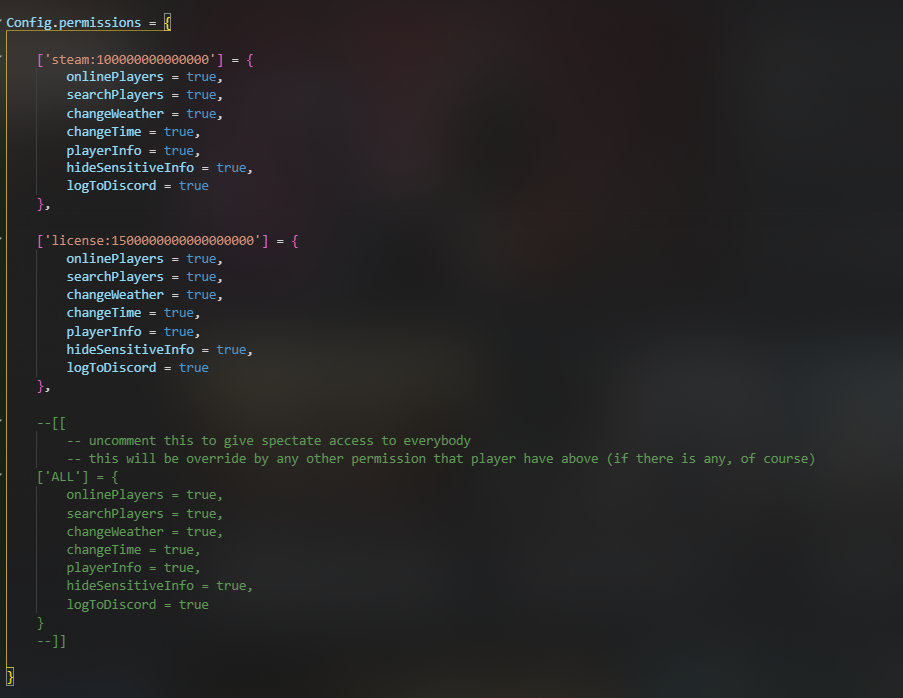
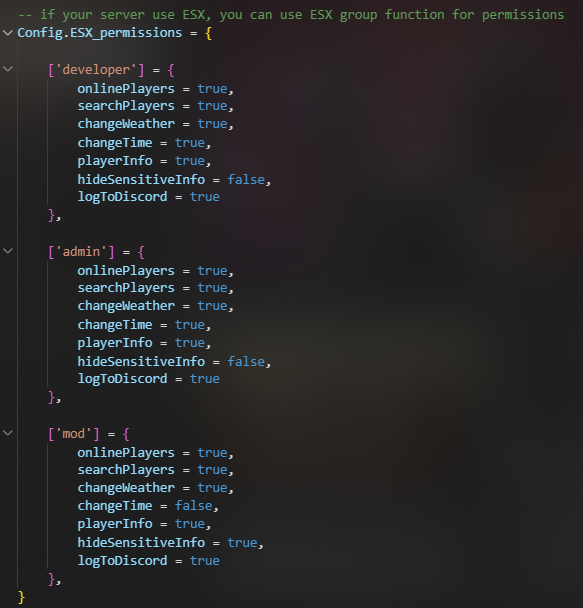
Easy Permission system (support ESX/QBCore group system as well)
-
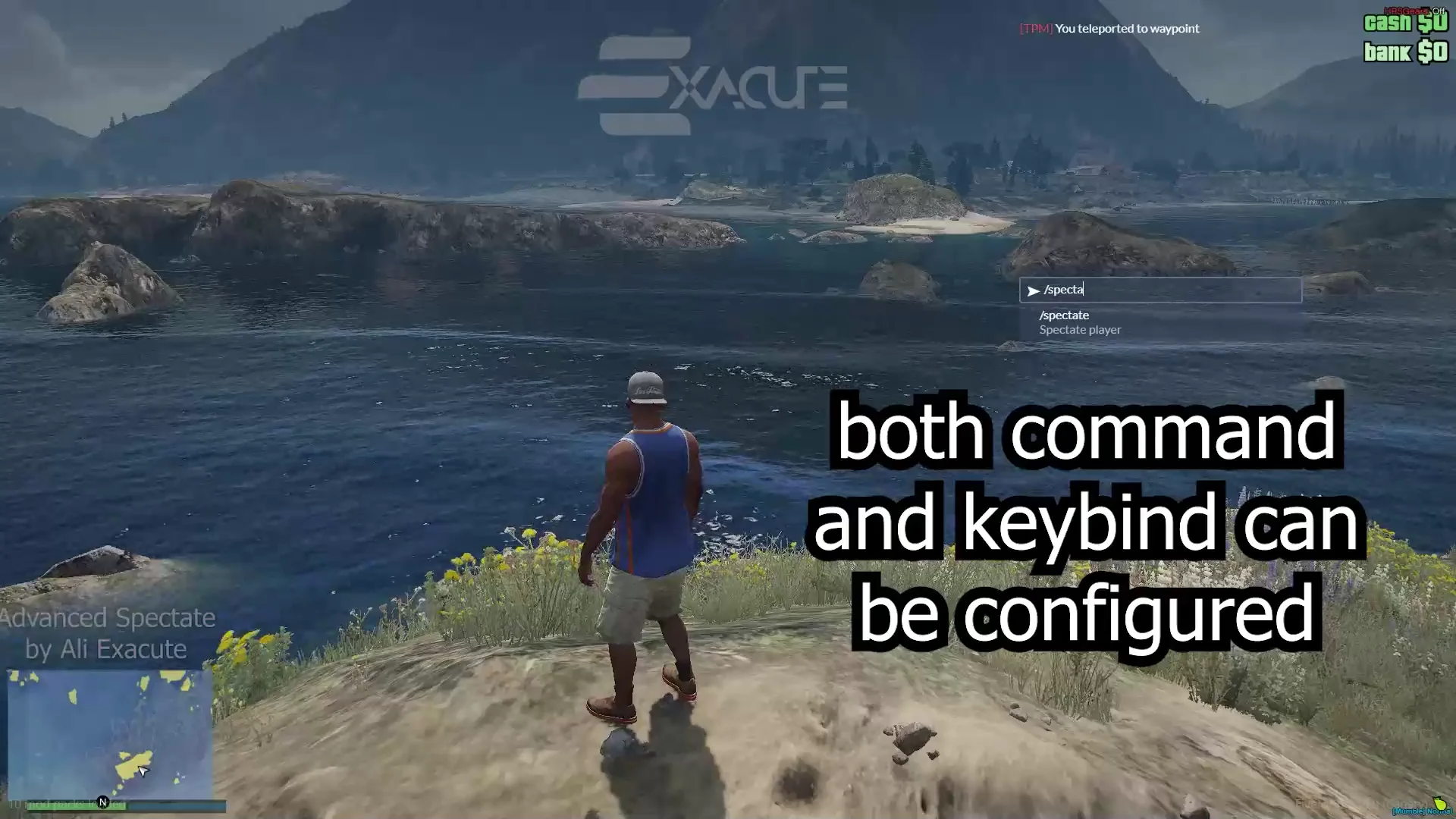
Support both command and key bind to use spectate menu (and even no menu)
-
Custom Easy language configuration (multi language support)
-
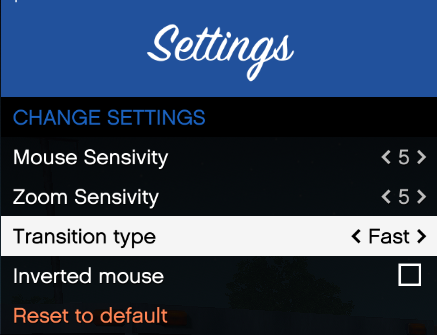
In game settings for Spectator control (mouse movement / zoom)
-
Cross server compatibility for spectate settings (more information below)
-
Optimized script (more information below)
-
Automatic OneSync Detection (no need to configure anything, it will automatically switch between OneSync enabled, infinite and disabled !)
-
Automatic Framework Detection (no need to configure anything , ESX/QBCore/QBox will be automatically enabled if your server is using either one)
-
Security (no backdoor for non-admin players to access or use any part of this script)
You can watch this video to see how this script work (OLD):
click here if video is not working
Dependencies :
NOTES :
Only OneSync infinite ? :
No, you can also use it for normal server with legacy OneSync, or even without OneSync at all !
Does voice works on spectate?
YES, It works on every available VOIP script currently available
(Make sure to change
IgnoreInvisiblePlayersto false if you are using s@lty chat VOIP)
Does it support routing bucket?
Yes, from Version 2.0.0 and above, you can spectate players from any routing bucket (world) without any issue
What API does the menu use ?
It uses a Modified version of WarMenu by warxander
Clientside Weather / Time change , what that even mean ?
So, you are spectating somebody, and it is storming in the middle of the night, you cant even see anything !
but, now you can just change the Time and Weather , only for yourself !
Nobody else Weather/Time will change, and you can do whatever you want !
make sure to watch the video to understand how this worksImportant note : if you are using any sync script that use loops to sync the weather/time (like vMenu) it could cause artifacts sometimes, but nothing will broke, only some artifacts…
What is cross server compatibility for settings ?
Every setting you change , will be saved on your PC , so you will have the same settings if you are (for ex. admin) on multiple servers, no need to change the settings every single time you load in new server
Can i use this from other scripts ?
Yes, you can check the documentation here : Docs.Ali-Exacute.com
Optimized ? show me the resmon !!
before you look at resmon, don’t forget that the Menus (every menu, not only warmenu, warmenu is very optimized) will take more msec on CPU than no menu at all (duh)
here we go :
Idle Usage for admins : 0.00 ms
Idle Usage for normal clients : 0.00 ms (no performance hit at all)
Main Menu opened : 0.12 ms
Online Players Menu : 0.15 - 0.20 ms (could be up to 0.50ms on very high player servers)
Search Menu : on search input : 0.00ms , on Searched players menu : Same as online players menu
Spectating with menu closed : 0.07 ms
Spectating with menu opened : 0.20 ~ 0.50 msNOTE : Spectating players will have No performance hit on them, only when you enable gameplay camera it will be around 0.10ms on spectating player for synchronization only
Buy This script from HERE : https://exacute.tebex.io/package/4594812 (10$ w/o TAX)
Installation Steps :
Installation is as simple as drag → drop in resources → addstart AdvancedSpectatein your server cfg → Configure the config.lua file as you want → Done !
| Code is accessible | Yes* (read below) |
| Subscription-based | No |
| Lines (approximately) | ~2,100 (not including libraries) |
| Require OneSync | Yes* |
| Requirements : | ox_lib |
| Framework : | QBCore, ESX, Standalone |
| Support | Yes |
Code is accessible :
Yes, almost 95% of the script and main functions are open to modify, only a small part of the code is obfuscated that wont need any modification anyway!
Require OneSync :
It is not a requirement , but it is highly recommended for all the functions to work correctly (not that it matters anymore as almost every server is running onesync anyway)
Check out my other scripts :
Better FPS | Dynamic FPS Booster
Second Hand Vehicle REMASTERED (V3)
ESX Advanced Needs
ESX Advanced Job System
Advanced Kit System
ESX Adminplus