Map Item & Animation
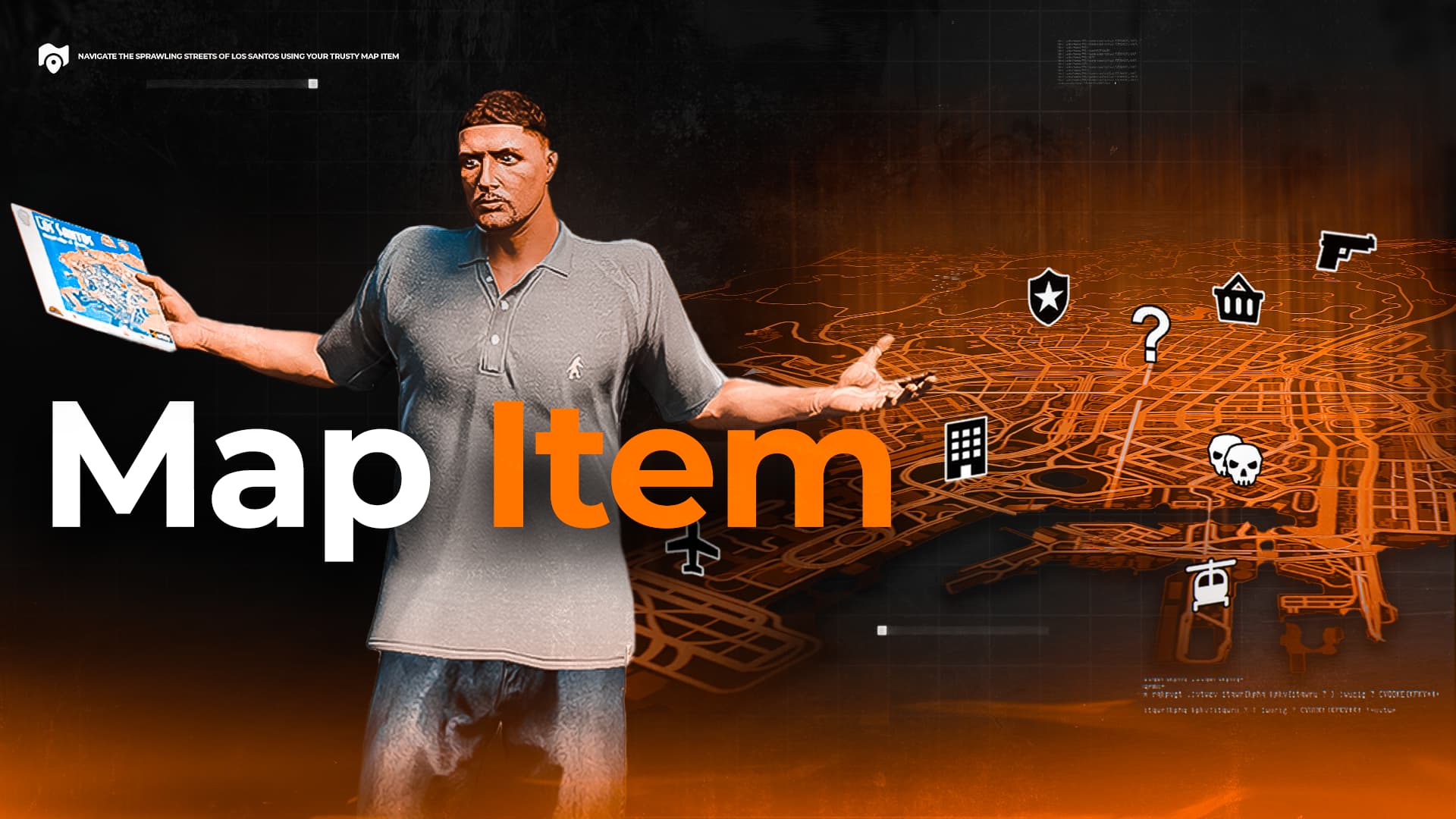
This script allows you to hide blips or the entire map/radar if the player does not have a map-related item in their inventory.
When the player opens the map, an animation is played for better immersion.
You can also disable item requirements and keep only the map opening animation if desired.
Script supports different map items, such as GPS devices, phones, or paper maps, etc, each with their own unique animation and prop.
Features
- Smooth animation when looking at the map
- Hide all blips or disable the map/radar if the player doesn’t have a map item
- Define multiple map items such as GPS devices, phones, paper maps, and more
- Assign unique animations, scenarios, and props for each map item
- Automatically disable the radar when the player doesn’t have a map item
- An option to use separated item to disable minimap when player doesn’t have a radar item
- Includes a /map command to open the map (can be disabled)
- Fully integrated with Ox Inventory and QBCore Inventory
- Can also run standalone
- Comes with a user-friendly configuration file
- Source version
- Highly optimized — runs at 0.00ms in all scenarios

Config file
Config = {}

Config.Inventory = 'ox' -- qb/ox

Config.DisablePauseWithoutItem = false -- Disable map if player doesn't have map item
Config.DisableRadarWithoutItem = false -- Hide radar if player doesn't have map item

Config.OnlyVehicleRadar = true -- Show radar only in vehicles

Config.UseItems = false -- Use items or not
Config.UseCommand = false -- Enable /map command

Config.Items = {
    ['map'] = {
        scenario = 'WORLD_HUMAN_TOURIST_MAP',
        holsterAnim = true -- Play holster anim
    },

    ['phone'] = {
        animEnter = { dict = 'cellphone@', name = 'cellphone_text_in', duration = -1 },
        animExit  = { dict = 'cellphone@', name = 'cellphone_text_out', duration = 500 },
        prop = {model="prop_v_m_phone_01", pos=vector3(0, 0, 0), rot=vector3(0, 0, 0), bone=28422},
        holsterAnim = false -- Play holster anim
    }
}

Config.SeparatedRadarItem = true -- Use radar item to get minimap disabled if player doesn't have item. Config.DisableRadarWithoutItem should be set to true

Config.RadarItems = {
    ['gps']
}
 Our other releases:
13 Likes
You are obliged to fill it out
2 Likes
it would be more cool if the minimap where disable if you dont have the map and only appear when you have the map item in the inventory
2 Likes
It is very nice, but resmon usage is 3.0…
Hello @Skydxddy ! This is only for escrowed or paid resource. We would have included it if we were selling it, but it’s free.
@Mr.Nobody_21 You can disable radar if you don’t have item.
Just set Config.DisableRadarWithoutItem = true
3 Likes
Fixed. Now it’s 0.01ms. Thank you for reporting problem!
Who already downloaded it, please update to newest version.
1 Like
Working like a charm! Thank you for a quick fix! <3
1 Like
Cannot be used properly within the QBOX framework. The HUD I am using is jordqn_hud, and the inventory script is OX.
Problem Description: I added a map item to the inventory. When I drop it, the mini-map works normally.
@HPNGD
You’ve even downloaded my resource and confirmed that it’s fully open, but you’re still writing about it being Escrowed.
I don’t even want to answer this type of comments anymore, so I will answer you in detail one last time.
Yes, we have to include it for paid or Escrow releases
When you are posting something paid or using Escrow, you must always include the following information at the end of your topic:
Now let’s read about Escrow to understand everything clearly:
What is Asset Escrow?
Asset Escrow is a system that allows developers to protect their code by preventing others from modifying or accessing certain scripts directly.
Now, can you explain to me how this relates to my free resource, where I literally specified all the files to be ignored by the Escrow system in the fxmanifest?
That’s all I wanted to say. I don’t understand why you’re writing about this here. You always have the report button and many other ways to bother a moderator with your “ScriptsM has just published a free open source resource and didn’t include information about the open code, such as how many lines it has and whether the code is available.” Just download the resource, count the lines, and realize that it is not escrowed…
I will not respond to this again, don’t try. For all such commenters, press the report button 
Love this, but what about for in cars, a GPS instead of the Map? 
Hello @BTNGaming!
Radar can be also disabled if your player don’t have item.
Just switch Config.DisableRadarWithoutItem to true
I meant like a separate item, a radar/minimap appears if you have “GPS”
1 Like
Good suggestion. I think we’ll add it in the next update! Thanks!
1 Like
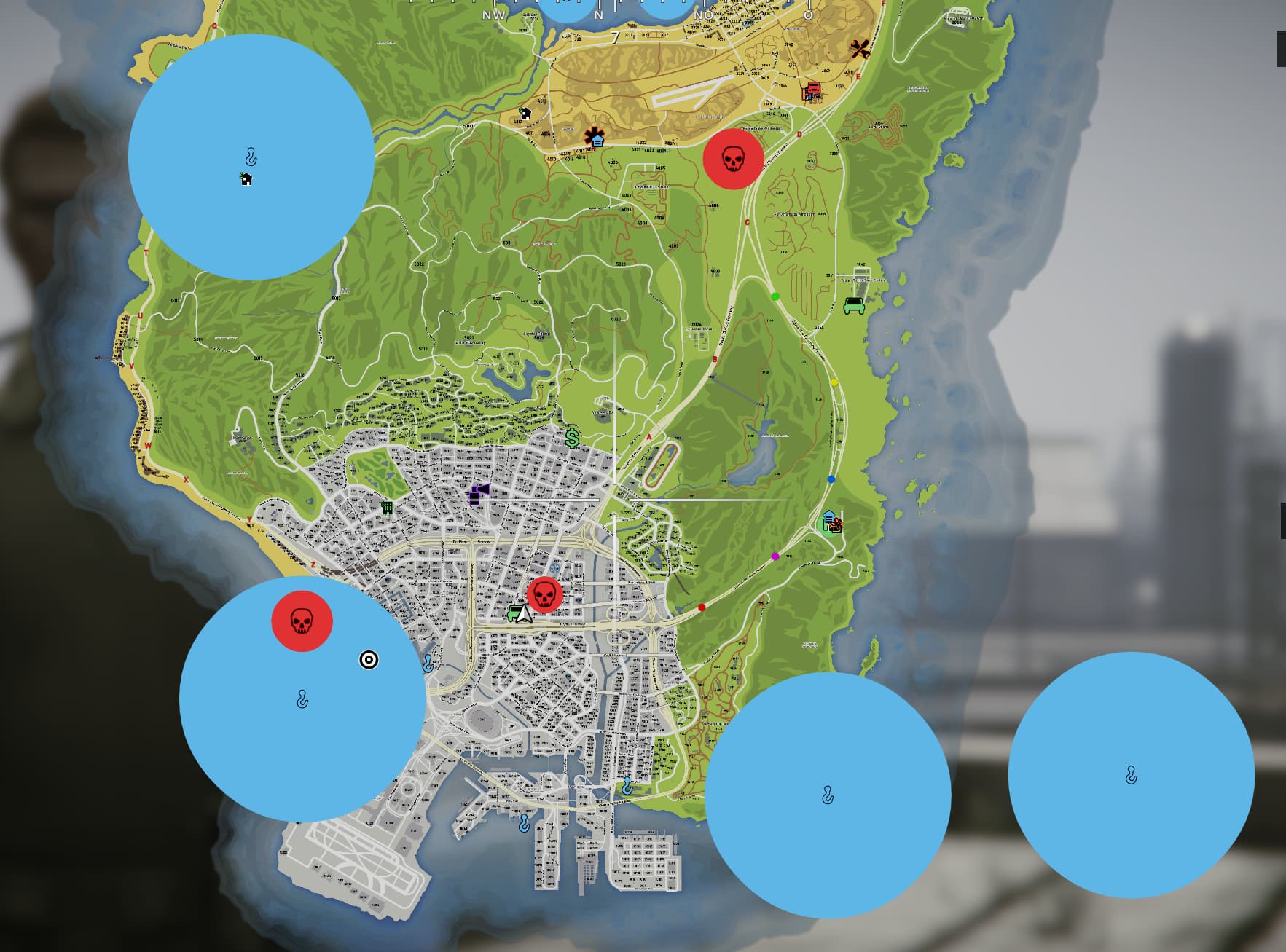
Hey, I have the problem when I open the map that the blip zones are not transparent, which they should actually be.
All of his scripts are that high resmon lol
Even the paid ones 
Didn’t buy a single resource and writes something about high resmon…
1 Like
@ScriptsM Any fix or help?