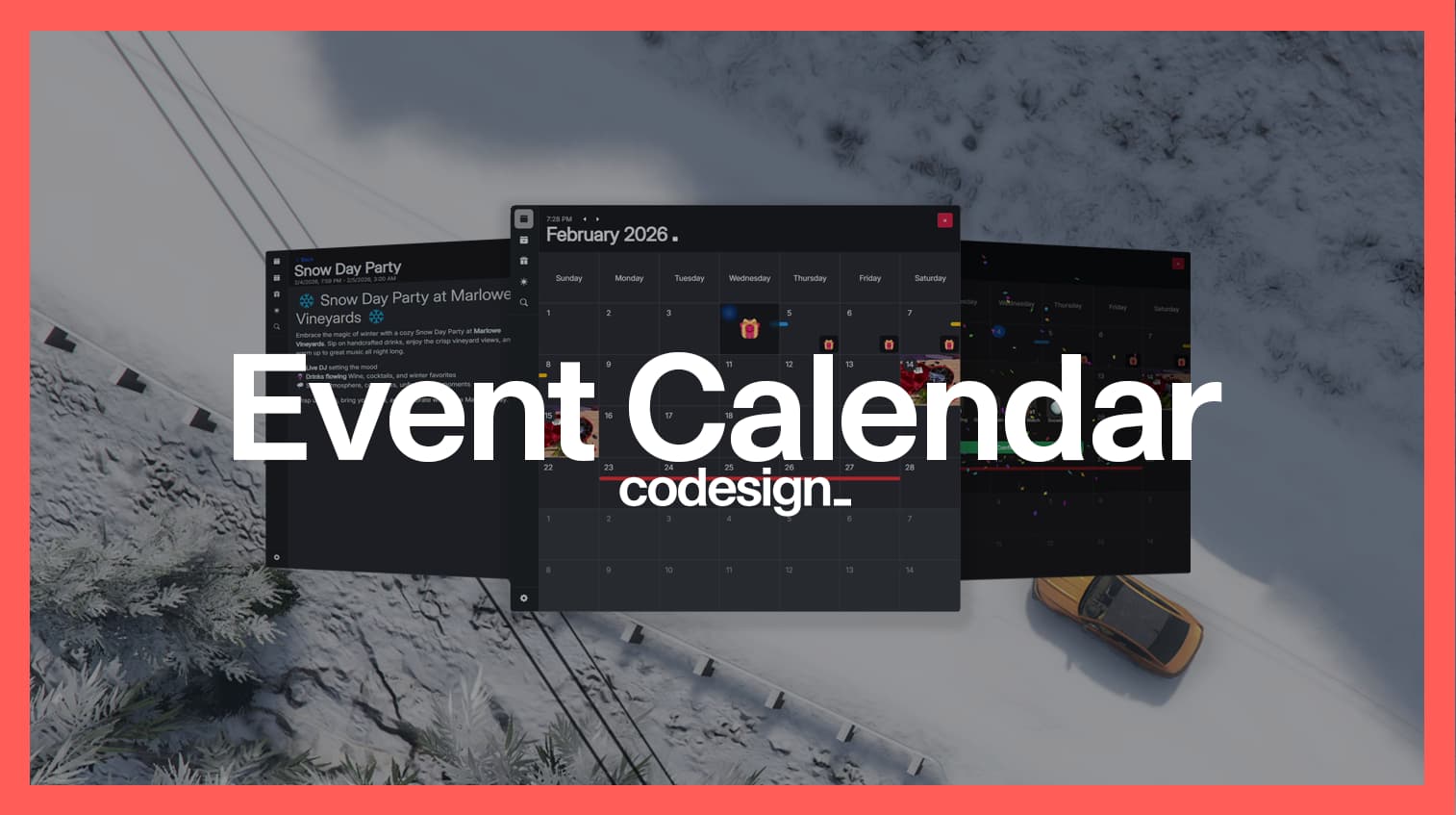
Codesign Event Calendar
Keep your community engaged with an all in one in-game calendar.
Create server-wide events, daily drop rewards and connect your community with Discord alerts.
 Event Calendar is available on our website.
Trailer video
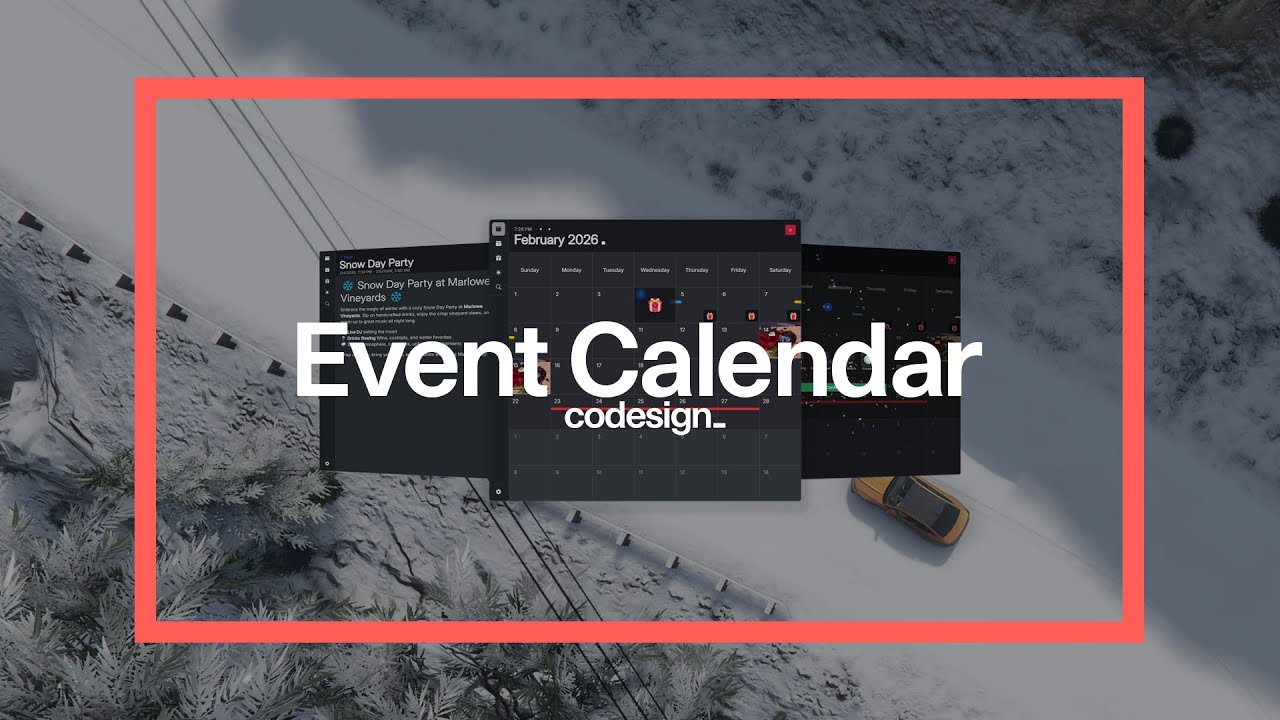
 Early access release
This is an early access release. The price is reduced until full release.
Even though extensive testing was done on our end we would still like real-world usage feedback to iron out any potential problems.
While the resource is in this stage we would also love to hear suggestions and implement features.
Features
 Calendar
View when events are happening, claim your rewards! All dates are converted to player’s timezone so any guesswork is removed. Event creation menu
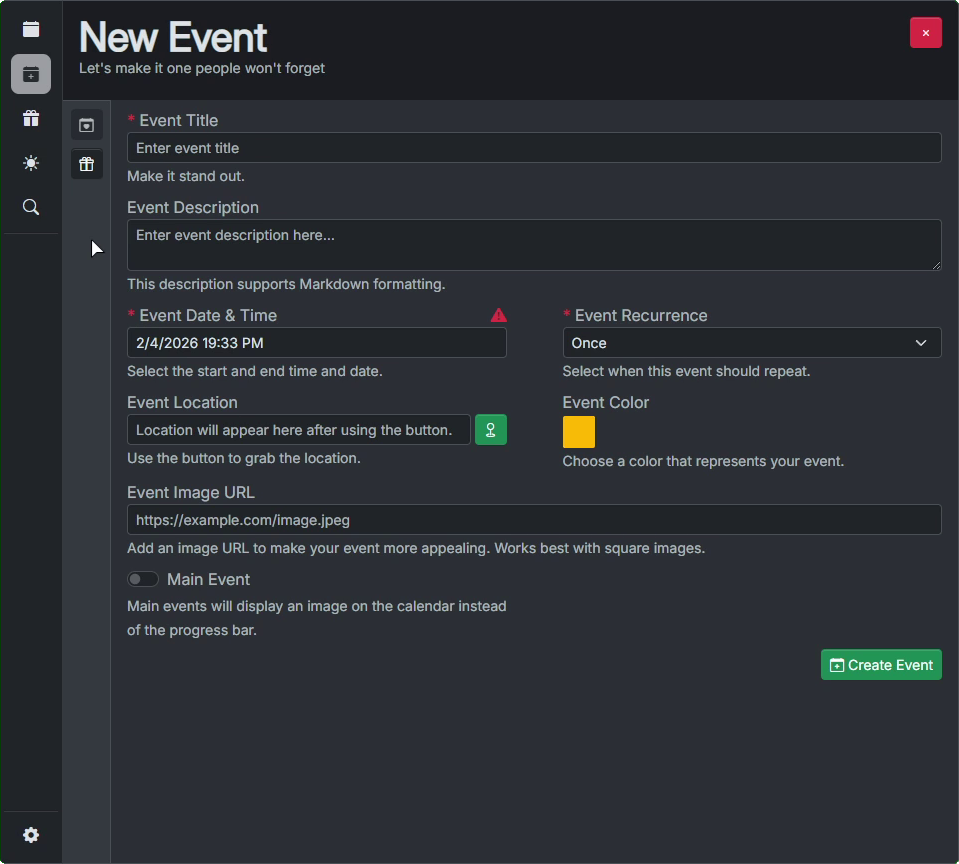
Simple interface which allows creating, editing and deleting events. Reward creation menu
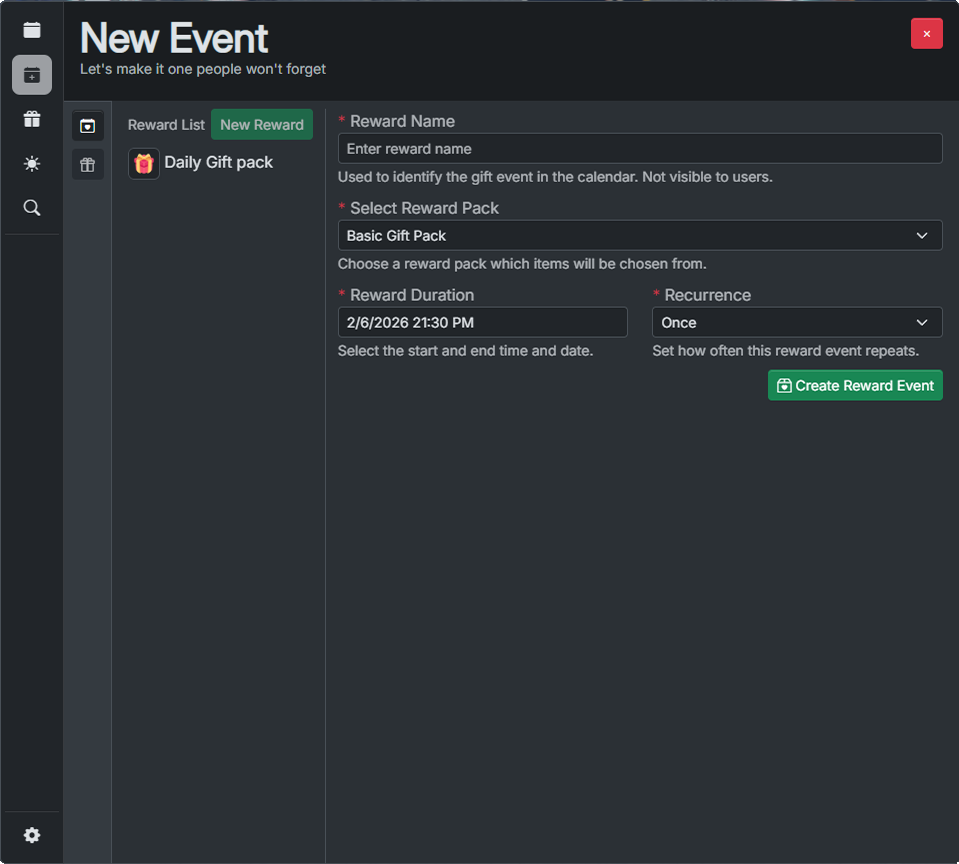
Create one time, daily, weekly, monthly or yearly rewards for players. Reward packs menu
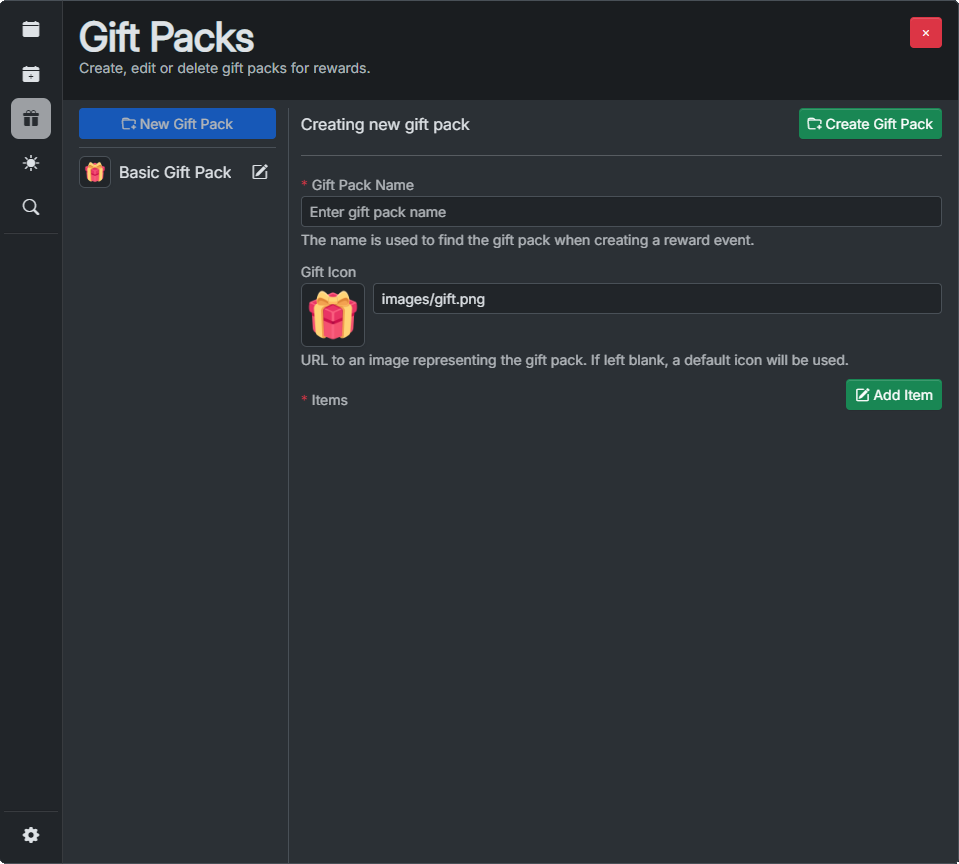
Create a pack and decide what possible items a player can win. Select their amounts and drop chances. Daily preview
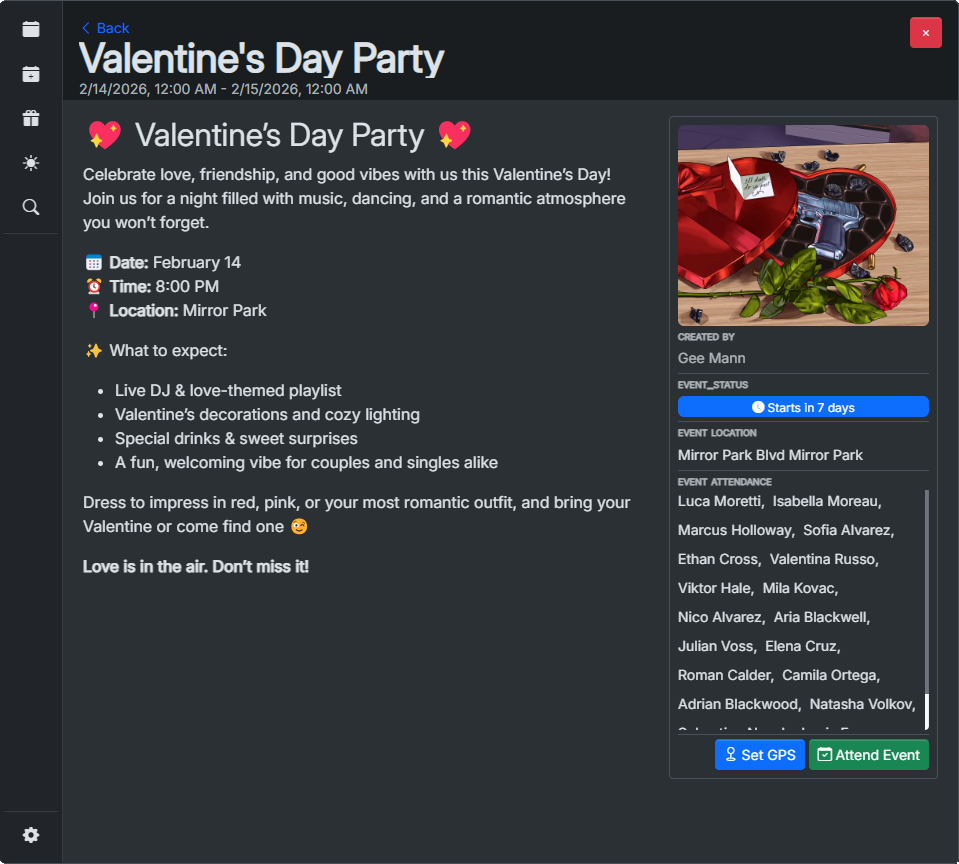
View all events within a day, choose to attend or read through them. Event preview
Allows players to view the full event description (supports Markdown), mark their attendance and set GPS coordinates to the event. Settings menu
The usual. Locale and theme. Date/Time Locale Support
Over 100 supported date/time formats.
Requirements
 Framework
ESX, QBCore, QBox, vRP, or Standalone (Modifications requried) Database SQL Adapter
(mysql-async, ghmattimysql or oxmysql) Codesign Bridge (Included)
Provides compatibility with other frameworks and resources
Documentation
Documentation is available on our docs website and includes the following:
- Step-by-step installation guide
- Common issues & solutions
- Code snippets
- Error codes
- Full preview of the Configs, Locales/Translations & SQL
- Troubleshooting guide
Detailed features
Calendar
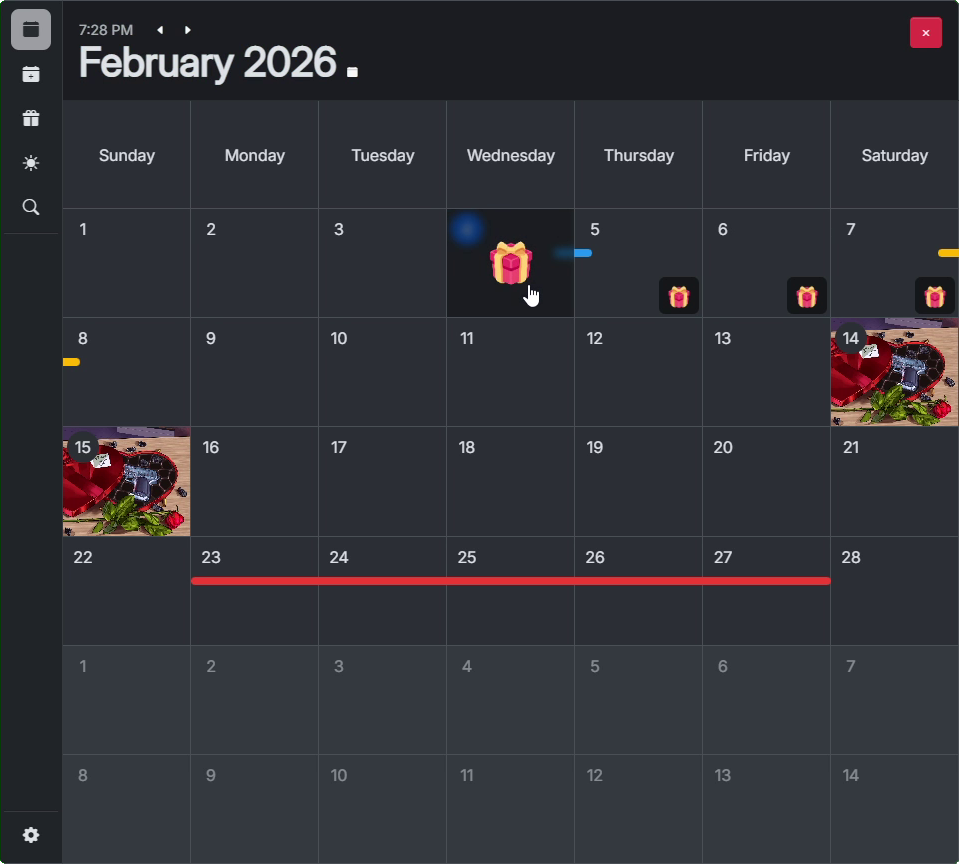
Month view
Displays the entire month, including all minor events (the colored bars), main events (picture tiles) and reward drops (gift icons) which can be claimed.
📸 Month view screenshot
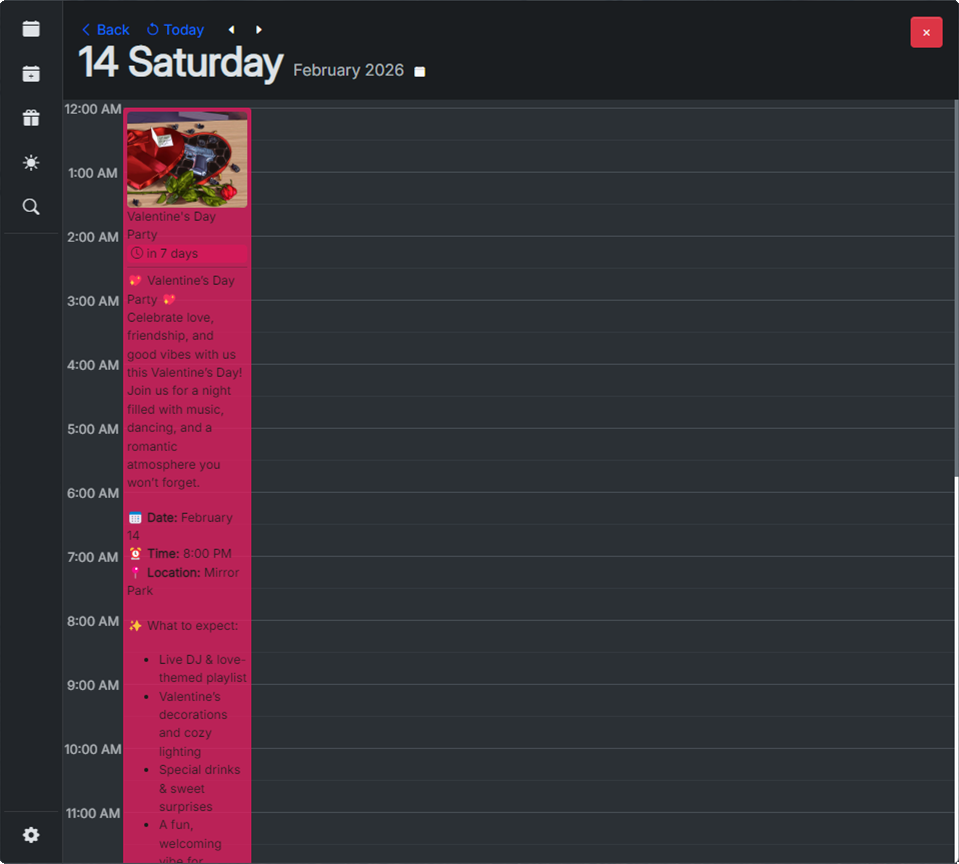
Day view
Displays the selected day, including the current time, and the start/end times of the event. This display allows players to view more details about the event as well as sign their attendance.
📸 Day view screenshot
Event view
This view displays the entire event description, title, image as well as all the players attending this event. Gives options to sign attendance and set GPS coordinates to the event location.
📸 Event screenshot
 New event page
Allows administrators to create new server events by inputting basic data such as title, description, start and end date/time, location and image.
The description of the event supports markdown for formatting and displays a live preview of the parsed text.
📸 New event screenshot
New reward pack
The reward pack page allows administrators to create reward packages which contain items as well as their amounts and drop chances. These packs are used in reward drops serving as a pool of items which can be dropped.
📸 Reward pack screenshot
New reward
Visible on the new event page, this page allows administrators to create single / daily / weekly / monthly / yearly scheduled rewards. The reward requires a reward pack to be previously created. Once active each player can draw rewards once per day.
📸 New reward screenshot
Additional information
All events are displayed in the players’ local timezone, making sure there is no confusion when trying to plan their time.
If attending, the players will be notified before an event starts in-game.
If a player has unclaimed rewards they will be notified in-game.
(If configured) this resource can also send Discord webhooks for admin actions, event starts and ends.
Get the resource here: Event Calendar
| Code is accessible | No (Includes configurable sections) |
| Subscription-based | No |
| Lines (approximately) | ~6800 (Including HTML/CSS and Locales) |
| Requirements | cd_bridge |
| Support | Yes, through our Discord |
Check out our other resources:
 |
 |
 |
 |
 |
 |
 |
 |
