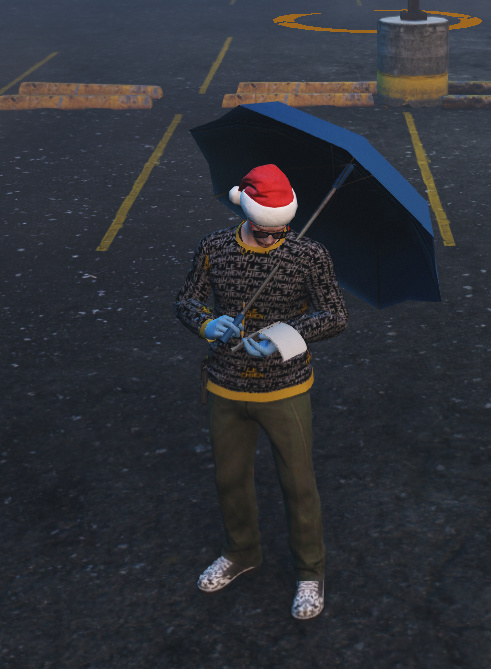
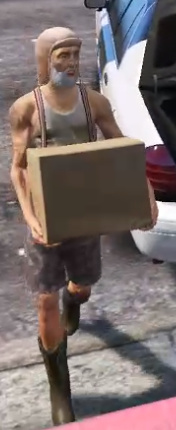
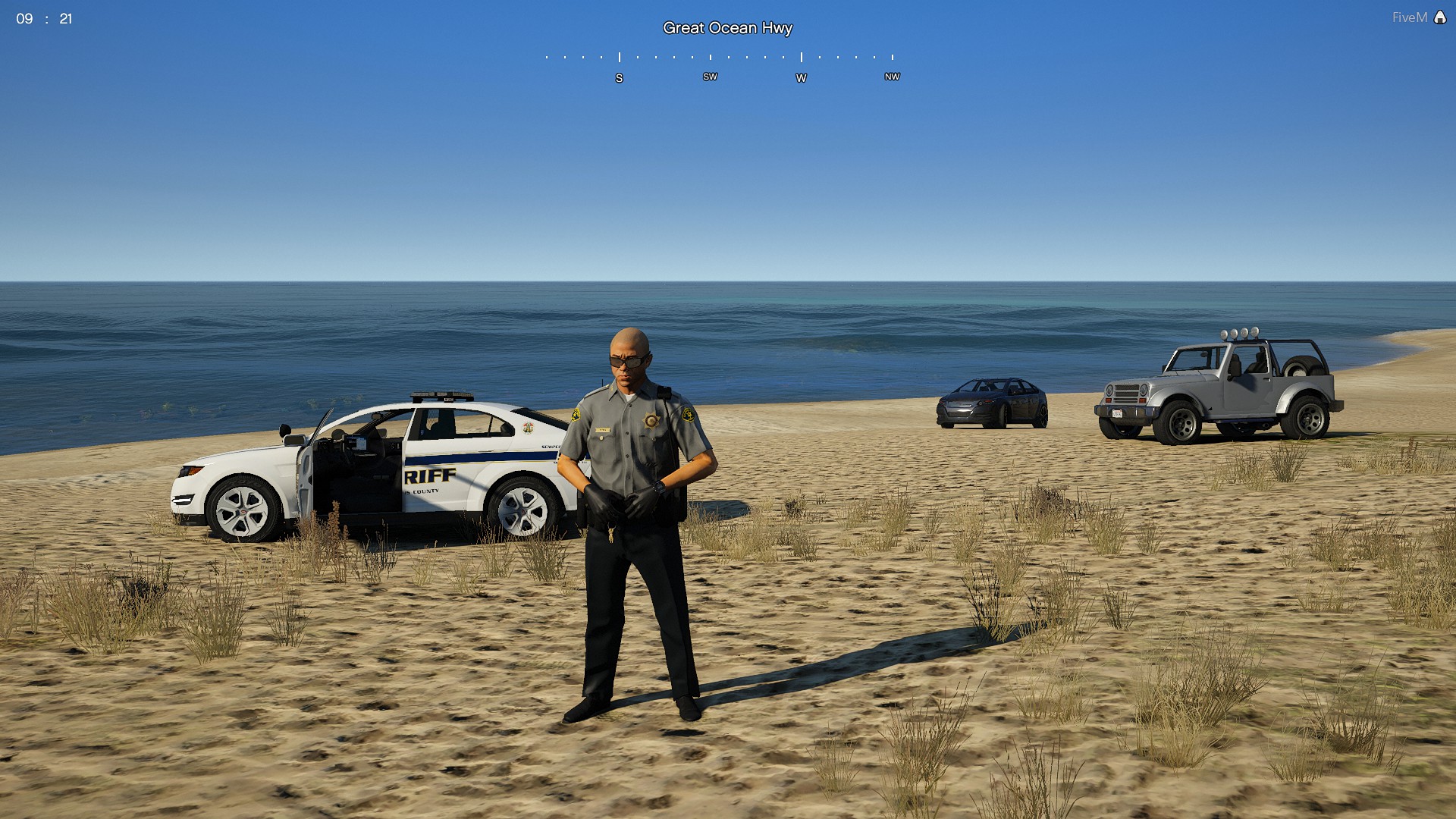
Over 45 new animations to enhance roleplay for civilians and police. Now with a few extra nightclub animations and dances. Supports Spawning Props, Scenarios and includes 44 Walk Styles.
I put this together for the Radiant Roleplay team and figured we can share a newer version here to celebrate 30k+ views and 3000+ downloads.
Features
- Use /e ‘animation’ to start or stop the animation
- Most animations can be done while walking around
- Hands Up, Holster, and Police Radio animations included
- Put cigs, cigars, joints in your mouth or hand
- Walk around with different Brief cases or a box
- Easily delete props or add new animations
List of Commands
- – Salute: /e salute : Salute your commrads!
- – Bird 1: /e finger : One hand middle Finger
- – Bird 2: /e finger2 : 2 hands middle finger
- – Surrender: /e surrender : Kneeldown hands behind head surrender
- – Facepalm: /e palm : Facepalm
- – Notes: /e notes : Write down notes on paper
- – Brief: /e brief : Equip a tactical brief case
- – Brief2: /e brief2 : Equip a leather brief case
- – Foldarms: /e foldarms : Cross your arms
- – Foldarms2: /e foldarms2 : Cross arms v2
- – Damn: /e damn : Throw your arms in disbelief
- – Fail: /e fail : Become visibly dissapointed
- – Gang1: /e gang1 : Gang sign 1
- – Gang2: /e gang2 : Gang sign 2
- – No: /e no : Shake your head no
- – Pickbutt: /e pickbutt : Pick your butt
- – Grab Crotch: /e grabcrotch : Grab your crotch
- – Peace: /e peace : Hold peace sign
- – Cigar: /e cigar : Place cigar in your mouth
- – Cigar2: /e cigar2 : Place a burnt cigar in your mouth
- – Joint: /e joint : Place a joint in your mouth
- – Cig: /e cig : Place a cig in your mouth
- – Holdcigar: /e holdcigar : Hold a cigar in your hand
- – Holdcig: /e holdcig : Hold a cig in your hand
- – Holdjoint: /e holdjoint : Hold a joint in your hand
- – Dead: /e dead : Play dead
- – Holster: /e holster : Hand hovers over holster
- – Aim: /e aim : Aim a pistol at the floor
- – Aim2: /e aim2 : Aim a pistol up to your shoulder
- – Umbrella: /e umbrella : Use an umbrella
- – Guard: /e guard : Enter a security/guard pose
- – Callphone: /e callphone : Enter a phone call animation
- – /e slowclap : Slowly clap your hands
- – /e box : Pull out a box and walk around with it
- – /e cheer : Cheer
- – /e bum : Lay on the ground like a bum
- – /e leanwall : Lean against a wall
- – /e copcrowd1 : Calm down a crowd like a cop
- – /e copcrowd2 : Control a scene like a cop
- – /e copidle : idle like a cop
*-- shotbar: /e shotbar : Take a shot at a bar
*-- drunkbaridle /e drunkbaridle: Lean up against a bar drunk
*-- djidle /e djidle : Idle at a dj booth
*-- djidle2 /e djidle2 : Idle at a dj booth 2
*-- fdance1 /e fdance1: Female Dance 1
*-- fdance2 /e fdance2: Female Dance 2
*-- mdance1 /e mdance1: Male Dance 1
*-- mdance2 /e mdance2: Male Dance 2
*-- walkstyles /e walk1 all the way to walk44
*-- Press U for police radio animation
*-- Press H to put your hands up
*-- Press K to place hand on holster
How to add more animations
Look for instructions in the Config.lua file
Credits
-
–New custom animations based off DavesEmotes from @davewazere
Click to see newest updates.
/e help to see all the animations in chat
/e stuckprop to delete your spawned props
/e stop to cancel current animation, scenario, or walkstyle
- Config based animations to hopefully make it easier to add into custom menus such as NativeUI
- Unloads old models
- Unloads old anim dic
- Added some of the nightclub animations, feel free to add the rest yourself
- Added Scenarios
- Added Walkstyles (features 44 walking anims currently)
- Rebuilt the resource to trigger animations differently
- Restarting the resource live should delete all clients props
New Animations:
- shotbar: /e shotbar : Take a shot at a bar
- drunkbaridle /e drunkbaridle: Lean up against a bar drunk
- djidle /e djidle : Idle at a dj booth
- djidle2 /e djidle2 : Idle at a dj booth 2
- fdance1 /e fdance1: Female Dance 1
- fdance2 /e fdance2: Female Dance 2
- mdance1 /e mdance1: Male Dance 1
- mdance2 /e mdance2: Male Dance 2
- walkstyles /e walk1 all the way to walk44
Outdated from 10-24: Radiant_AnimationsV2.rar (4.6 KB)
Old Version:Radiant_Animations.rar (3.9 KB)