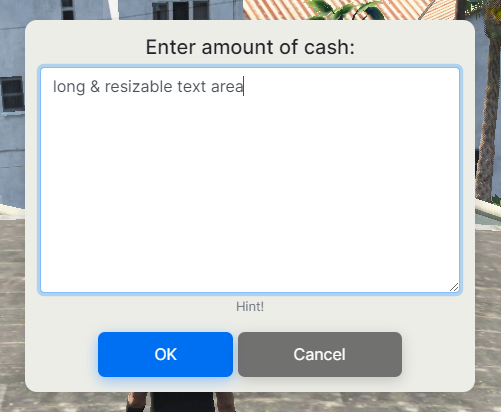
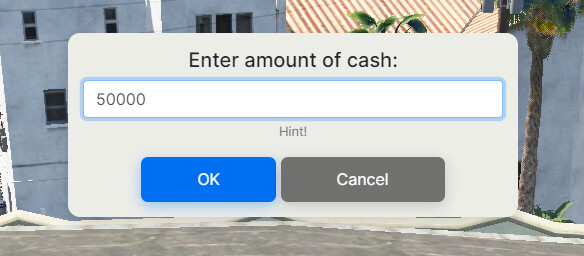
NUI Dialog Box for FiveM [Standalone]
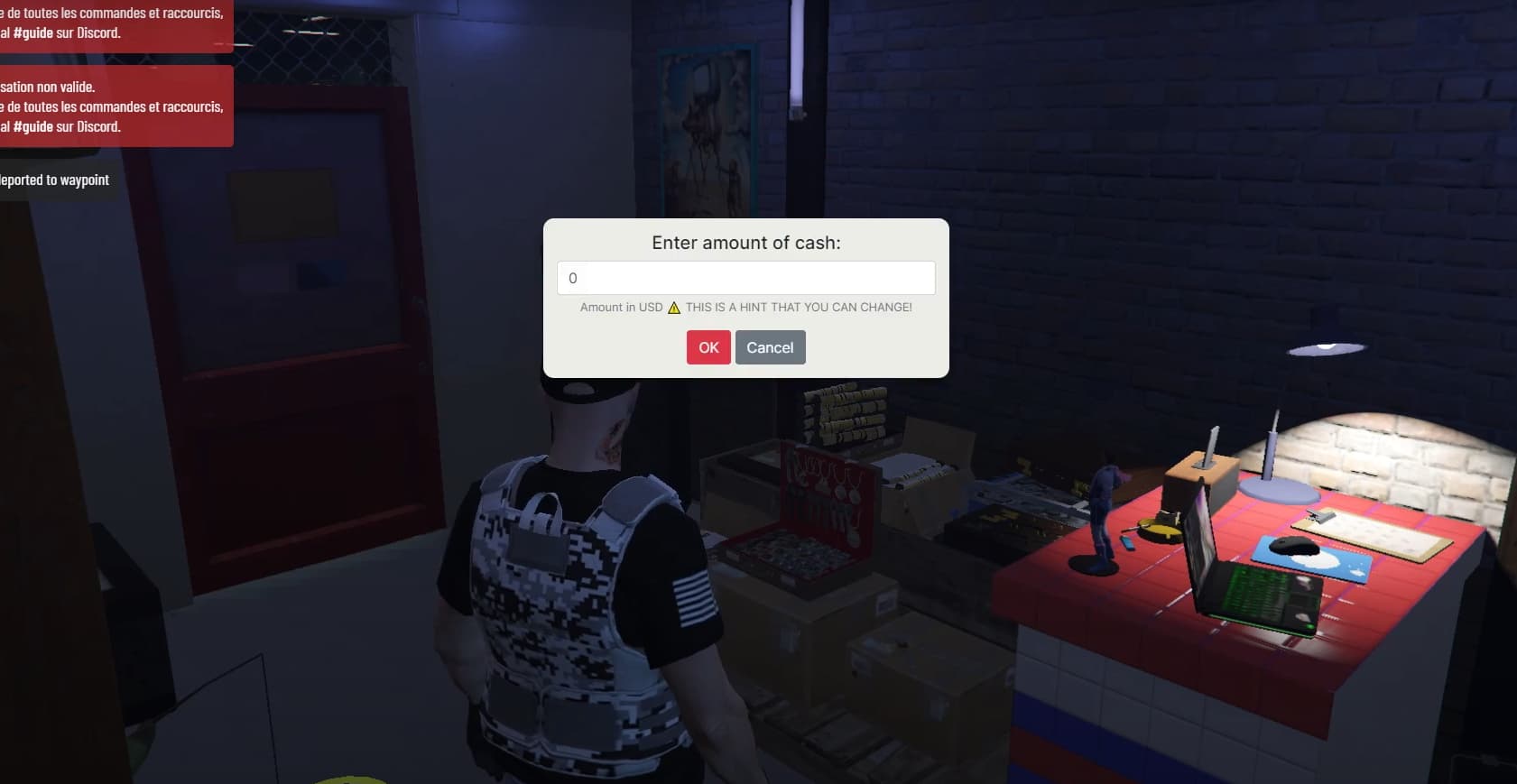
[an_dialogBox]
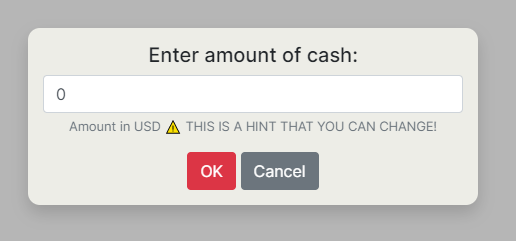
An immersive dialog box with sounds and a simple but beautiful UI.
I created this because of the very few options available out there.
Using this utility will open a whole world of possibilities for your server and make your FiveM scripting easier.
This script is intended for advanced users who know a bit about coding.
Preview:
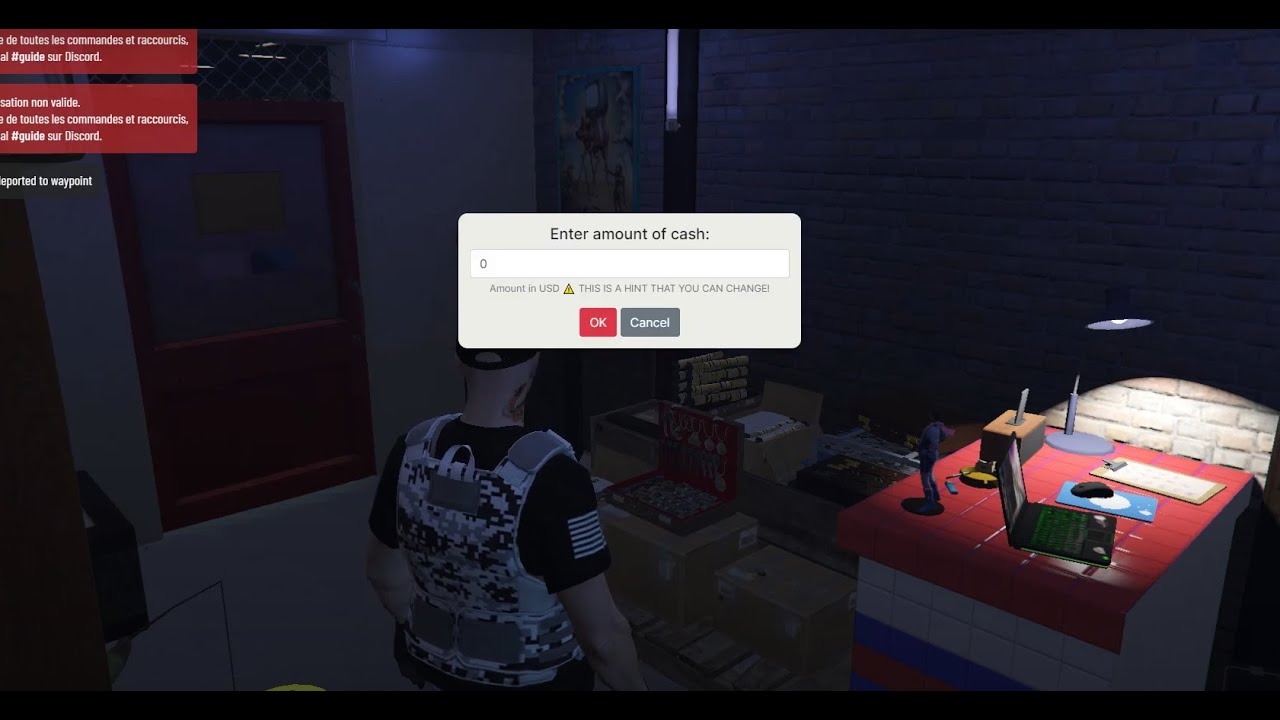
Installation:
- Download this and put it inside your resources folder
- Add this to your server.cfg:
start an_dialogBox
Usage:
Add this somewhere in your script where you wanna trigger the dialog box:
exports['an_dialogBox']:showDialog(name, label, input, help, submitFunc, cancelFunc)
name[REQUIRED]
A unique name for your dialog. It can also be used to prevent people from injecting stuff into the dialog box with the NUI Dev Toolslabel[REQUIRED]
The text that’s gonna be shown as the title of the dialog forminput[REQUIRED]
The default typed text inside the input ( can be empty )help[REQUIRED]
A little hint text below the text areasubmitFunc()[REQUIRED]
This is the function that runs once the OK button is clicked or when you click ENTER. It takes the input text typed into that form as an argument.cancelFunc()[OPTIONAL]
This is the function that runs once the Cancel button is clicked or the form is canceled. doesn’t take any arguments and can be the function that runs if the player closes or cancel the dialog box.
Debug
- Set
debugModeon line 14 ofclient.luatotrue - Use
/testdialogcommand to test the demo dialog
Example Code ( Easy to configure / Plug and Play )
You can put it inside any script and it’s gonna work:
RegisterCommand('example', function(src, args)
		exports['an_dialogBox']:showDialog('example_dialog', 'Enter your name:', '0', 'This is a hint example', onSubmit, onCancel)
end)
function onSubmit(data)
		print('You submitted the following text: ^1'..data)
end
function onCancel()
		print('CANCELED')
end
Download:
Support:
Feel free to ask questions and provide me with your code in the replies.
I’ll be glad to answer any problem and help you use this script to achieve your purpose.
My Other Releases:
 Custom Radio Sound Effect [FREE]
 [QB-ESX] Rob NPC Script [PAID] [6.99€]
[RELEASE] Useful Commands for RP | /job /cash /bank /ping /license [FREE]
[ESX] AFK Mode / Idle Zone [PAID] [4.99€]
[ESX] Ladders [FREE]
[FREE] Job-Based Blips Creator [ESX] [QBCore]