
Spotlight - Inferno Collection

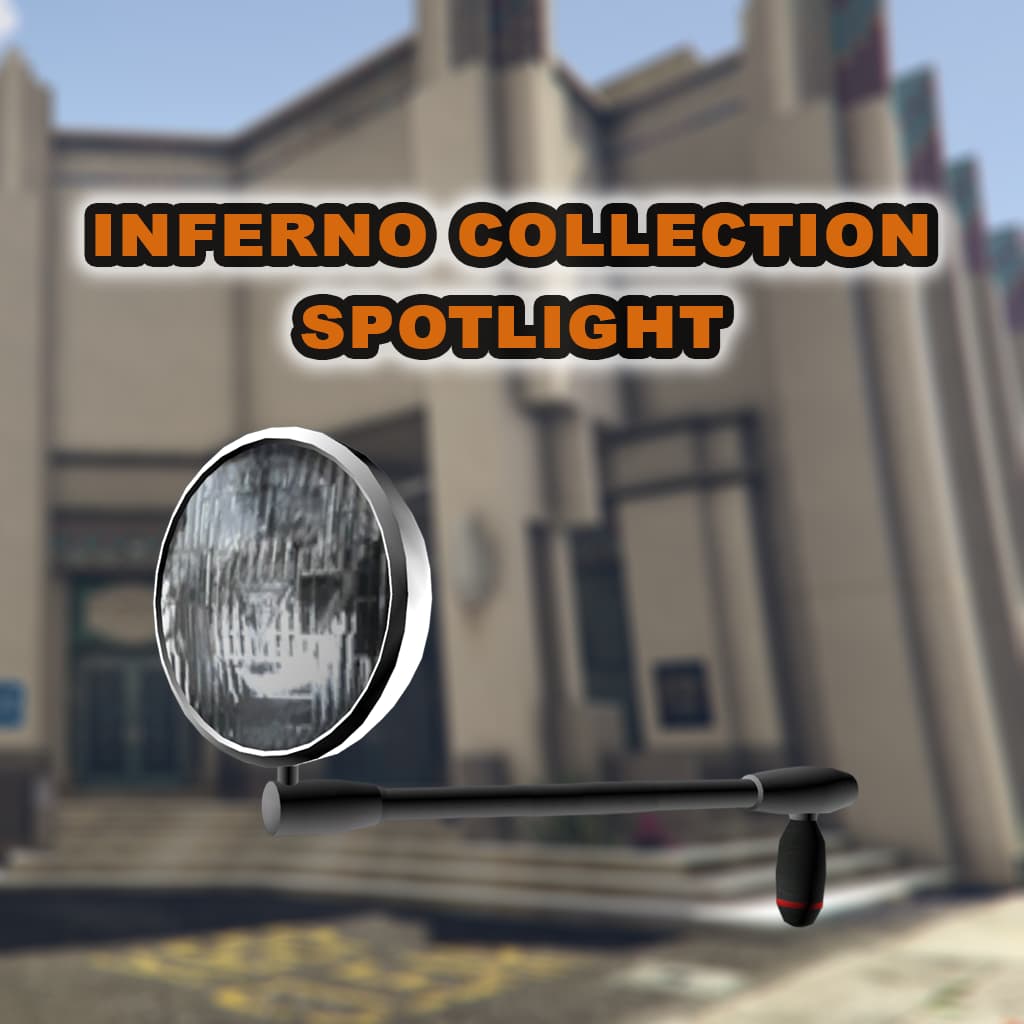
Inferno Collection: Spotlight

A standalone, automatic spotlight script for FiveM, with easy customization.


Release Video


Features

  • Automatic spotlight detection
    • No configuration required on most vehicles.
  • Dual spotlight support
    • Driver and passenger can use their respective spotlights at the same time.
  • Optionally sets a vehicle’s extras to match - flipped up = on, flipped down = off
    • Requires per-vehicle configuration
  • Spotlights have working shadows and draw coronas
  • Move spotlights in first or third-person, while stopped or driving
  • Spotlights move as vehicle moves
    • Spotlights are not stuck facing forward
  • Easy configuration file, change any of the following:
    • Spotlight brightness, distance, roundness, radius, and falloff
    • Spotlight minimum and maximum movement angle
    • Command name
    • Keybinds

Documentation

Click Here

Support

Support is provided via Discord.
Changelog

Click Here

Purchase

Tebex Store

Code is accessible No - Compiled C#
Subscription-based No - One-Time Purchase
Lines (approximately) C# - ~1800
Requirements & dependencies None - Standalone, vehicles not provided
Support Yes - via Discord
Resmon Details

Notes

  • C# has an overhead of 0.02ms, which is out of our control.

Idle
No spotlights enabled.

Idle


Spotlight - Inside Vehicle
One spotlight enabled on one vehicle, while sitting inside said vehicle.

Spotlight On - In Vehicle

Spotlight - Outside Vehicle
One spotlight enabled on one vehicle, while outside of vehicle.

Spotlight On - Outside Vehicle

NOTE: Due to the Draw natives used, performance scales with the number of spotlights in use. This means more spotlights, results in worse performance.

Four Spotlights
Four spotlights enabled on four vehicles.

Four Spotlights

Other Resources
3 Likes

Looks great! Is the light synced?

Syned between players? Definitely, wouldn’t be a very good resource otherwise lol :sweat_smile:

2 Likes

v1.0.1 - 07/23/2025

Added:

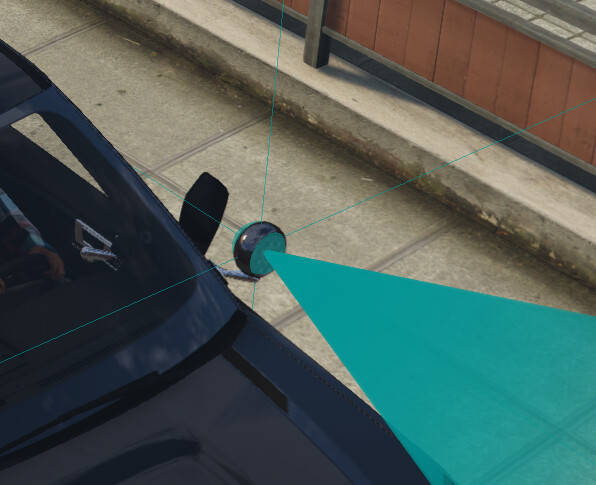
  • /spotlight debug command, see here fore more info.
    • Used to visualize the positions of spotlights on vehicles, and get spotlight indices.
  • VehicleSpotlightIgnores config option, see here for more info.
    • Used to tell the resource to ignore specific spotlights on specific vehicles.

Full Changelog


Other Resources:

v1.0.2 - 07/29/2025

Added:

  • Support for automatic updating of vehicle mod kits on configured vehicles.
    • Identical to the feature that sets the correct vehicle extra based on spotlight on/off state, but for mod kits. See here for more info.
  • Support for spotlights on mod kits that don’t have a spotlight bone of their own.

Changed:

Full Changelog


Other Resources:

v1.0.3 - 11/21/2025

Added:

  • Support for Persistent Spotlights. See here for more info.

  • For vehicles that have spotlights permanently modeled, and cannot be toggled with extras or mod kits.

  • To Console button to the Placement Tool, that pastes the current offset to the F8 Console for easy selection and copying.

Fixed:

  • Rounding error in the Z value of the Placement Tool, resulting in values being shown as whole numbers (i.e. 1) instead of with decimals (i.e. 0.456).

Full Changelog


Other Resources:

v1.0.4 - 12/05/2025

Added:

  • Support for custom spotlight colors with RGB overrides, see here for more info.
    • Allows changing the spotlight color with RGB on a per model basis.
    • Where no custom color exists, the default spotlight color will be used.

Full Changelog


Other Resources: