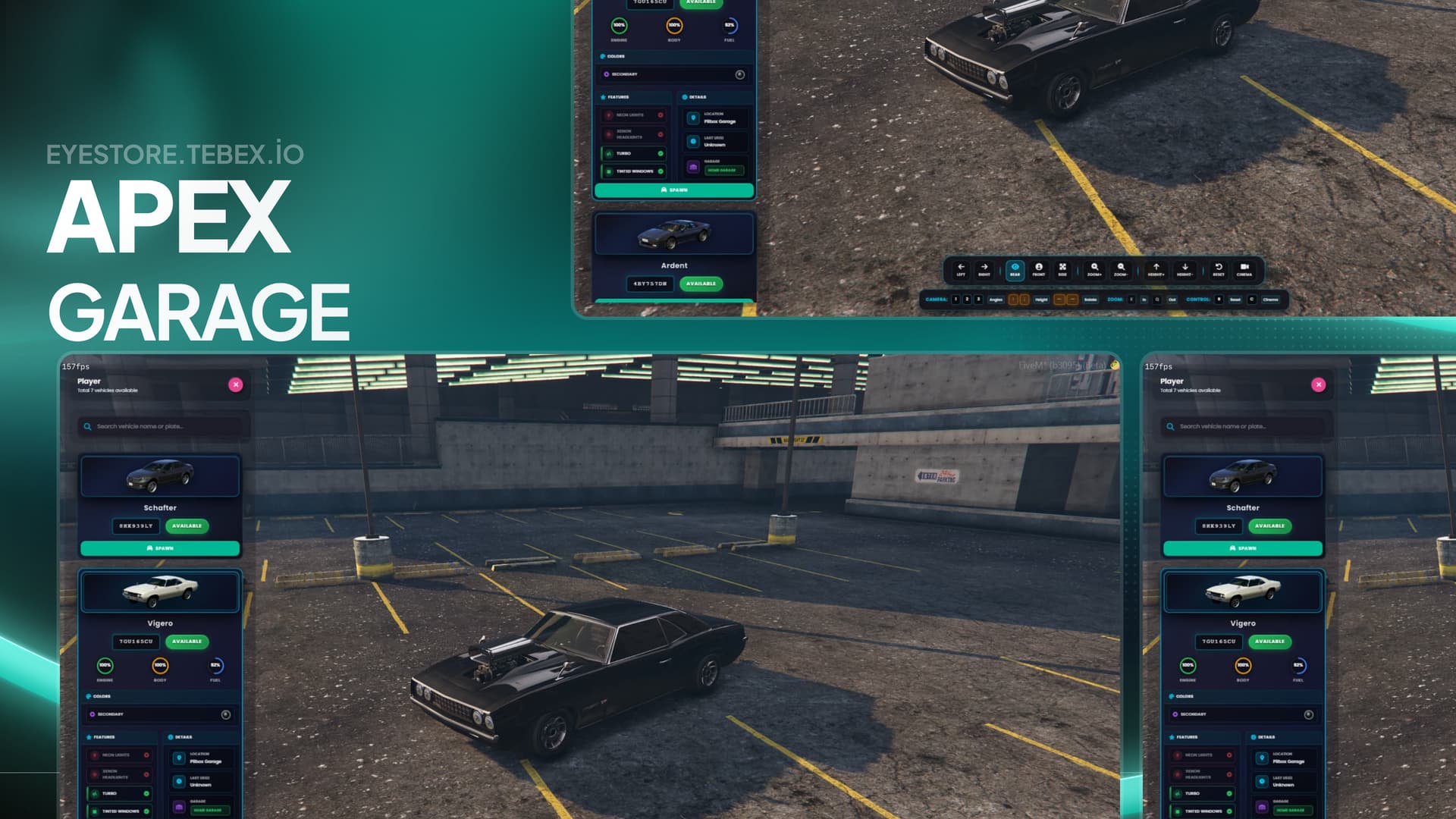









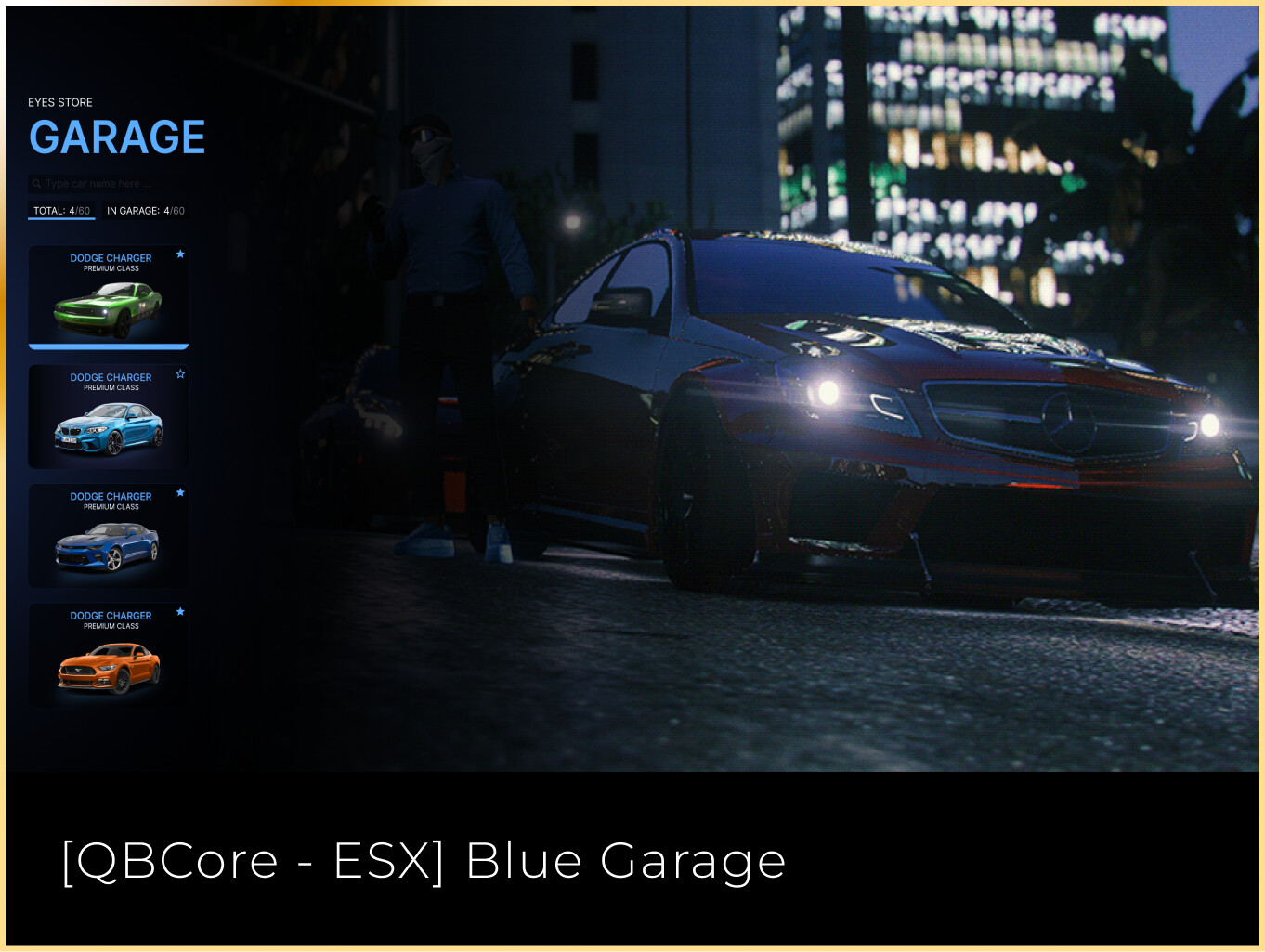
 Ultimate Garage Controls & Full UI Customization for FiveM
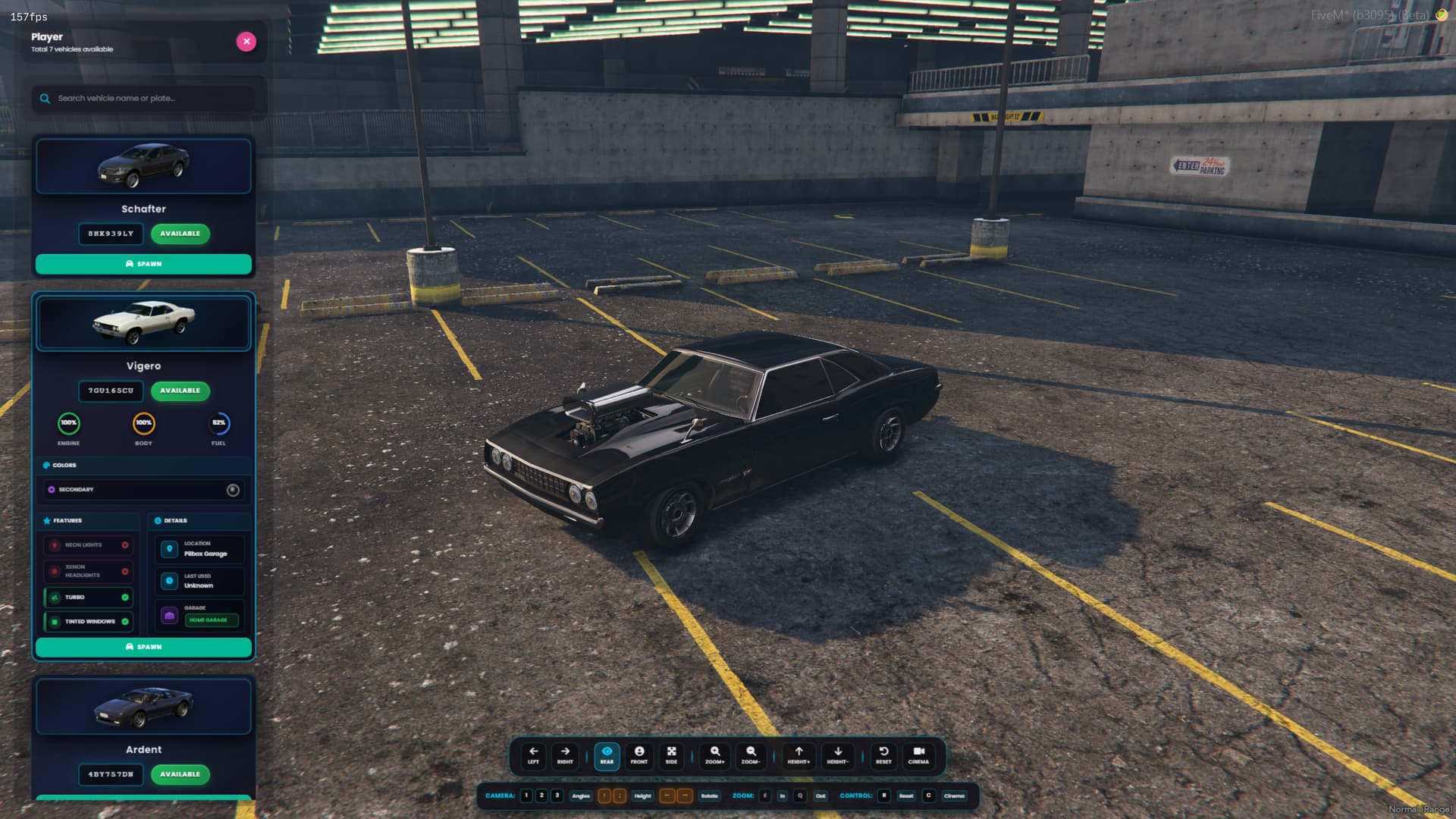
Take full control of your garage system with our highly optimized FiveM script. Designed for seamless player experience, intuitive keyboard interactions, and easy visual customization. Built with modern NUI principles for roleplay servers, racing communities, and custom frameworks.
 Real-Time Keyboard Shortcuts
- E –
 Open Garage /
  Zoom In
 - Q –
 Zoom Out
 - ← → –
 Rotate Vehicle
 - ↑ ↓ –
 Adjust Camera Height
 - 1 / 2 / 3 –
 Camera Presets
 - R –
 Reset View
 - C –
 Cinematic Showcase Mode
 - ESC –
 Exit Garage Menu
 Full UI Customization with CSS Variables
Match your garage system to your server’s theme or branding effortlessly. Modify colors, backgrounds, and fonts via modern CSS variables. Perfect for both minimalist and flashy server UIs.
:root {
  --accent-blue: #00d4ff;
  --accent-purple: #6c5ce7;
  --bg-primary: #0f0f17;
  --text-primary: #ffffff;
}
 Dynamic Vehicle Preview Sources
Our smart preview system automatically fetches vehicle images from trusted resources, ensuring accurate and visually consistent thumbnails for every model:
 Official GTA & FiveM Documentation
 Community-Verified Game Wikis
 Player-Contributed Vehicle Lists
 Custom CDN & Self-Hosted Sources
 Optimized for QBCore, ESX, Standalone and custom frameworks. Lightweight, responsive, and fully modular.

| Code is accessible | No |
| Subscription-based | No |
| Lines (approximately) | ~3000 |
| Requirements | ESX/QBCore |
| Support | Yes |