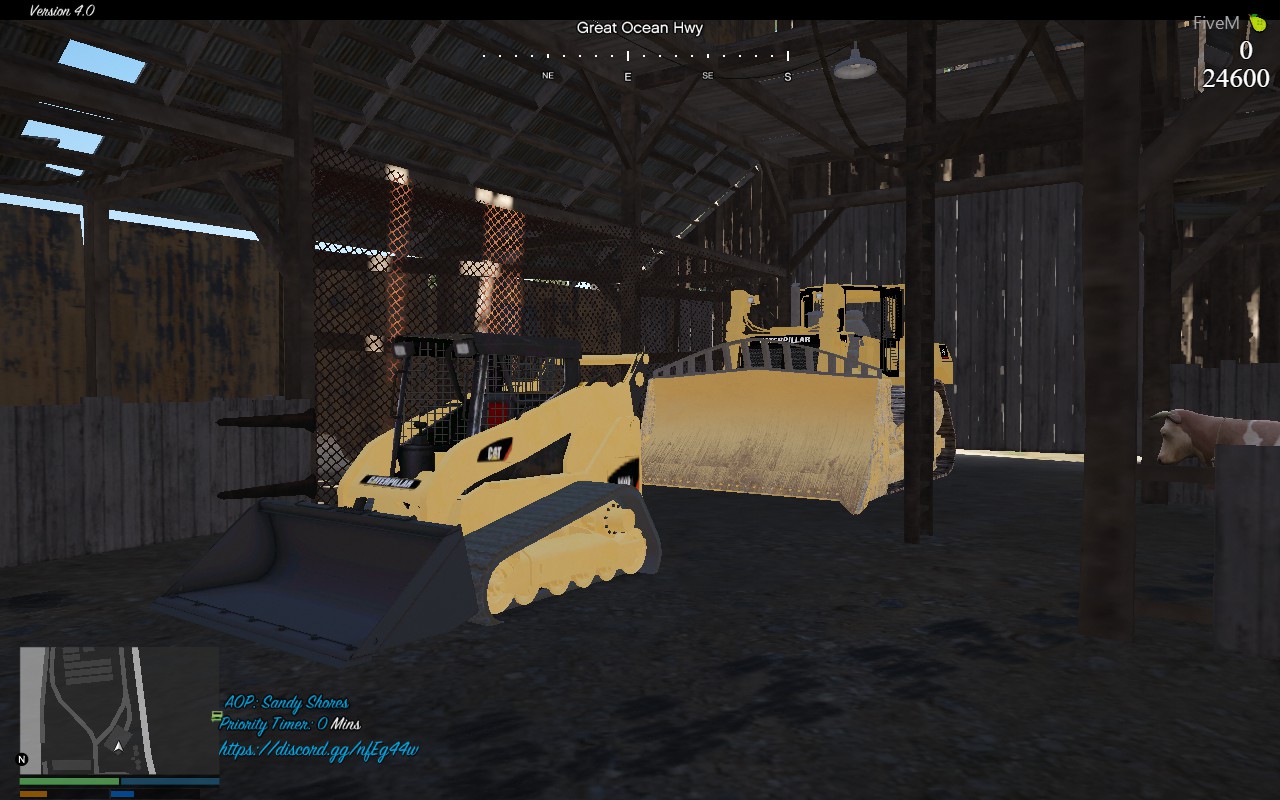
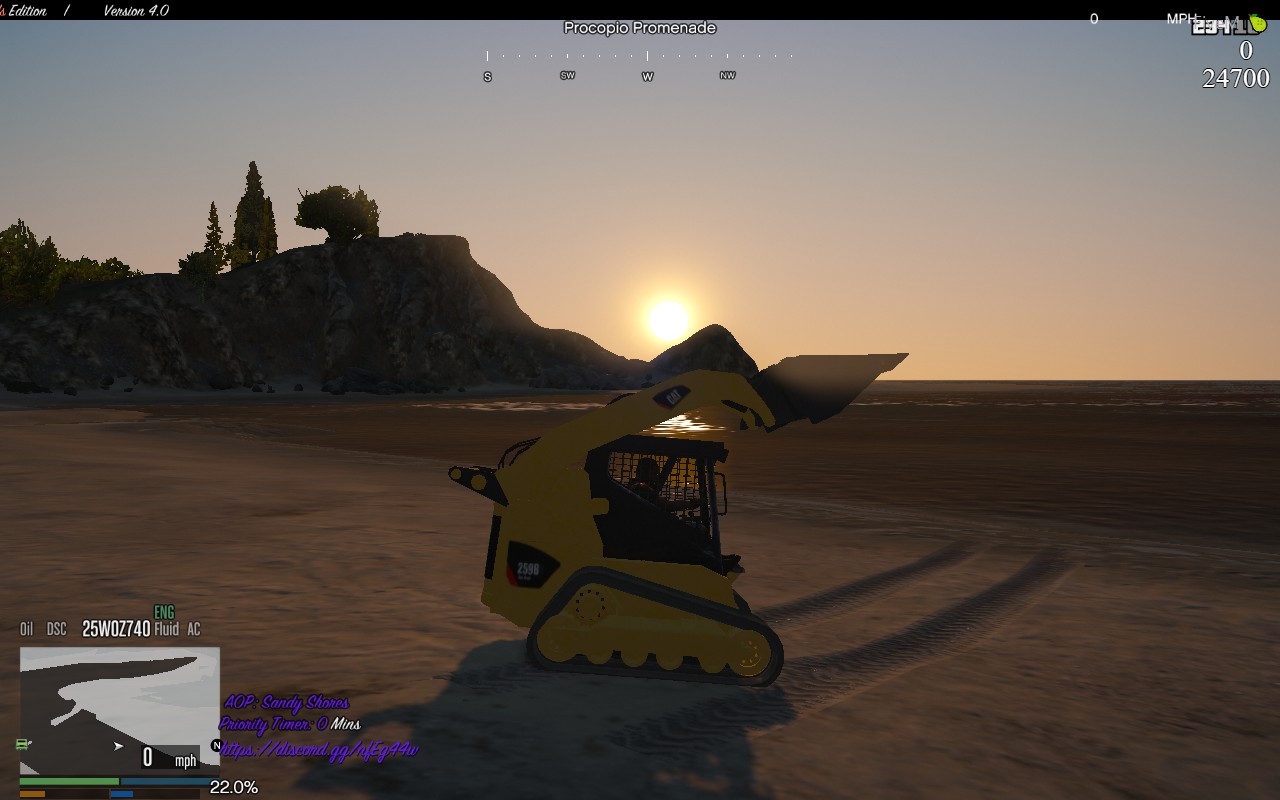
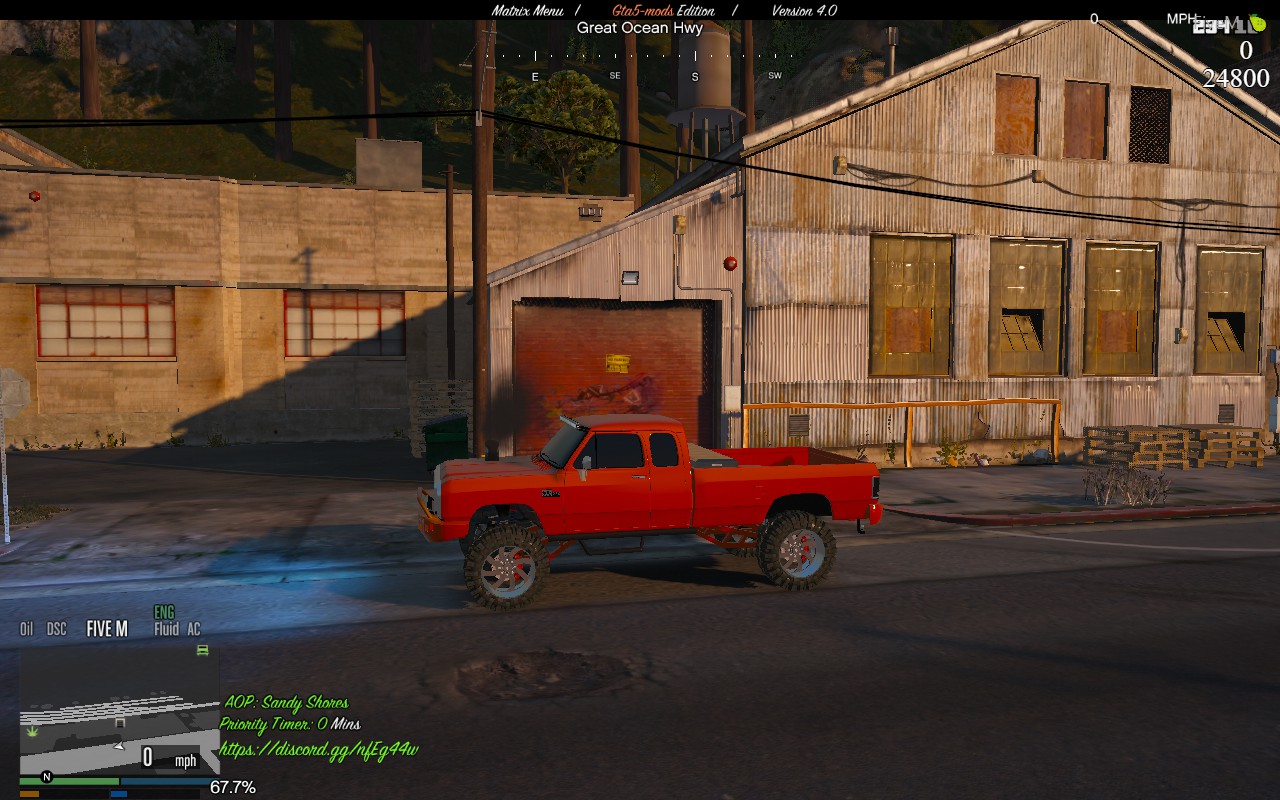
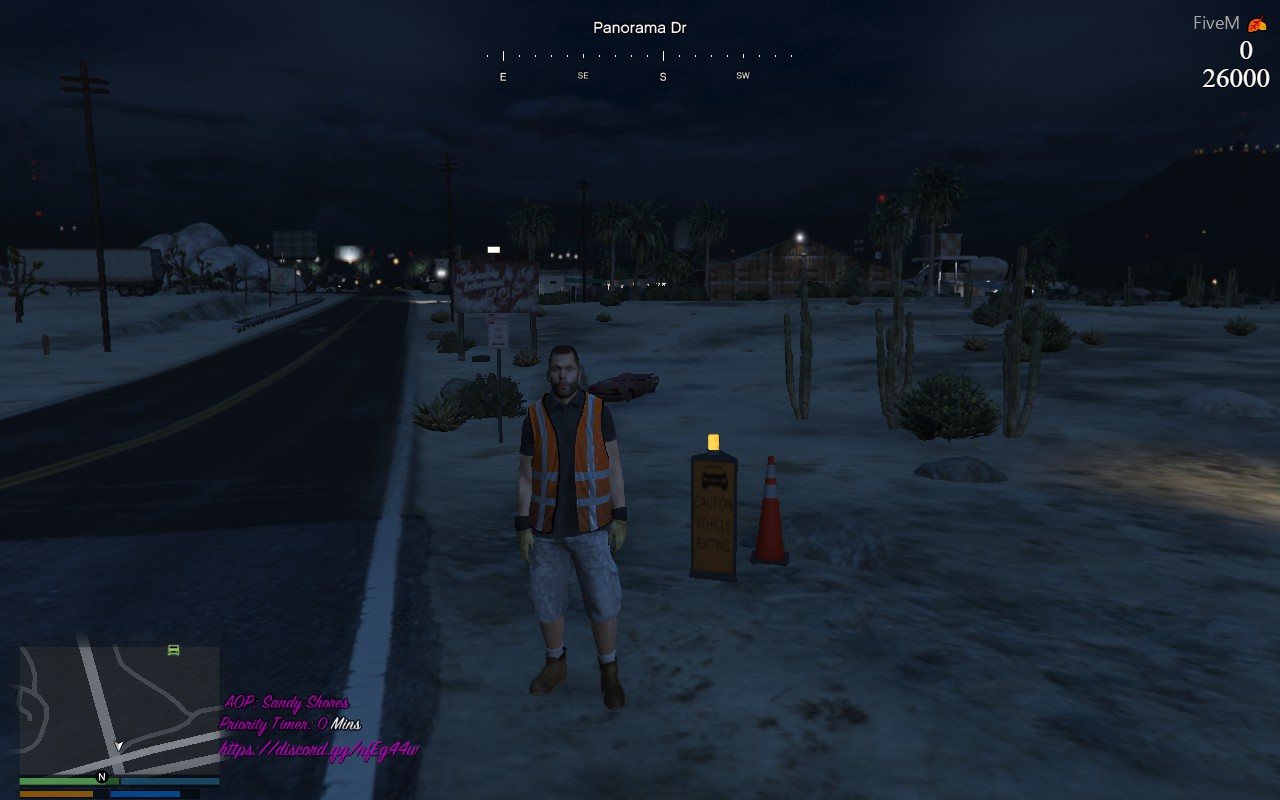
Yo, It’z ya boy CodyTheDev! I haven’t been too active on the Forums but I thought I would get backing to the grind. This is a aop script from @imsarge I edited his version to be based beside the map and to be color changing like the watermark script @pongo1231 @ash . I took the Priority Cooldown script from @Scott_UK and @Briglair and edited it to be color changing as well. I thought this was neat to have and was greedy not to share it in the past of having it. Please leave some feedback to let me know If I should edit more scripts or release more map mods in the comments! Therefore I’m now releasing it. I will be posting links to the original scripts below…
Download - AOP and Extras!!!.rar (4.0 KB)
Credits:
Area of Play / Patrol (Textdraw/Server Sync) -
([Release] Area of Play / Patrol (Textdraw/Server Sync))
Priority Cooldown -
([Release] Priority Cooldown)
Simple Watermark -
([Release] Simple Watermark)
Screenshots:
IGNORE THE MOD MENU!!! 

Hopefully this will help y’all and add a better addition to your server!
1 Like
FAXES
2
moved this till its an actual release, keep in mind you can just release a slightly edited version of another persons script(s).
1 Like
Sorry forgot to add the actual script haha
1 Like
Tbh the cursive text looks terrible, I do like how you managed to get them all in the perfect positions (which for me is a pain in the ass)
2 Likes
Yufai
5
You can just change the position values and then restart the script. You don’t need to restart the server each time.
@Samplee
1 Like
I know… I just hate doing it in general
Don’t complain. Atleast its something.
1 Like
There’s a difference between complaining and suggesting, if I downloaded it, its just a simple number change
You can easily change the font. All you have to do is go into the Client.lua file and change the number beside SetTextFont. And like @Yufai said instead of restarting the whole server just go to the command thing and hit enter then type Stop -ResourceNameHere- and then hit enter again and type Refresh and start the resource again.
Samplee
10
or you could easily do it in game by pressing F8 and typing “restart -scriptname-” if you are set to admin with ace perms
Well there you go. (20 Chars)
Lumet
12
How do u add someone to the permissions for AOP or the original AOP?
Thanks for the votes guys!
This topic has went far down the hill so lets bring it back up!
MKuyer
16
How do i set this up so only admin/mods can change the aop??
Sorry for such a late response. You could add in Ace’s permissions.
1 Like
It’s giving me an error when I try to use the command “Incorrect Syntax”
Hey! I never got the notification just scrolling back through and found this comment. Did you ever get it resolved?
What are the controls ? What do you have to put in the chat to change the aop ?