Before you begin, please read the Client FAQ and Common Questions topic.
If you did not find a solution, fill out the following template and remove this top text.
RDR2 version? : Latest
Up to date? : Yes
Legit or Pirate copy? : Legit
Steam/Epic Games/Social Club? : Social Club
Windows version? : 11
Did you try to delete caches.xml and try again? : Yes
Error screenshot (if any) : Screenshot by Lightshot
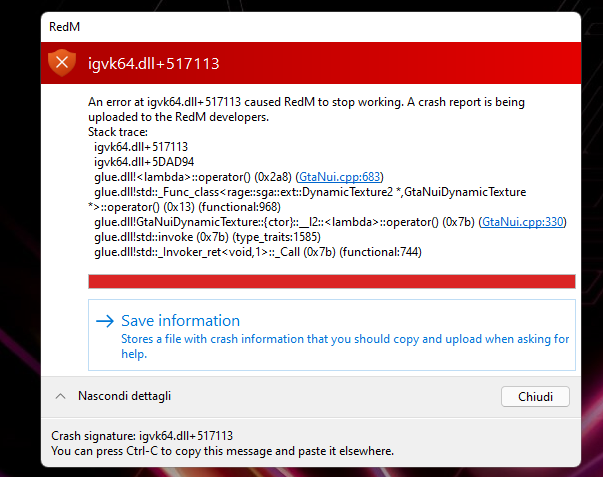
System specifications
CPU: Intel® Core™ i7-10750H CPU @ 2.60GHz
GPU: NVIDIA GeForce RTX 2060 + Intel® UHD Graphics
RAM: 16 GB
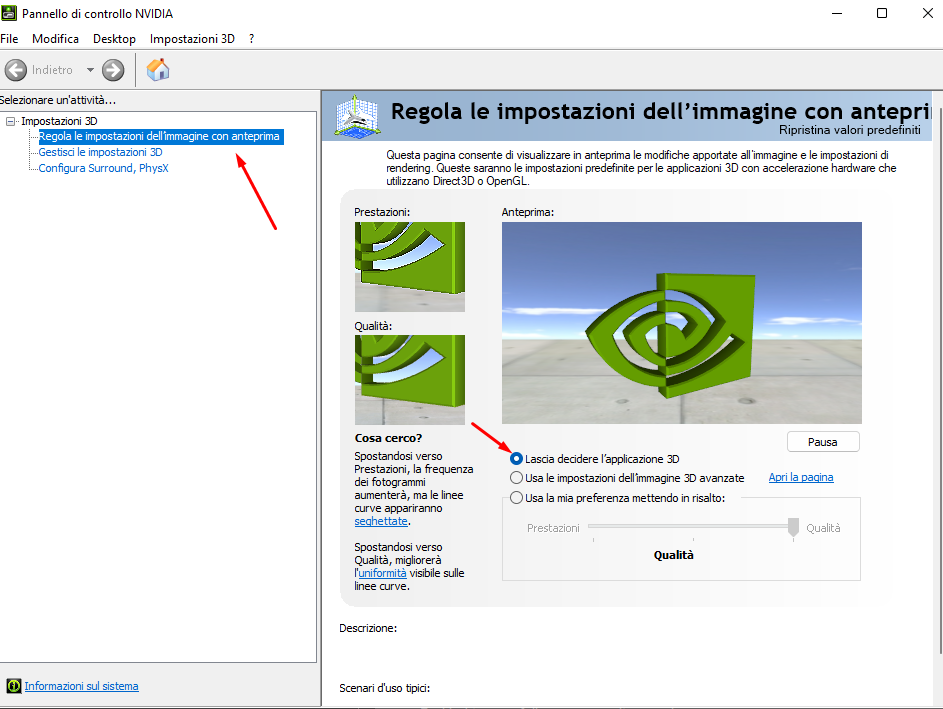
What did you do to get this issue? : Change gfx settings
What server did you get this issue on? : With Local
Latest CitizenFX_log file
CitizenFX_log_2022-02-23T184652.log (38.4 KB)
.dmp files/report IDs : a986096e-a761-4f7a-912c-50d43dade799 (maybe)?
If an issue with starting:
RDR2 folder screenshot
RDR2/x64/dlcpacks screenshot
Filepath to RedM folder
RedM client folder screenshot
Did you try to disable/uninstall your Anti-virus? : No
Did you start Rockstar Games Launcher not as admin? Yes
Also add what you already tried so far.
Already reinstalled: Game, RedM
Downgrade of nvidia driver to date 12/2021