Before you begin, please read the Client FAQ and Common Questions topic.
If you did not find a solution, fill out the following template and remove this top text.
*RDR2 version?Online *
Up to date? yes
**Legit or Pirate copy?Legit
**Steam/Epic Games/Social Club?Steam and epic
**Windows version?Windows 11
**Did you try to delete caches.xml and try again?Yes
*Error screenshot (if any)
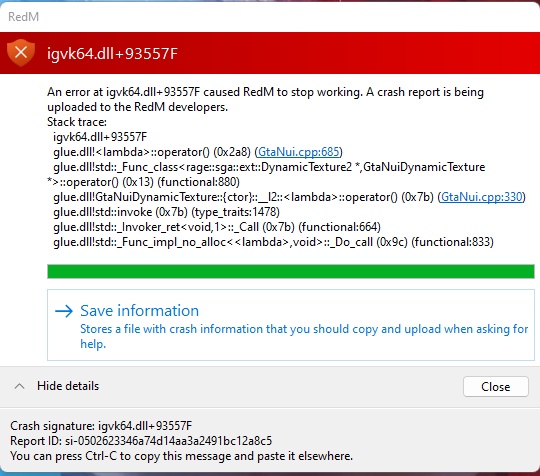
*
**System specificationsi9-11980HK 32Gigs of ram 3080 Geforce
**What did you do to get this issue?There was a small update that trigger the crash loop.
**What server did you get this issue on?Century rp
Latest CitizenFX_log file
.dmp files/report IDs
If an issue with starting:
RDR2 folder screenshot
RDR2/x64/dlcpacks screenshot
Filepath to RedM folder
*RedM client folder screenshot
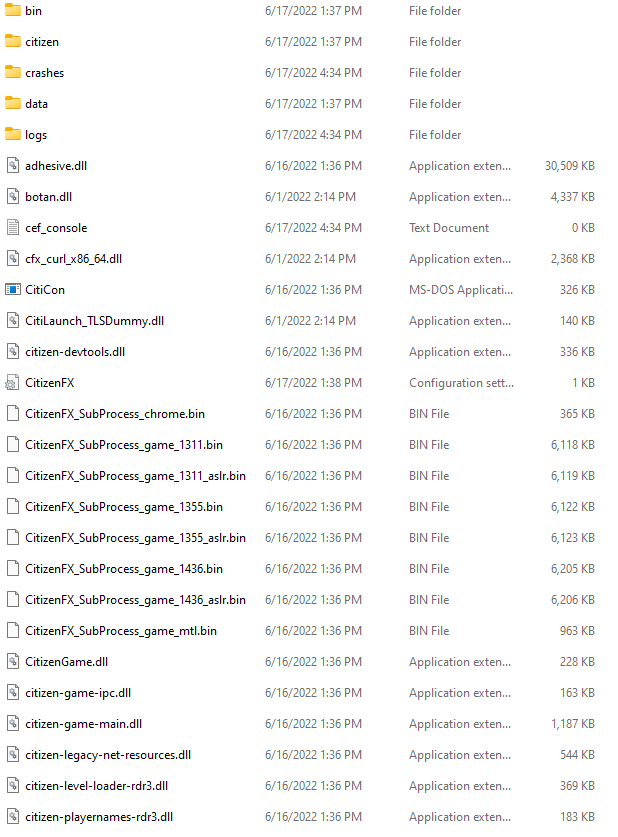
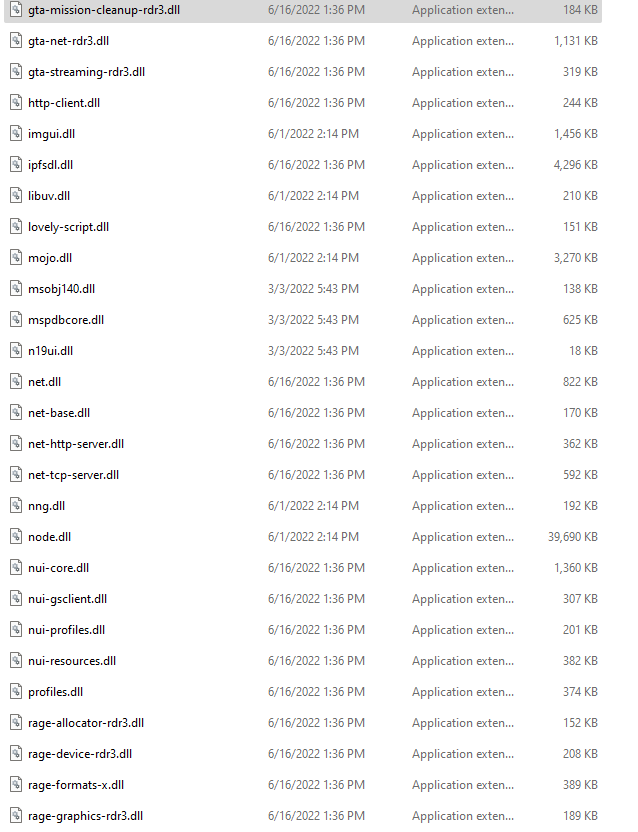
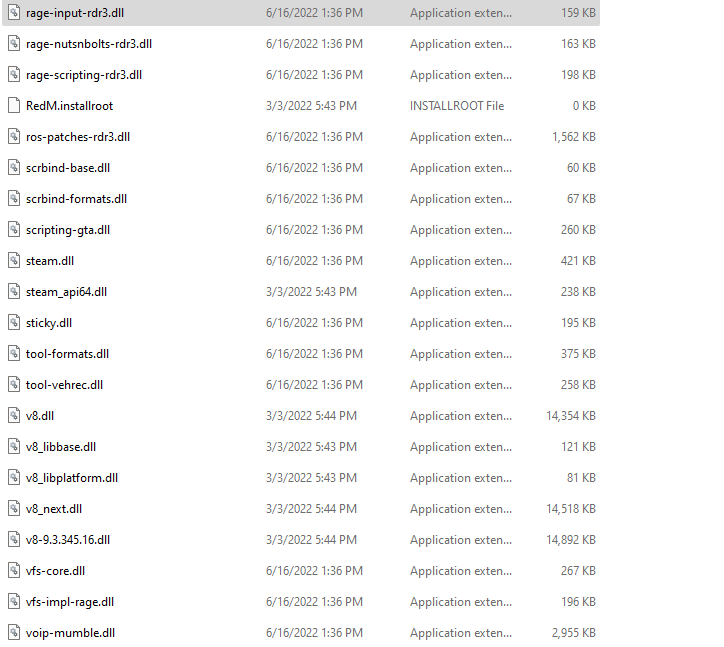
**Did you try to disable/uninstall your Anti-virus?yes
**Did you start Rockstar Games Launcher not as admin?yes
**Also add what you already tried so far.*I tried uninstalling Reinstalling. changing the title -b13555, Also ask someone to transfer there app file so i could added into mine. Reinstalled windows which was the only way to get it to work again. *
Sorry this is my first time doing this if i am missing anything feel free to ask.
