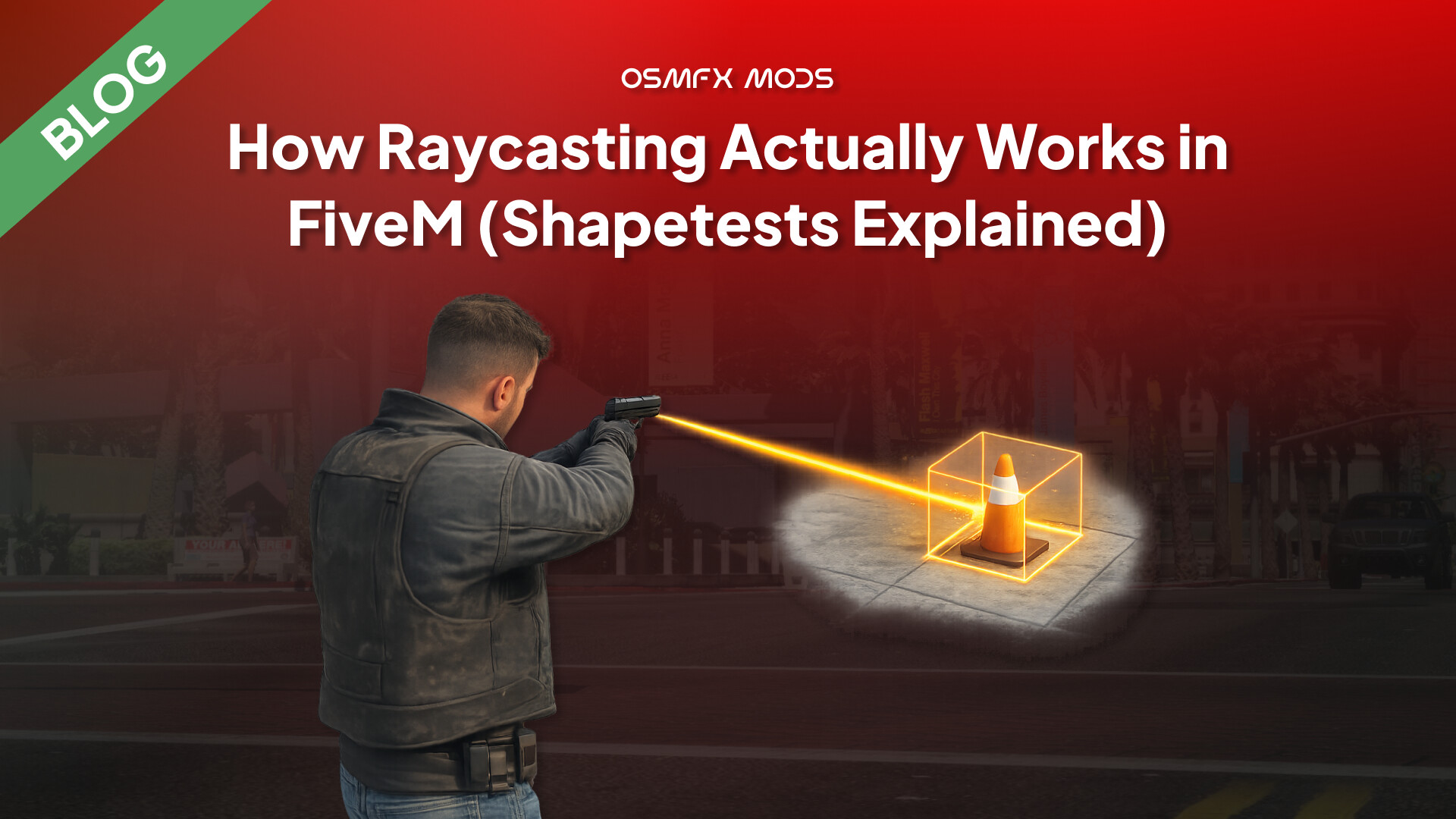
Raycasting in FiveM, explained properly — why there’s no Raycast() and how shapetests actually work
Almost every interaction system on your server is secretly asking one question: what is the player looking at? Opening a door, aiming at a ped to check ID, placing a prop where the crosshair lands, the “press E” that only shows when you face the right thing — all of it is a raycast.
And the first time you go looking for a Raycast() function in FiveM, you won’t find one. You find StartShapeTestLosProbe, GetShapeTestResult, and a flags argument nobody explains. So here’s the mental model that makes it all click.
It’s asynchronous
In most engines you call raycast(a, b) and get an answer on the same line. FiveM does not work like that. You start a shape test one frame and read the result the next. The start native hands you a handle (a ticket), and you cash it in with a second native:
local function castRay(from, to, flags, ignoreEntity)
    local handle = StartShapeTestLosProbe(
        from.x, from.y, from.z,
        to.x,   to.y,   to.z,
        flags, ignoreEntity, 7
    )

    local retval, hit, coords, normal, entity
    repeat
        Wait(0) -- let a frame pass so the engine can finish the test
        retval, hit, coords, normal, entity = GetShapeTestResult(handle)
    until retval ~= 1 -- 1 = still computing, loop until it's ready (2)

    return hit, coords, normal, entity
end
That retval is a status code: 0 = handle gone, 1 = not ready yet, 2 = ready. This one detail is behind almost every “my raycast returns nothing” post — people read the result on the same line they started it, before the engine has answered.
(There’s also a synchronous StartExpensiveSynchronousShapeTestLosProbe — ready on the next call, no loop — fine for one-off casts, blocks the frame so don’t spam it.)
“What am I looking at?” — the camera ray
There’s no native for this in one call; you build the ray from the camera’s position + rotation:
local function rotationToDirection(rot)
    local z, x = math.rad(rot.z), math.rad(rot.x)
    local n = math.abs(math.cos(x))
    return vector3(-math.sin(z) * n, math.cos(z) * n, math.sin(x))
end

local cam  = GetGameplayCamCoord()
local dir  = rotationToDirection(GetGameplayCamRot(2))
local dest = cam + (dir * 50.0) -- 50 units forward

local hit, coords, normal, entity = castRay(cam, dest, -1, PlayerPedId())
if hit and entity ~= 0 then
    print(("Hit entity %d (type %d)"):format(entity, GetEntityType(entity)))
end
That’s the skeleton behind every qb-target / ox_target you’ve used. GetEntityType(entity) returns 1 ped, 2 vehicle, 3 object — how a targeting script knows what to show.
The flags are a bitmask (this is the other big one)
flags decides what your ray is allowed to hit. Leave a category out and the ray passes straight through it:
1map/world ·2vehicles ·4peds ·16objects ·-1everything
Combine them by adding: map + vehicles = 1 + 2 = 3. Most interaction casts just use -1. Being selective is also cheaper if you cast often.
Heads up: FiveM exposes these as a plain integer and doesn’t officially document each bit — the mappings above are community-tested and reliable for everyday use, but for less-common bits, verify in your own build. When in doubt, cast with -1 and filter by GetEntityType on the result.
Three points worth knowing
- Client-side only. There’s no server raycast — the server doesn’t have the streamed collision. Client casts, server validates.
entityHit == 0means you hit the world, not “nothing.” Use thehitboolean for whether,entityHitfor what.- Don’t fire one every frame unless you need to. Cast on keypress, or throttle — not a bare
Wait(0)loop forever.
I wrote the full breakdown — the async design decision explained, the surface-normal trick for placing props flush to walls, and diagrams for the ray anatomy + the frame-by-frame timeline — over on our blog:
→ How Raycasting Actually Works in FiveM (Shapetests Explained)
We build performance-first, server-authoritative scripts for QBCore / ESX / QBOX over at OsmFX Mods — including the kind of targeting and placement systems this post is about. If raycasts, targeting, or interaction bugs are giving you grief, reply here, always happy to dig in.
Disclaimer:
P.S. I used AI (primarily Cowork) to help with research, the content, visuals, and polishing the writing, but I reviewed and edited everything myself. I’m new to writing technical blogs, so if you notice anything that could be improved, whether it’s the content or the writing style, I’d genuinely appreciate constructive feedback.