Before you begin, please read the Client FAQ and Common Questions topic.
If you did not find a solution, fill out the following template and remove this top text.
RDR2 version? current
Up to date? yes
Legit or Pirate copy? legit
Steam/Epic Games/Social Club? steam and social club
Windows version? windows 11
Did you try to delete caches.xml and try again? yes
Error screenshot (if any)
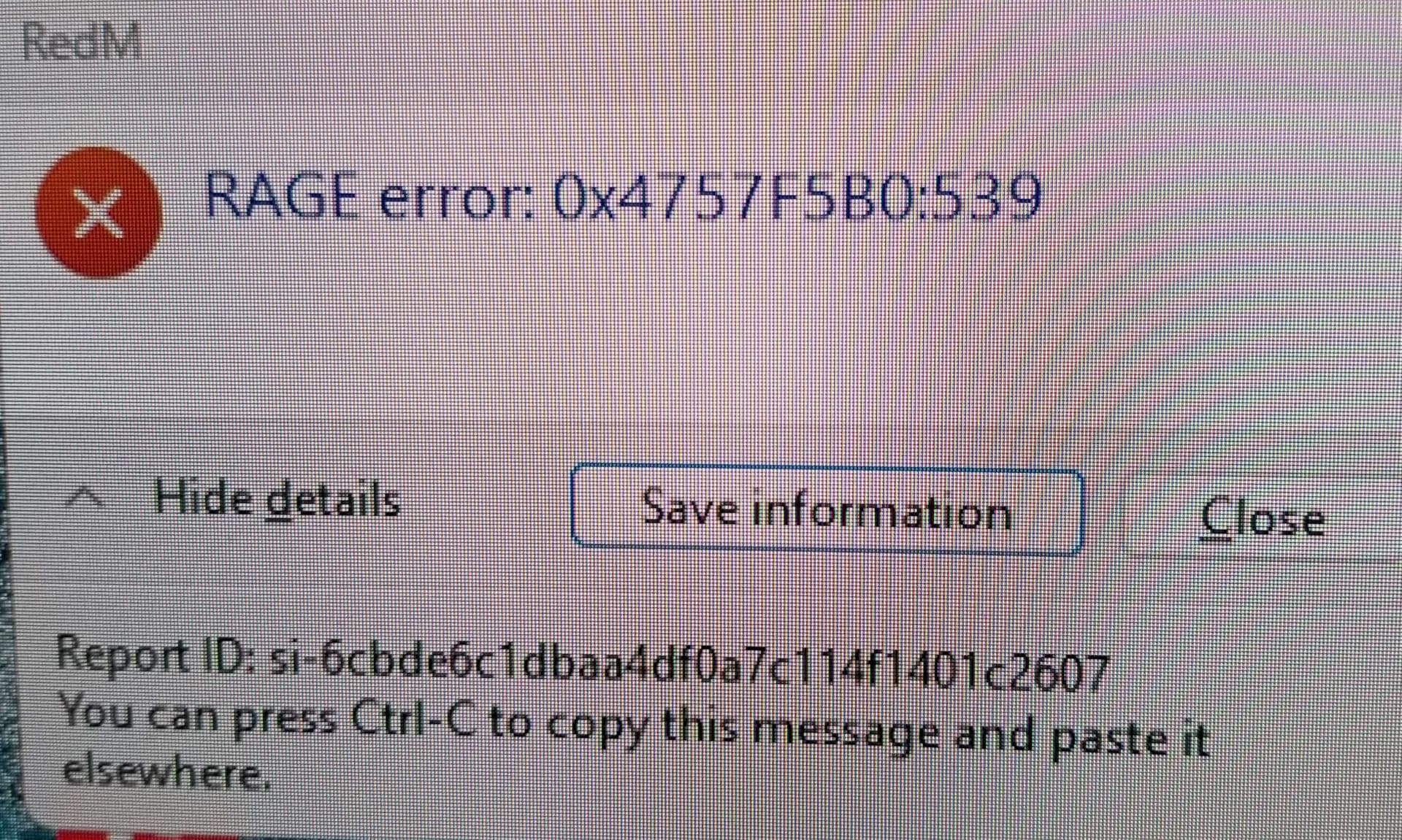
System specifications cpu-7800x3d gpu-7800xt ram-64gb cl34 6000mhz mobo-b650 plus psu-750w ssd 1tb
What did you do to get this issue? game just randomly crashes, often when entering a new town or when its raining etc
What server did you get this issue on? Wild RP
Latest CitizenFX_log file
CitizenFX_log_2024-03-28T180605.log (587.3 KB)
.dmp files/report IDsrage error 0x4757f5b0:539 Report id: si-6cbde6c1dbaa4df0a7c114f1401c2607
If an issue with starting:
RDR2 folder screenshot
RDR2/x64/dlcpacks screenshot
Filepath to RedM folder
RedM client folder screenshot
Did you try to disable/uninstall your Anti-virus?
Did you start Rockstar Games Launcher not as admin?
Also add what you already tried so far. tried clearing cache folders as well as CitzenFX folder multiple times. rolling back drivers for gpu and removing Windows 11 updates. Replaced RAM (I upgraded). checked other games (they run fine). Checked temps,fps, GPU and CPU usage (all fine). Tried uninstalling and reinstalling RedM. Changed all of the in game settings as well as changing and removing all the AMD Adrenaline settings.I also had this problem when I was using a 6650xt GPU, then I upgraded to a 7800xt and problem still occured. Tried running RedM on less CPU cores, but made no difference.
