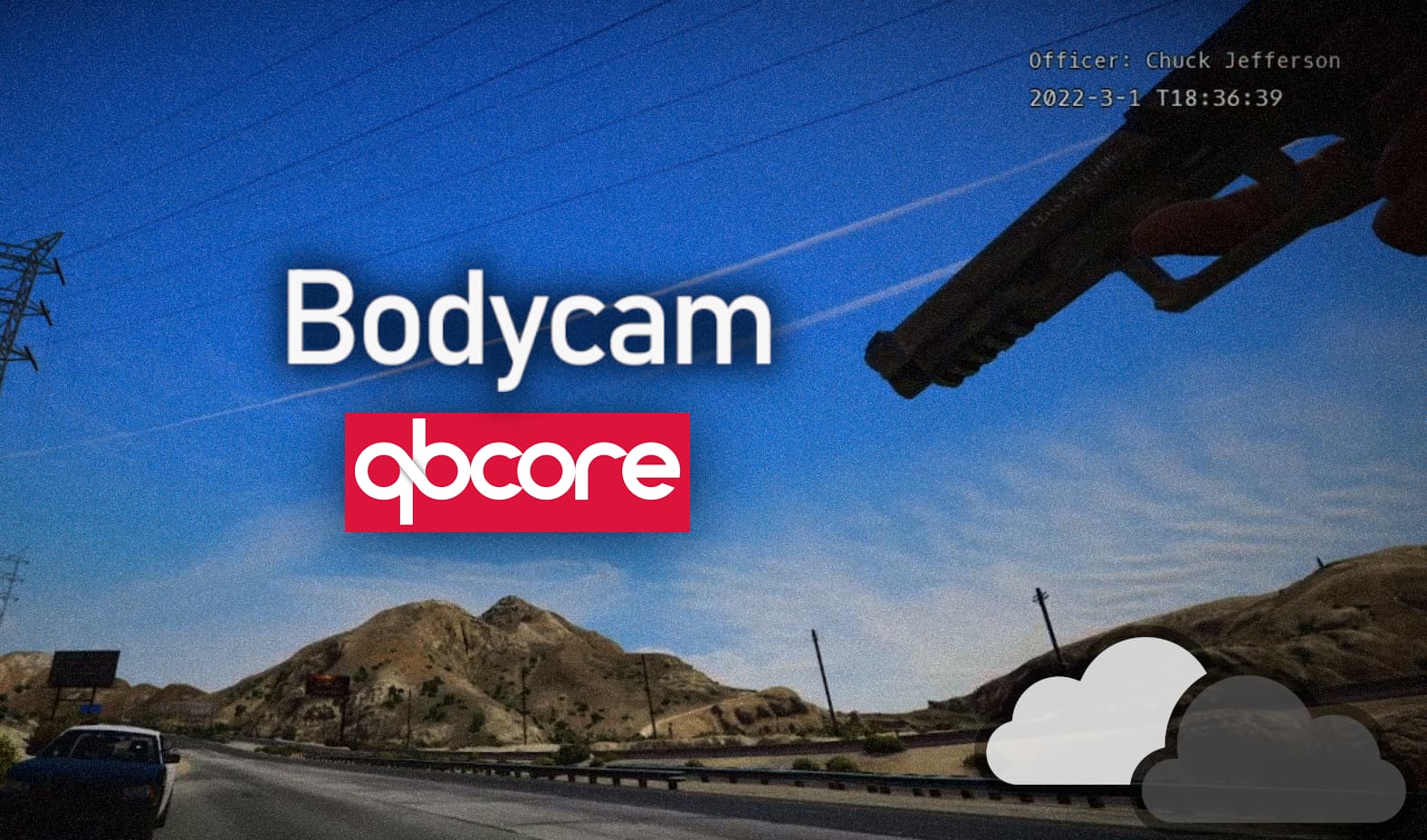
Because many people requested it, I ported this resource from ESX to QBCore.
If you are interested in the ESX version, click here.
This resource is a great addition to your policejob. It basically gives your players the ability to equip a bodycam and let your other officers watch through it. It is very performance friendly by only consuming ~ 0.06 ms at maximum usage and 0.00 - 0.02 when idling. It features a full UI to manage all your active bodycams.
Full feature list:
- Very performance friendly (0.04 - 0.06 ms at full load)
- Custom UI*
- Custom modeled and textured prop
- Bodycam overlay, showing the officer name and the current time and date*
- Synchronised cameras
- Camera shaking effects and configurable filters*
- Configurable bodycam position and rotation*
- EUP clothing support
*editable
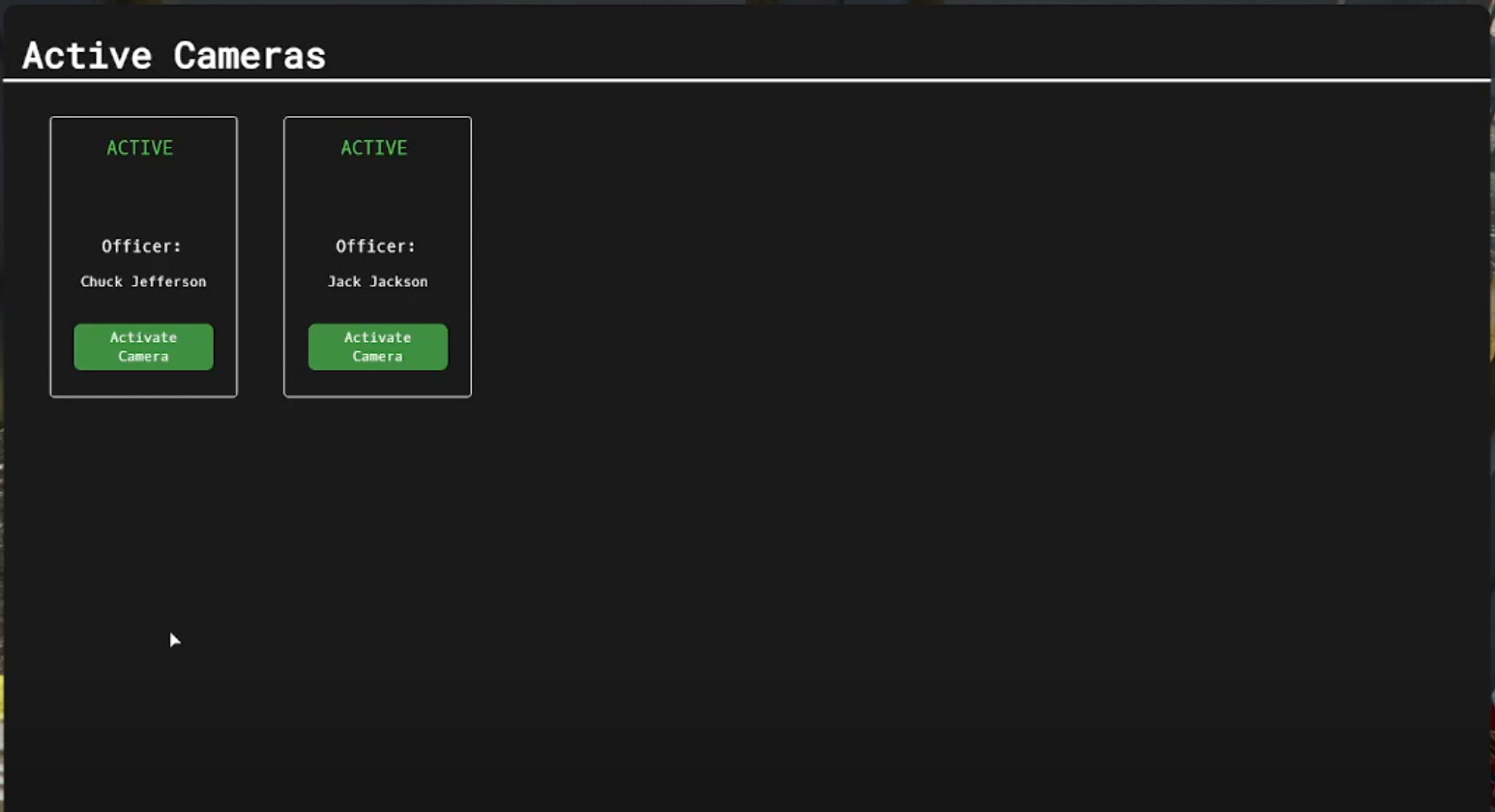
Custom UI
The UI lets you manage all the active bodycams. You can see them all at one glance and select the one you want to watch. Bodycams get removed automatically from the UI as soon as they are unequipped by the player in real time.
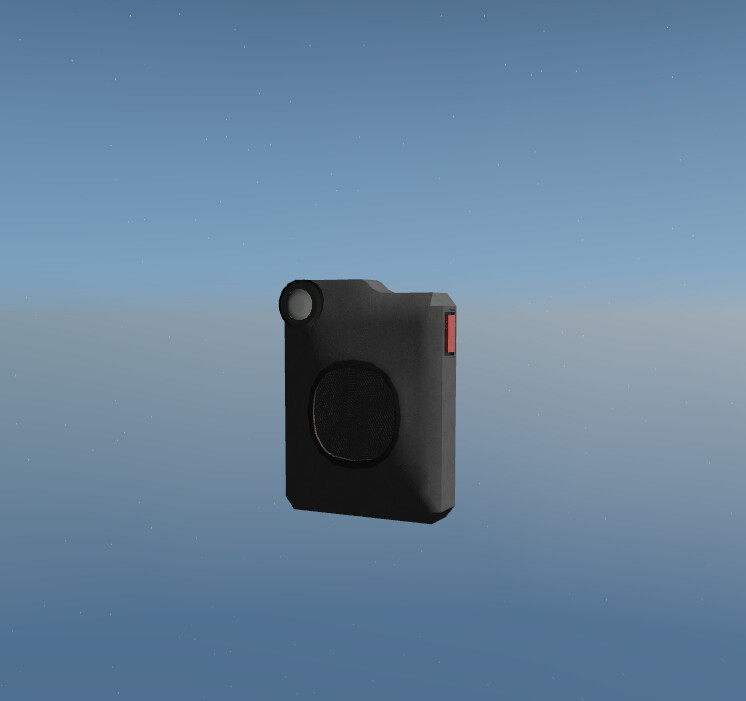
Custom prop
The prop has been custom made only for this resource. It does not impact the performance while still looking ok. You can always use another prop you have downloaded. Simply change the prop name in the config.
Snychronised cameras
Worn bodycams are synchronised through the server. This means, that when you leave the server and reconnect the other cameras are still in the UI and you can still watch them (except your own bodycam, it gets removed automatically when you disconnect). Also, when a player removes his bodycam during a spectate, you automatically get disconnected from his bodycam and you return to the menu. Players cannot watch another player through his bodycam while he is watching another player. This is due to a specific logic running in the background and secures the script from getting broken by any player.
Accessible from anywhere
The bodycams can be watched from anywhere. The UI shows a “connecting” message while connecting to the selected bodycam. This depends on the player’s pc performance so it can ensure a safe connection.
Preview: Click
Buy here: Click
The resource is available in two languages: EN, DE - More languages can be easily added
This resource uses the FiveM Escrow system, as well as encryption in parts of the script.
Requirements:
- qb-core v.2.2.x (support is only given for this version of QBCore)
- minimum FXServer v.5181
- qb-policejob
| Code is accessible | Partly |
| Subscription-based | No |
| Lines (approximately) | Lua: 530 ; JS: 200 ; CSS: 169 ; HTML: 32 |
| Requirements | qb-core (v.2.2.x) ; qb-policejob ; FXServer v.5181+ |
| Support | NO |
