QADR Poster Creator – Comprehensive Poster Creation System for RedM
Hello everyone,
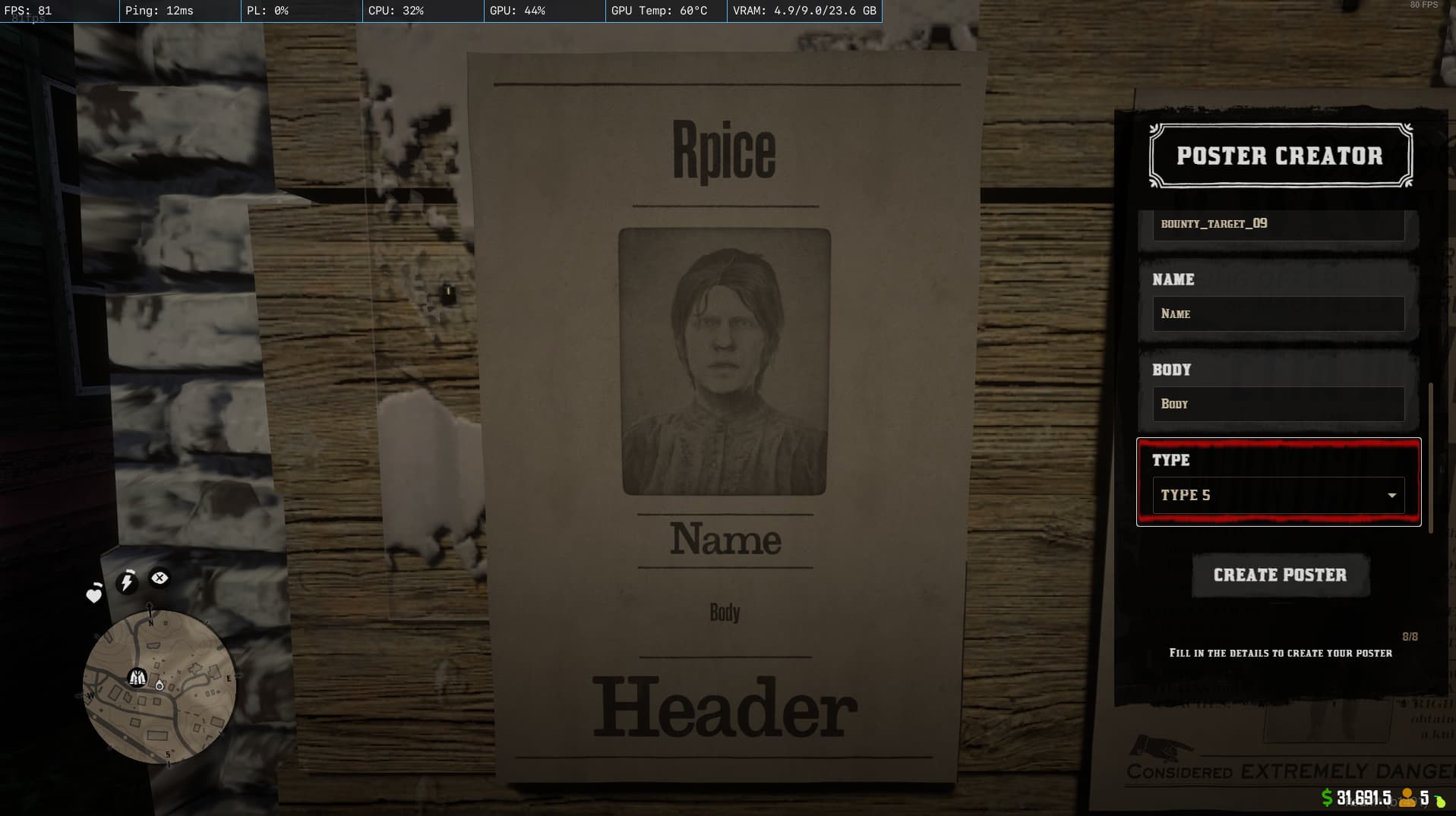
I’m excited to announce the release of QADR Poster Creator, a comprehensive system that lets players create and customize posters in-game on your RedM server.
Important Notice
Please note that this resource requires the QADR UI Framework to function. QADR UI is a premium resource available for purchase:
- Forum Topic: QADR UI on CFX Forum
- Purchase: QADR UI on Tebex
Features
- Poster Variety: Create both standard and legendary posters.
- Customizable Content: Edit details such as poster name, description, reward, and more.
- User-Friendly Interface: Enjoy an RDR2-style menu system.
- Multi-Language Support: Built-in localization for several languages.
- Seamless Integration: Designed to work smoothly within the RedM environment.
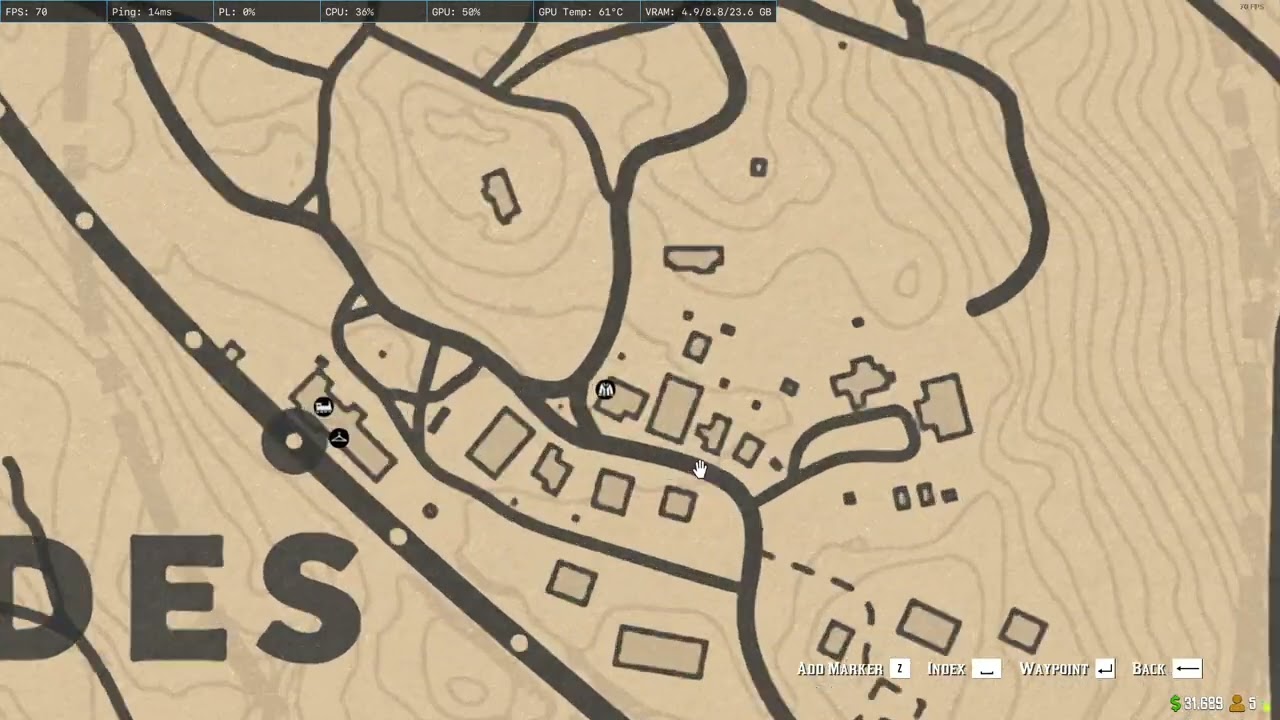
- Configurable Locations: Set up poster board locations across the map.
Dependencies
- Redem Roleplay (Required)
- QADR UI Framework (Required)
Installation
- Purchase and install QADR UI from the Tebex store.
- Download the latest release of QADR Poster Creator.
- Extract the
qadr_poster_creatorfolder to your server’s resources directory. - Add the following lines to your
server.cfgfile:
ensure qadr_ui
ensure qadr_poster_creator
- Restart your server.
Usage
- In-game, use the command /posterCreator to open the poster creation menu.
- Select the type of poster you want to create (Default or Legendary).
- Fill in the details (target name, description, reward, etc.) and submit the form to create your poster.
Configuration
The script is easily configurable through the conf.lua file. For example, you can set the default language and define poster board locations:
qadr_settings = {
    defaultlang = "en", -- Sets the default language to English.
    translations = {},
}
Poster Board Locations
Configure each poster board in conf.lua by setting the coordinates, rotation, name, and board model. For instance:
posterBoards = {
    -- Valentine
    {
        coords = vector3(-270.07, 807.2, 119.36),
        rot = vector3(0, 0, 100),
        name = "Valentine Sheriff Office",
        boardmodel = "mp005_p_mp_bountyboard01x"
    },
    -- Rhodes
    {
        coords = vector3(1353.77, -1303.95, 76.05),
        rot = vector3(0, 0, -20),
        name = "Rhodes Sheriff Office",
        boardmodel = "mp005_p_mp_bountyboard02x"
    },
    -- Add more locations as needed
}
Available Poster Textures
The package includes a variety of poster textures, divided into three categories:
- Default Posters
- Location-Based Default Posters
- Legendary Posters
For a complete list of available textures, please refer to the documentation included in the release.
Technical Details
File Structure
- client/ – Client-side scripts and UI components
- html/ – Web-based UI components
- server/ – Server-side scripts
- shared/ – Shared functions and utilities
- locales/ – Language files for localization
Support
If you encounter any issues, have feature requests, or need support, please open an issue on the repository or contact me directly.
| Code is accessible | Yes |
| Subscription-based | No |
| Lines (approximately) | Number of lines |
| Requirements | redemrp, qadr_ui version 3.0 or higher |
| Support | Yes |