Bablo Animations — Advanced Animation Menu
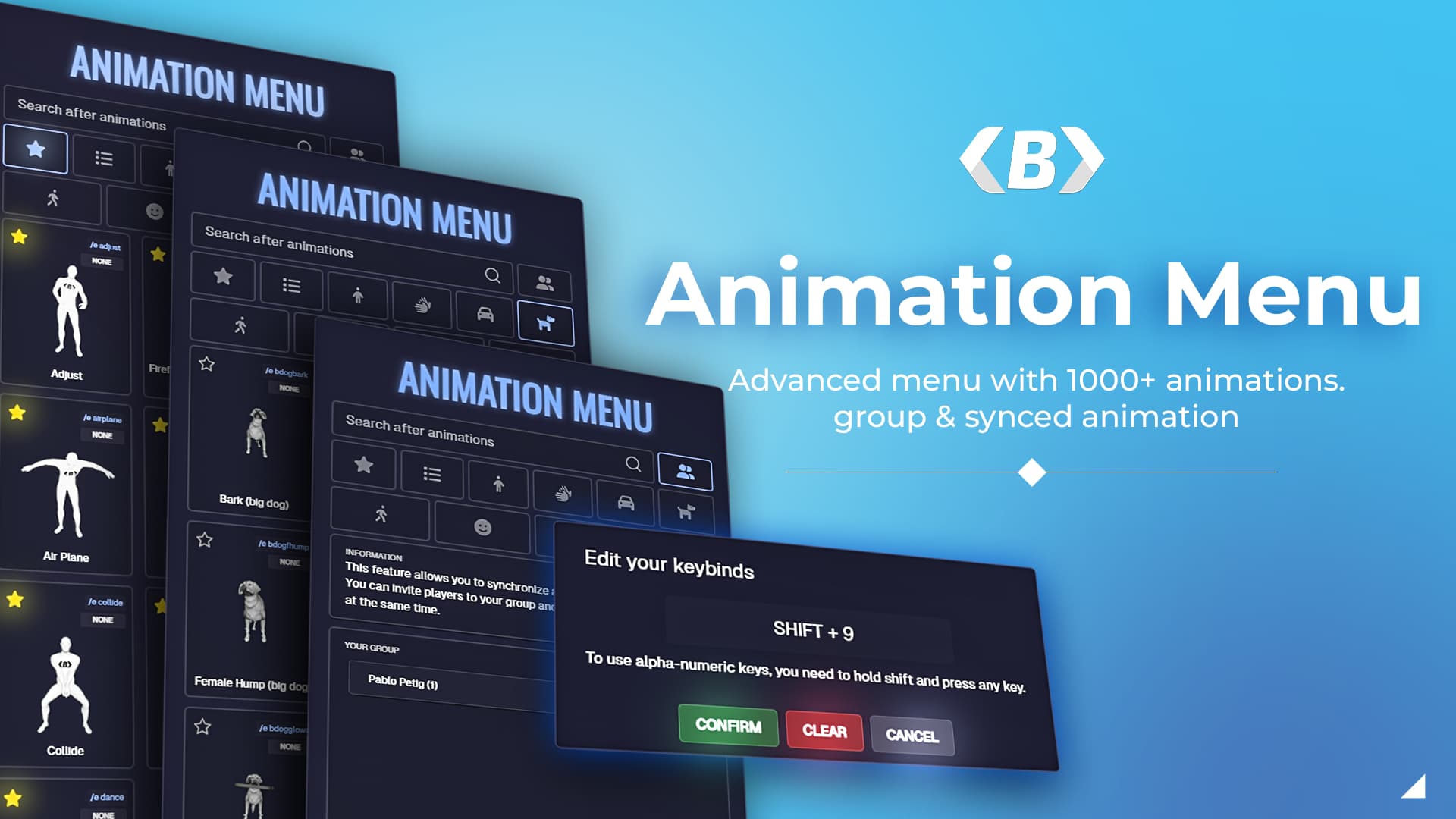
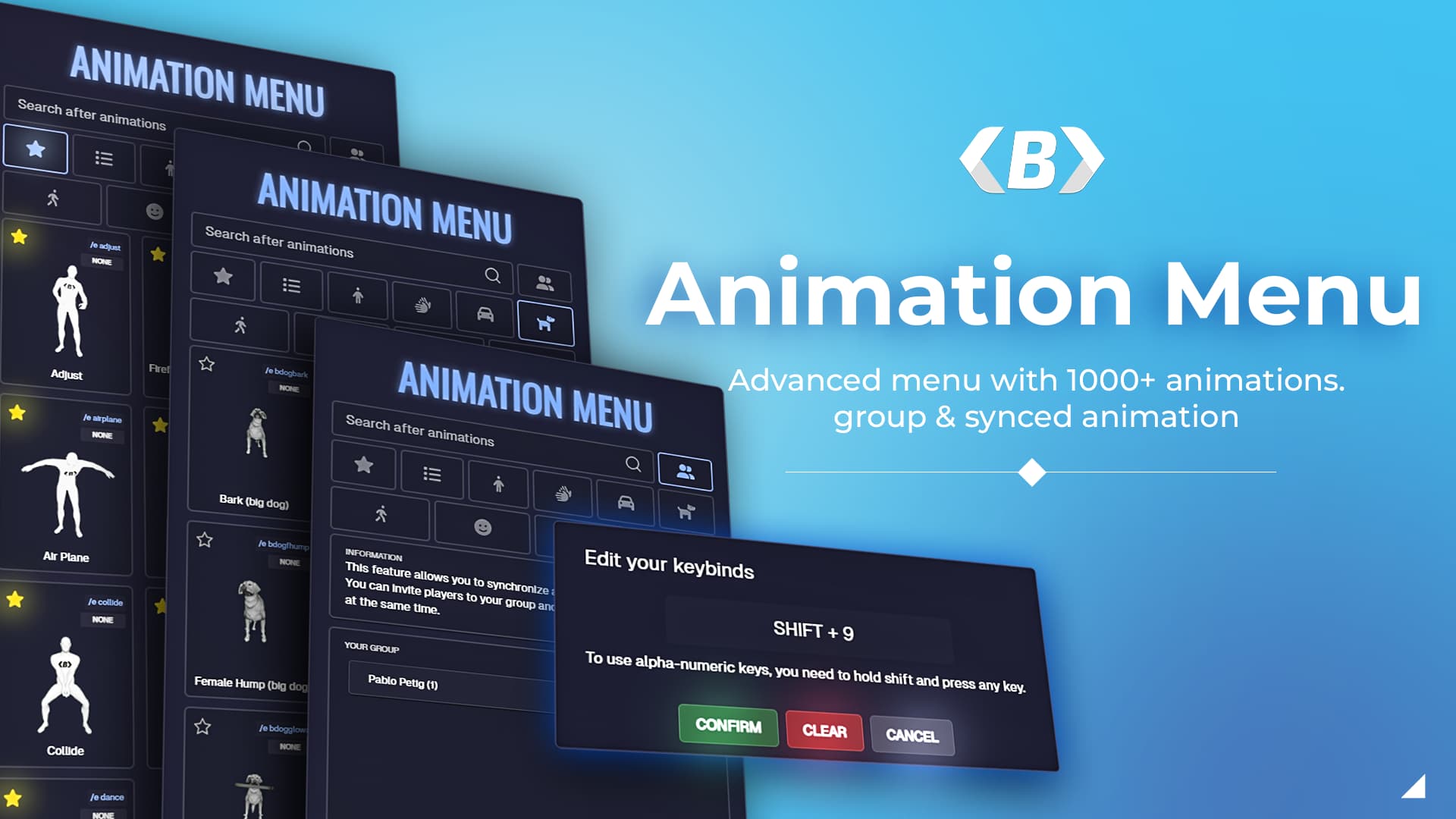
The Animation Menu is a lightweight and intuitive tool designed to enhance your FiveM server by providing players with a quick and easy way to access and perform various animations. The menu is designed with simplicity in mind, ensuring a smooth and user-friendly experience.
Watch the preview!
Purchase now at TEBEX (20€ + VAT)
Documentation
 Core Features
 Massive Animation System
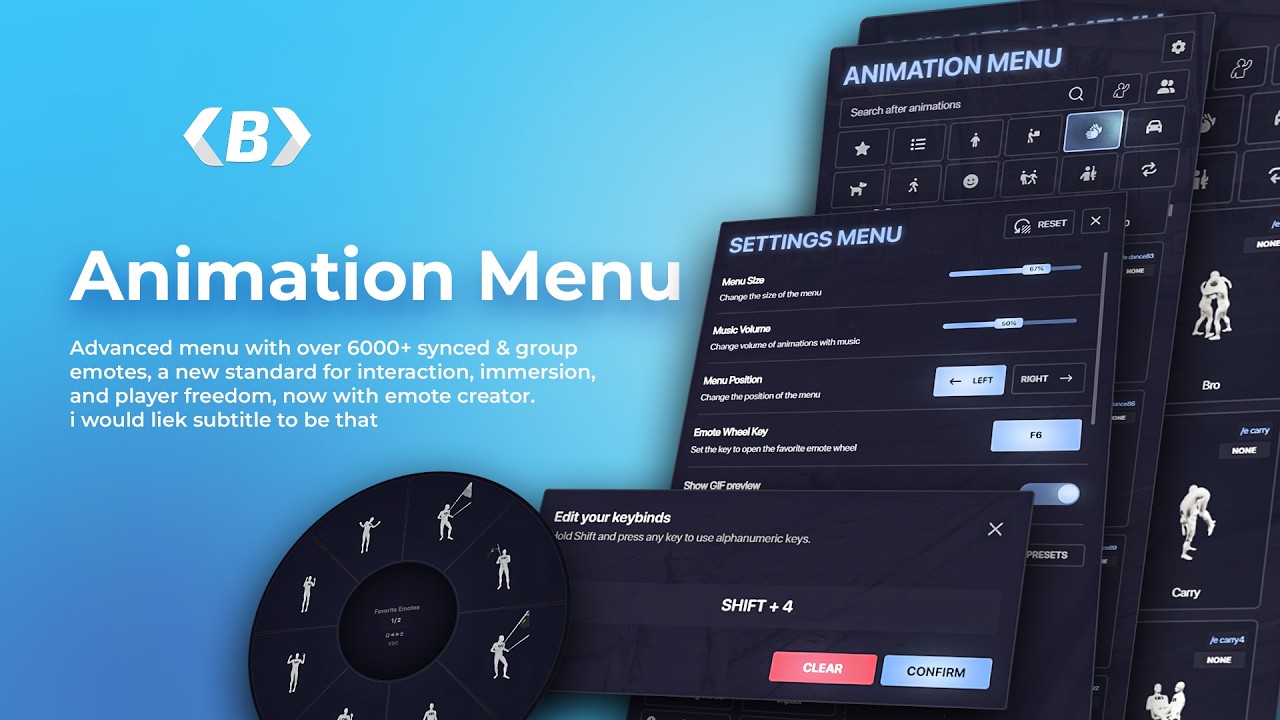
- 6000+ animations (constantly updated)
- Supports solo, shared, and group animations
- Works on all frameworks (ESX, QBCore, Qbox, standalone)
/ecommand with autocomplete suggestions- Upper-body only animations
- Animation speed control (per animation + global)
 Controls & Accessibility
- Radial Emote Wheel for instant access to favorites
- Fully customizable player keybind system
- Bind animations, cancel, and menu to any key
- Focus Mode (ALT) for free camera movement
- Optional Freelook toggle
- Configurable usage inside vehicles
 Group & Shared Animations
- Create animation groups with friends
- Fully synced group animations
- Select target player (no random selection)
- Configurable:
- Accept request or auto-play
- Restrict by group (admin, VIP, etc.)
- Smart filtering:
- Dead / cuffed / noclip players excluded
 Animation Creator Suite
- Create & edit animations live in-game
- Supports:
- Props
- PTFX (particle effects)
- Positioning & rotation
- Works with solo & shared animations
- Import and modify existing animations
- Built for both developers and content creators
 Advanced Positioning (
/animpos)
- Precisely position animations in the world
- 180° rotation support
- Real-time adjustment controls
- Natural walk-to-position system (no teleport)
- Collision & height checks included
- Fully synced for all players
 Interaction System (Sit Anywhere)
- Sit on any chair or prop
- Supports:
ox_targetqb-target- Custom interaction systems
- Configurable UI (ox_lib or custom)
 UI & User Experience
- Clean, modern fully redesigned UI
- GIF / WEBP previews on hover
- Performance mode (disable previews)
- Custom preview support
- Menu remembers:
- Last category
- Scroll position
- Search input
- Adjustable:
- Menu size
- Colors
- Background style (transparent/solid)
 Music & Effects
- Add music to any animation
- Supports:
- YouTube links
- Local files via
xsound
- Synced audio for nearby players
- Built-in PTFX (particle effects) support
 Advanced Configuration
- Fully translatable
- Animation restrictions:
- Jobs
- Groups
- On foot / in vehicle
- Hide animations from UI
- Server-side prop spawning (optional)
- Full control via config & framework hooks
 Developer Features
- Custom framework hooks:
canOpenMenucanPlayAnimationonPlayAnimationonCancelAnimationcanBeInvitedToGroup
- Exports:
isCrouchedisProne
- Compatible with:
dpemotesrpemotes
- Logging:
- Discord Webhooks
- FiveManage
 Performance & Stability
- Optimized for low resource usage
- Performance mode for low-end PCs
- Improved caching system (favorites, UI state)
- Secure server-side validation & anti-exploit protections
- Fully compatible with latest FiveM updates (Lua OAL)
 Requirements
- ox_lib
- Works with any framework
 Summary
This is not just an animation menu — it’s a complete animation system with:
- Creator tools
- Advanced syncing
- Deep customization
- Modern UI
- High performance
Perfect for serious RP servers that want the best animation experience available.
Requirements
- ox lib
- Supports all frameworks


| Code is accessible | Config & Editable files |
| Subscription-based | No |
| Lines (approximately) | ~14,000 (including non-accessible) |
| Requirements | oxlib |
| Support | Yes |


