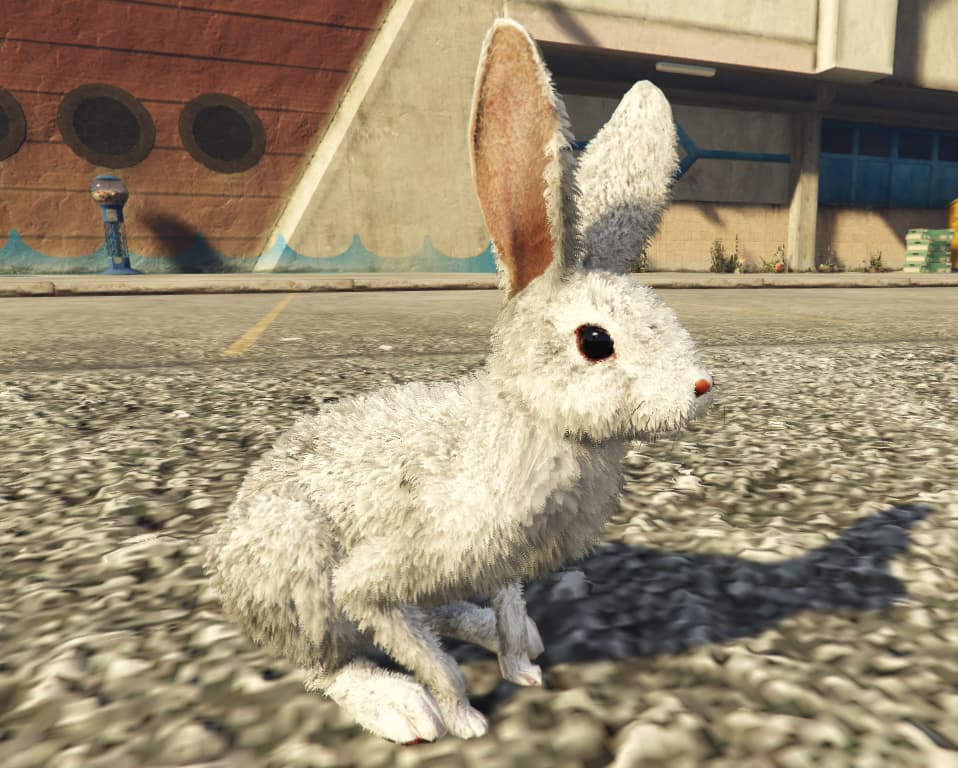
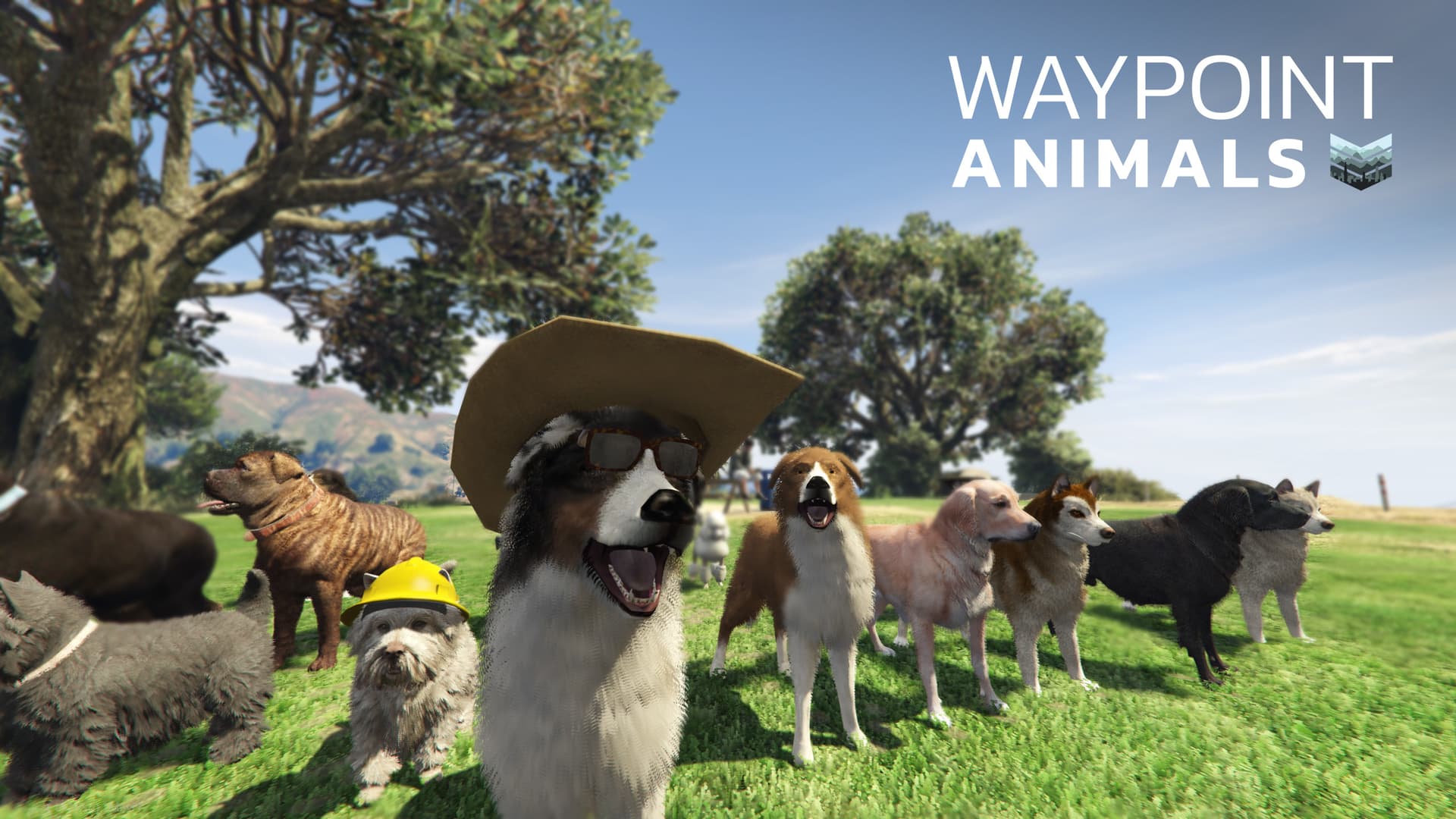
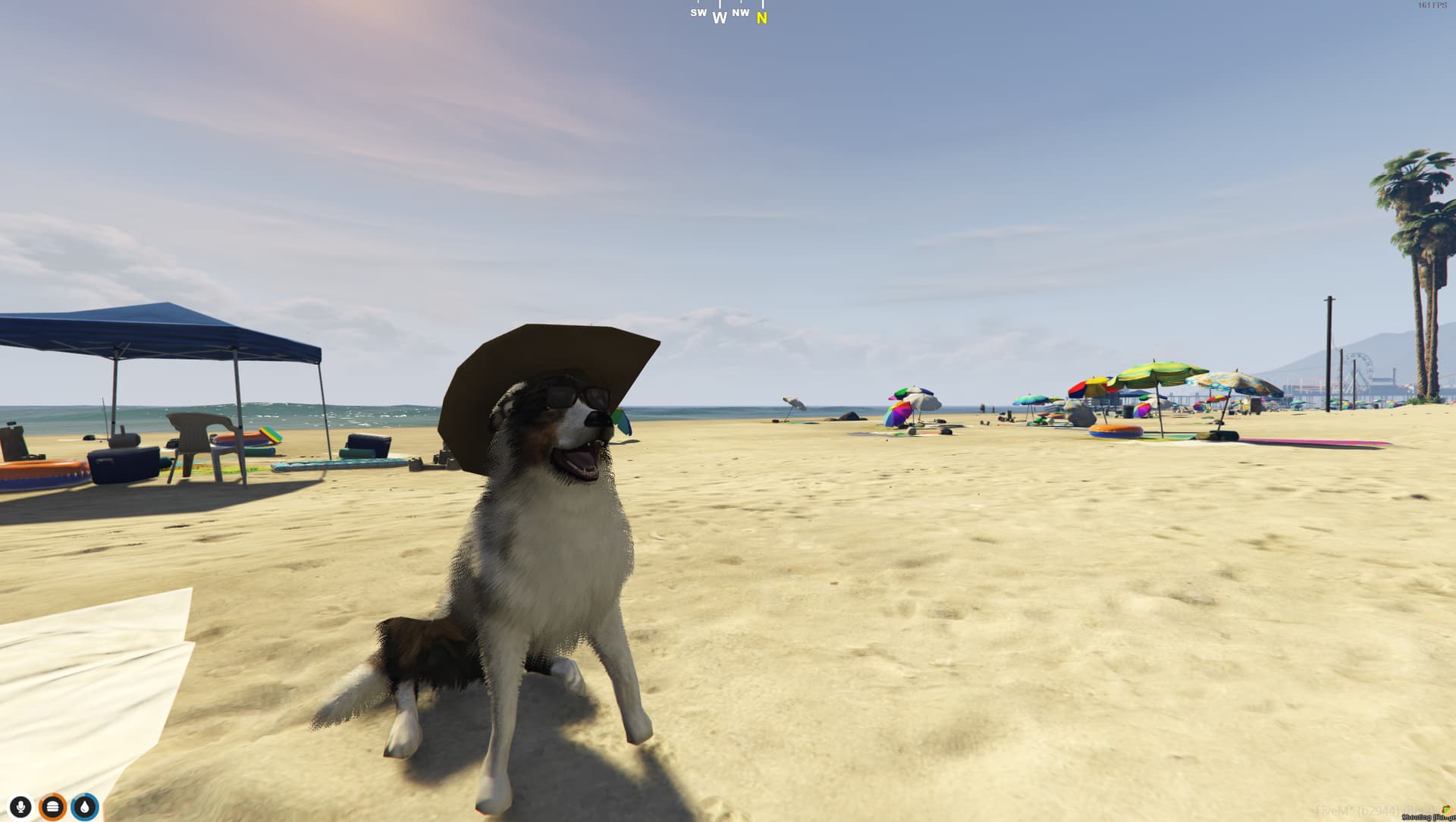
Waypoint Animals is a script that lets players bring their animal/pet companions into the world and expand their creative opportunities. Players can interact with their animals in a variety of ways, such as petting, holding them, playing fetch, playing animations, having them follow you around on foot or in a vehicle. Animals can be fully customized, choosing from the color of their fur/skin, collars, and accessorizing with a variety of props that can be placed however the user likes.
Preview Video
Purchase on Tebex
Features
-
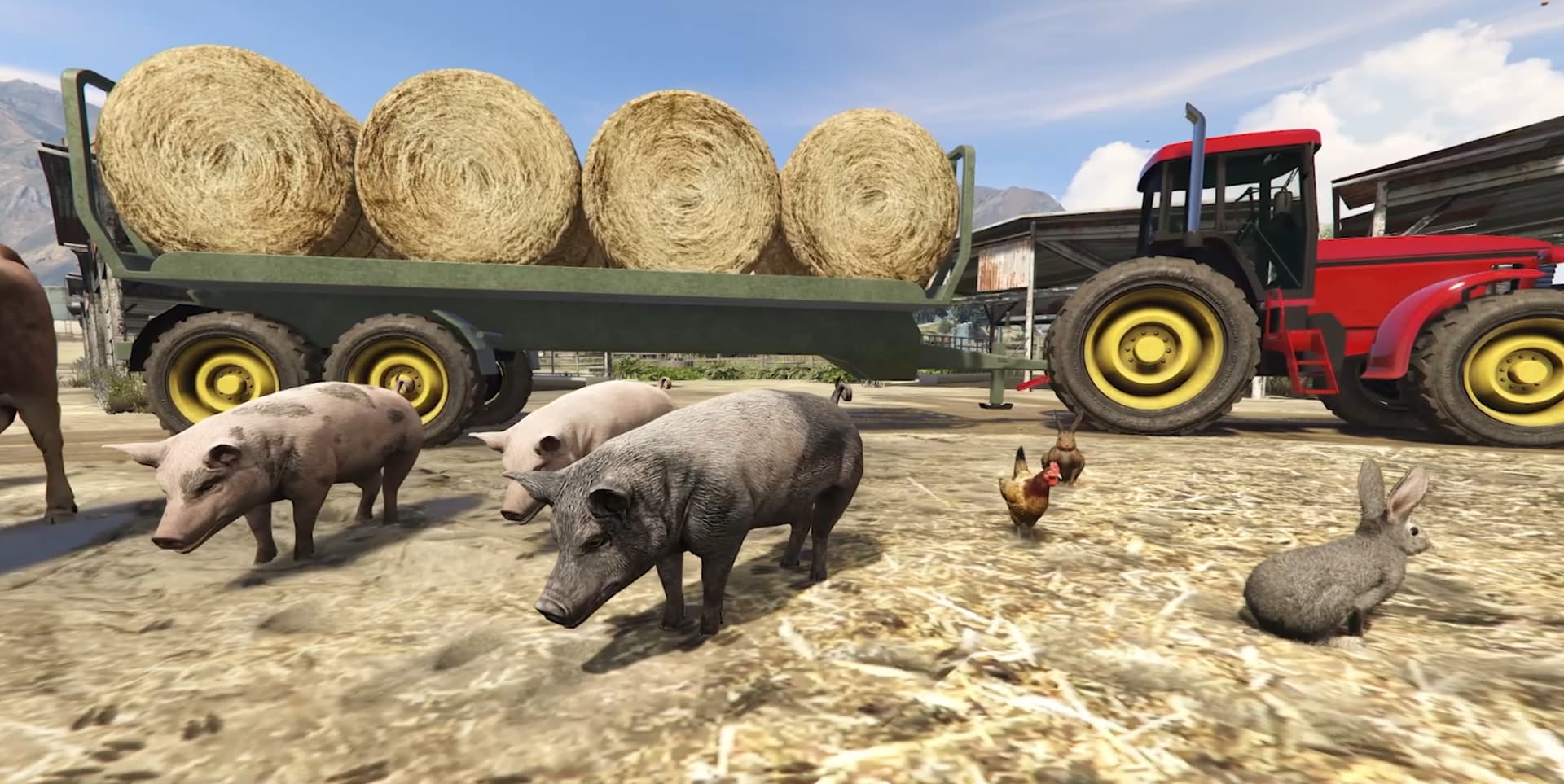
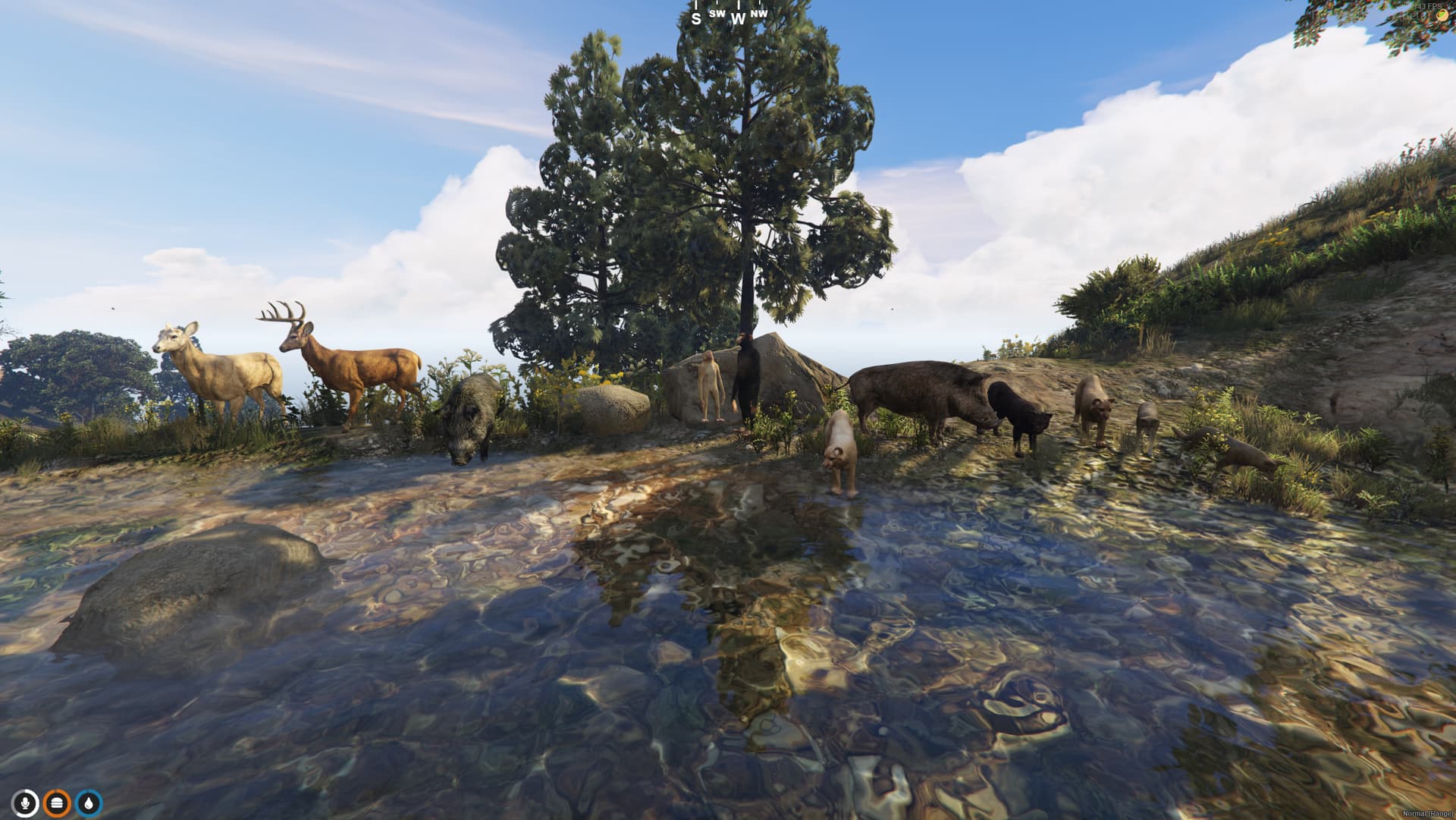
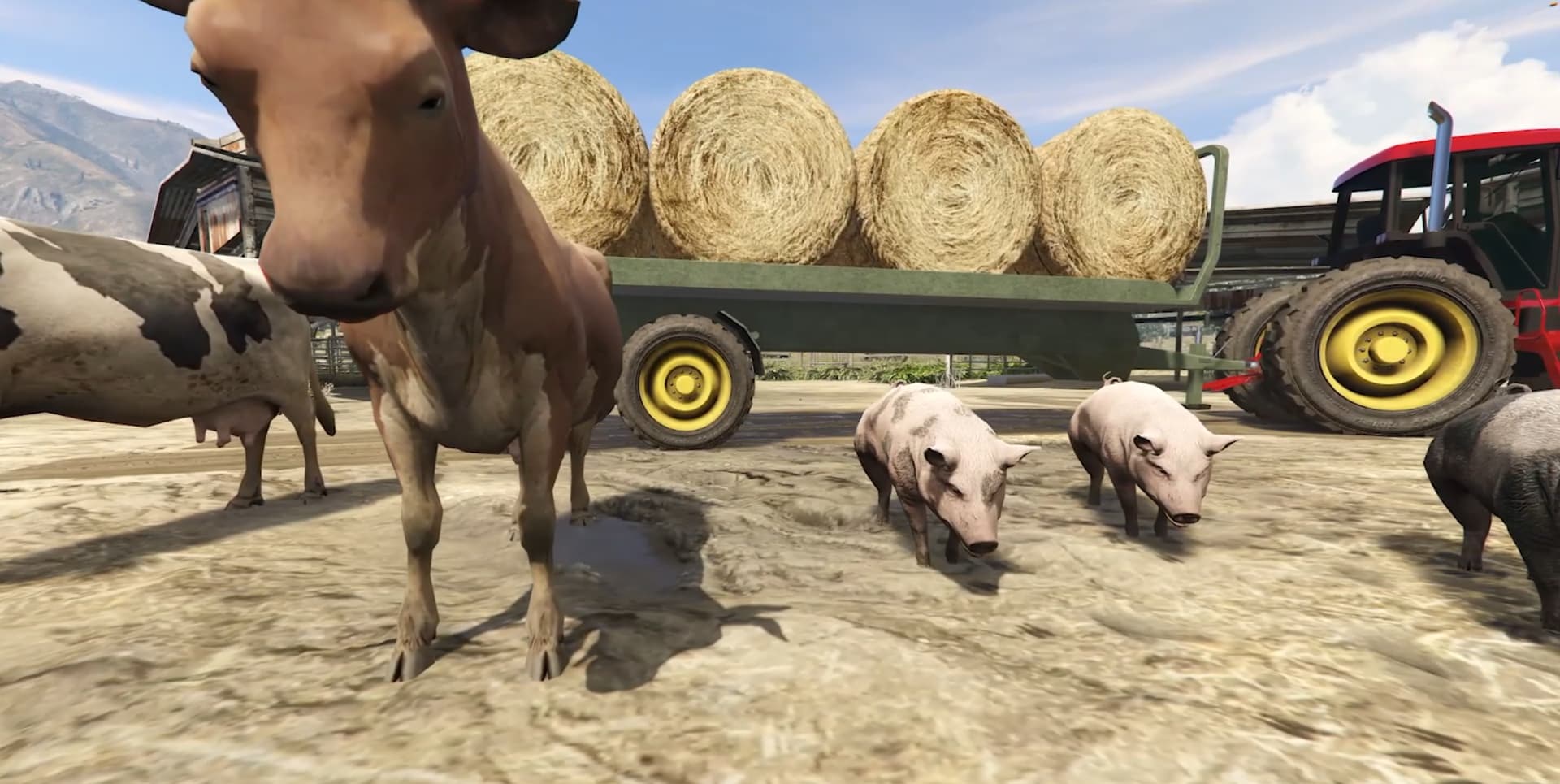
Comes with 20 animals to choose from by default. Can easily be expanded by adding your own custom animal models.
-
No limit to the number of animals that can be controlled at the same time
-
Full customization of your pets (fur/skin color, collars, accessorize with prop customization)
-
Interact with animals in a variety of ways (petting, holding, playing fetch, playing animations, having them follow you around on foot or in a vehicle)
-
Control animals with the following actions: follow, stay, go to point, get in/out vehicle, wander in the area, attack (configurable via a config flag)
-
A simple store UI is provided to purchase animals from and retrieve lost animals from “the pound”
-
Animals can be placed and picked up by anyone.
-
Animals are stored as items in your inventory, simply use the item to place it into the world.
-
Interact with animals through the target system as well as through the /animals menu.
-
Synchronized across all clients
The attack action is behind a feature flag to enable. I recommend implementing server rules to guide players on its usage, as it can be easily exploited in ways that might adversely affect roleplay (RP)
Customize Animals
When purchasing an animal you can choose the name, color, collar (if applicable).
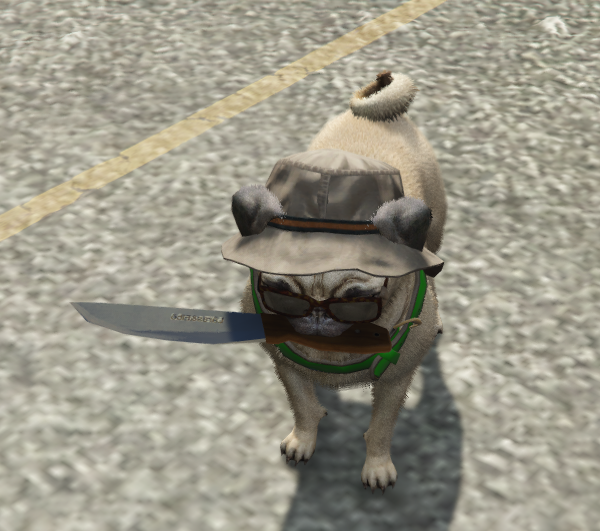
After purchasing you can customize the collar color through the menu. There is a full prop placement system that allows you to accessorize the animals with props. The animals can currently be customized with 5 different prop slots. Props can quickly and easily be adjusted / changed through the menu at any time.
Add additional props (including custom props) to the Config.PropOptions table.
Performance
-
Idle / Following / Actions / Fetch: 0.00ms
-
Store UI / Hold / : 0.01ms
-
Raycast Actions (Go to point, get in vehicle, etc): 0.03ms - 0.07ms
-
Prop Customization: 0.01ms - 0.10ms (only while quickly cycling through and moving props)
Dependencies
-
Framework : QBCore, QBox, ESX
-
Notify : QB, ESX, OX, or similar
-
Target : QB, OX, or similar
-
Progressbar : QB, OX, or similar
-
Inventory : QB, OX, or similar (must have support for item metadata)
-
Zone: PolyZone or OX (used just for detecting when you are in the store) Or you can use target instead, in which case zone is not necessary.
-
SQL database
-
menuV
- We use
menuv for the menu system for controlling, customizing and animating the animals.
All framework / external script dependencies are configurable within the framework.lua file and can be easily changed to fit your server’s needs. Additionally all files for the store (web and client) and menu code are open source.
Documentation and Setup Instructions provided here
|
|
| Code is accessible |
Config, Framework, Store (ui and lua), Menu |
| Subscription-based |
No |
| Lines (approximately) |
~2000 |
| Requirements |
qbcore, qbox, esx, target, inventory, menuV, zone (optional): PolyZone or ox |
| Support |
Yes |
Gallery
Credit
Checkout my scripts
4 Likes
W developer always does great work and very optimized as well.
I don’t understand why people will use PolyZone over ox_lib. Please at least detect if ox_lib is started and use their Polyzone system rather than having an additional resource
Is the target system mandatory?
PolyZone is only used in one place for entering the store.
This file (store.lua) is left open source, so anyone is free to swap it out with their preference and/or completely remove it if they so choose.
Yes, by default a target system is a required dependency to be able to pet, hold, view info, and pick up animals once placed.
Tho, if you really didnt want to use a target system you could go without it and still control the animals with the menu, you just wouldn’t be able to pick your pets up via targetting.
You could in theory also add an option in the menu to pick the pets back up. The menu code (menu.lua) is also open source so you can add/modify the actions from here.
 Waypoint Animals - v1.0.3
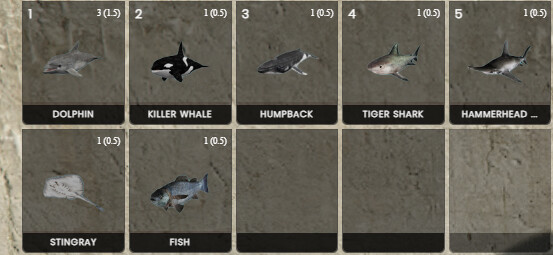
- Added water animals to the store (dolphin,  killer whale, humpback whale, tiger shark, hammerhead shark, stingray, fish)
   - ⚠️Warning: If you spawn a water based animal outside of the water it will die.
   - If you do not want to use the water based animals, you can simply comment them out / remove them from the config.
Waypoint Animals v1.0.5
- Added 9 new color variations for poodles: grey, black, brown, red, green, yellow, pink, blue, purple
- Added new white color variation for rabbits
Waypoint Animals v1.0.6
- Add exposed functions (`PetAnimalCustomActions_Server`, `PetAnimalCustomActions_Client`) that provide the capability to define custom actions when a player pets an animal (ex: reduce player stress)
- Provided an example function to reduce player stress for QBCore
Waypoint Animals v1.0.7
- Added a new config option (`Config.AllowPetByAllPlayers`) to control whether other players can pet your animals
- Set the flag to `true` so anyone can pet, or `false` so only the owner/player who placed the animal can pet the animal
Hi, we are looking for to have ocean animals on our server, do you have active support in case we need it?
Yes, water animals were added in v1.0.3
Waypoint Animals v1.0.8
- Added `boneId` to the `Config.HoldAnimations` so that the attachment bone can be configured per animation
Waypoint Animals v1.1.0
# General Improvemetns
- Updated comments with annotated types to clearly indicate variable types and supported values.
- Improved file formatting for better readability.
- Updated gitbook setup instructions

# Added Support For
- Framework: `qbox`

# Framework File Improvements
- Added default support for `qbox`
- Added warning messages for missing implementations.

# Fixes
- Fixed a UI bug that would cause scrollbar to briefly appear when purchasing an item from the store
- Added a success notification when you save the prop customizations + locale key `saved_customizations`
Waypoint Animals v1.1.1
- Added support of ox zones.
- Added new config variables `Config.Zone`. Supported values: PolyZone, ox
- Added `CreateBoxZone()` to the framework file to support this change.
- Fixed a small bug that would sometimes cause the store UI to get stuck open when you are standing on the edge of the zone.
Waypoint Animals v1.1.2
- Implemented a check on resource start to verify if any of the config script options are set to "ox". If so, it ensures that @ox_lib/init.lua is not commented out in the shared_script section of the fxmanifest.
- If it is commented out, a critical error is displayed.
- Added a new `ValidateOxLibUsage()` function in `shared/framework.lua` to run this check.
- This change aims to reduce the number of support tickets created for this recurring issue, despite it being clearly mentioned in the setup instructions and the config file in multiple places.
Waypoint Animals v1.1.3
- Introduced support for using target as an alternative to polyzone for accessing the animal store.
- A new configuration parameter has been added to let you select your preferred method `Config.StoreAccessMethod`
   - If you opt for target, you can safely remove polyzone—it was only used to access the store.
- Implemented a limit on the number of animals a player can spawn in the world simultaneously.
- This can be set via Config.MaxAnimalsOut. Use -1 to allow unlimited spawns.





 I recommend implementing server rules to guide players on its usage, as it can be easily exploited in ways that might adversely affect roleplay (RP)