[OPEN-SOURCE] [STANDALONE]
Introducing the mdm_notebook script - a unique addition to your FiveM server experience! This script provides a functional notepad feature where players can write down notes. What sets it apart is that all entries are stored in metadata, so even after a server reset, your valuable data will remain intact in the notebook.
But that’s not all - the mdm_notebook script also allows you to tear pages from the notebook. When torn, the notebook’s page count decreases and the torn page appears in your inventory. Each torn page can be opened, revealing the content written when it was torn from the notebook. However, this is a one-time activity as writing is disabled for torn pages.
The script is written as a standalone, however, it requires an inventory script to work. It is written for ox_inventory, but there is nothing stopping you from modifying it for your own use, as it is open source
Adds an animation to the opened notebook, which is configurable in the config
Fixes an HTML error whereby, after tearing a sheet of paper from the notebook, all pages showed the same thing as what was written on the torn sheet of paper until the script was restarted
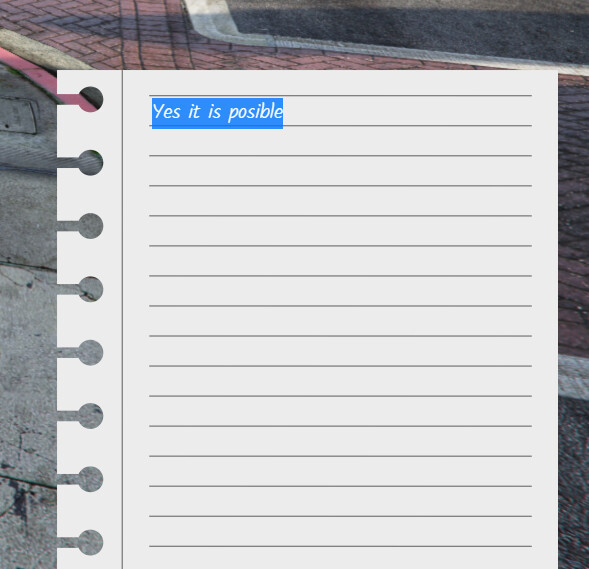
Yes, it is possible. All you have to do is select the text you are interested in and press CTRL + C and then in the place where you want to paste this text press CTRL + V
Sorry, but I can’t answer this question specifically because I don’t know what qs inventory looks like, however, if it has the option of assigning metadata to an item, it will be very easy to edit the notebook script under this inventory.
Thank you for sending the documentation, inventory, from what I see, allows you to assign metadata to items, and therefore, after replacing a few functions in the script, everything should work without any problems.
Thank you, it’s nice to hear that. Everything should work without problems, the only thing you need to do is replace a few functions that are based on ox_inventory with those from qs_inventory, the only function for which I did not find a replacement is exports.ox_inventory:displayMetadata(metadata, value) which was used to display the number of remaining pages, although if you use this inventory, maybe you will be able to find something like this because I couldn’t and I didn’t look at the documentation in detail
Ya I am not sure how to go about that either because majority of the inventory is encrypted so I am limited to only so much I can adjust unfortunately.