A few people have requested a video version of the instructions on this thread so I created one on my channel:
Special thanks to Slinky, Sidr_a, Akkariin, and CTNZ for the info I needed to make this
A few people have requested a video version of the instructions on this thread so I created one on my channel:
Special thanks to Slinky, Sidr_a, Akkariin, and CTNZ for the info I needed to make this
crashes if you set the output file inside the fivem app, otherwise new one works perfectly if i put it in something like documents or videos
Which mods do you use to make your game look like this? O:
And what are your EVE settings that you use? :3
For the mods it’s either QuantV or NVE (or even both). Don’t know about the blur.
Is anyone else experimenting with presets? I’ve been using ProRes on the SP version because it’s smooth to edit and provides good quality. However, I seem to be having trouble exporting ProRes as the exported video turns out to be completely black.
I’ve set the render scale resolution to default and have the native resolution in the game.
The only preset that seems to work for me is H264.
Edit: Somehow it works by changing the color format to YUV instead of YUVA
Hello
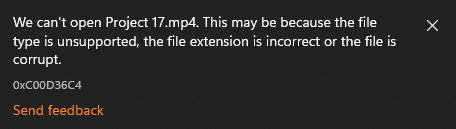
Been trying to work the files from every single spot i could but was either getting third party errors or the mp4 files would be corrupted (as shown in the screenshots)
I had been looking for any key fixes but has turned into a pain while trying to run and I can’t actually find a fix if it already exists.
thanks and I hope i can fix my issue
NOTE: I followed all steps from all instructions provided from the start of thread all the way to elliot’s video
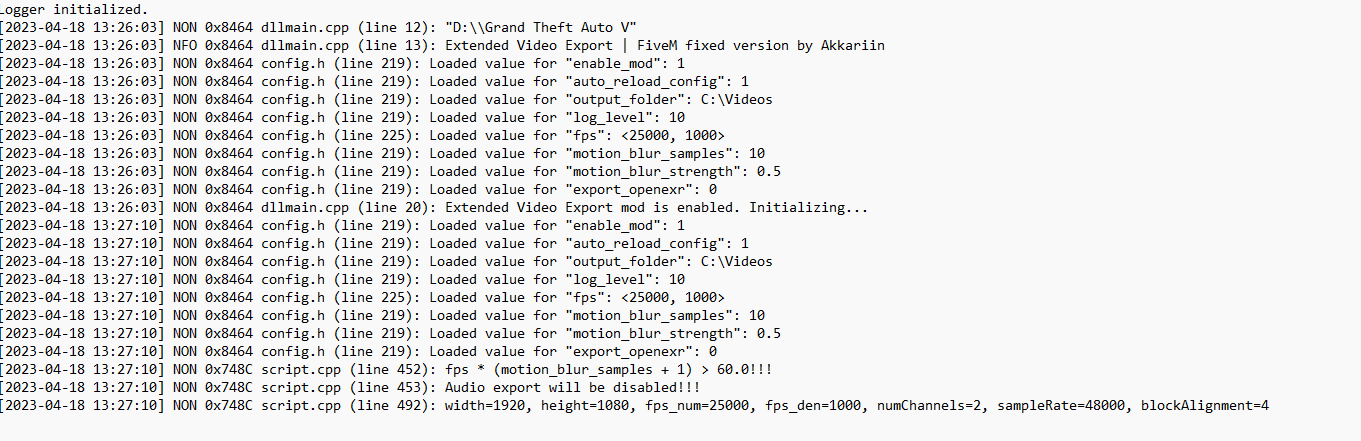
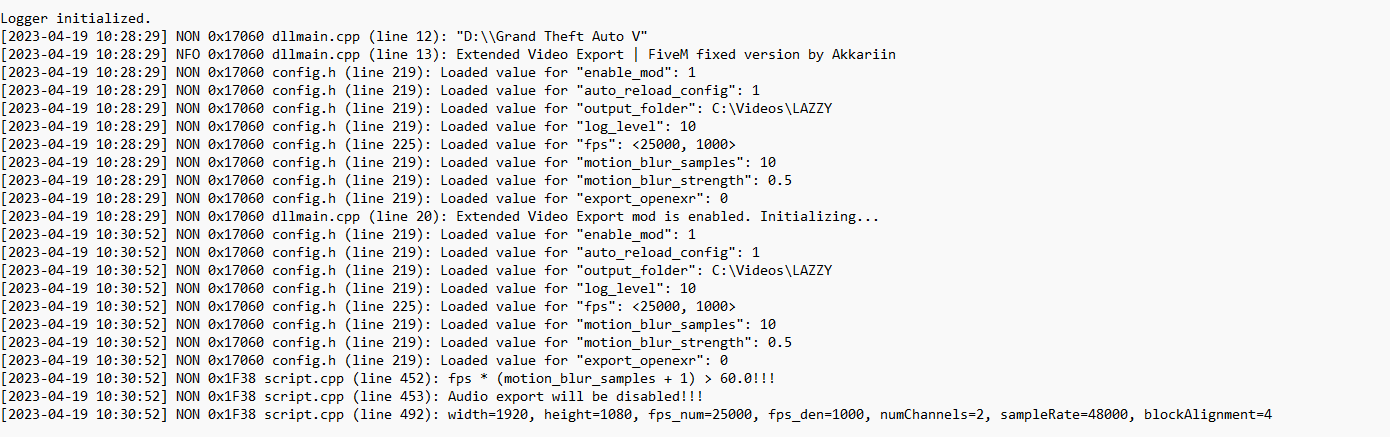
Could you send a screenshot of the .log file? And have you tried a different video player? Maybe the default one doesn’t support whatever codec you’re using.
What specific video player would work for this in windows 11?
would there even be a specific codec or any specific details for build 2372?
Yes, that’s it. There’s nothing out of the ordinary in the log. So that means the mod itself is working properly.
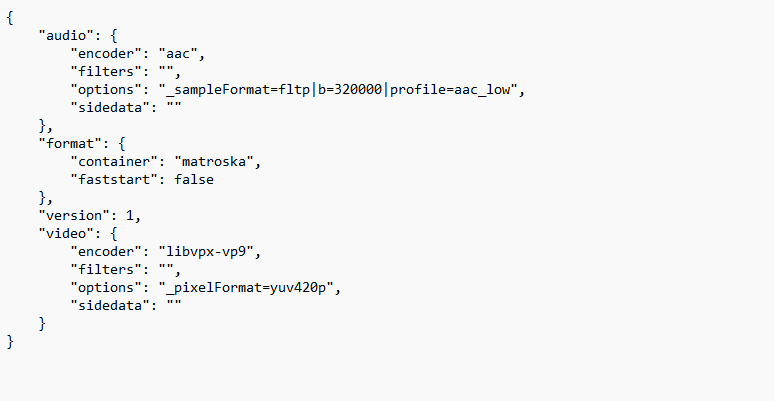
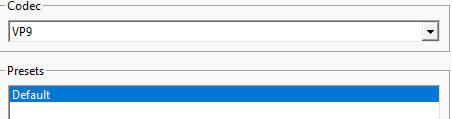
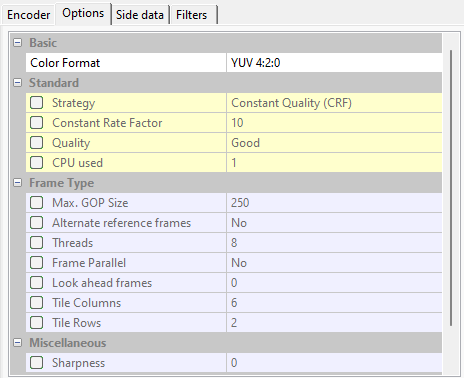
Try enabling the old Windows Media Player (not sure if it Windows 11 has it) or install another player such as KMPlayer, VLC, etc. You could also try exporting a test clip with different codecs and see if it does the same thing. Could you send a screenshot of your preset? Take one for the Encoder and another one for the Options tab in the config.exe file*.
Nope. The build doesn’t really matter. Most settings should work either way.
Was previously running on a codec of vp9 while going through a few, they all seem to load the same but have a corrupted mp4
Would I have to run a new clip each time the codec is changed or does it only configure with the pre-existing clip fine?
That seems to explain why you can’t play the exported video. Windows player might not have support for VP9*. If you’re not able to play it with any other video players*, then change set the encoder to either X264 or H264.
IMO VP9 codec isn’t really good anyways. I’ve tried it a while ago and the results were poor.

H264 still comes up as corrupted and X264 doesn’t show up as a available codec.
What was the issue earlier with the Render resolution screen matching the native res?
It could be that but how would i fix the render res setting to match it?
Render resolution only causes the videos to show a black screen afaik. And that issue was already solved in the posts above.
By the way, have you tried a different video player? And what are the sizes of those files? Just wanna make sure. They’re mostly only a couple bytes/kilobytes if they’re corrupted.
*You could try uploading some of those clips and then send them here for us to download. I’d like to take a quick look at them.
they are all 0 bytes so they can’t be uploaded.
*I tried Kmplayer and that didn’t work