[FREE] Tow Rope Script

gs_towrope_gif

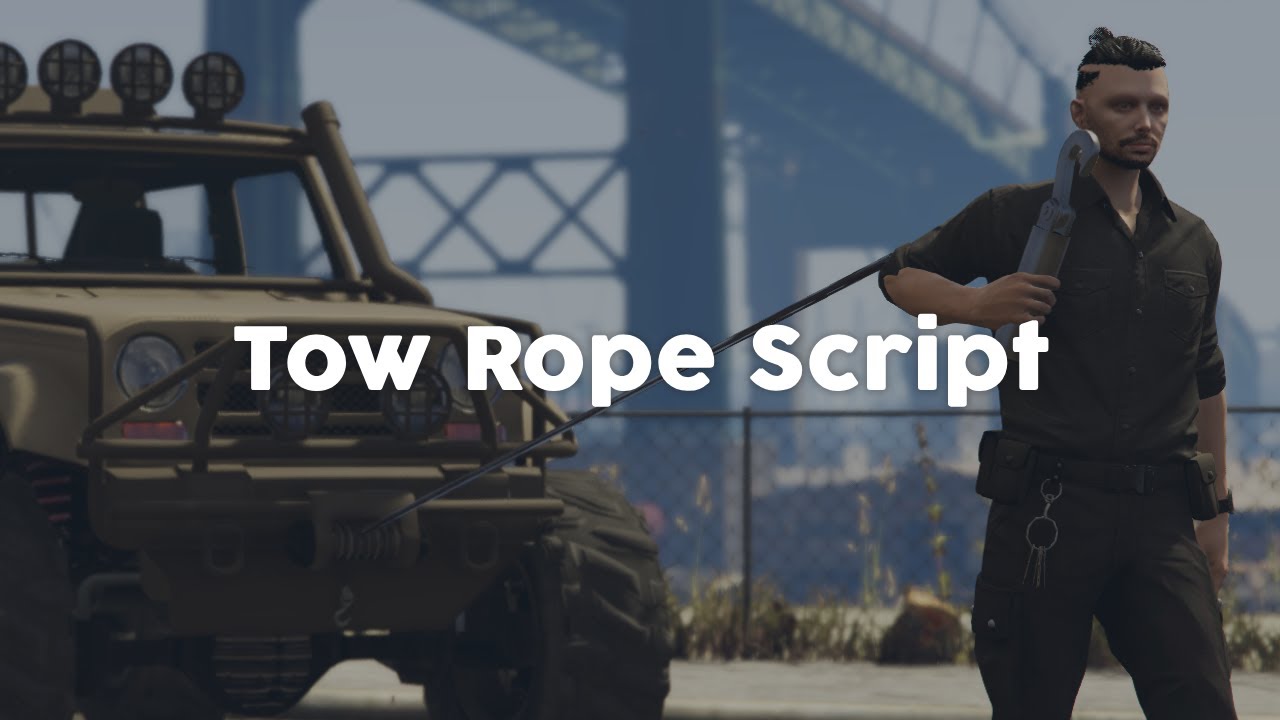
Tow Rope Script

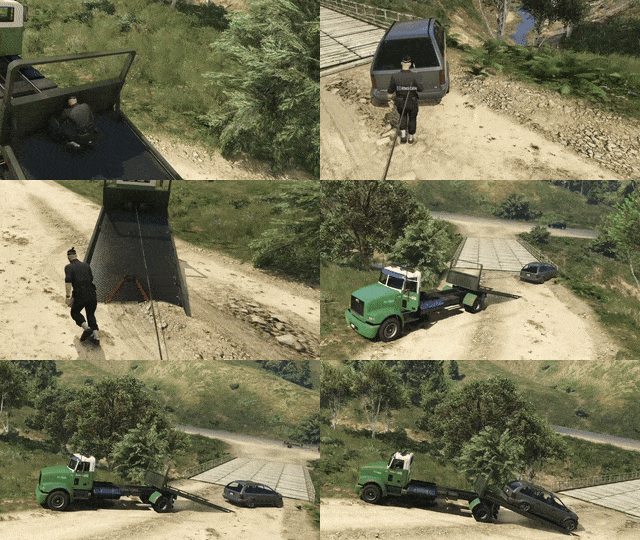
After my recent flatbed script post I received quite a lot of requests to make a towing script as well, which could be used together. Well, here it is! There is a big focus is synchronization, since this is a common issue for scripts using ropes. Winch functionality is also included and synchronized.

:free: Free download here

:question: Support: Discord

:money_with_wings: Check out our Black Friday sale

:movie_camera: Detailed preview: Youtube

Features

  • Actions are fully synchronized between players and optimized for performance. You can use the same ropes and vehicles with multiple people.
  • Includes winch functionality, press the arrow-up key to toggle this feature when driving a vehicle with a rope attached.
  • The script is standalone and has no dependencies, optional job requirements are implemented for esx and qbcore.
  • You can add a rope/winch to any vehicle by adding it to the configuration.
  • Many other configurable options, like key bindings, labels, notifications and more.
  • Usage of animations and props to enhance immersion.
  • Works together with our free flatbed script, which can be found on our website as well.
21 Likes

this is a cool free release thank you

2 Likes

This is an impressive release for free man, thank you for your hard work :raised_hands:

1 Like

Thanks guys!

looks great ill def check this out

1 Like

Does this also work with car trailers if they have a winch attach on the bed?

Hi @PulseCity,

You can add the rope/winch to any drivable vehicle, as long as you add the vehicle to the configuration.

If the trailer itself is not drivable, then it cannot be used.

yeah it was drivable or i can just use the slamtruck.

If it is drivable simply add the vehicle to the configuration, I already preconfigured three vehicles:

// All vehicles below have a tow rope that can be used. The x-y-z coordinates are the location with respect to the center of the vehicle, where to rope can be picked up.
Config.TowVehicles = {
	[GetHashKey('flatbed')]: [0.0, 0.9, 0.6],
	[GetHashKey('kamacho')]: [0.0, 2.6, 0.3],
	[GetHashKey('mesa3')]: [0.0, 2.2, 0.0],
};

nice definitely gonna grab it and maybe some other scripts.

1 Like

Thanks for another great free release! Definitely going to be using this

I have noticed that if you grab the rope and put it back without hooking a vehicle, the keys are still disabled so you can’t get back in the truck without reloading. Sadly, I didnt realize this until after integrating ox-target(and i probably didnt do it the right way) so the fixes i upload here will only work if you use ox target or disable it in the config.
config.js (2.0 KB)

cl_main.js (26.7 KB)
EDIT: not sure what i did wrong but the old cl_main was only 4KB so my β€˜fixes’ are clearly not as optimized as the originial resource

1 Like

It doseinmt work

Good catch @Sansuish,

There was indeed a bug when returning the rope, I fixed it in the latest release on GitHub.

1 Like

Hi @graysonjhonson87,

You need to be more clear if you wish for help, what is not working according to you?

fire script

1 Like

The command dont work and when i try to start it it crashes the hole server

Not sure what command you are talking about. This script does not make use of any commands.

Like i installed it i didnt config it and im using the excat same car and it dosint work

there is no command in the script does you server crash when you start the script?