With the latest game builds the number of free YMT slots have been drastically reduced. These limits have been discussed here and here and this tool serves as a stop gap for some of these issues. If you have too many add-on clothes for the number of free slots for your gamebuild even after repacking there is nothing that can be done.
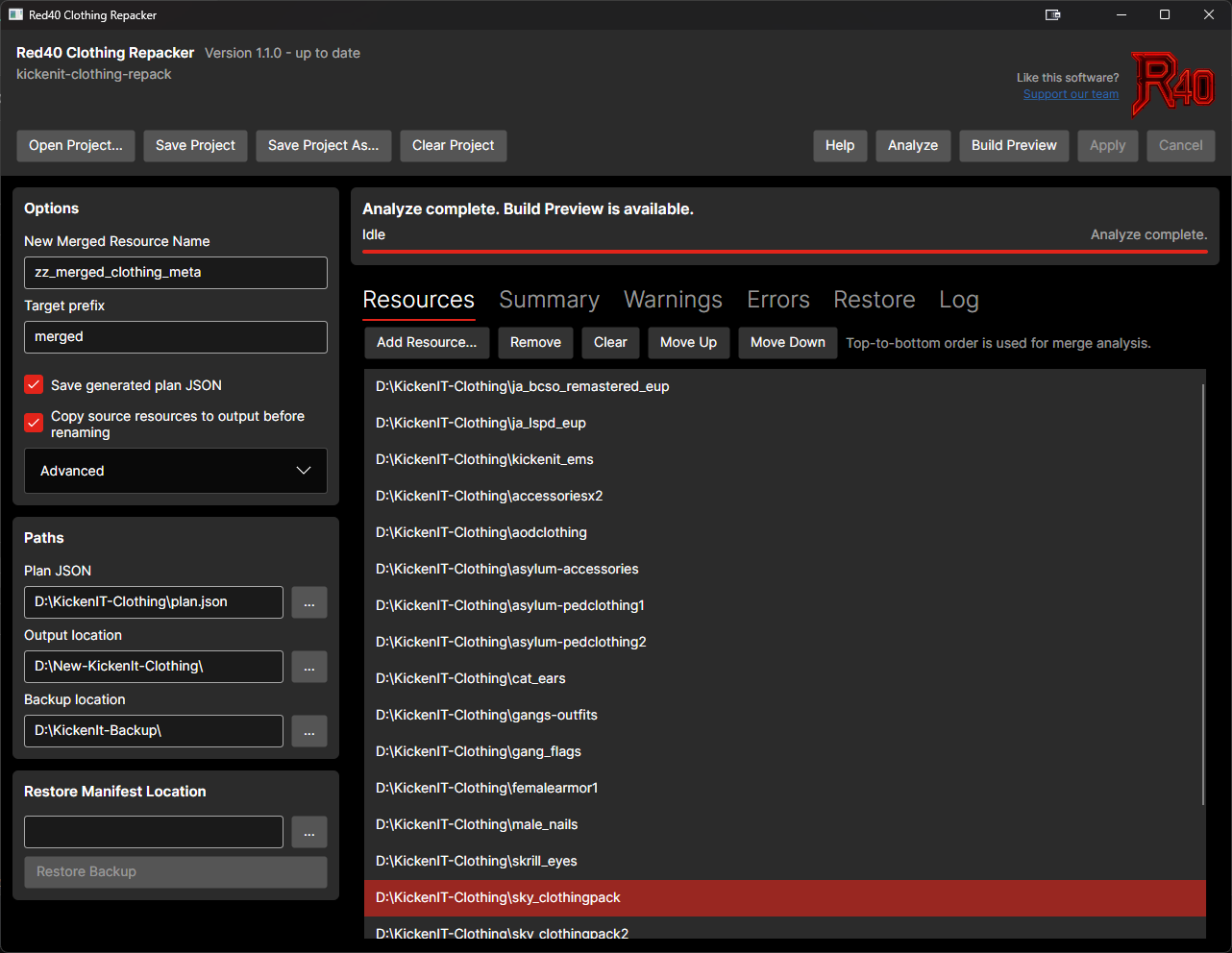
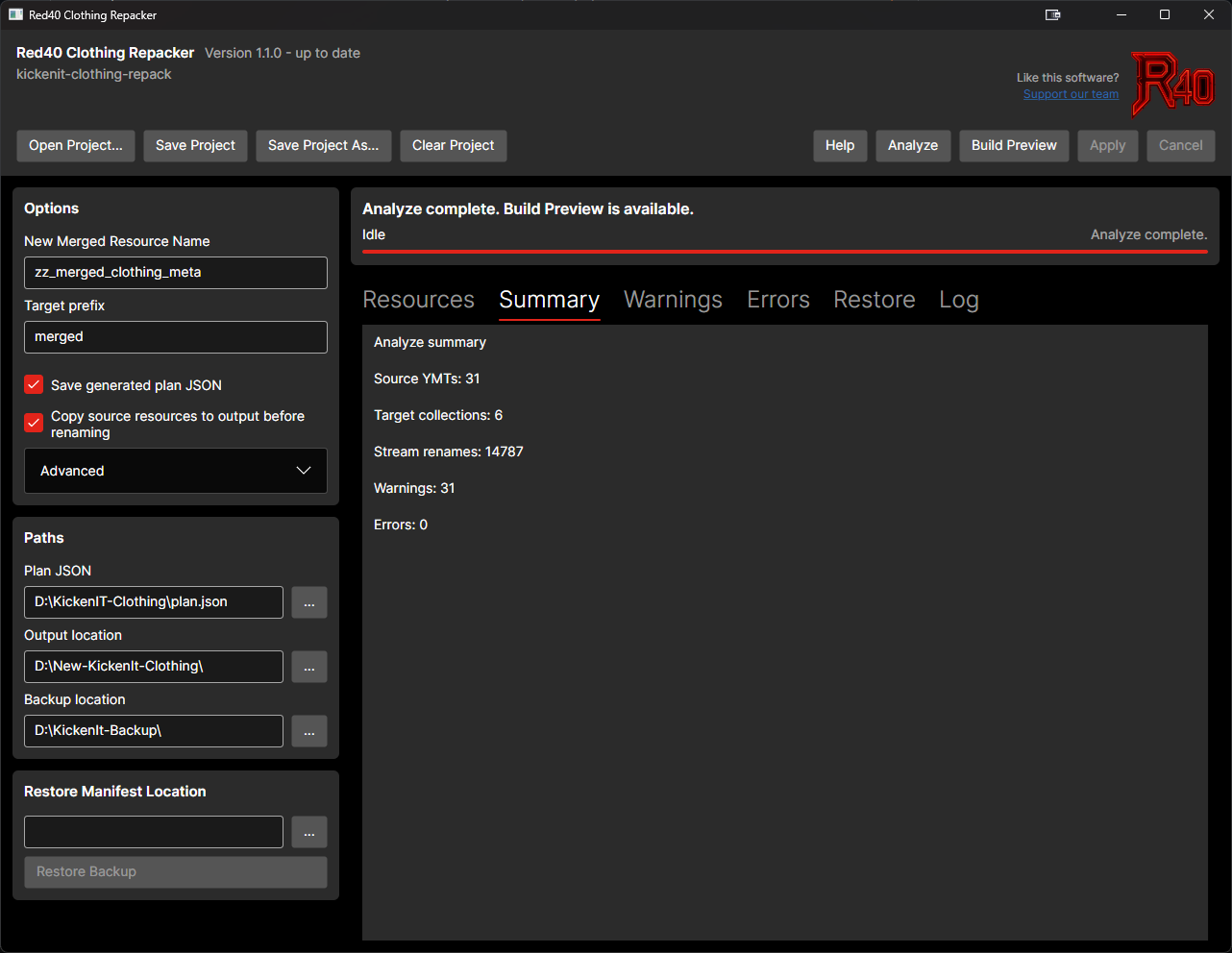
As an effort to provide a stop gap I built a tool to naively repack all the YMTs from a folder into a new merged clothing resource. It leverages the CodeWalker library to perform the conversion to and from XML while including some sanity checks to catch invalid YMTs and other edge cases. Stream files are renamed in place so support for escrowed clothing is included. Backups and rollbacks are included but I highly recommend backing up your clothing assets prior to using the tool.
!! WARNING !!
Running this tool on an existing server will 100% move all of your outfit codes around even if you are using the new natives. YOU HAVE BEEN WARNED!!!
Included are Linux-x64 and Windows-x64 builds. Refer to the readme in the Github repo for more details on the operation and workflow.
Is there a YMT limit for clothing? Specifically, how many clothing items can you add to a single YMT file, or is it unlimited? Because atm i think that 128 items is the limit.
128 drawables per YMT is the standard limit. The tool supports passing a different amount if you desire or if this limit is removed in the future. This limit is used to plan how the source ymts are merged.
I received a Trojan warning when running the program and ignored it; shortly after, my PC froze completely. I had to restart it, and now it’s running slowly, plus I keep getting Trojan notifications from Windows Defender.
Solareon is legit, they work with a reputable dev (uyuyorum). Anytime you install GTA tools, you are going to see a blanketed alert from defender, especially if you aren’t using defender properly (like you are using it in default and nothing else). Being that this resource uses an .exe for the installer, you are going to see a false positive when defender scans this.
I would suggest looking into a 3rd party malware detection software (there are several good ones out there), and stack it with defender and any other security layers you choose.
But, Ive downloaded this resource and reviewed it and did not find any malicious or nefarious code.
I’m adding virustotal scans to all the releases but the most recent ones (1.2.4/1.2.3) are clean with the exception of 1.2.3 being flagged by 1 av vendor who frequently erroneously flags files. As the other fellow stated the Defender SmartScreen pop up is pretty typical for tools without a code signing certificate which is many thousands of dollars per year.
Not sure what happened to your machine but the release script I use is in the github repo so feel free to examine it as well as the rest of the code.
Edit: Virus total scans added for all releases. Bkav is a known issue for flagging unsigned gui applications and has been notated as such in the release notes