Before you begin, please read the Client FAQ and Common Questions topic. I have
If you did not find a solution, fill out the following template and remove this top text.
**RDR2 version?**Latest
**Up to date?**Yes
**Legit or Pirate copy?**Bought account, technically legit.
Steam/Epic Games/Social Club? EpicGames>Social Club
Windows version? Most recent.
Did you try to delete caches.xml and try again? Yes.
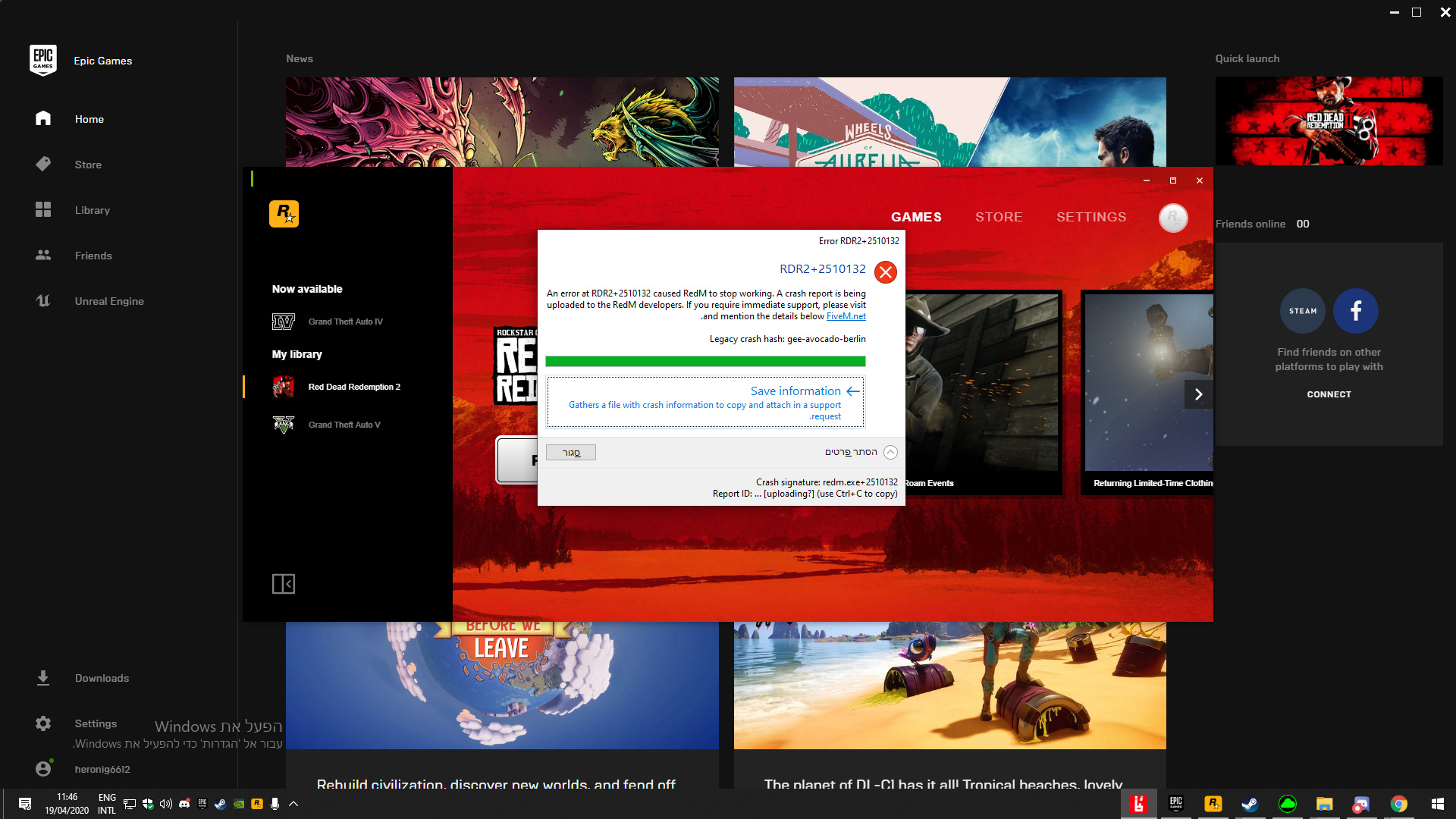
Error screenshot (if any)
System specifications
PSU: Antec 750
MB: MSI GA-H77-D3H
RAM: 1600 DDR3 8x2
CPU: i7 3770
GPU: Windforce 970
CPU Cooling: CoolerMaster V8 Launch Edition
What did you do to get this issue? Downloaded the game, opened it just to make sure compatibility works, went into multiplayer freeroam and ALT F4>Install RedM
**What server did you get this issue on?**Earth 1
Latest CitizenFX_log fileCitizenFX.ini (63 Bytes) This? xd
.dmp files/report IDs23f33c9c-e748-4e46-8e64-67a7af8c1450.dmp (6.1 MB) 46f86236-e1b9-42b2-93b3-59901342bf0d.dmp (6.0 MB) 901e0c39-d44e-415a-a515-938d7397f8c4.dmp (6.2 MB) 5981cb3f-640c-4344-b984-3ea104998429.dmp (6.1 MB) f2678f88-dca7-4387-ace0-177a734d8e93.dmp (1.1 MB) fb932380-0d35-42ef-96ad-6a374609f06c.dmp (1.1 MB) 7ae5997a-2b68-4091-9eec-9aabe4d53bb2.dmp (6.2 MB) aafc414a-2645-45b2-8371-bed0a68e77fd.dmp (663.5 KB) 35ef967c-f7c6-4317-8c37-e282372cfcd0.dmp (6.1 MB) 03a93832-5cac-4c82-ba71-5ae44ba4515b.dmp (6.2 MB)
If an issue with starting:
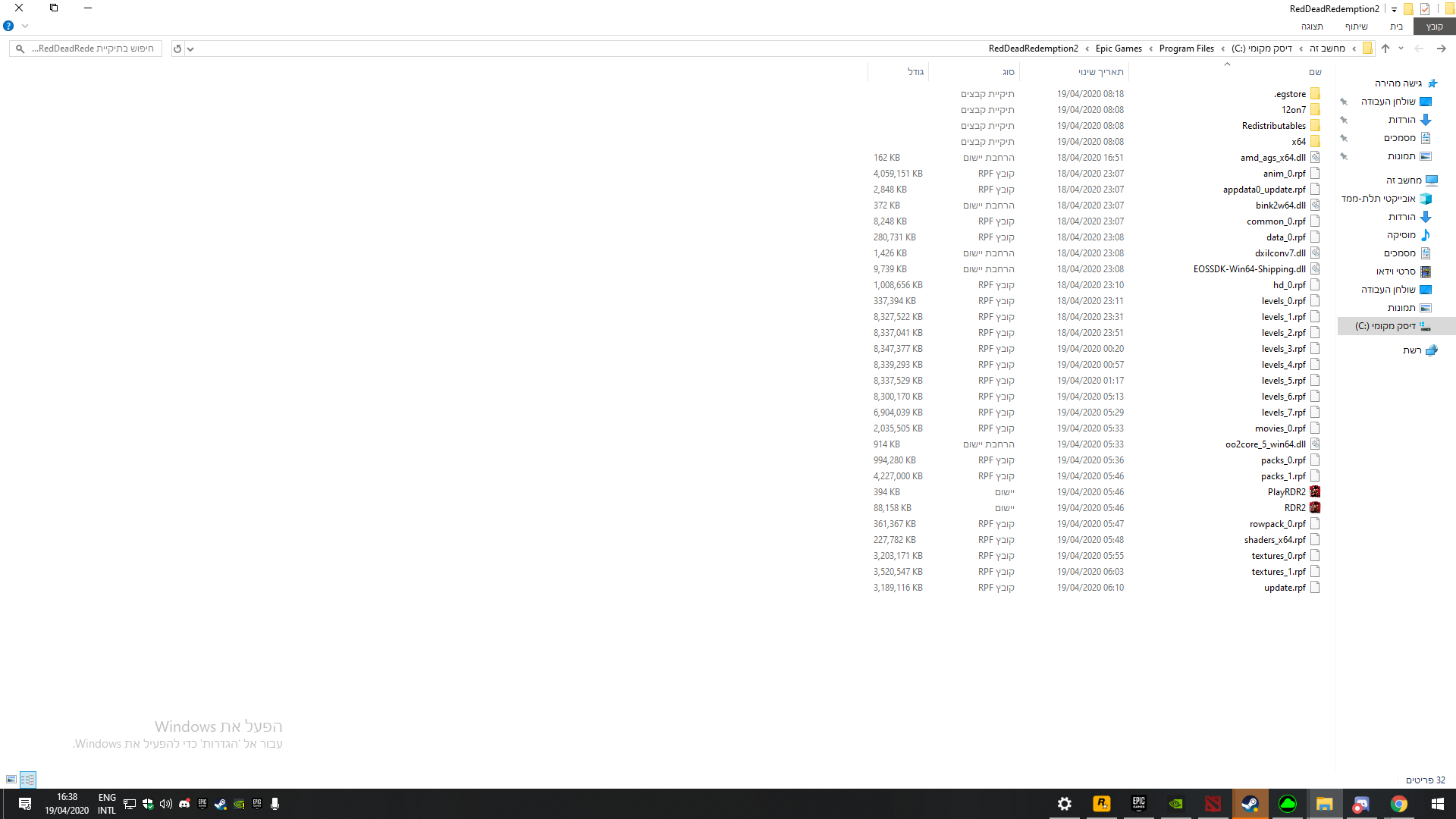
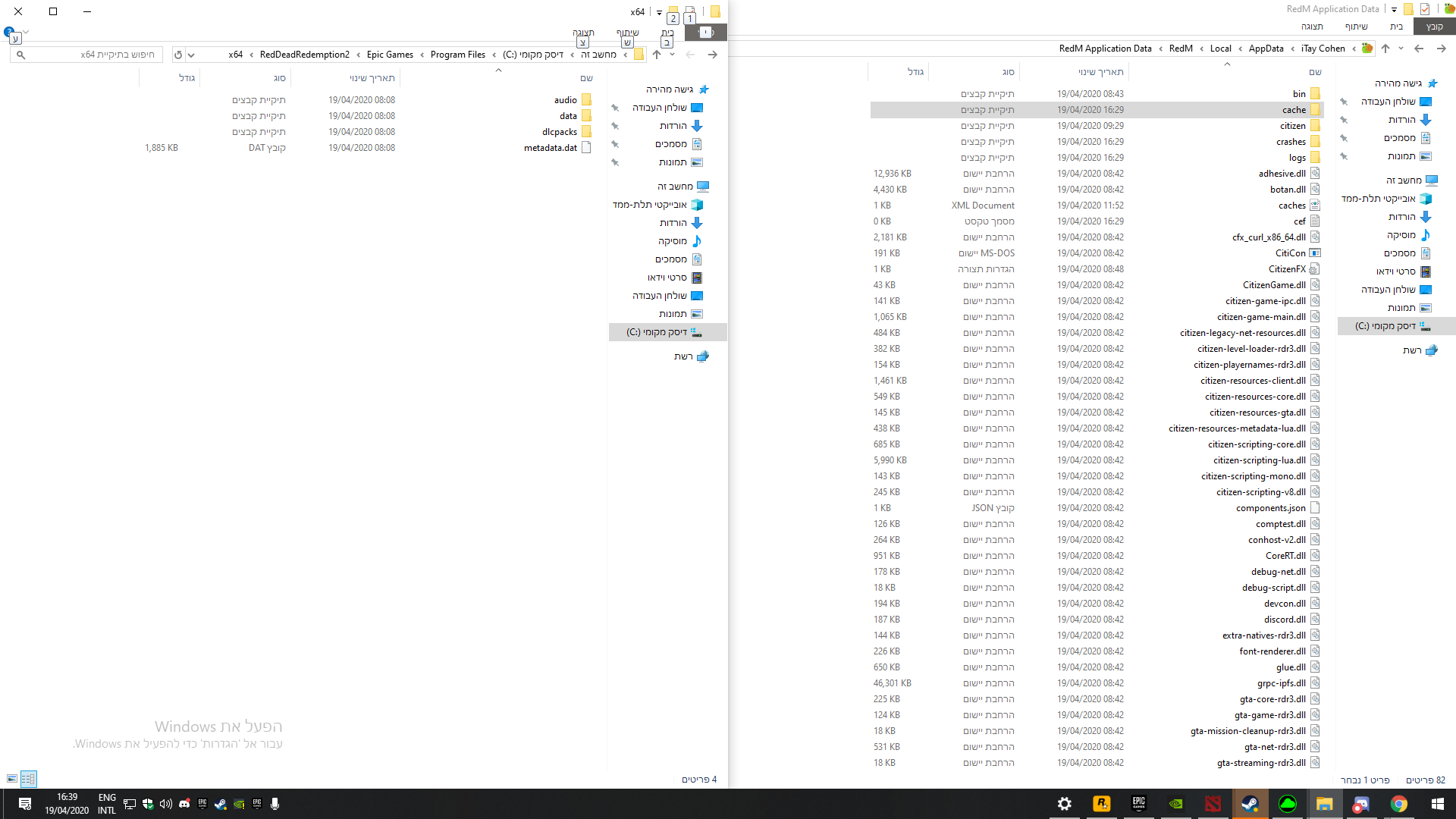
RDR2 folder screenshot
RDR2/x64/dlcpacks screenshot
Filepath to RedM folder C:\Users\iTay\AppData\Local\RedM\RedM.app
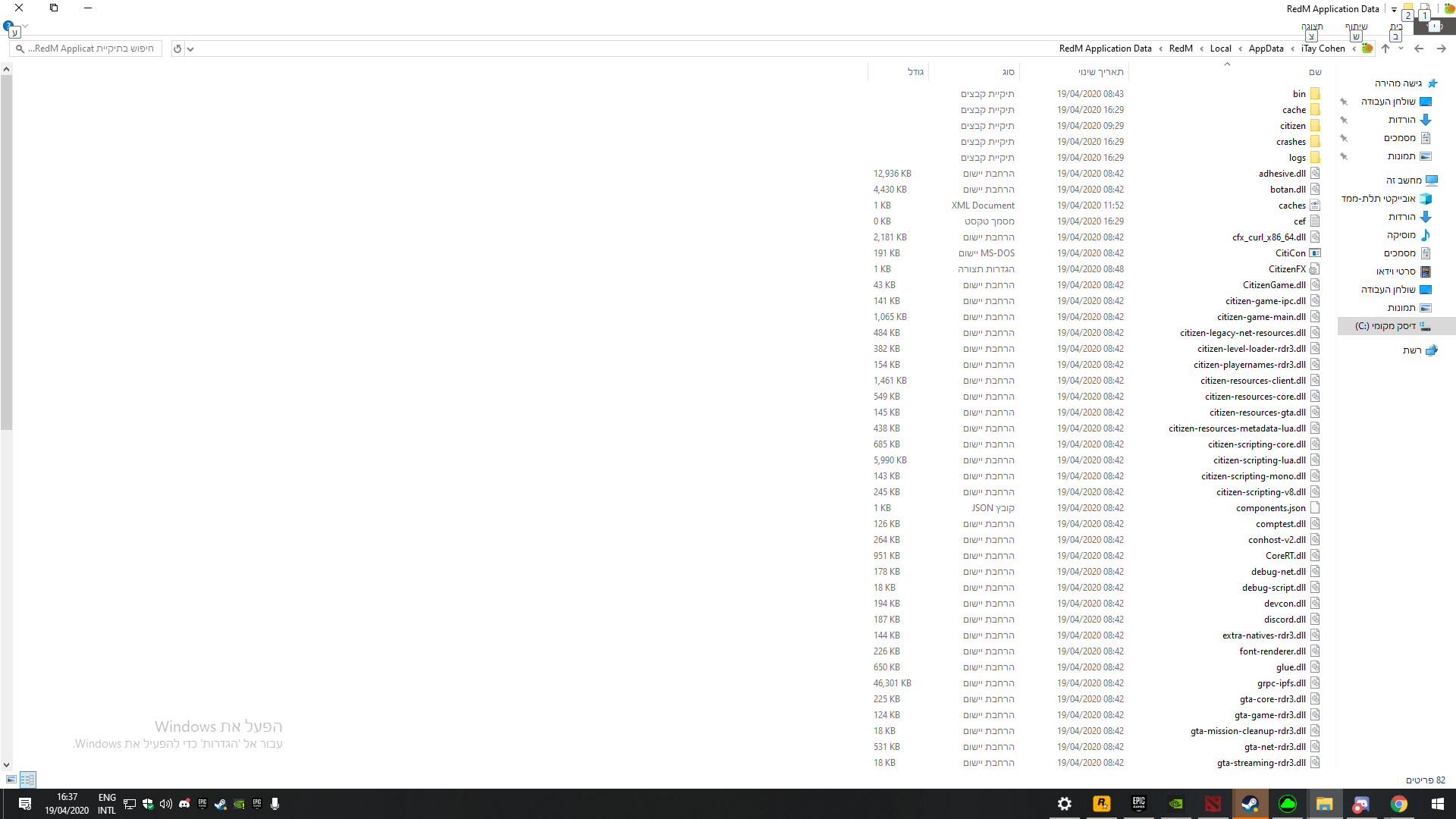
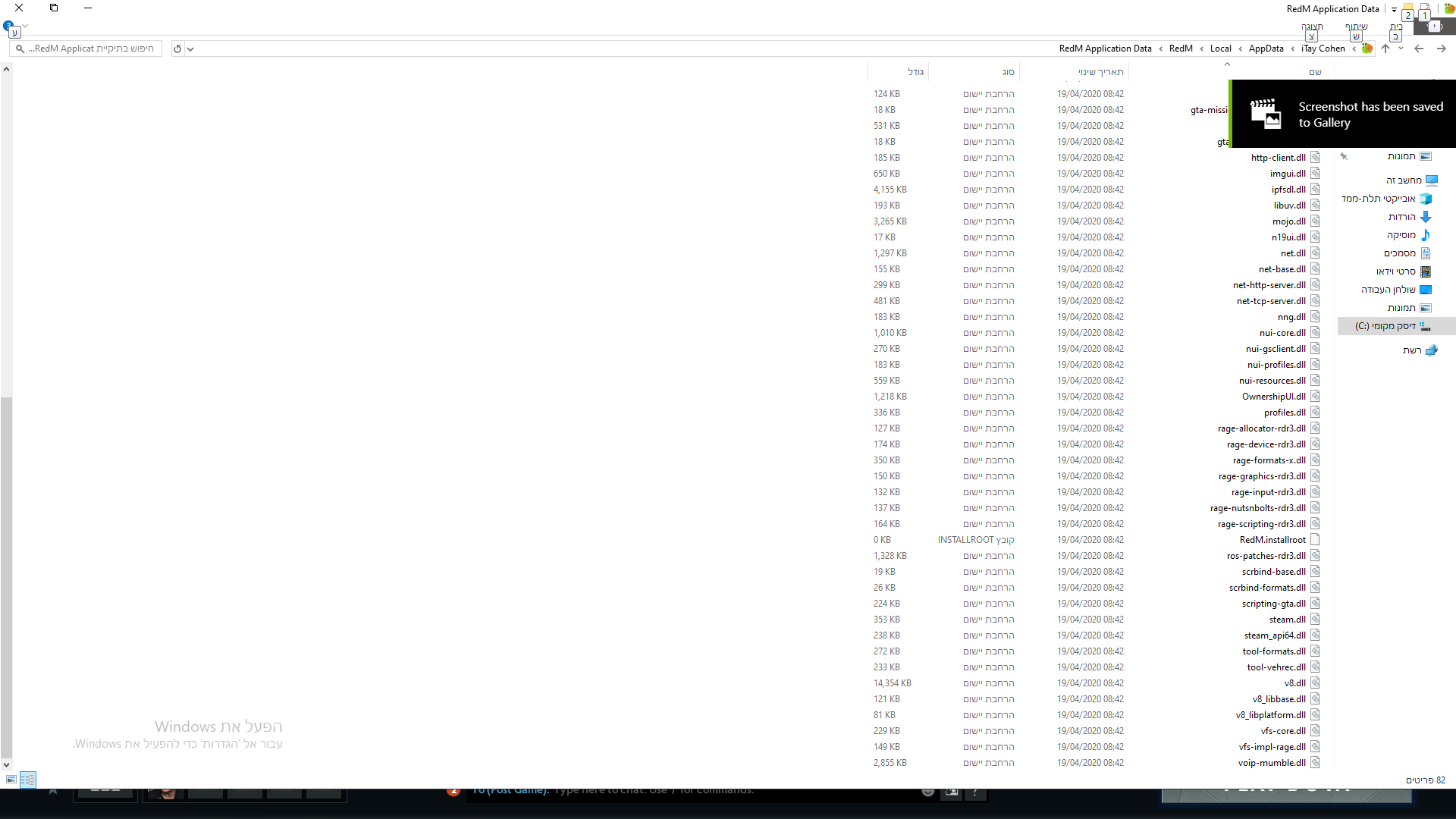
RedM client folder screenshot
**Did you try to disable/uninstall your Anti-virus?**Dont have one
Did you start Rockstar Games Launcher not as admin? Yes
Also add what you already tried so far.