Before you begin, please read the Client FAQ and Common Questions topic.
If you did not find a solution, fill out the following template and remove this top text.
RDR2 version? yes
Up to date? yes
Legit or Pirate copy? legit
Steam/Epic Games/Social Club? steam
Windows version? 10
Did you try to delete caches.xml and try again? yes
Error screenshot (if any)
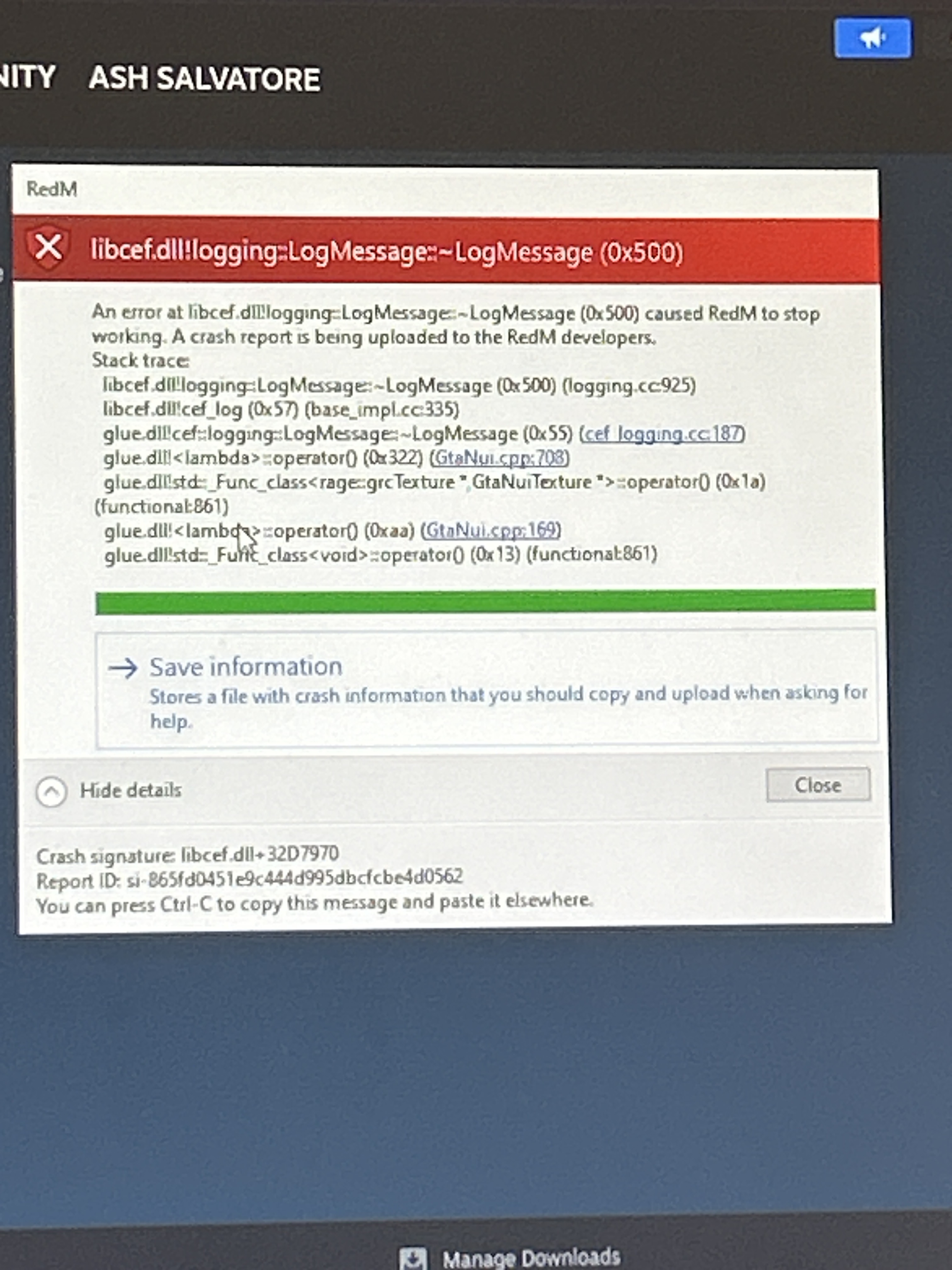
System specifications not sure what this bit means?
What did you do to get this issue? I don’t know, I left it for a few weeks and I tried joining it back and it won’t let me.
What server did you get this issue on? N/A
Latest CitizenFX_log file pictured in the screenshot
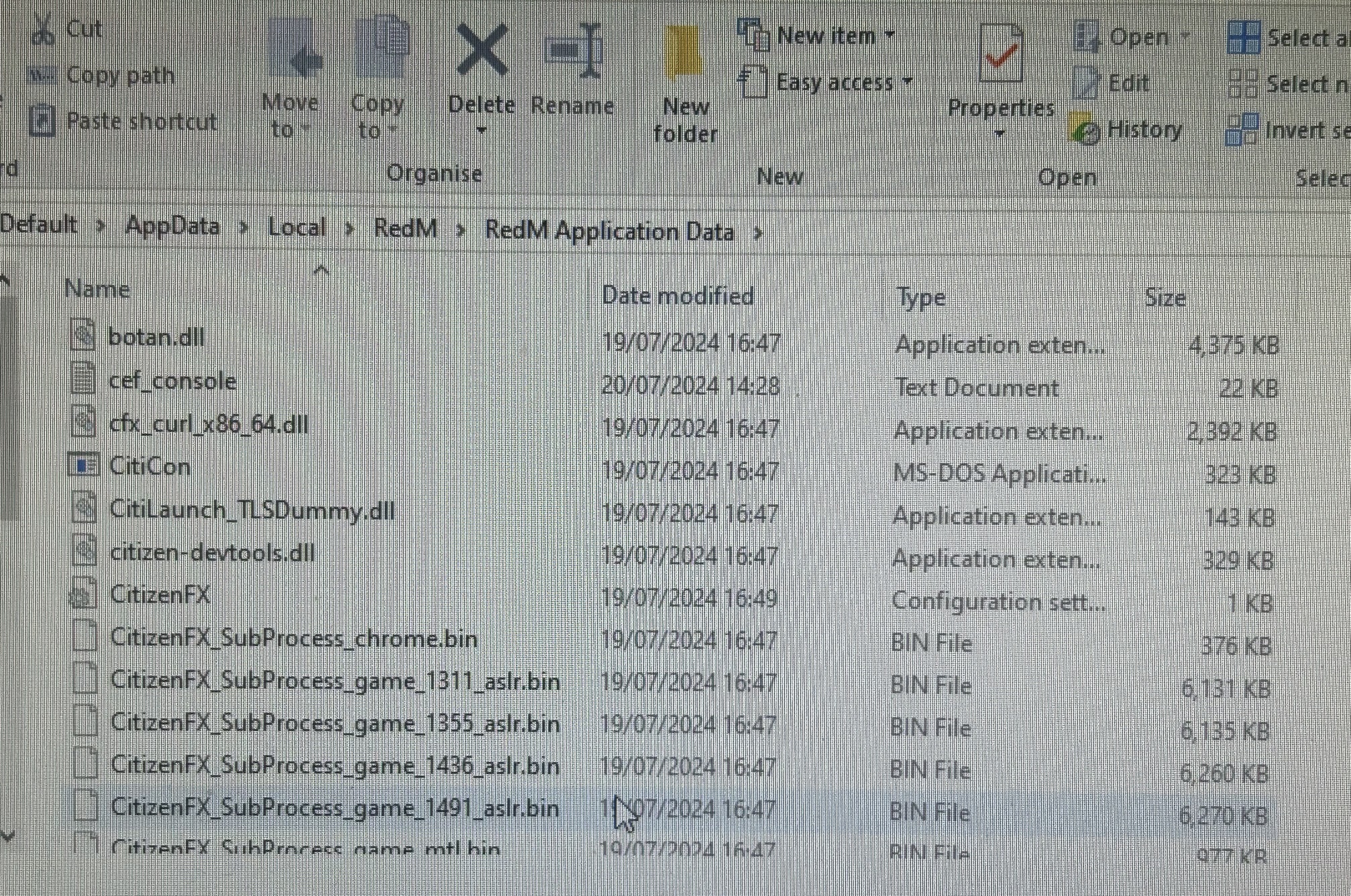
.dmp files/report IDs
CfxCrashDump_2024_07_16_16_37_05.zip (1.9 MB)
If an issue with starting:
RDR2 folder screenshot i don’t know if this is what your after but this is what I. Found.
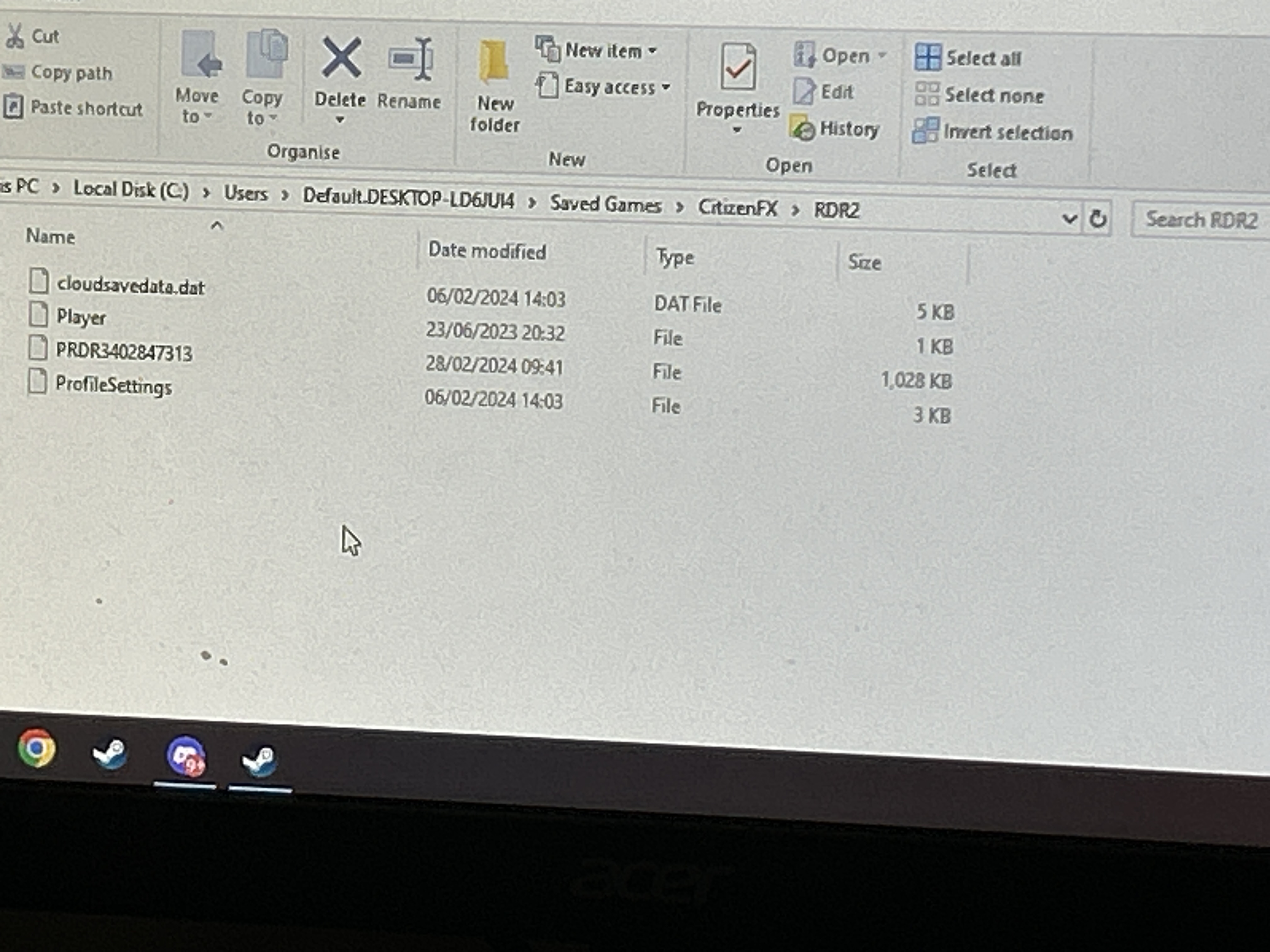
RDR2/x64/dlcpacks screenshot I don’t know what to send here.
Filepath to RedM folder
RedM client folder screenshot
Did you try to disable/uninstall your Anti-virus? Yes
Did you start Rockstar Games Launcher not as admin? Yes
Also add what you already tried so far.
I’ve tried uninstalling it and reinstalling redm , deleting files, disabling anti virus, clearing my cache, clearing both redm and rdr2 cache.
