 AIM Modes – First Person Toggle + Custom Third Person Styles
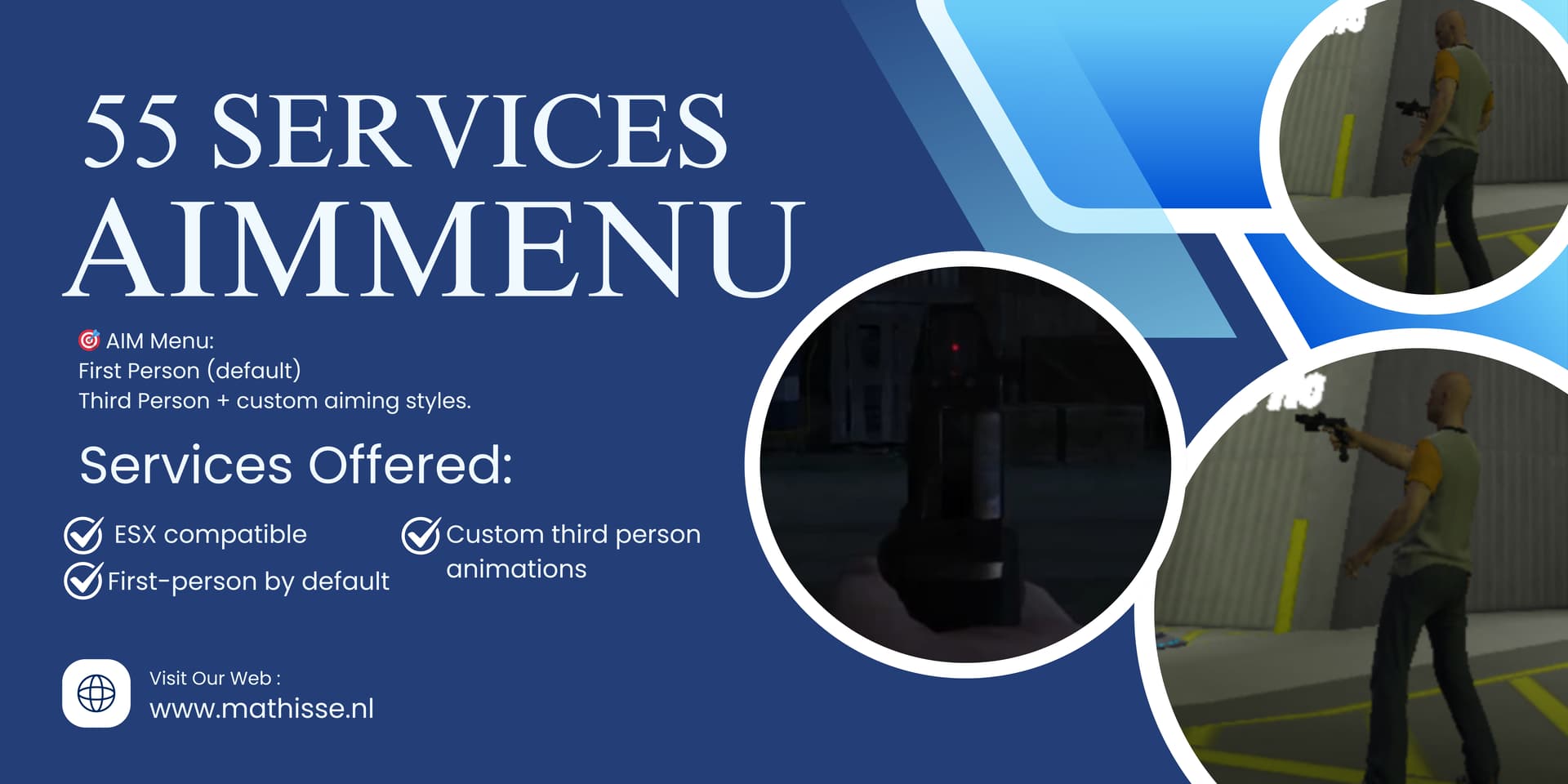
This script allows players to toggle between immersive first-person aiming and unique third-person aiming animations (Normal, Gang, Hillbilly).
Use /aimtoggle to switch between first-person and third-person aiming modes, and /aimmenu to choose your preferred aiming style.
 ESX compatible
First-person by default (toggleable)
Custom third-person animations
 Requires ox_lib
 Preview video: https://www.youtube.com/watch?v=SVlCTjcMQAs
 Download: GitHub - mathisse2104/Aimmenu: 🎯 AIM Menu – Custom Third-Person Aiming Styles Description: The AIM Menu lets players switch between unique third-person aiming styles for a personalized combat experience. Designed for FiveM servers using the ESX framework, this system adds flexibility and immersion to how players handle firearms.
 Screenshots:
Installation
- Make sure you have ox_lib installed and started before this resource
- Drag & drop the folder into your
resourcesdirectory - Add
ensure 55_aimmenuto yourserver.cfg(after ox_lib) - Use
/aimmenuto select a third-person style - Use
/aimtoggleto switch between auto first-person and custom third-person aiming
This was based on this Weapon Animation script.
