 Whiteboard System for FiveM – Draw, Plan, and Collaborate In-Game!
Transform your server’s roleplay and immersion with this fully interactive Whiteboard System — perfect for police planning, classroom RP, mechanic shops, medical briefings, and more.
 Features:
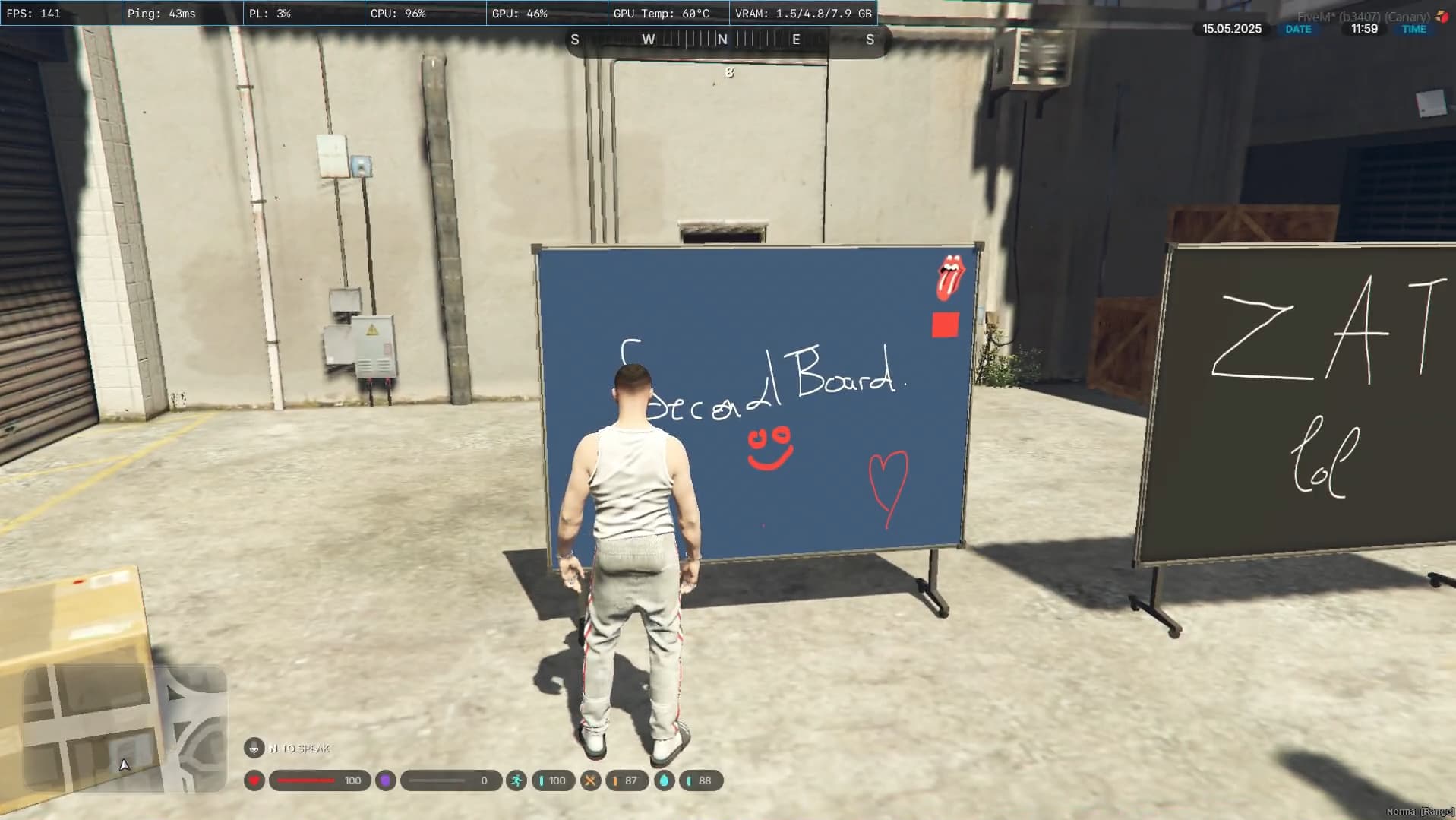
- Place, move, and remove whiteboards anywhere in the world
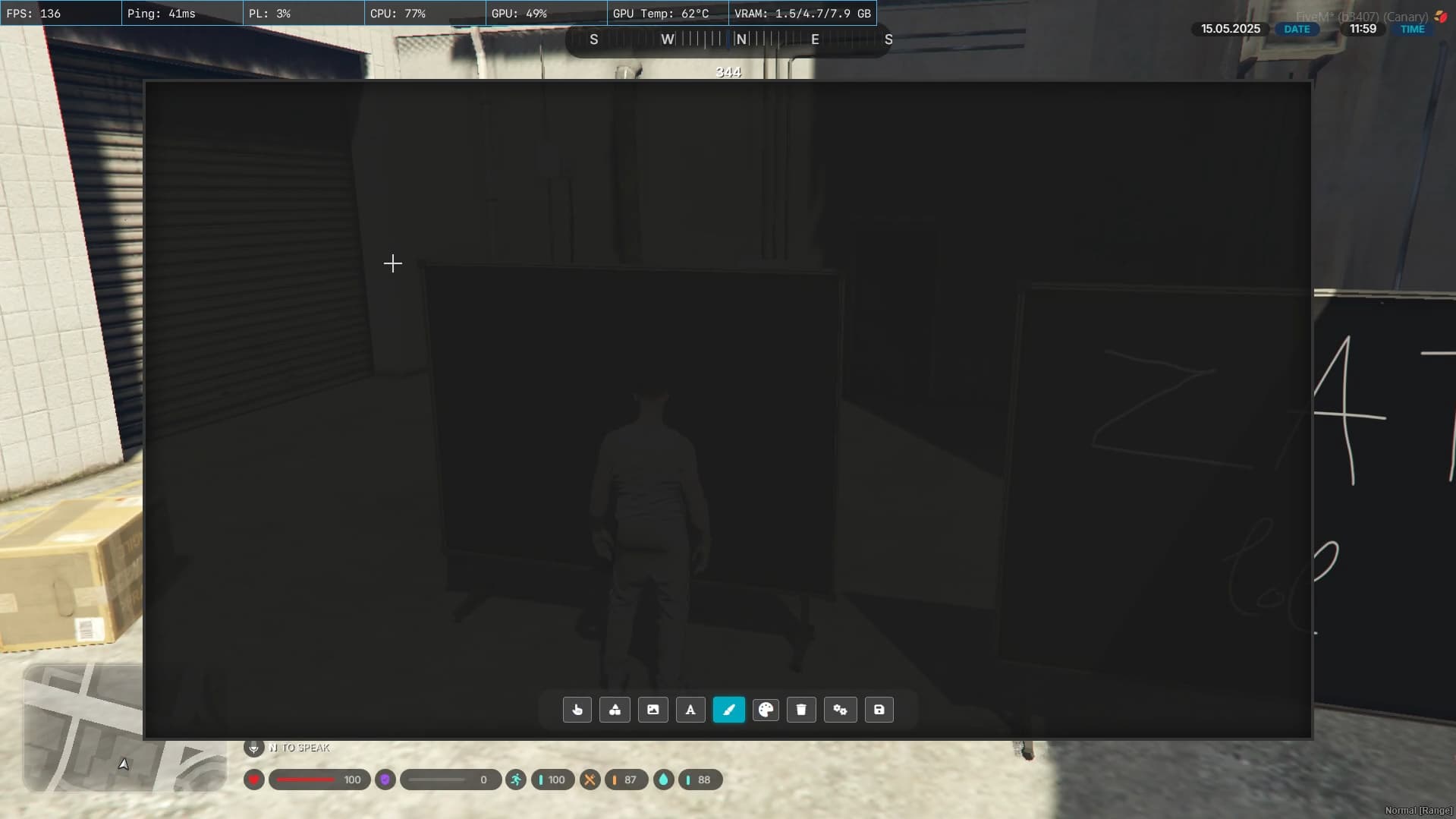
- Draw freehand with a smooth brush tool (customizable color & size)
- Add shapes (rectangle, circle, triangle) and text with ease
- Upload images via URL (logos, blueprints, mugshots, etc.)
- Custom background color options
- Save and load full whiteboard sessions (persistent content)
- Fully functional NUI-based UI – clean and responsive
- Supports custom locales for multilingual servers
 Easy to use, optimized for performance, and highly immersive. Whether you’re teaching, scheming, or just sketching — this script brings your whiteboards to life.
| Code is accessible | 80% |
| Subscription-based | No |
| Lines (approximately) | 10k+ |
| Requirements | ox_lib |
| Support | Yes |
- Config.lua :
Config = {}
Config.Framework = "qb" -- 'esx'
Config.FrameworkPseudo = "qb-core" -- The name of the resource that contains the core object
Config.Inventory = "tgiann" -- Options: qb, tgiann, ox, qs (you can easly add your inventory under client/inventories.lua)
Config.Target = "qb" -- Options: qb, ox, interact

Config.Item   = "whiteboard" -- The item name used to place the prop, make sure it exists in your inventory system
Config.Radius = 50.0    -- max 20 props at this radius (x, y) (do not touch unless you know what you are doing)
Config.zDiff  = 15.0    -- max height difference between the props to check the radius (do not touch unless you know what you are doing)
Config.WaitTime = 1000  -- time to wait for the dui to completely load (do not touch unless you know what you are doing)
Showcase : https://youtu.be/ny9eNNRpWmE
QBCore :
 Tebex: https://zatv.tebex.io/category/qbcore
 Documentation: Whiteboard | ZaT Scripts
ESX:
Tebex: https://zatv.tebex.io/category/esx
Documentation: Whiteboard | ZaT Scripts