RDR2 version?
Build 1491.18
Up to date?
Yes
Legit or Pirate copy?
Legit
Steam/Epic Games/Social Club?
Steam
Windows version?
Edition Windows 10 Pro
Version 22H2
Installed on 11/16/2020
OS build 19045.2965
Experience Windows Feature Experience Pack 1000.19041.1000.0
Did you try to delete caches.xml and try again?
Yes
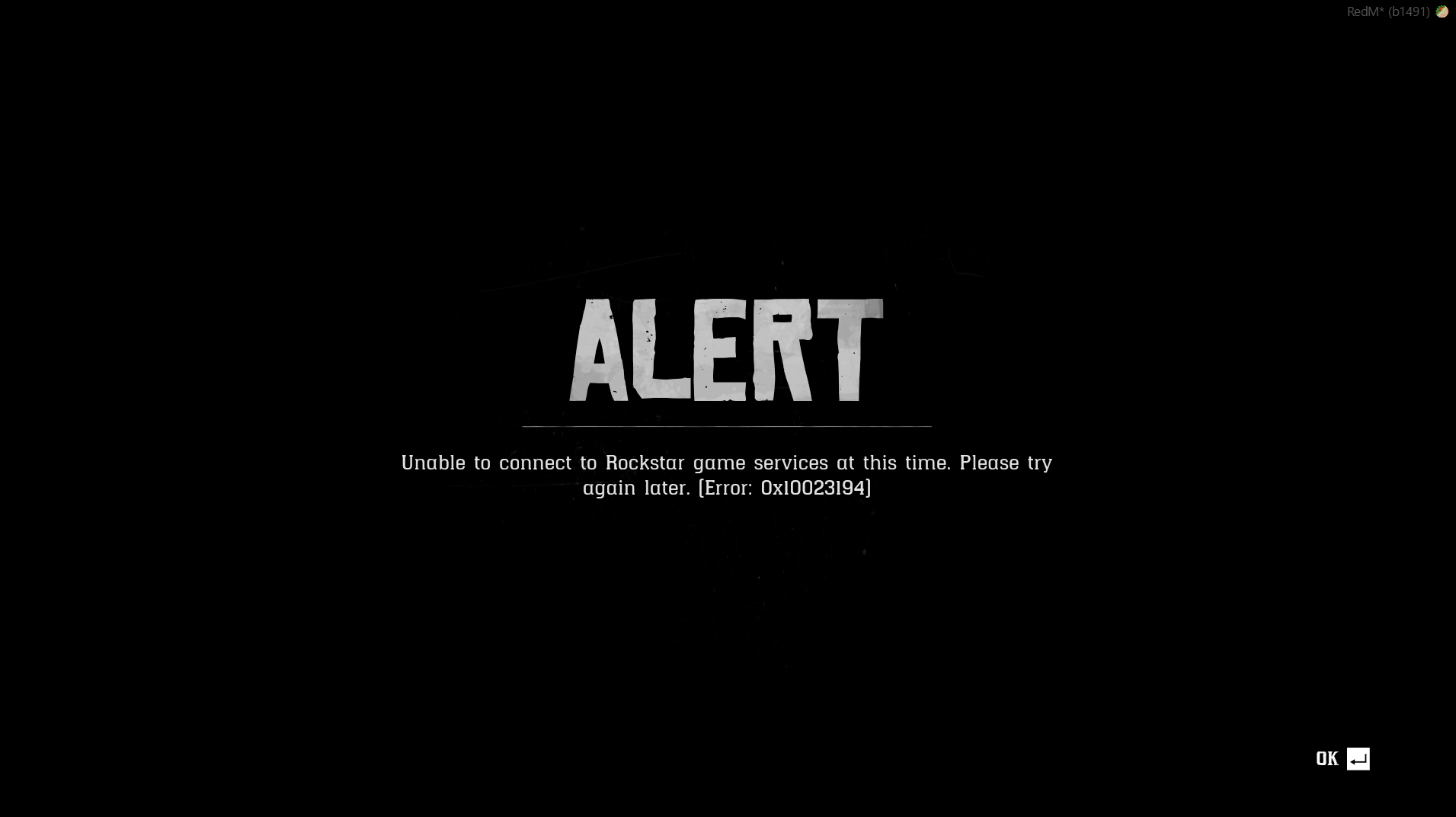
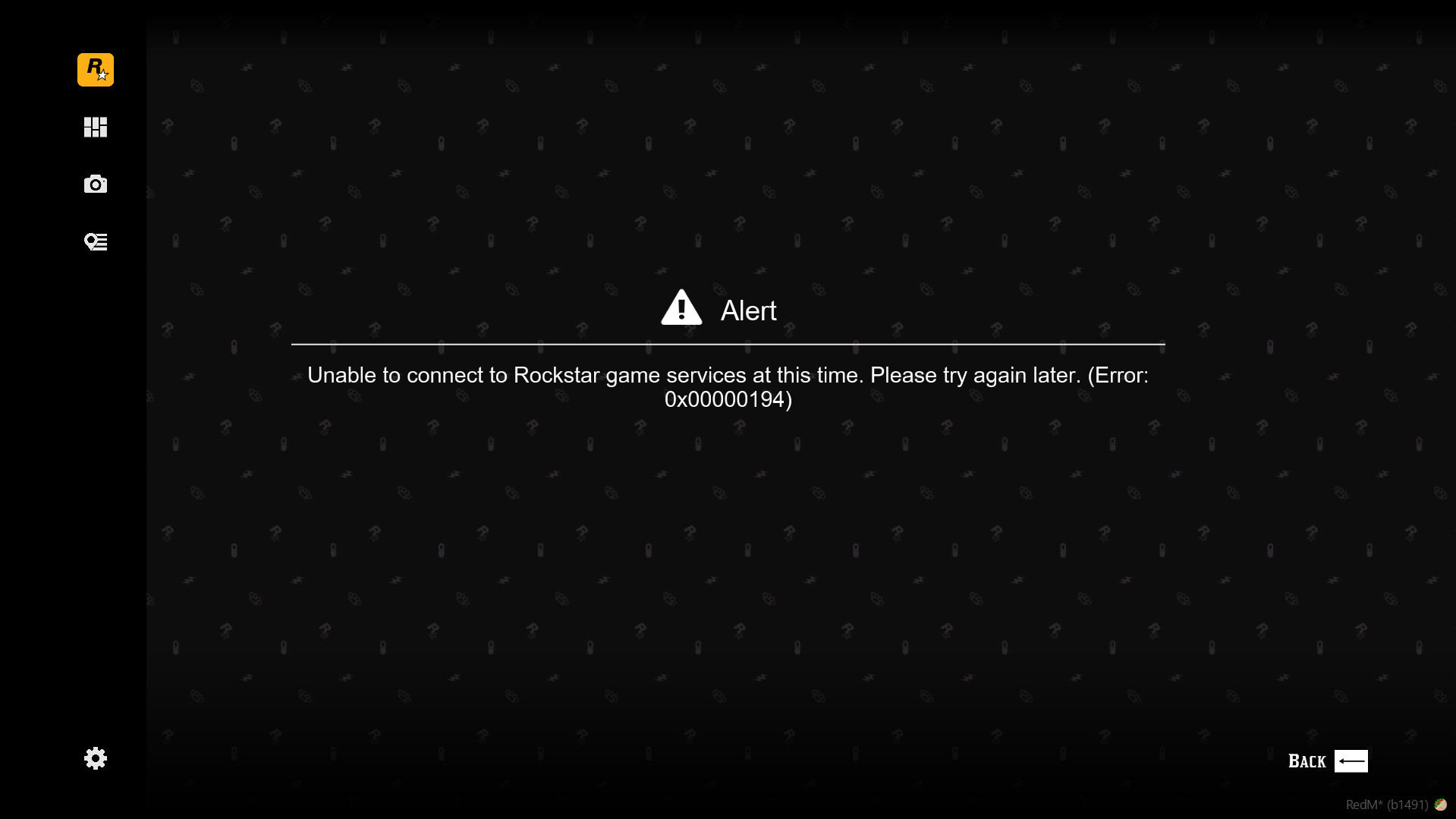
Error screenshot (if any)

System specifications
Device name Torgche
Processor AMD Ryzen 7 1800X Eight-Core Processor 3.84 GHz
Installed RAM 32.0 GB
Device ID 7EF741E7-B6AB-4DA9-880F-CDE29384290C
Product ID 00342-50367-64245-AAOEM
System type 64-bit operating system, x64-based processor
Pen and touch No pen or touch input is available for this display
What did you do to get this issue?
Opened Steam and started RedM. Searched and found Fireside RP server, and clicked on Connect, the server downloads its mods then RdR2 screen loads. If tryinig to hit play (see attached picture) we get an error
What server did you get this issue on?
Gilded RP and Fireside RP
Latest CitizenFX_log file
CitizenFX.ini (94 Bytes)
.dmp files/report IDs
RedM\RedM.app\crashes directory is empty
If an issue with starting:
RDR2 folder screenshot

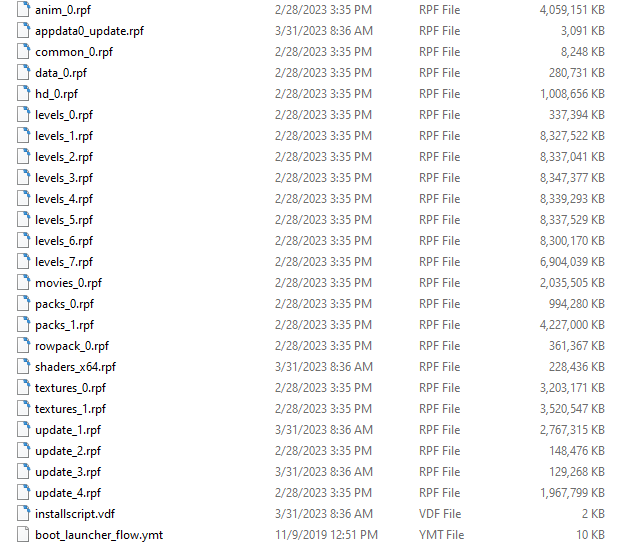
RDR2/x64/dlcpacks screenshot

Filepath to RedM folder
C:\Users\finew\AppData\Local\RedM
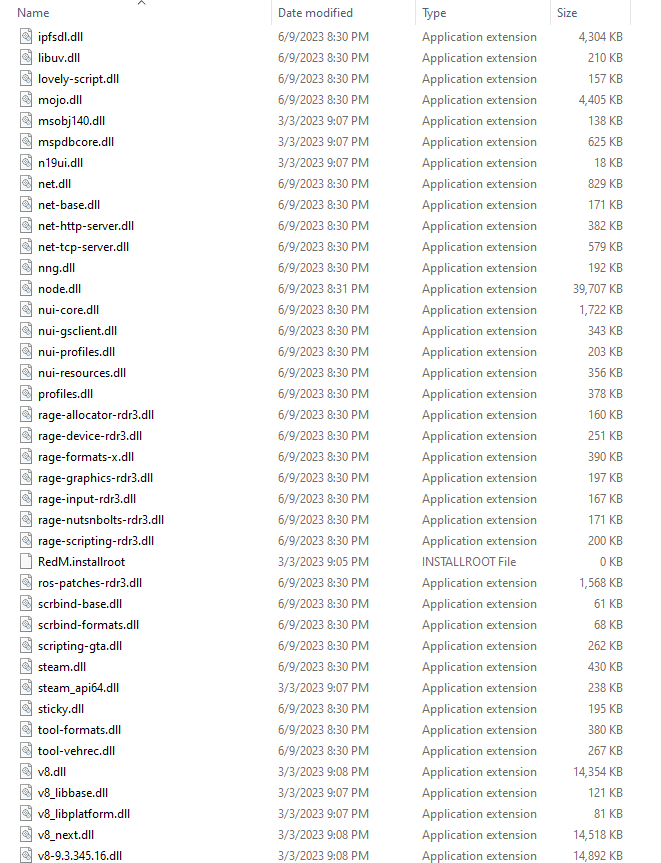
RedM client folder screenshot



Did you try to disable/uninstall your Anti-virus?
Yes
Did you start Rockstar Games Launcher not as admin?
Yes
Also add what you already tried so far.
Cache has been cleared
RdR2 has been uninstalled and reinstalled several times
RedM has been uninstalled and reinstalld several times
We have asked server tech support to check on this and they were unable to find a fault that would cause this issue
Settings on RedM and Rdr2 have been verified by server tech support, none were incorrect.
3 hours of trouble shooting from everything to display settings to player settings
