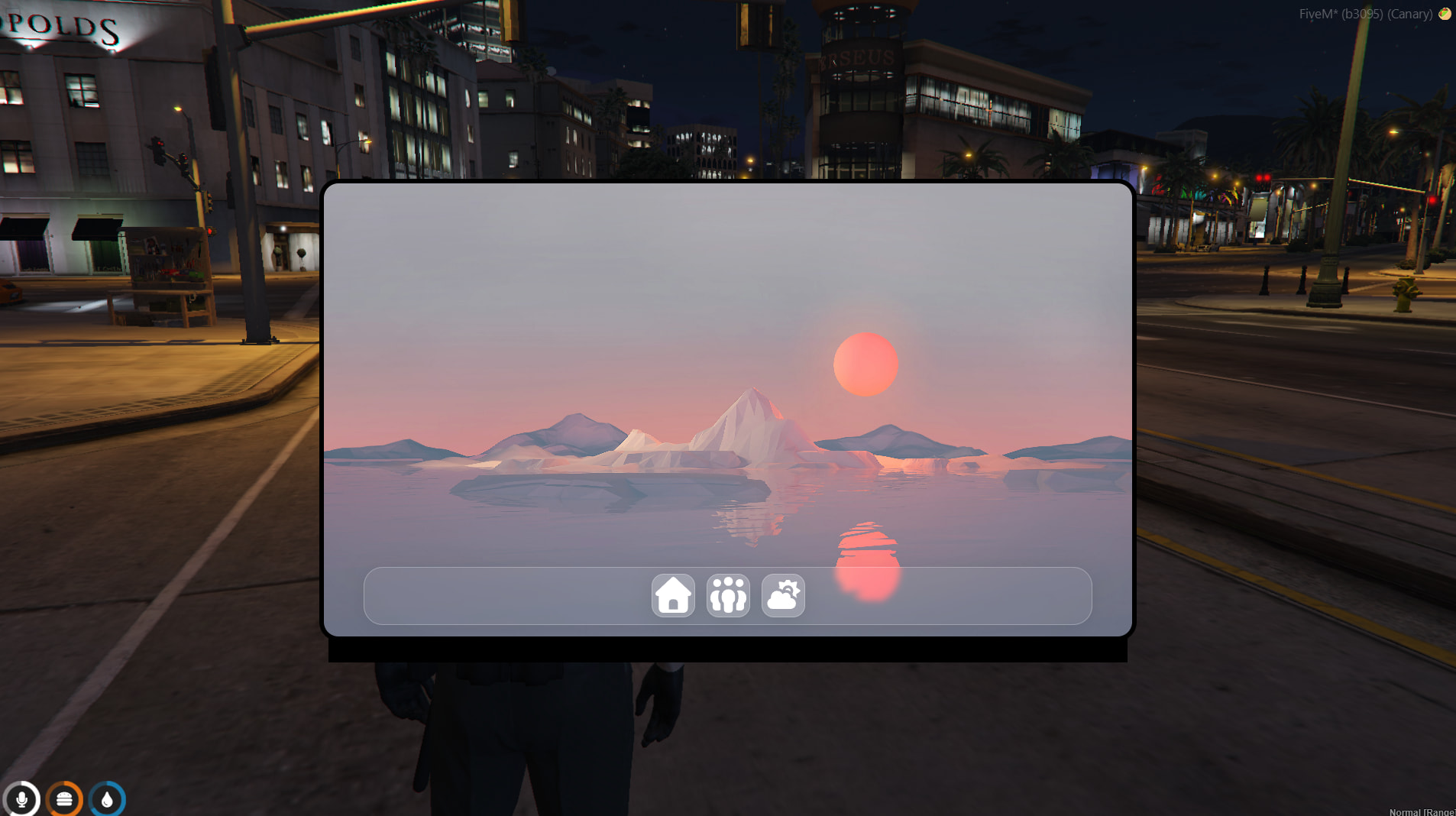
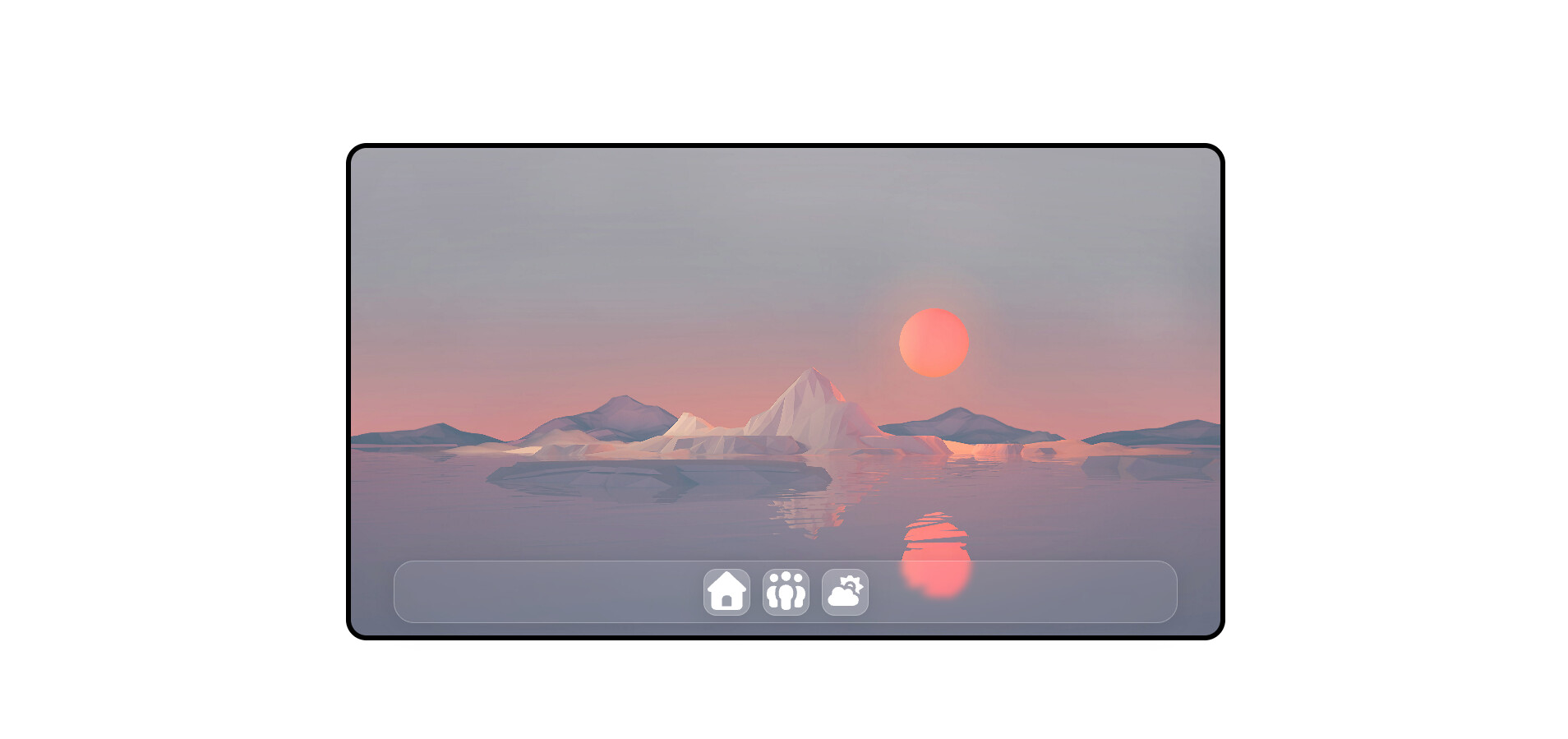
I have this weird bug going on where, as you can see, the image with the white background is being viewed on chrome and that is how it is suppose to look and the image in the game, you can see there is this weird black bar that has appeared for some odd reason. I have tried to look around for help but cannot find it. If anyone knows how to fix this, please let me know. Below is the css if it helps.
* {
    padding: 0;
    margin: 0;
}

body {
    height: 100vh;
    width: 100%;
    display: flex;
    justify-content: center;
    align-items: center;
}

.frame {
    width: 1058px;
    height: 593px;

    display: flex;
    flex-direction: column;
    justify-content: space-between;
    align-items: center;

    background-image: url('./images/wallpapers/wallpaper1.jpg');
    background-position: center;
    background-repeat: no-repeat;
    background-size: cover;

    border-radius: 25px;
    border: 6px solid black;
}

.action-bar-container {
    width: 95%;
    height: 74px;

    display: flex;
    justify-content: center;
    align-items: center;

    background: rgba(255, 255, 255, 0.06);
    border-radius: 16px;
    box-shadow: 0 4px 30px rgba(0, 0, 0, 0.1);
    backdrop-filter: blur(4.4px);
    -webkit-backdrop-filter: blur(4.4px);
    border: 1px solid rgba(255, 255, 255, 0.27);
    border-radius: 25px;

    margin-bottom: 15px;
    gap: 15px;
}

.action__btn {
    width: 57px;
    height: 57px;

    background: rgba(255, 255, 255, 0.18);
    border-radius: 16px;
    box-shadow: 0 4px 30px rgba(0, 0, 0, 0.1);
    backdrop-filter: blur(4.4px);
    -webkit-backdrop-filter: blur(4.4px);
    border: 1px solid rgba(255, 255, 255, 0.27);

    transition: .2s;
}
.action__btn img {
    width: 47px;
    filter: invert(1);
}

.action__btn:hover {
    transition: .2s;
    transform: translateY(-3.5px);
}
.action__btn:active {
    transition: .2s;
    transform: translateY(0px);
}