Website Queue with Apps & Tickets

1of1 Scripts - Website Queue - Apps & Tickets

Elevate your FiveM or RedM server with 1of1 Scripts Web Queue , the complete all-in-one solution for managing your community; easy to use, fully customizable, and built to handle your queue, applications, support tickets, and Discord automation in one place.

No hosting required or coding knowledge needed!

  • Fully standalone, works on FiveM and RedM!

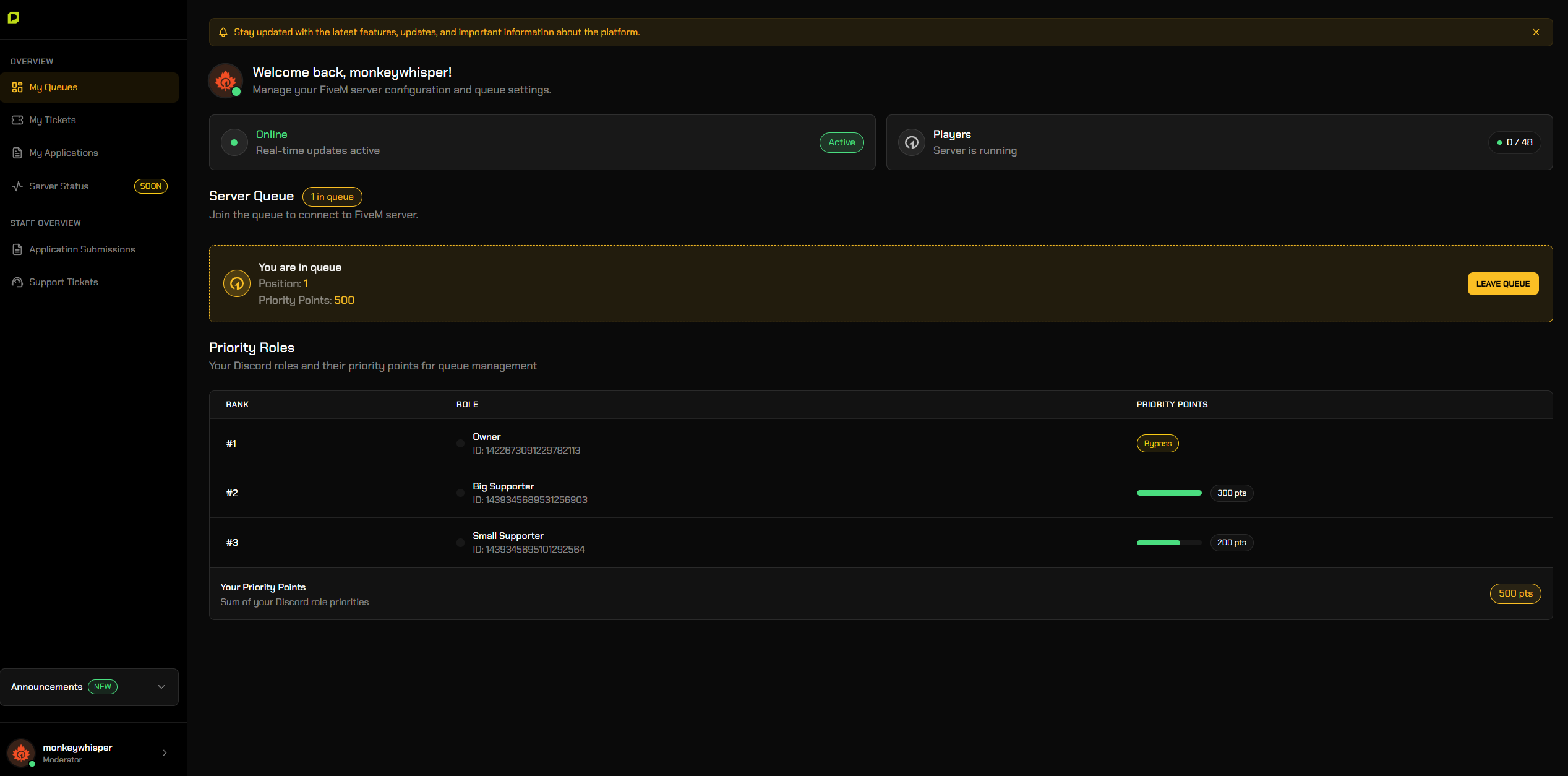
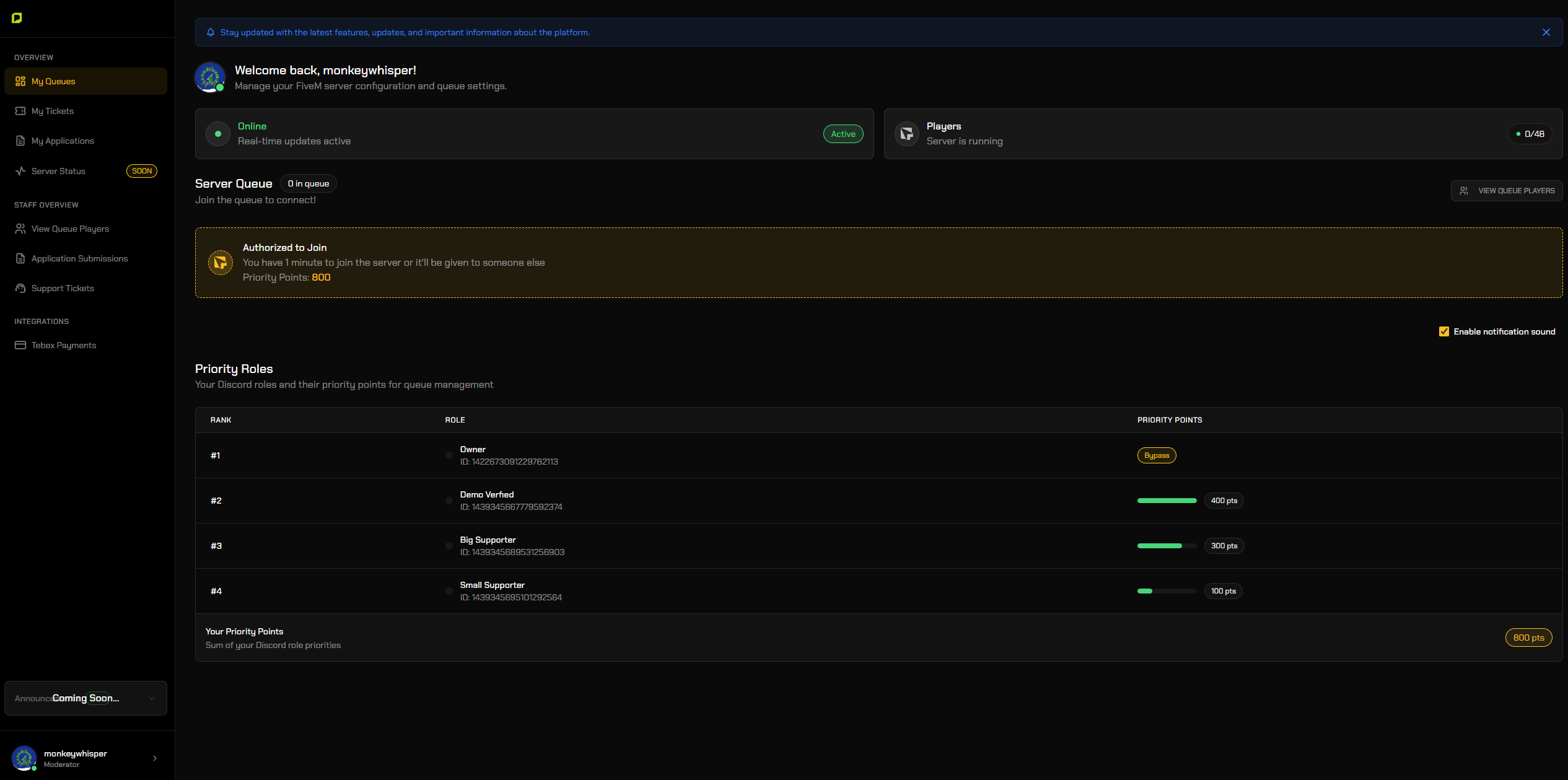
Player Web Based Queue System with Priority Control

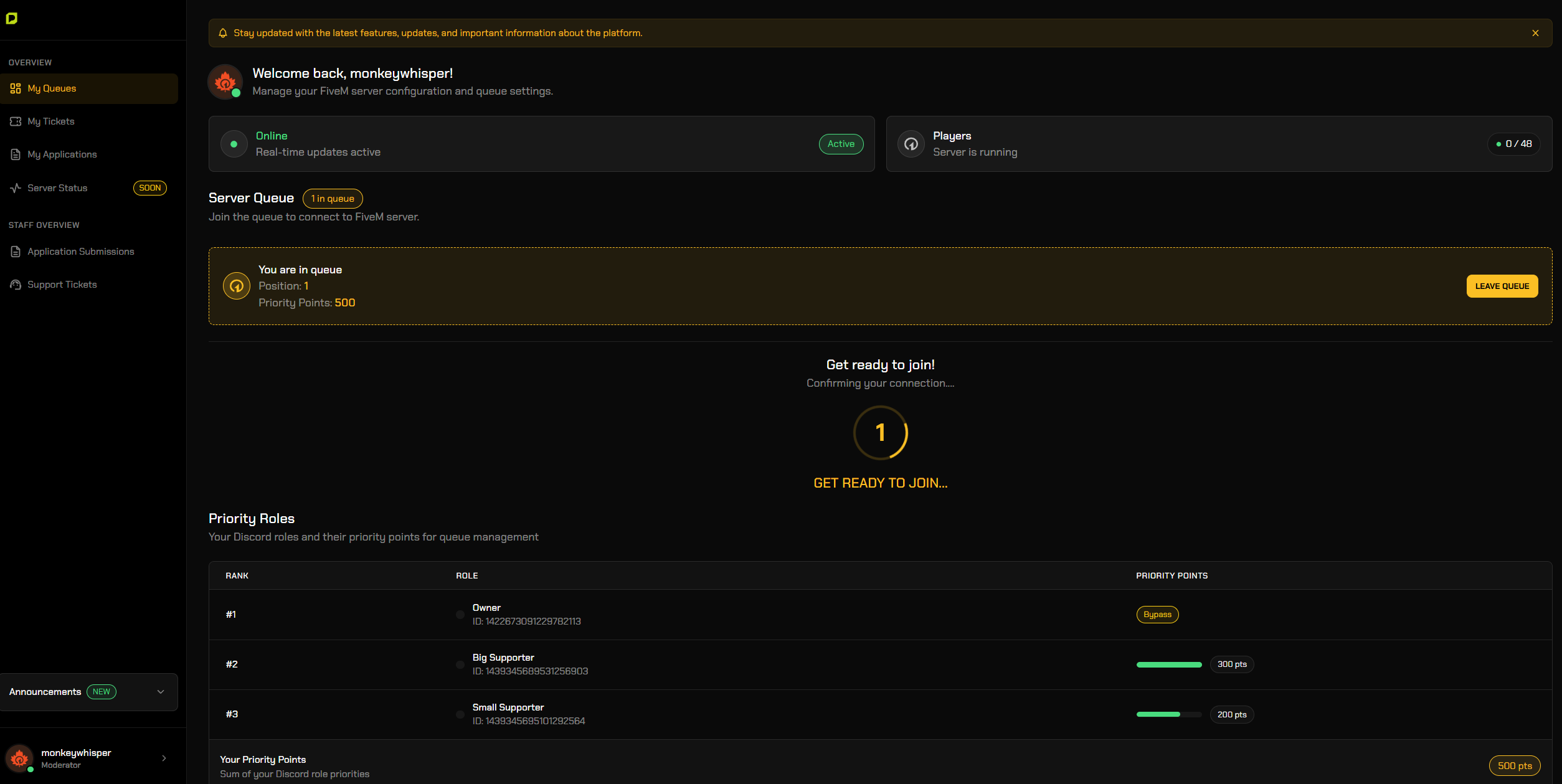
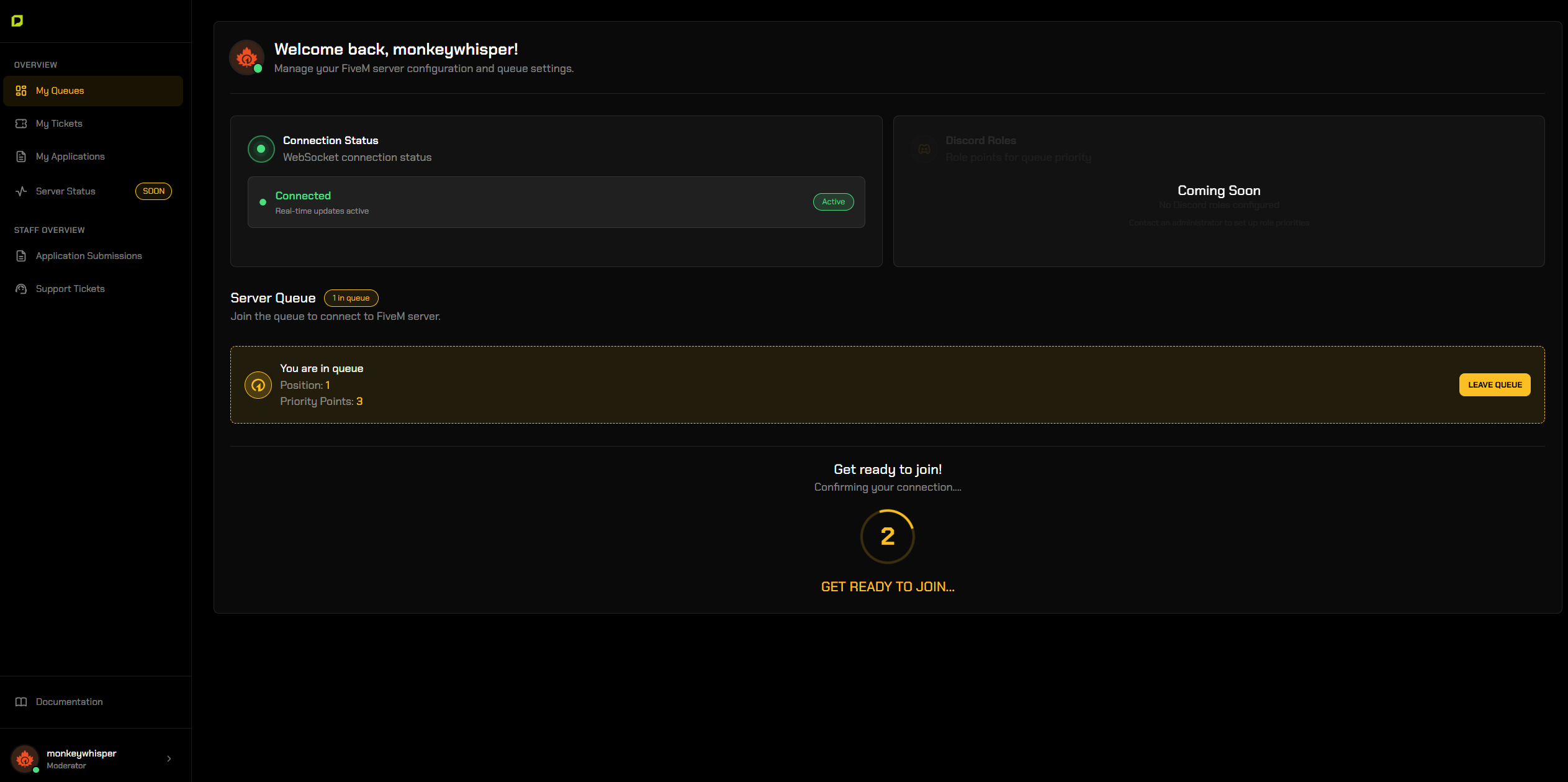
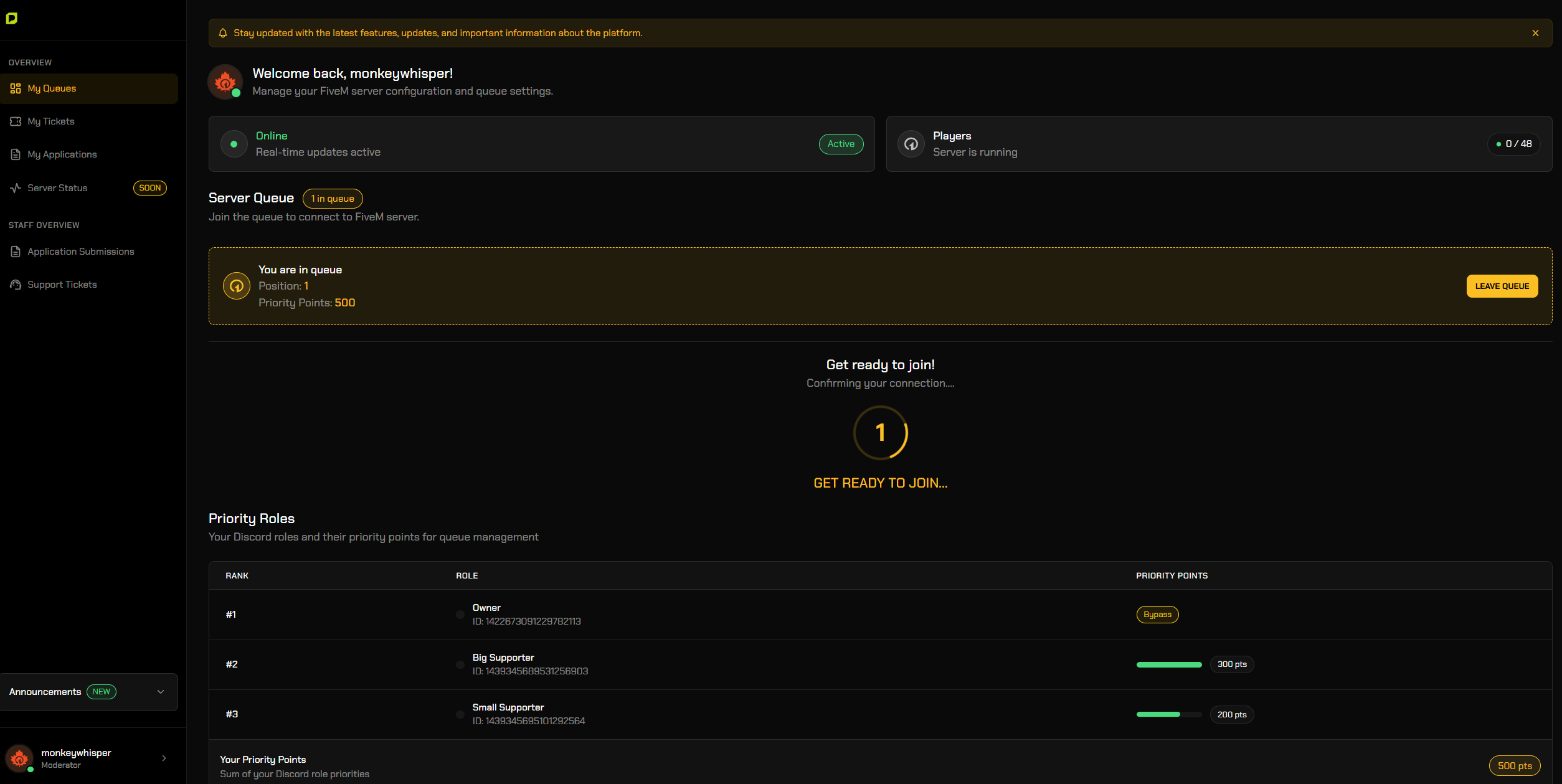
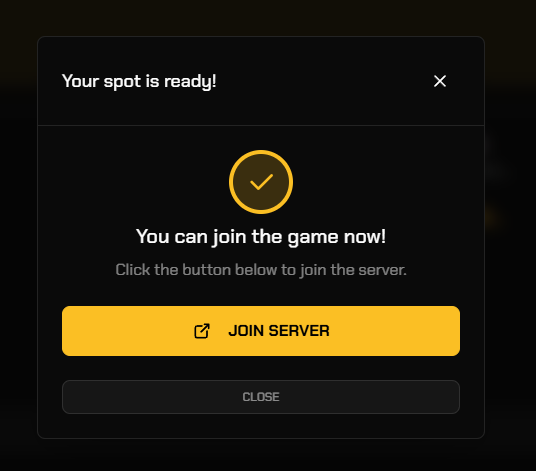
Give players a clean website to join the queue, see their position, check their priority, and auto-connect when it is their turn. Everything updates in real time and works with your own branding.

Control Priority Using Roles & Points

  • Use a simple drag and drop priority setup.

  • Higher roles get faster access.

  • Perfect for VIPs, supporters, or staff.


Community Management Systems

Ticket System

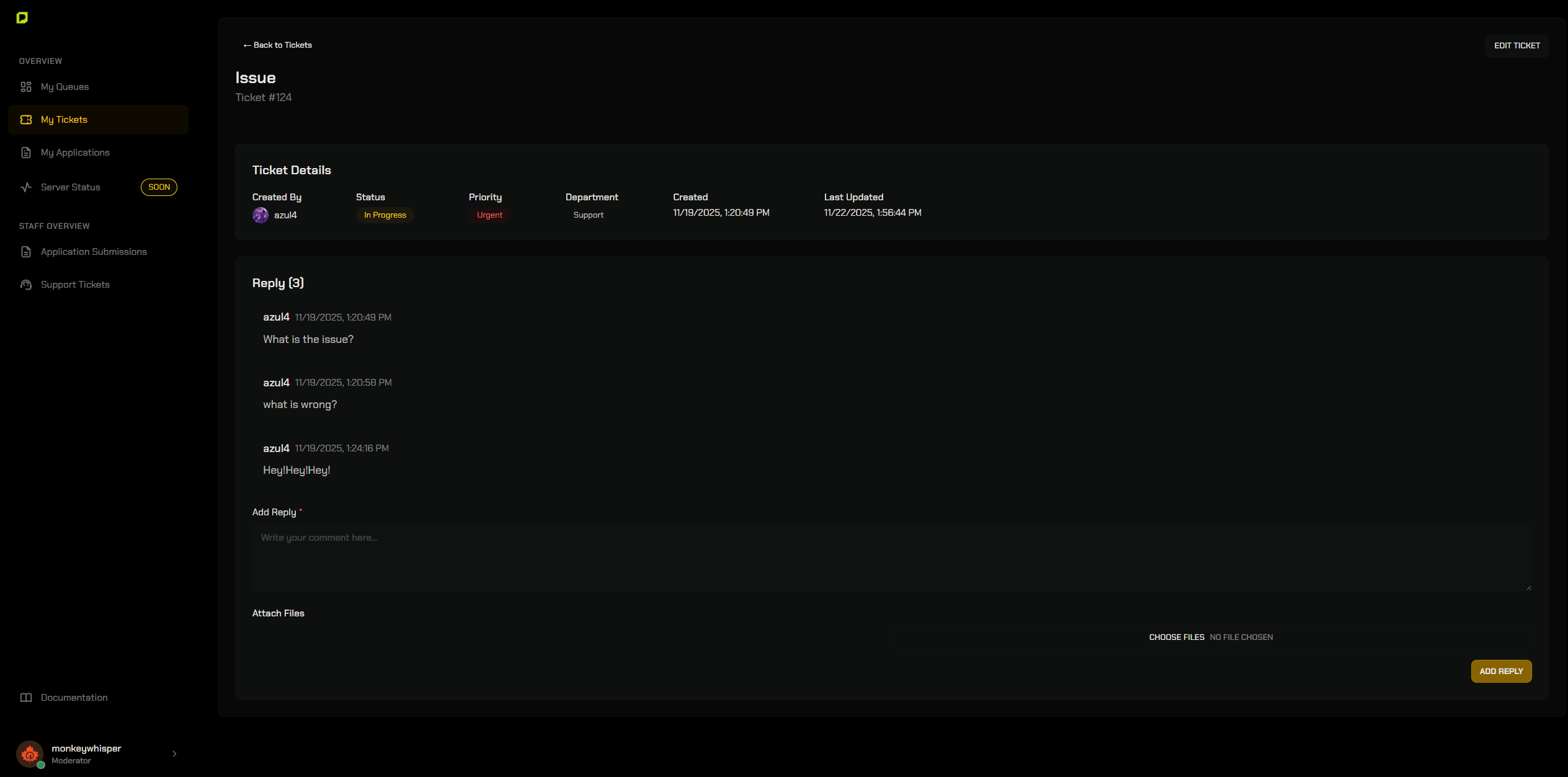
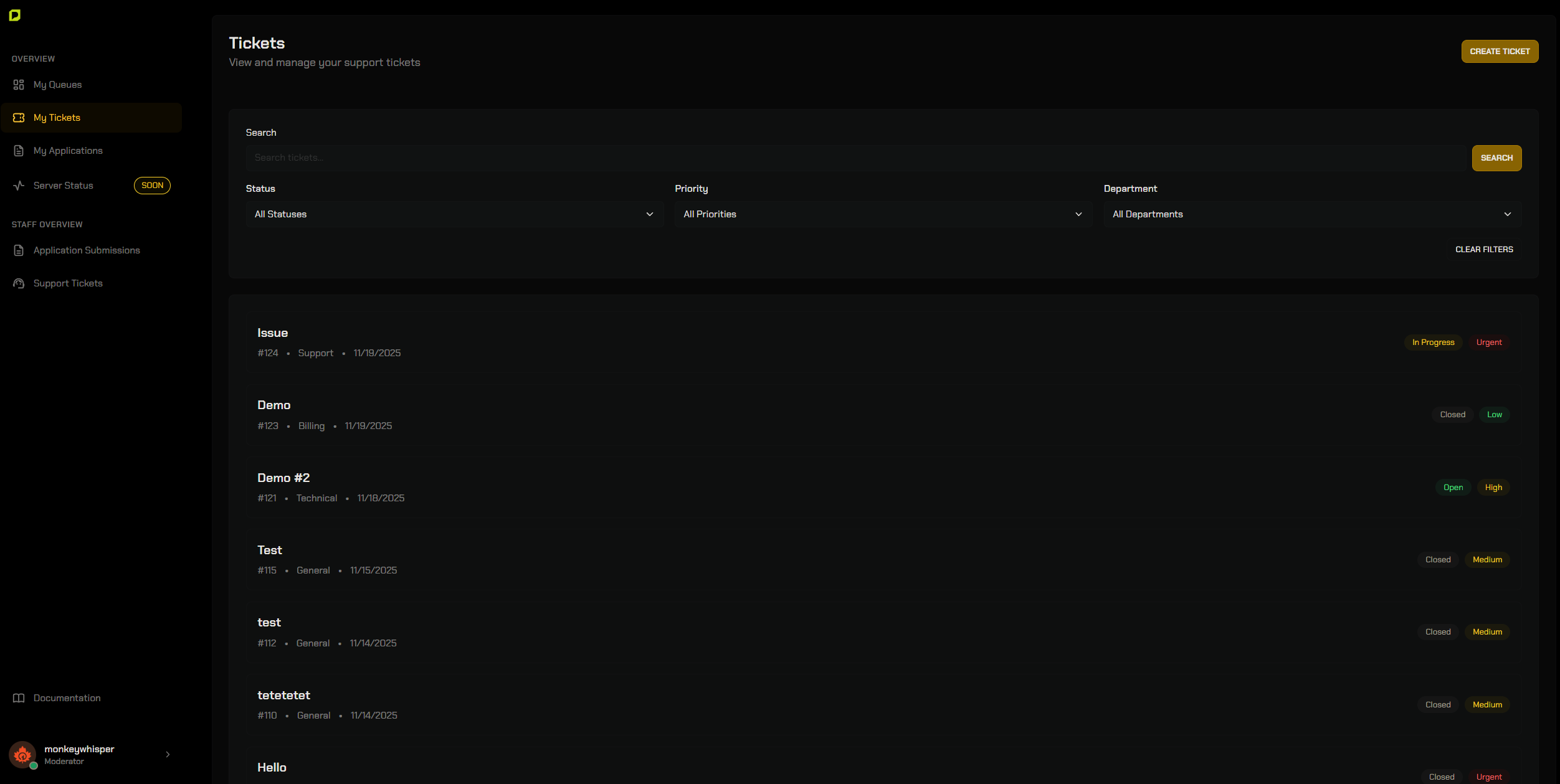
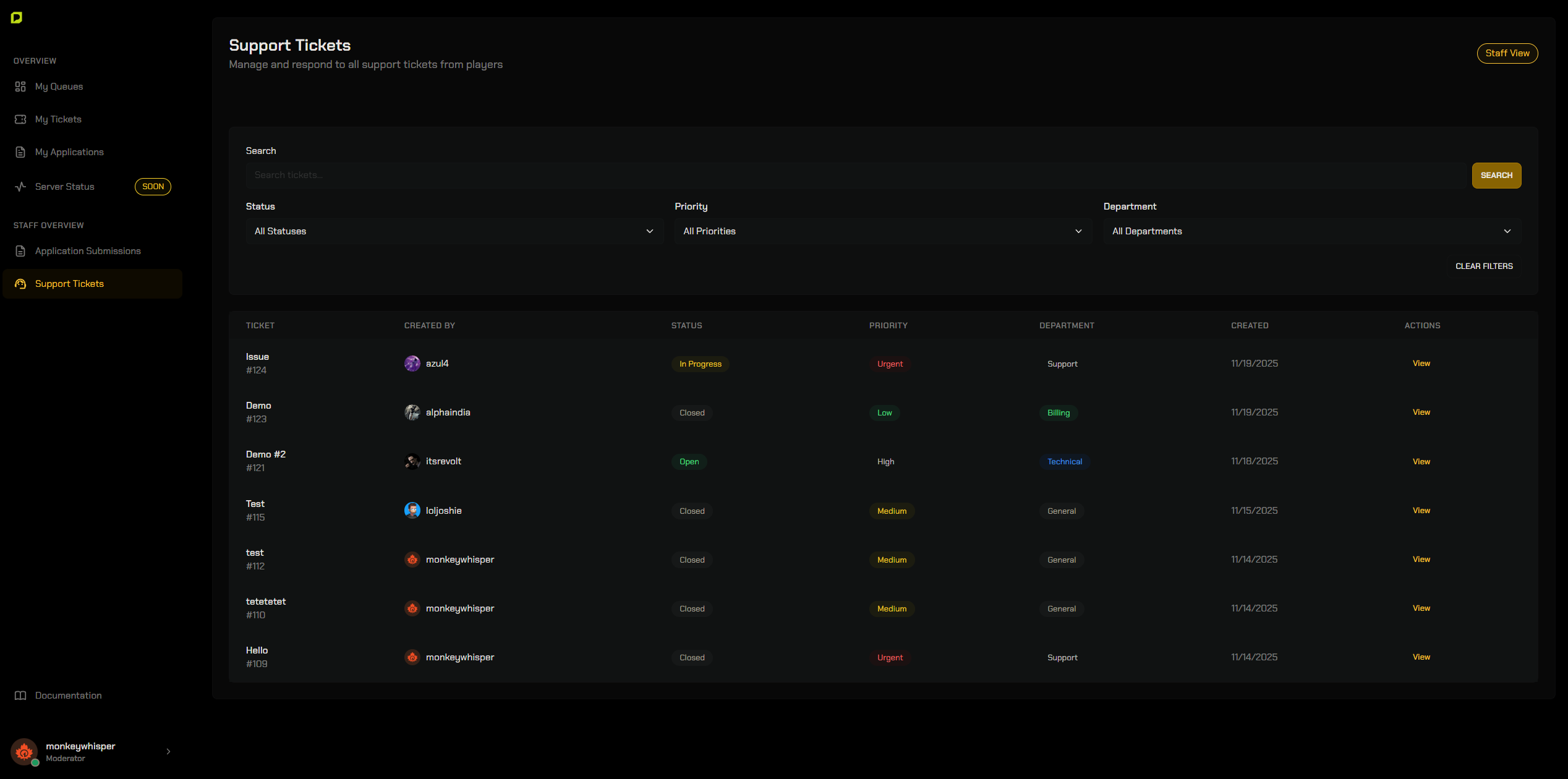
Built-in support tickets with search, filters, attachments, replies, and status updates. No external tools needed and easy for staff to manage in a clean and professional interface.

Application System

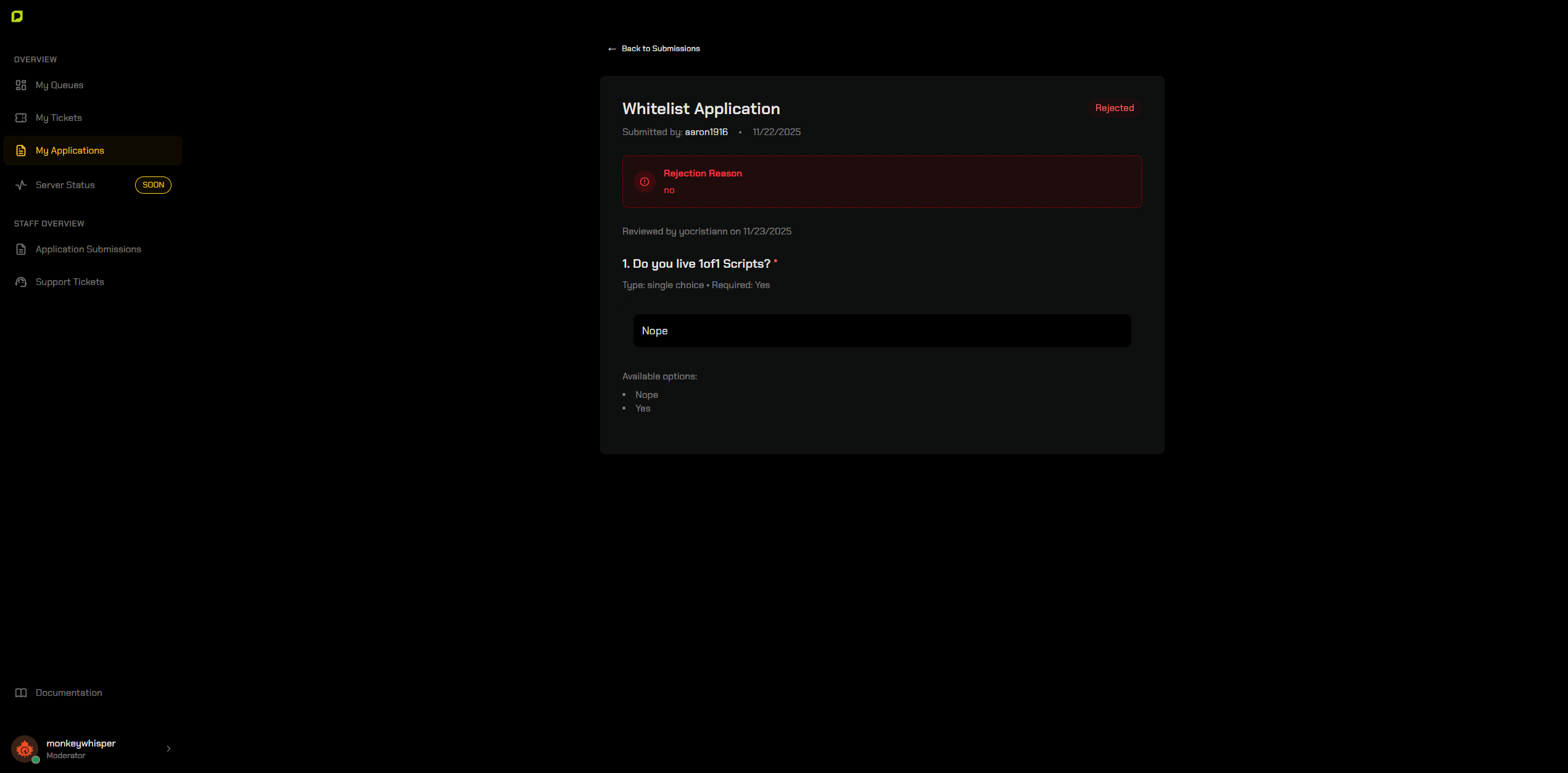
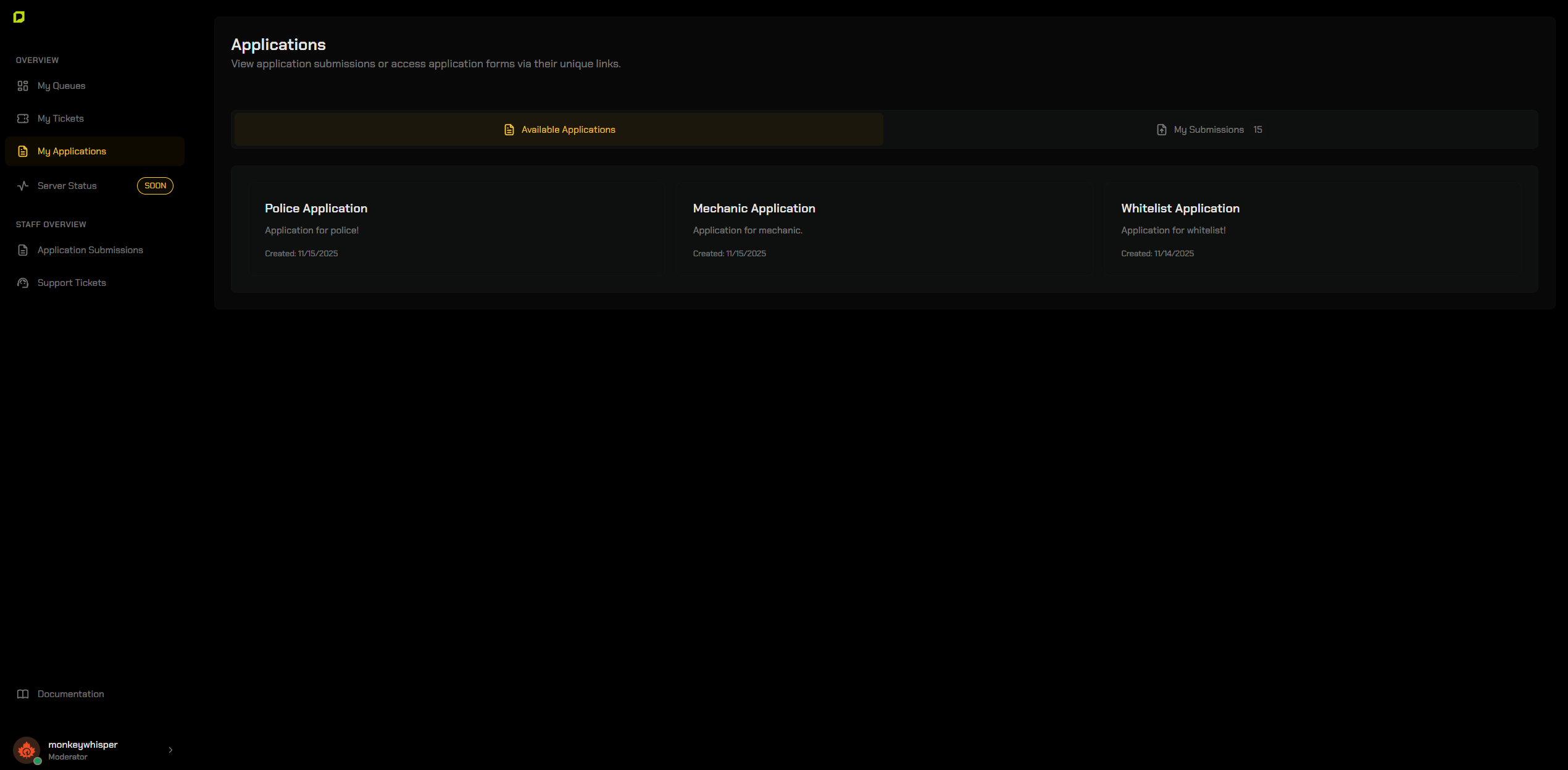
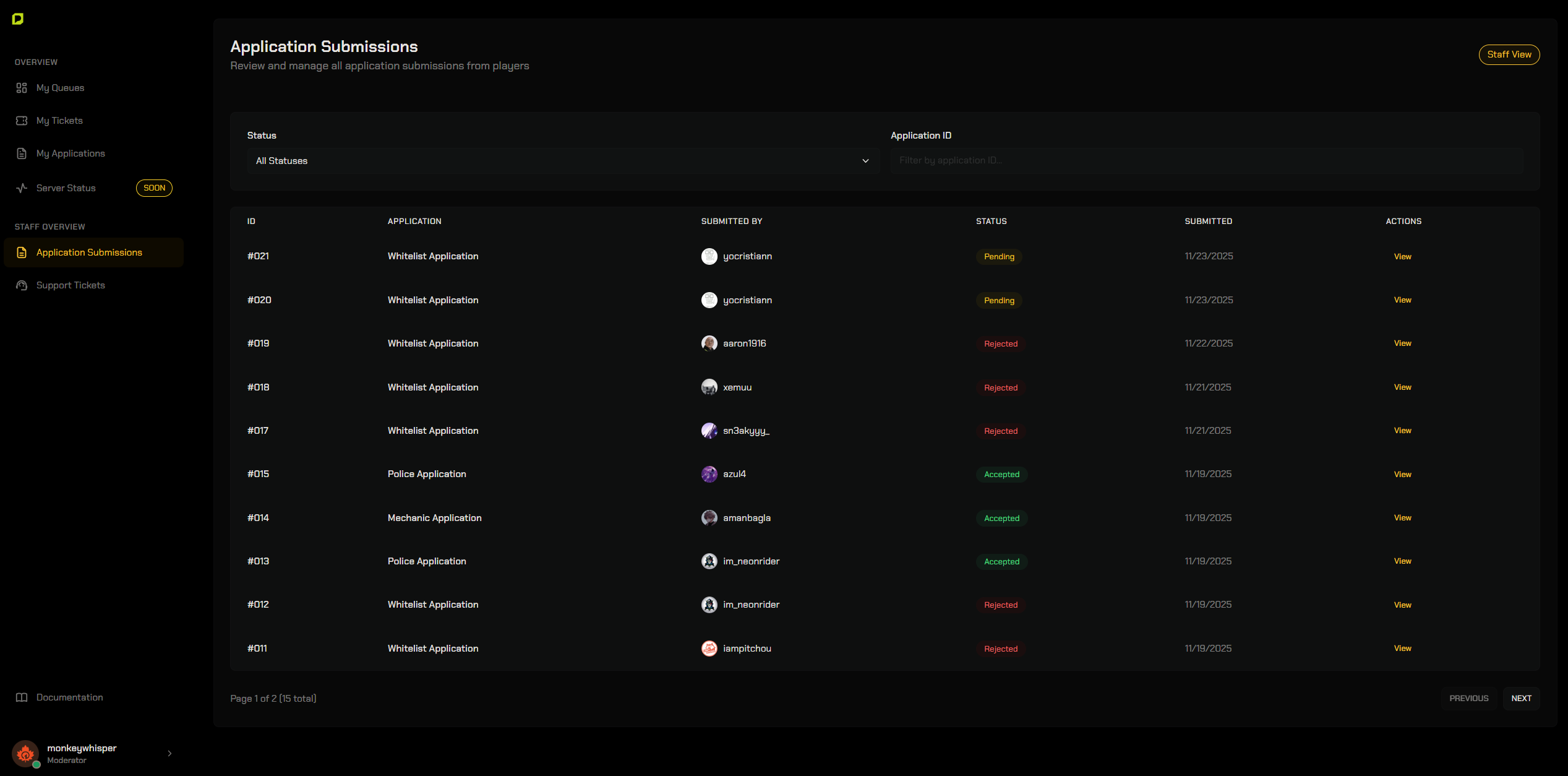
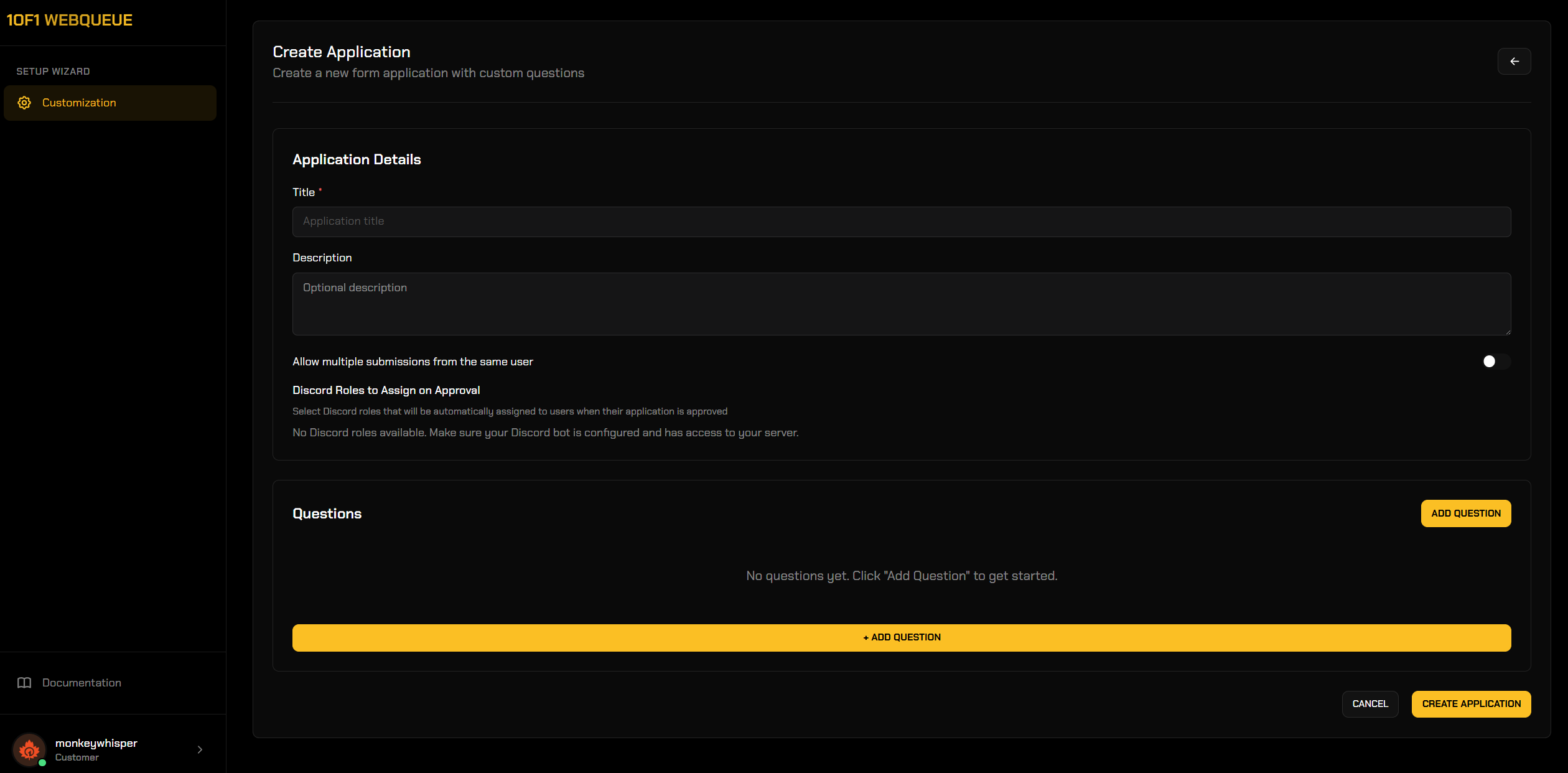
Create custom applications for whitelist, jobs, staff or anything else. Add unlimited questions. When you approve someone, the system can automatically assign Discord roles.


Discord Bot Integration

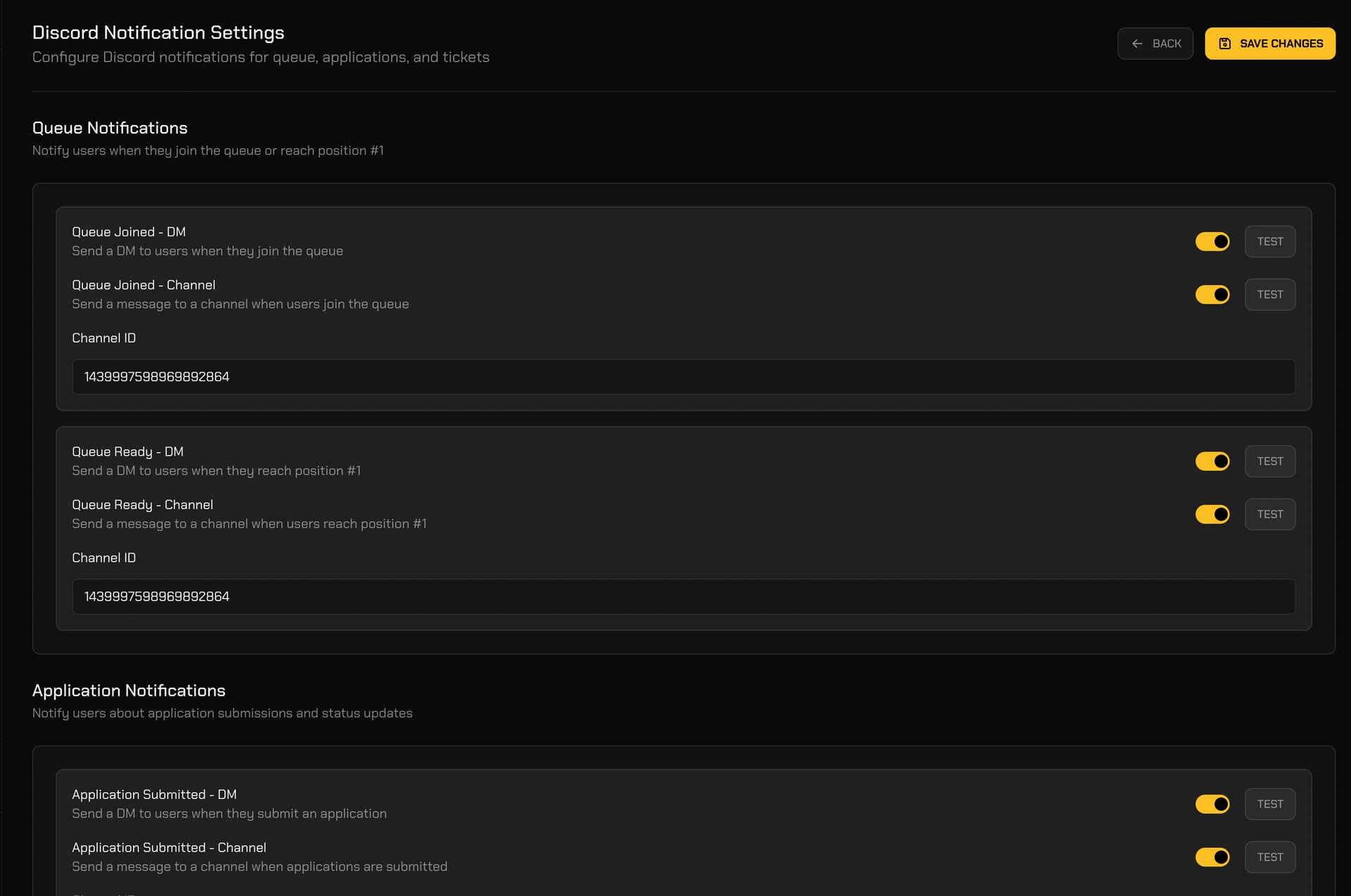
Connect your own Discord bot. The bot handles:

  • authentication (no cheating!), queue roles, application approvals and server events.

Moderator Controls

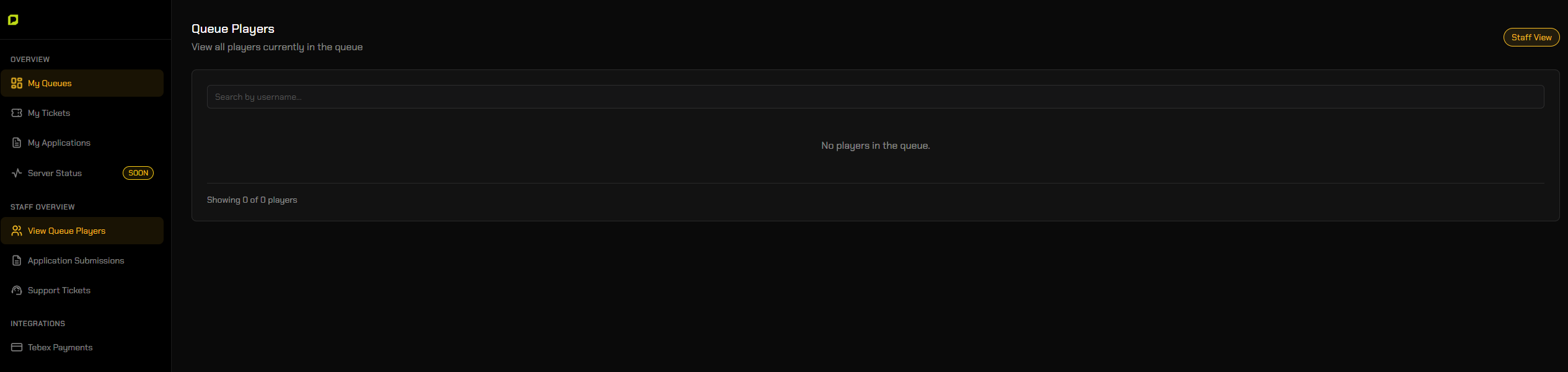
Add moderators by Discord ID or by role. Choose what they can manage, such as tickets or applications. Simple and safe.


Fully Customizable

Customize your queue site with your own:

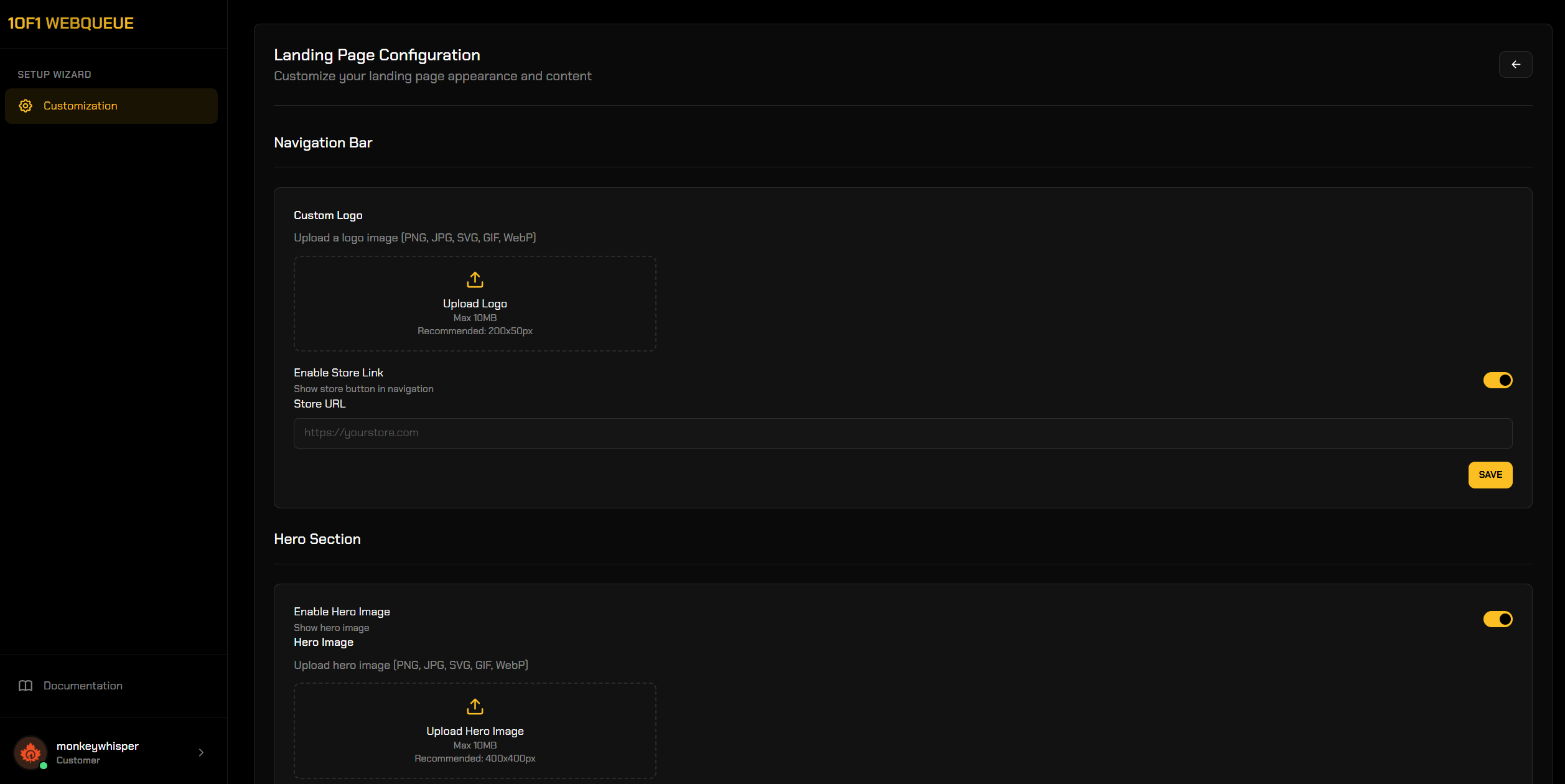
  • Images, text, links, favicon and colors. No coding required .

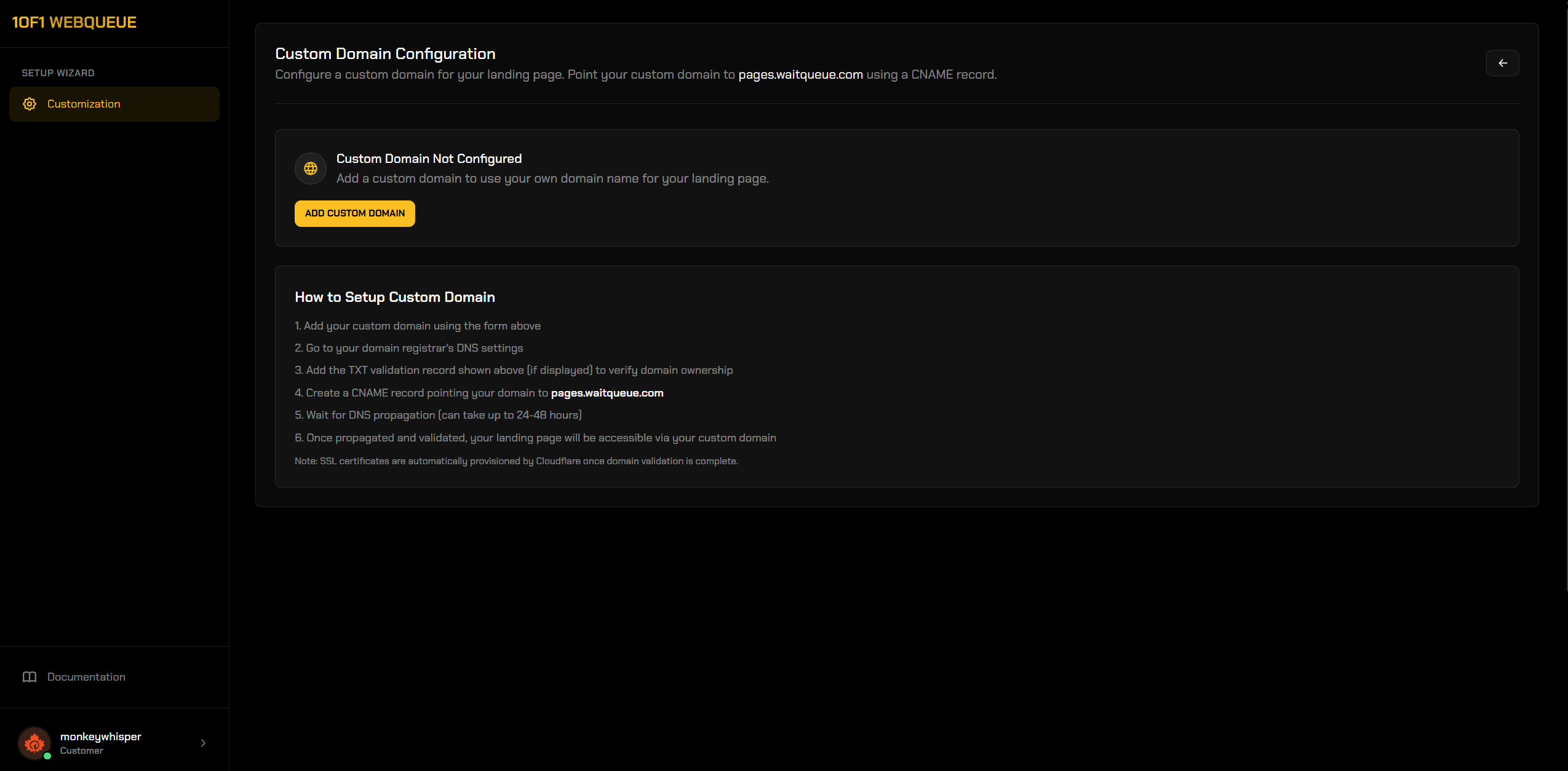
Custom Domain + SSL

Bring and use your own domain for your website with automatic SSL through Cloudflare.


More Features

  • Real-time queue updates.
  • Private website provided.
  • Live server status.
  • Role-based access.
  • Clean dashboard UI.
  • Fully standalone, works on FiveM and RedM

Demo Website

Link is here.
To access the demo, you’ll need to self-assign a few specific roles in our Discord. Once you’ve selected them, you’ll be able to view the demo. The Discord link is below.


Previews

Player Queue Interface Preview Image


Ticket Support System Preview Images


Application Management System Preview Images


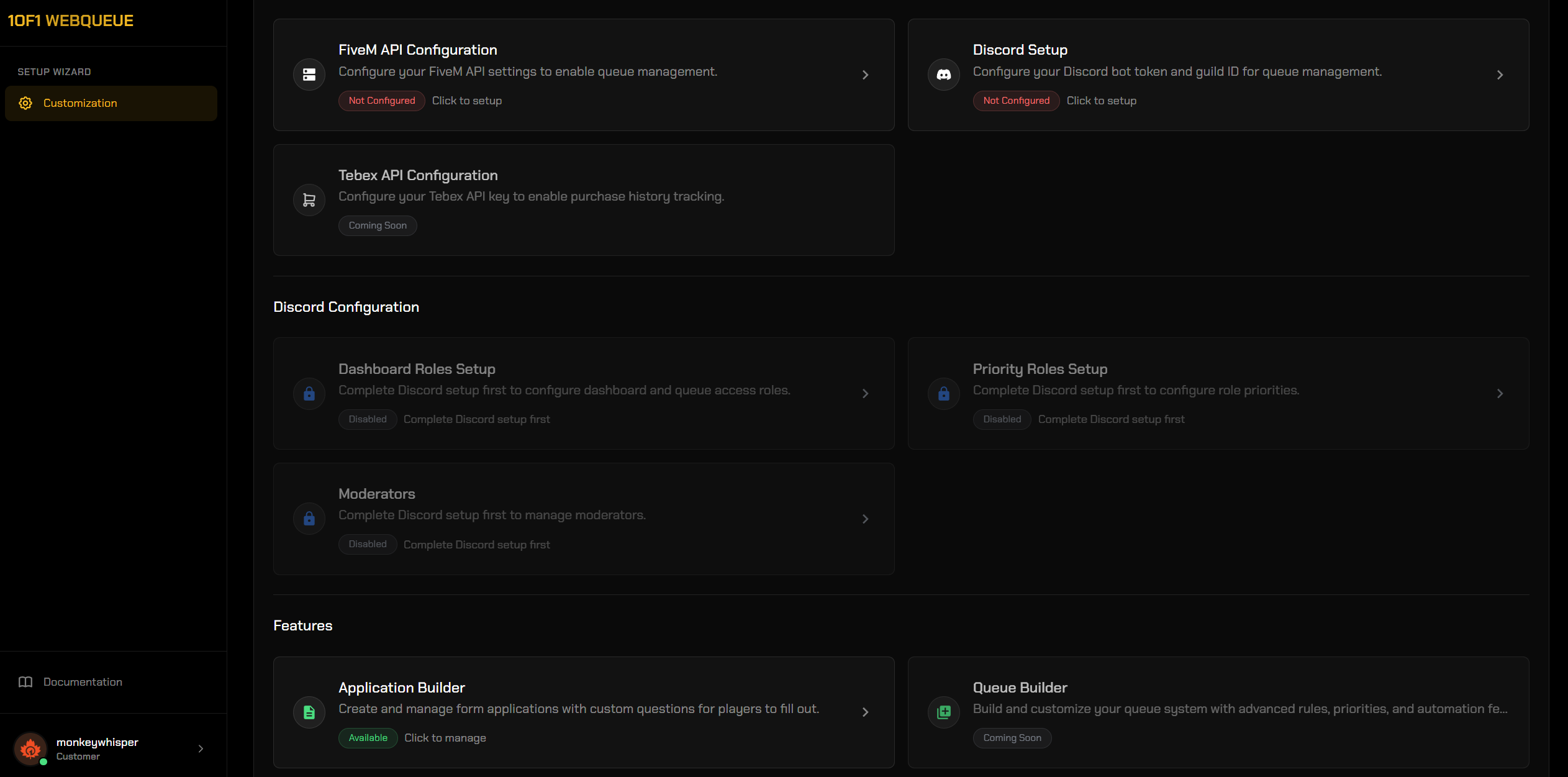
Setup Preview Images


Custom Domain Configuration Preview Images

Website Queue


Purchase:

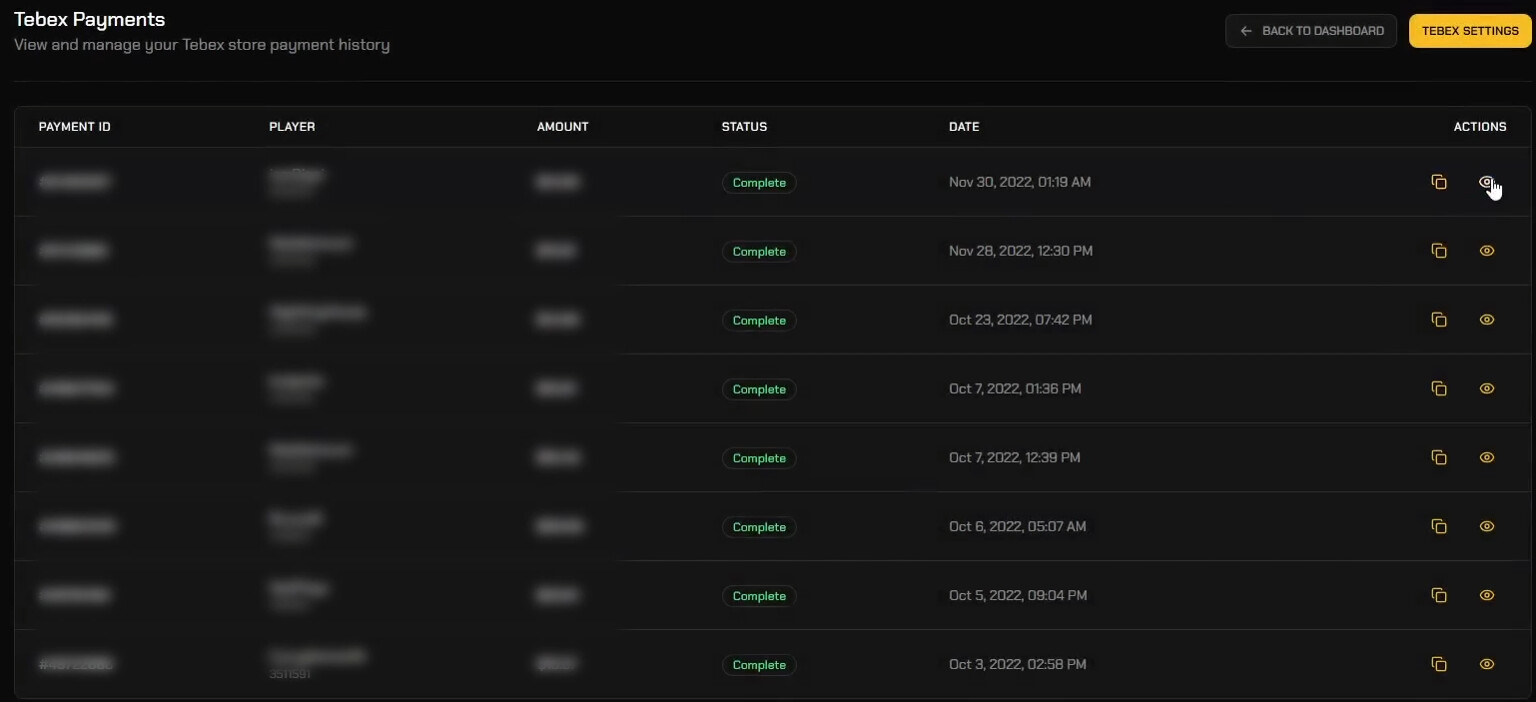
Tebex - One time payment
Tebex - Monthly subscription


Support

Discord
Docs & Setup

Code is accessible No
Subscription-based Optional
Lines (approximately) 370
Requirements None
Support Yes
7 Likes

A demo page have added above. To access the demo, you’ll need to self-assign a few specific roles in our Discord. Once you’ve selected them, you’ll be able to view the demo. The Discord link is on the thread above.

Honestly this is a game changer; its constantly getting updated with new ideas and suggestions.
Anyone that wants to elevate their community needs to jump on this, cause the current price is a steal for everything it does.

This also works for REDM; which im so grateful for.

1 Like

image

We can only test the home page :frowning:

Did you join our Discord and grabbed the roles? I believe that’s what you’re missing.

To access the demo, you’ll need to self-assign a few specific roles in our Discord. Once you’ve selected them, you’ll be able to view the demo. The Discord link is below.

1 Like

The new UI is now live, with plenty of additional features on the way.

Complete Queue Overhaul

Priority Roles Reworked

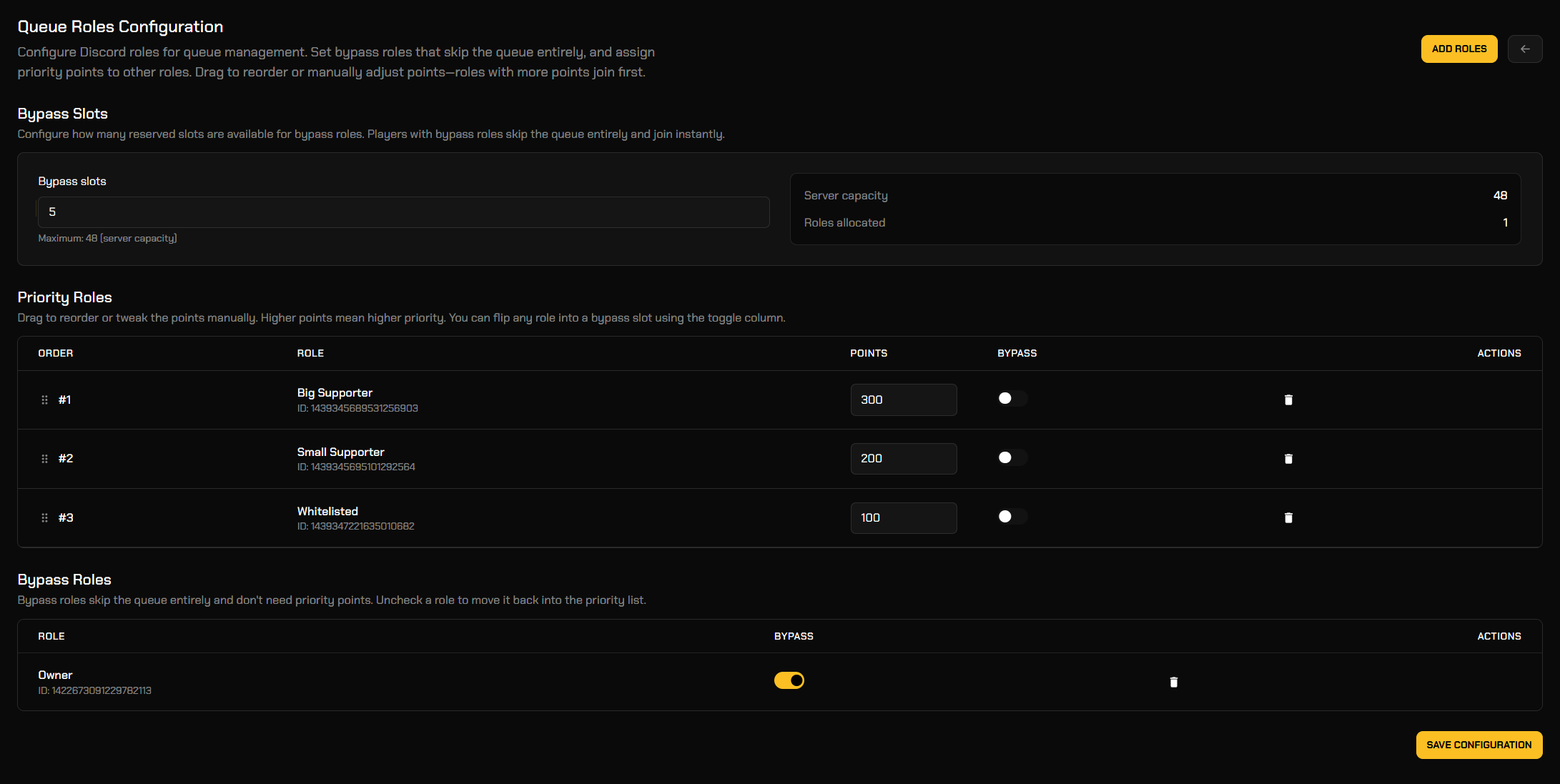
  • Added a new Queue Roles Configuration page to manage Discord roles for your queue.
  • Added Priority Roles with editable points, where higher points = higher queue priority.
  • Added drag-and-drop reordering so you can quickly reshuffle role priority without re-adding roles.
  • Added a quick Add Roles button, plus per-role remove actions.

Bypass Feature

  • Added Bypass Slots so you can reserve a set number of instant join spots for bypass roles.
  • Added a Bypass toggle per role, letting you flip any role between priority-based and instant-join.
  • Added a dedicated Bypass Roles section so bypass roles are separated from the priority list for clarity.


Biggest Update Yet!

We’ve been extremely busy, and it shows. Take a look at this massive new update packed with tons of customer-requested features and some seriously exciting additions.

Brand New waitqueue Website (New)

Added a completely redesigned website experience for waitqueue.com with improved layout, navigation, and management pages.

Module Settings (New)

Added a new Module Settings page to enable/disable modules and control access for both players and moderators.

  • Added Lock Queue so new players cannot join while existing players in queue can still be processed.
  • Added an Enable Applications Module toggle to disable all application-related features for players and moderators.
  • Added an Enable Tickets Module toggle to disable all ticket-related features for players and moderators.

Ticket Categories Reworked (New)

  • Added a new Ticket Categories system to customize your support categories.
  • Added support for custom-only categories, hiding default categories when custom categories are created.

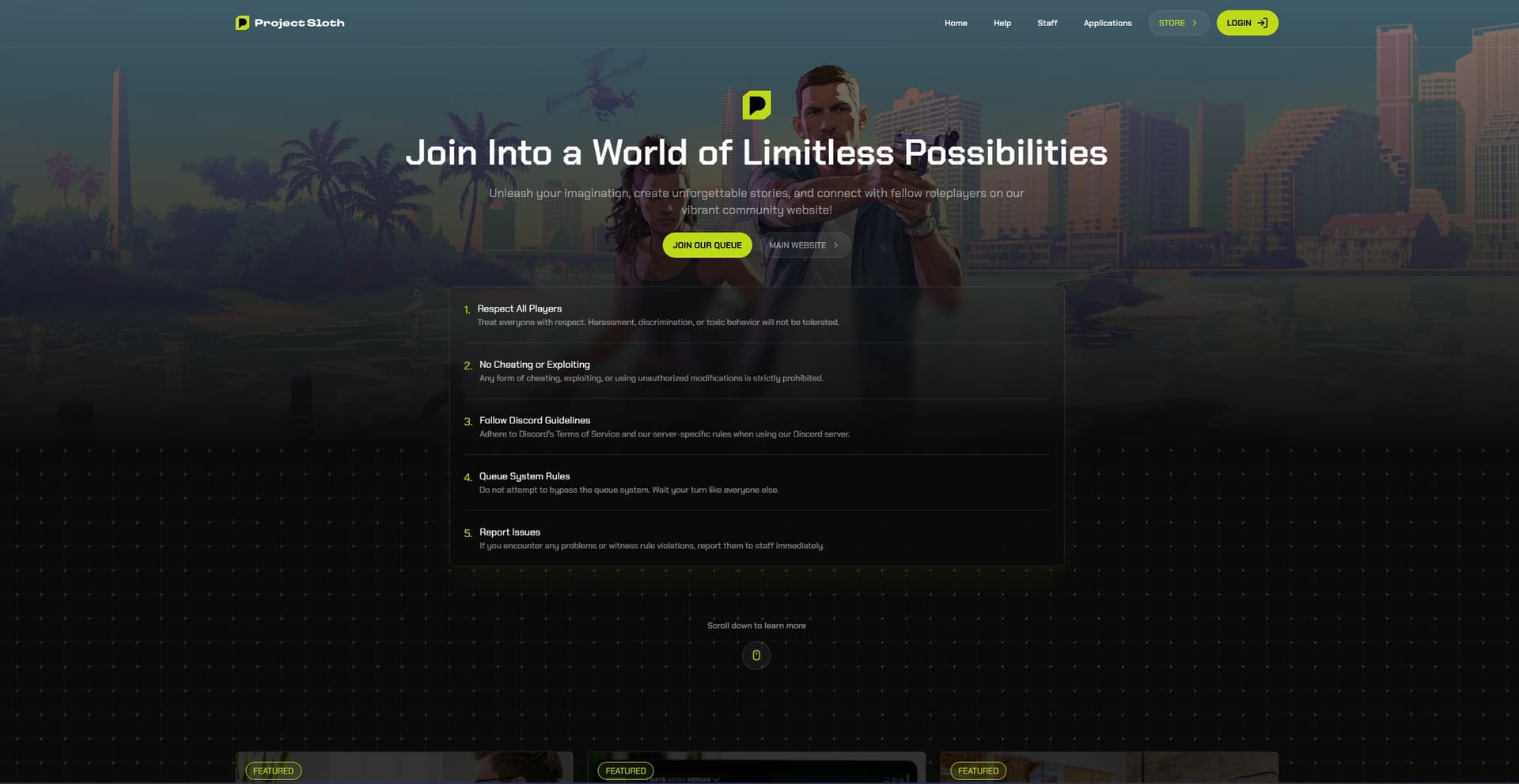
Landing Page Settings Expanded (New)

  • Replaced Quick Links with Navigation Bar Links for a cleaner and more modern landing page menu.
  • Added new Landing Page Appearance settings for customizing your landing page with colors.
  • Added a Primary Color selector to control your main accent color across the landing page.
  • Added a Rules section manager to create and display server rules on your landing page.
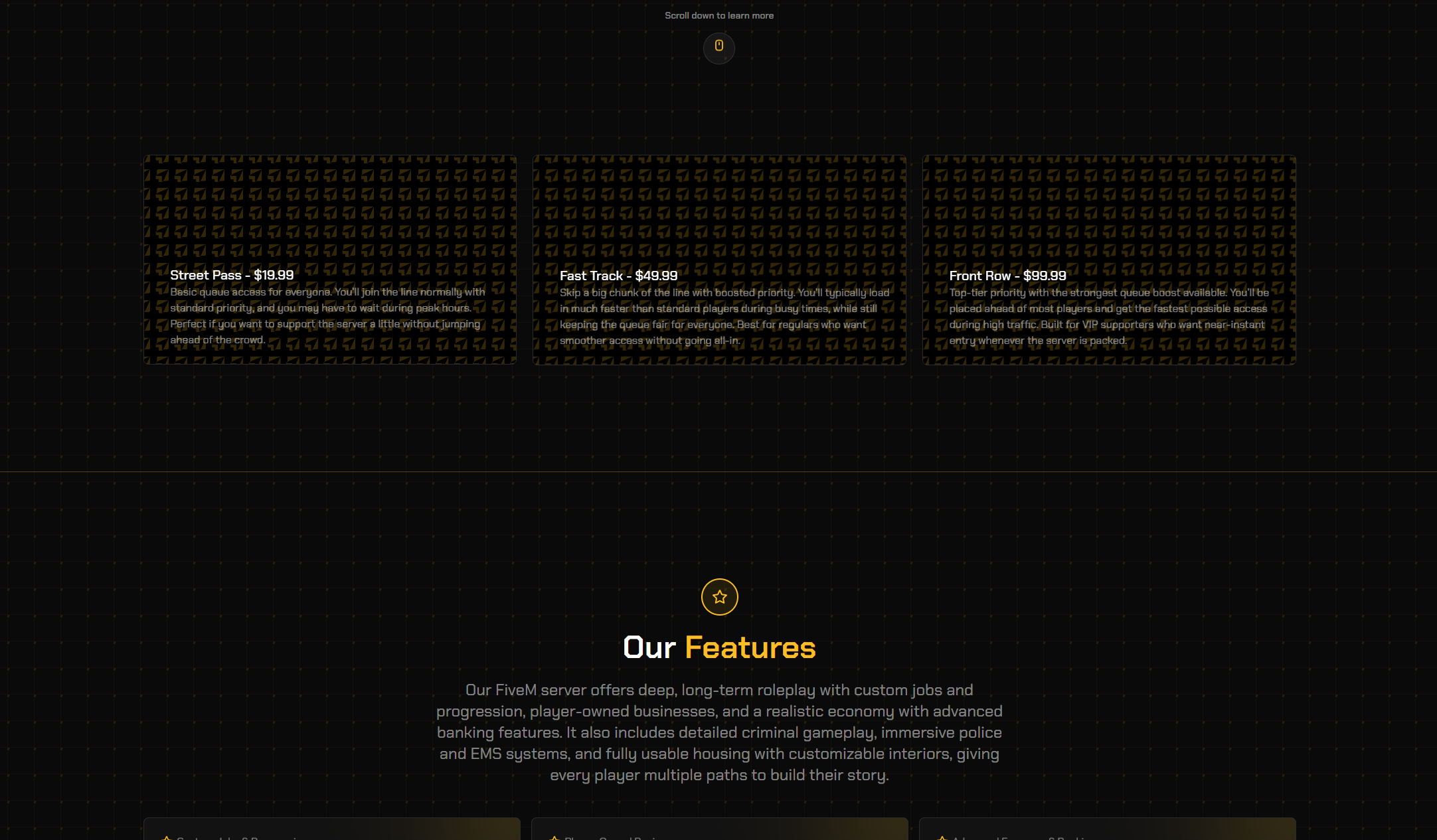
  • Added a Cards section manager to create up to 3 landing page cards.
  • Added an Our Features section manager to display your server features on the landing page.
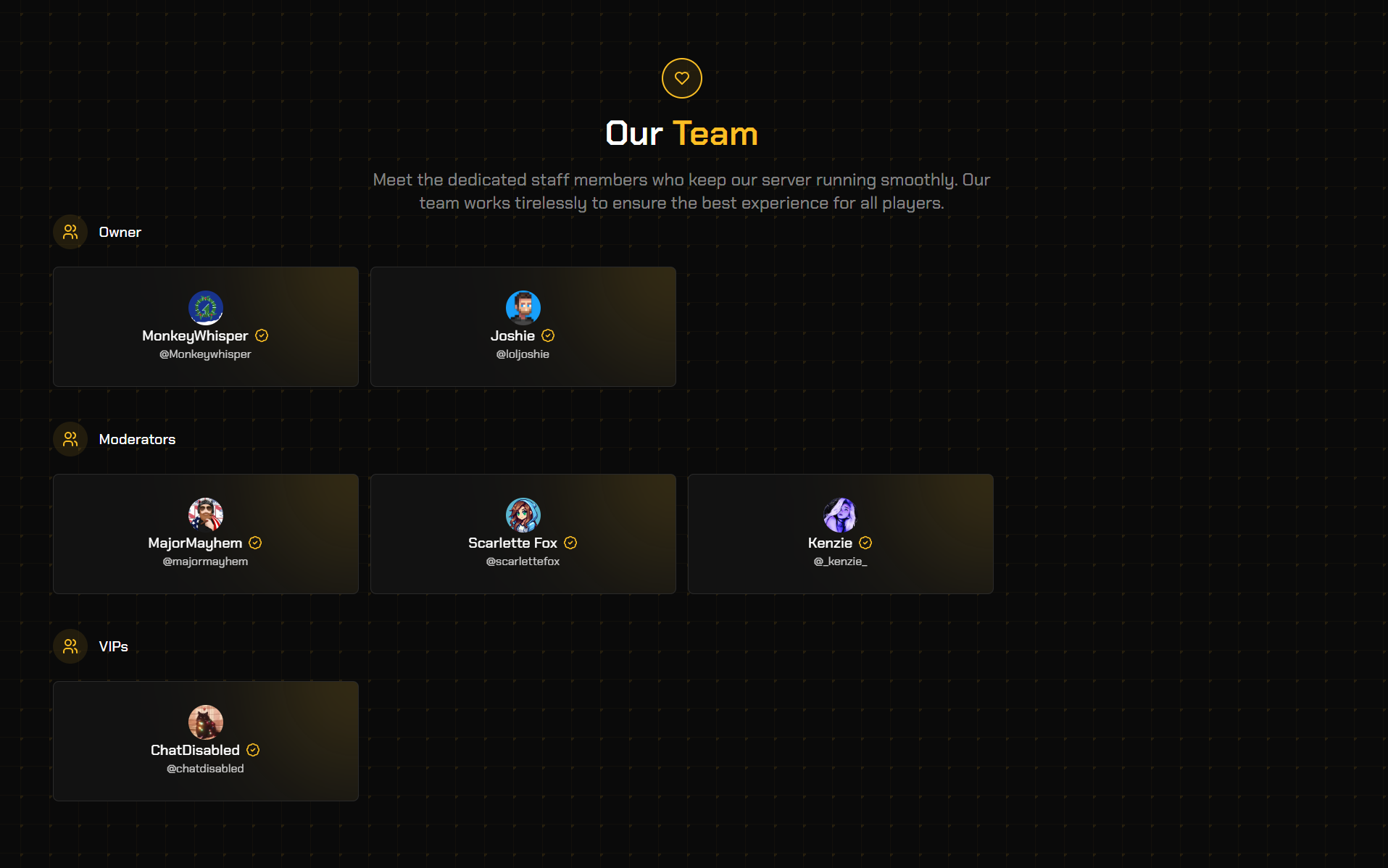
  • Added an Our Team section manager with team categories and member management.
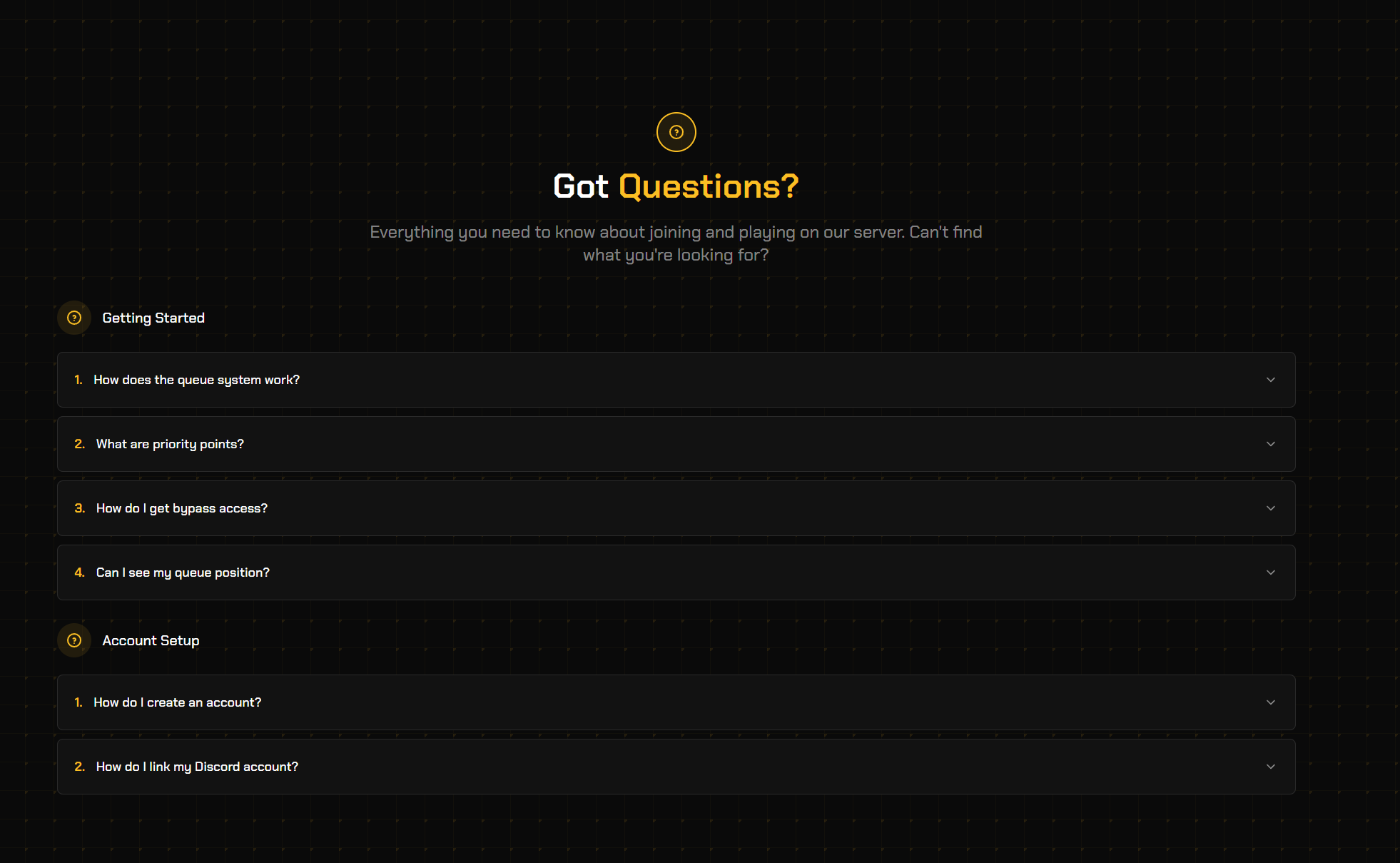
  • Added an FAQ section manager with categories and questions.
  • Added a Socials section manager to link your community’s social media directly on the landing page.