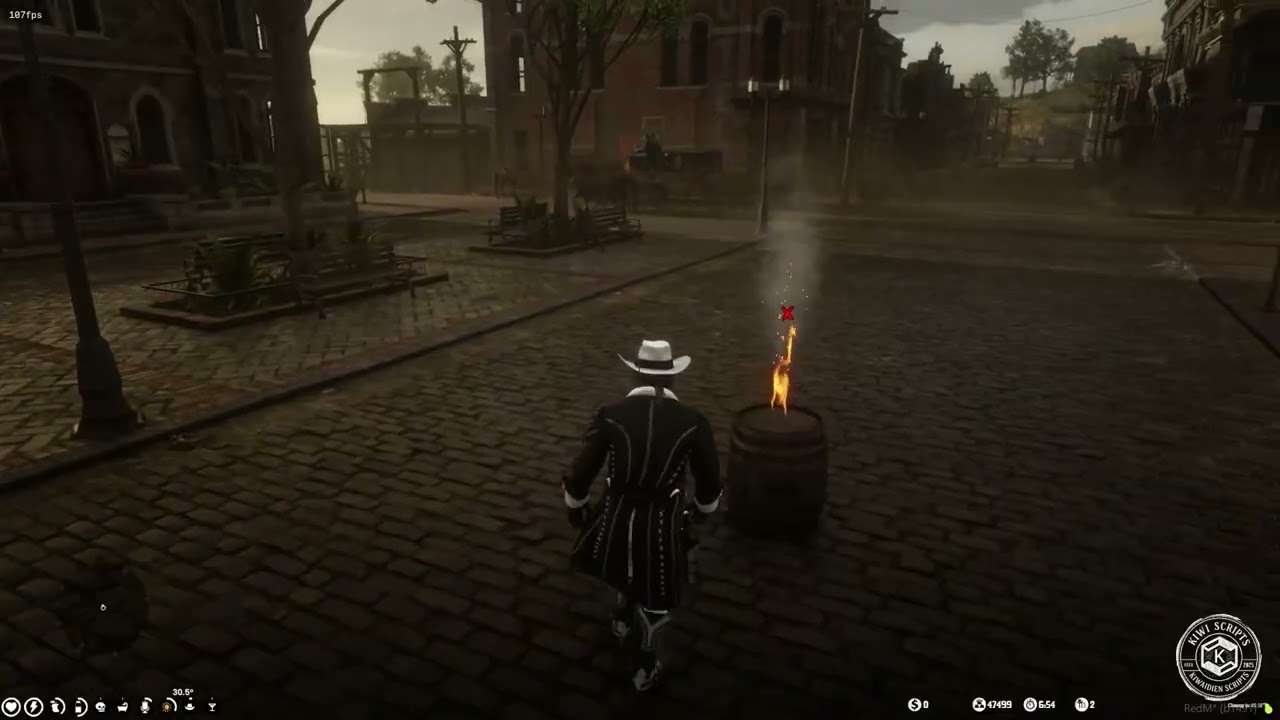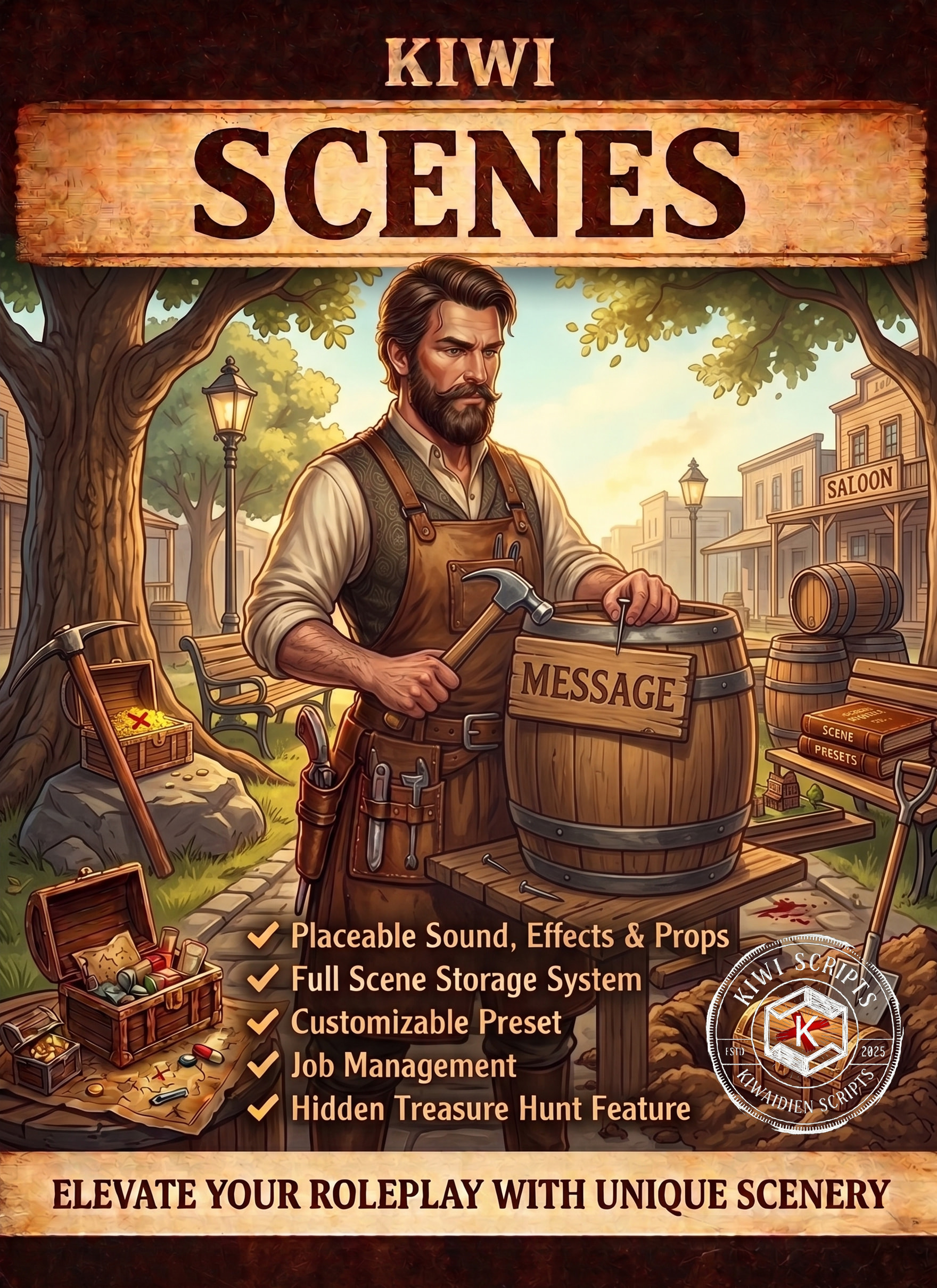
 Kiwi Scenes A complete world-building, storytelling & interaction system for RedM that finally brings your game world to life. Kiwi Scenes is not just another 3D text script – it is the ultimate all-in-one tool for players and admins to actively shape the environment using props, effects, sounds, quests, and interactive stashes.
 Core Features & Builder
- Full 3D Text & Blip system with countless icons and customizable fonts/colors.
- Place physical 3D props, particle effects & ambient sounds.
 Time-Based Scheduling: Make scenes visible only during specific real-world (OOC) dates/hours or in-game (IC) timeframes. Perfect for limited-time events!
 Customizable UI Backgrounds: Toggle the reading UI background on/off and choose custom colors to fit the mood of your scene.
- Custom YouTube Audio: Use YouTube URLs as spatial 3D sounds (includes a smart memory buffer to prevent autoplay bugs).
- Live 3D Builder Mode: Pinpoint accuracy positioning (X/Y/Z, rotation & ground snapping) complete with an alignment laser and spotlight for perfect night-time building!
- Integrated Cost System: Charge money, gold, or specific items per prop/effect/sound.
- Auto-Delete & Line-of-Sight (LOS): Adjustable timers and strict anti-wallhack protection (scenes cannot be read through walls).
- Save & load personal UI presets effortlessly, with UI memory for your last inputs.
 Hardcore RP & Immersion
 Scavenger Hunts (Chained Scenes): The ultimate quest-building tool! Link scenes together so that Scene B only appears after the player has discovered and read Scene A.
 Detective Mode: Create scenes that can only be uncovered when players equip a specific item (like a magnifying glass). Seamlessly forces first-person view and plays animations for perfect crime scene investigations!
 Lockpicking Minigame: Password-protected stashes can now be cracked! If a player has a lockpick item, they can attempt a skill-check minigame to break into the safe (consumes the lockpick on use).
 Buried System: Hide props underground. They can only be physically dug up using a shovel (includes animations & dirt particle effects).
 Storage System: Turn placed crates or barrels into real, working stashes for items, cash & gold. Includes Safe-Delete Protection: When a stash is dismantled, the items safely flow back into the player’s inventory (deletion is blocked if the inventory is full).
- Password Protection & Private Scenes: Create safes with PIN codes or leave messages visible only to a specific player name.
 Job & Faction Management
 Secret Job-Info: Embed hidden messages within a normal scene that only a specific faction (e.g., Police) can read. Perfect for undercover investigations or faction-exclusive hints!
- Detailed JobLock System (Master switch & individual categories).
- Lock scenes exclusively to specific jobs / factions.
- “Job Internal”: Only members of your own faction can see the scene.
- Restrict specific features (props, effects, sounds) to certain professions (e.g., dynamite for miners, blood props for doctors, magnifying glass for cops).
 Conclusion Kiwi Scenes replaces 5 other scripts on your server. It brings unparalleled immersion, deep storytelling, and countless new RP possibilities. Backed by extensive admin tools and detailed Discord webhook logging. Whether it’s treasure hunts, crime scenes, faction stashes, or lively saloons – a system that gives you total freedom.
| Code is accessible | Config/Locale |
| Subscription-based | No |
| Lines (approximately) | ~ 8000 |
| Requirements | VORP |
| Support | Yes |
https://elp-scripts.tebex.io/package/7424420