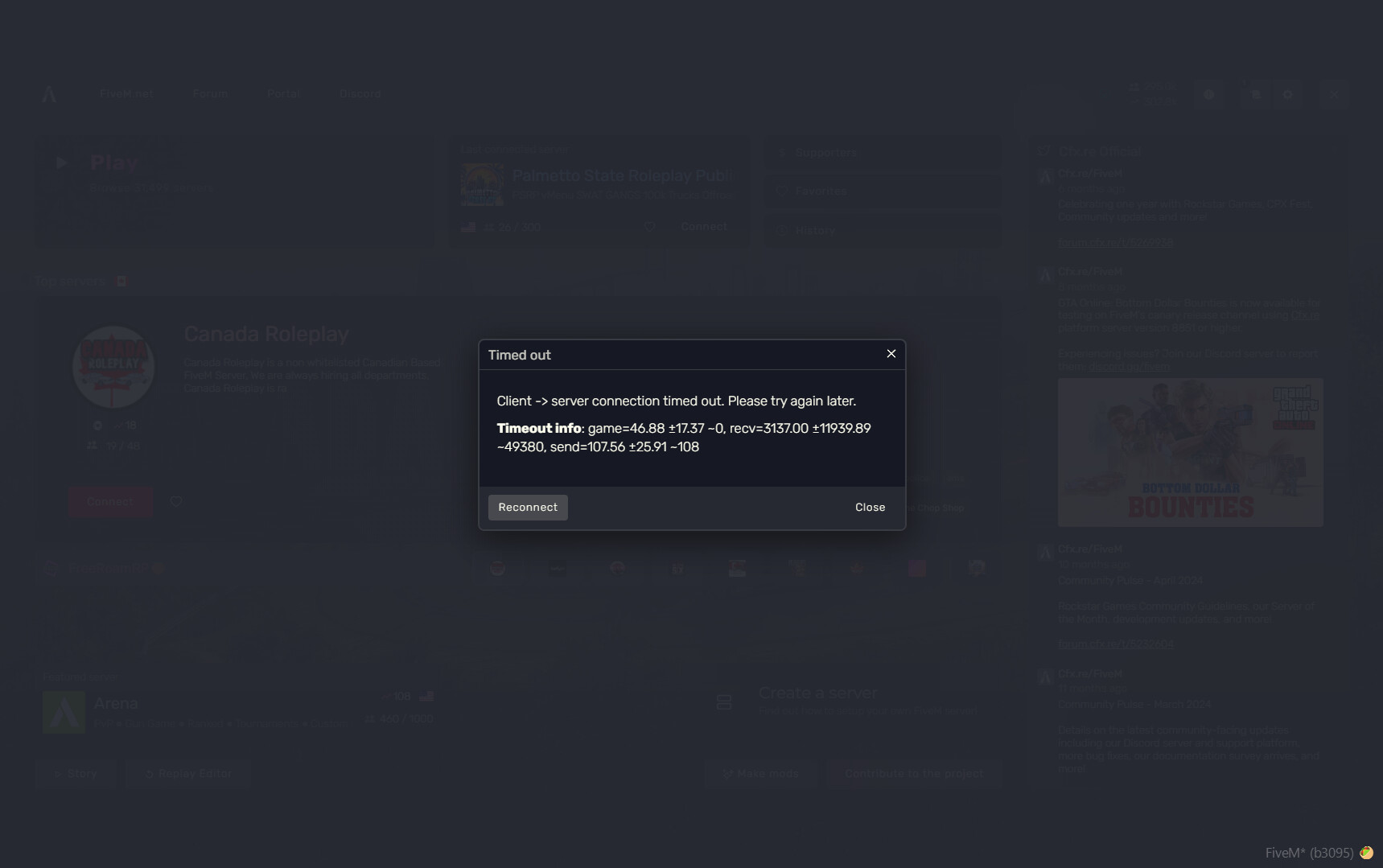
Every time I try to connect to any server I get through to the server loading screen and then I’m either met with a black screen or the server loading screen just stays up on my screen until eventually my game crashes. I’ve tried a bunch of things and nothing seems to work. GTA is installed in the right place and works fine, no mods or anything, cleared cache files, tried different servers, turned off anti-virus. I’ve tried a couple other things I just don’t really remember what they are lol. Please let me know what I can do to fix this. Thanks.
What have you tried already to fix the issue?
Cleared cache files, tried different servers, turned off anti-virus and firewall, and re-installed GTA onto new drive.
Hello, this is a friendly reminder because this is your first time creating a topic (or it has been a while since your last topic) in this category.
Please note that most of the support is provided by the Cfx.re community on a voluntary basis. We ask you to be patient; there is no guarantee we have a solution to your problem(s). To avoid unnecessary/duplicate topics, please browse the forums before creating a topic.
To improve your chances of your issue(s) being solved, please provide as much information as possible about the issue(s) you are having. Also —whenever possible— please use the template given to you when creating a topic.
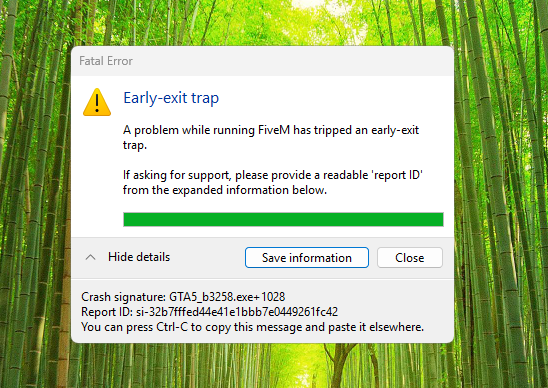
A firewall, which PortMaster appears to be upon a quick search, wouldn’t be causing an early-exit trap - EETs have nothing to do with network stuff, at least not directly.
Not with EETs; sure, if you block stuff in a firewall said stuff won’t load, that’s obvious, but I wouldn’t know how you can achieve an early-exit trap with doing so
I’m not a moderator, and the solutions you’re suggesting are clearly and obviously wrong, even if they come from a place of good intentions. If you’re not experienced with these things, observe others first and get said experience; firing shots in the dark is a waste of time, both for you and the person you’re attempting to help.
Read the bottom of said resource in that case, it’s your PC - figure out what apps you got running that may be messing with it. Also, ensure you’re running on a stable Windows 11 build, no “Insider Preview” stuff

 guarantueed