
UiForge Workbench | Advanced Crafting System (Admin Builder, Queue + XP)
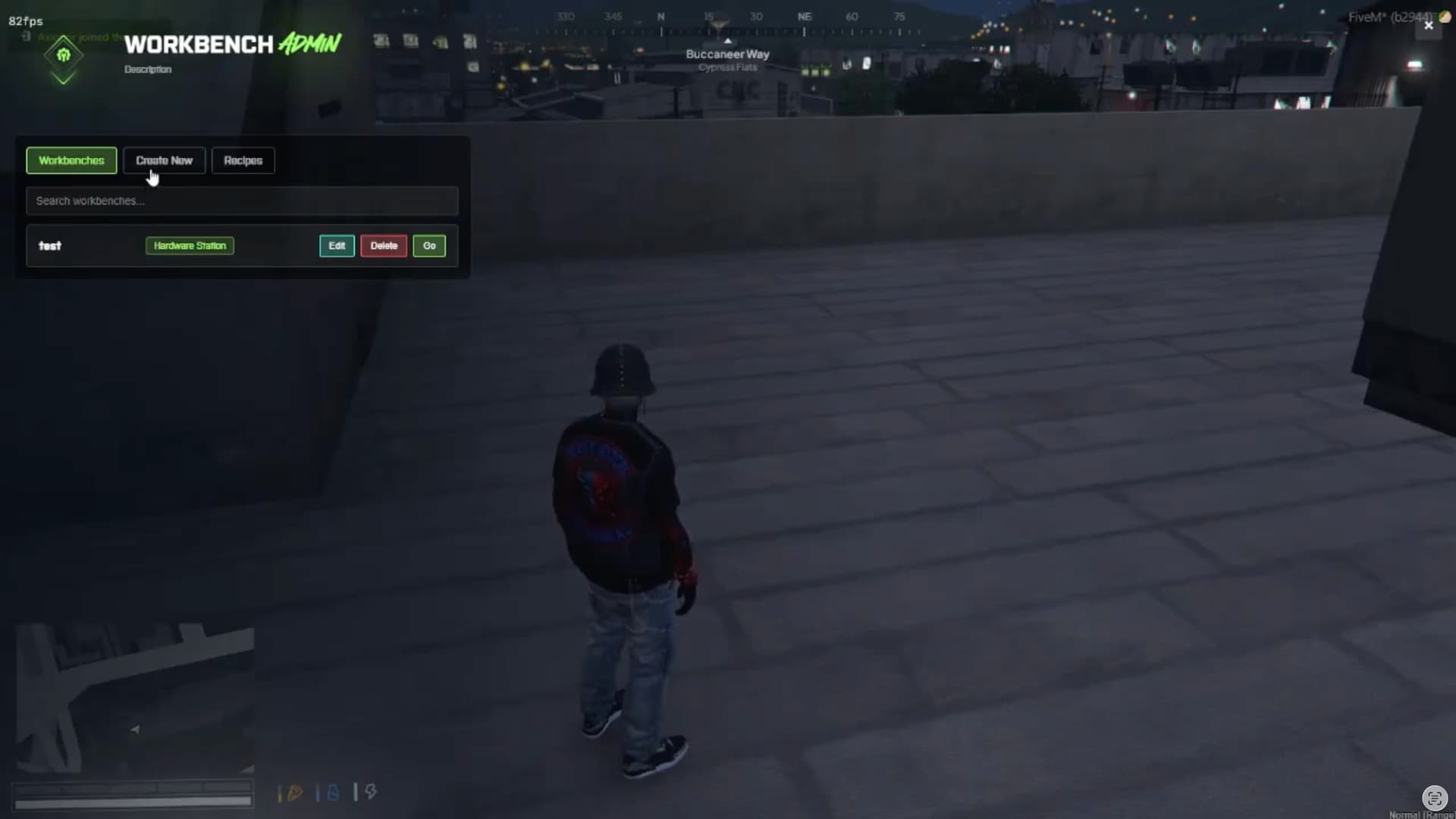
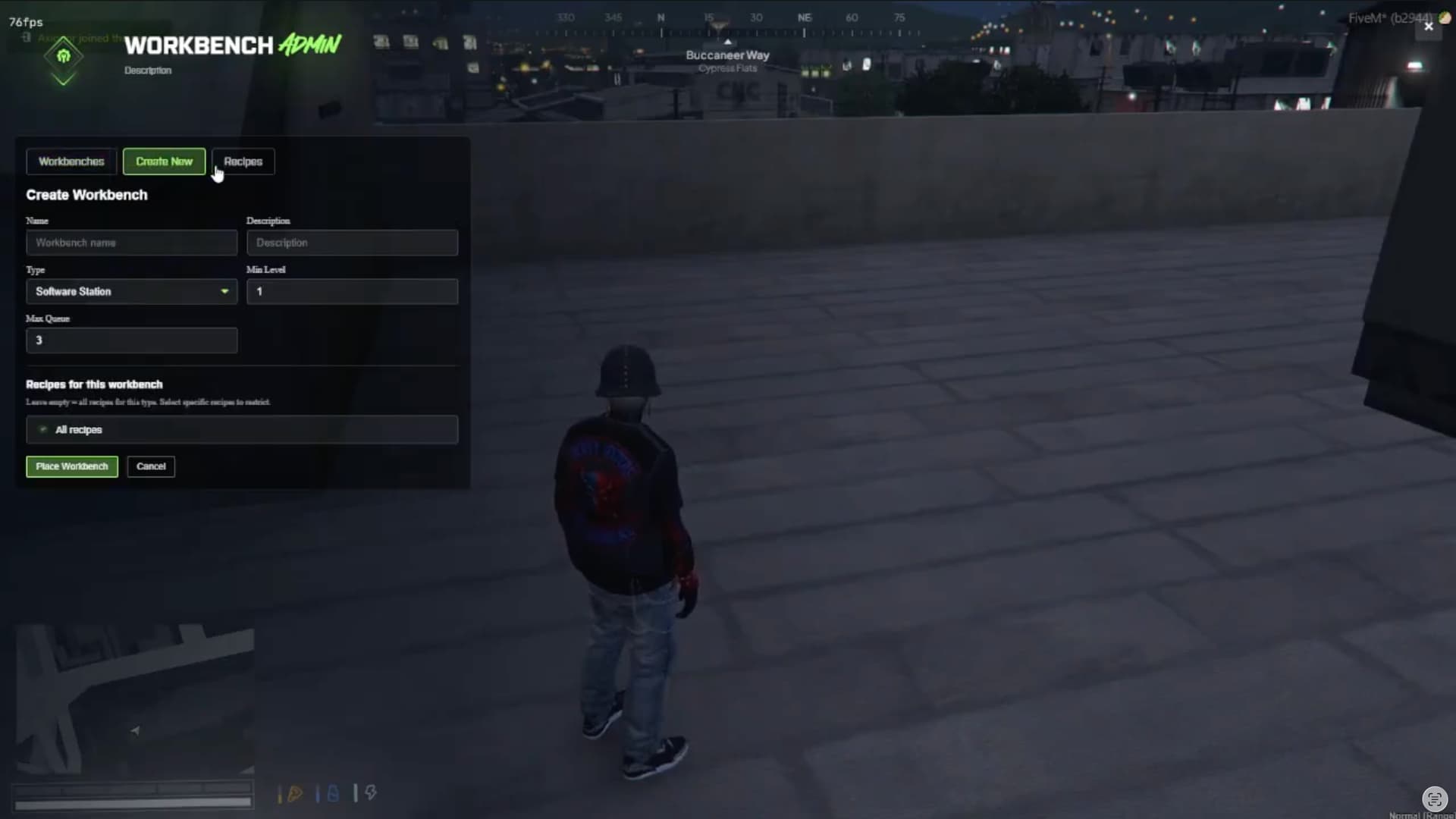
UiForge Workbench is a full crafting framework for FiveM with persistent workbenches, timed queue crafting, XP/level progression, and a complete in-game admin panel to manage stations and recipes.
Preview
- Video: Youtube


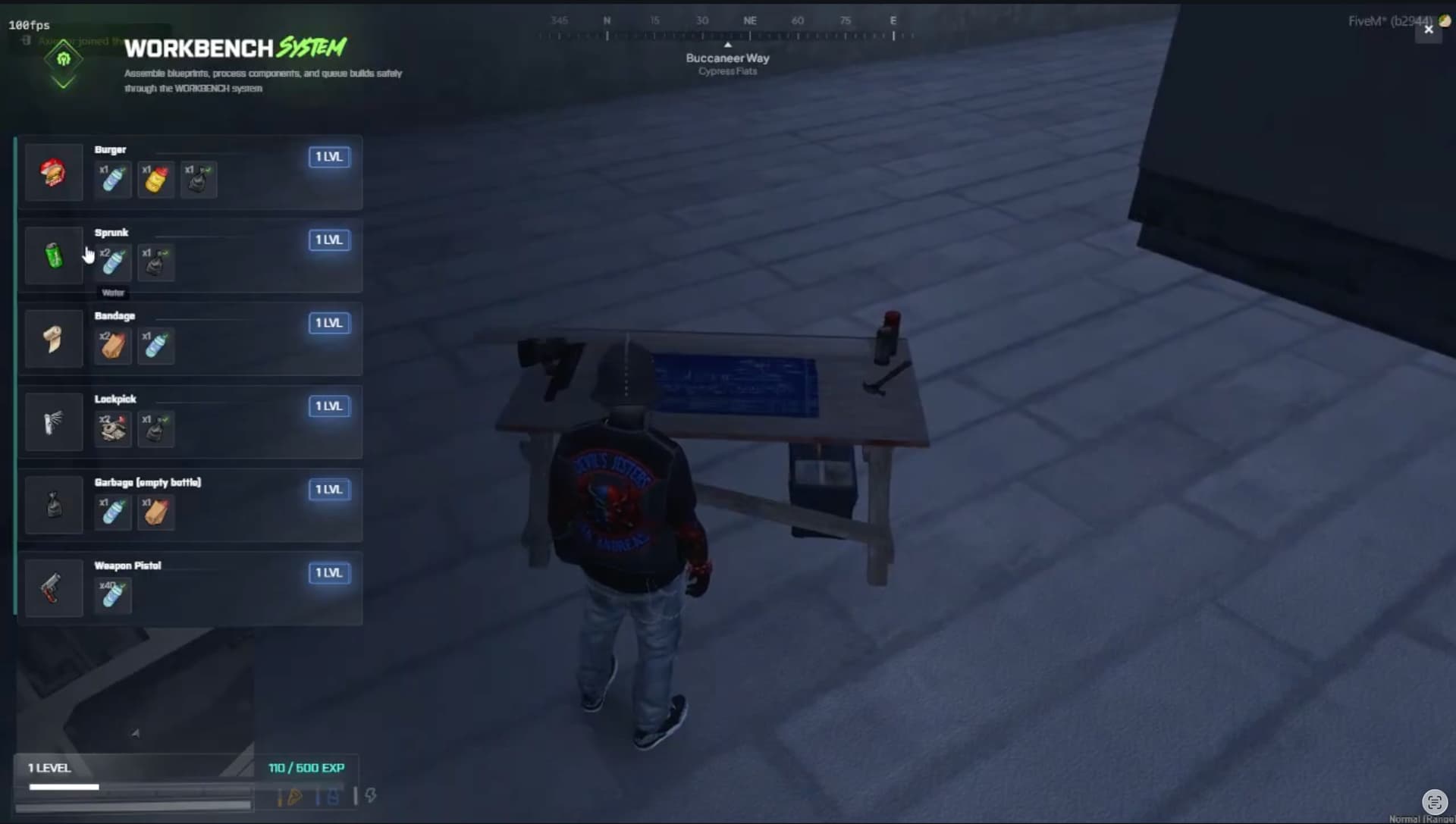
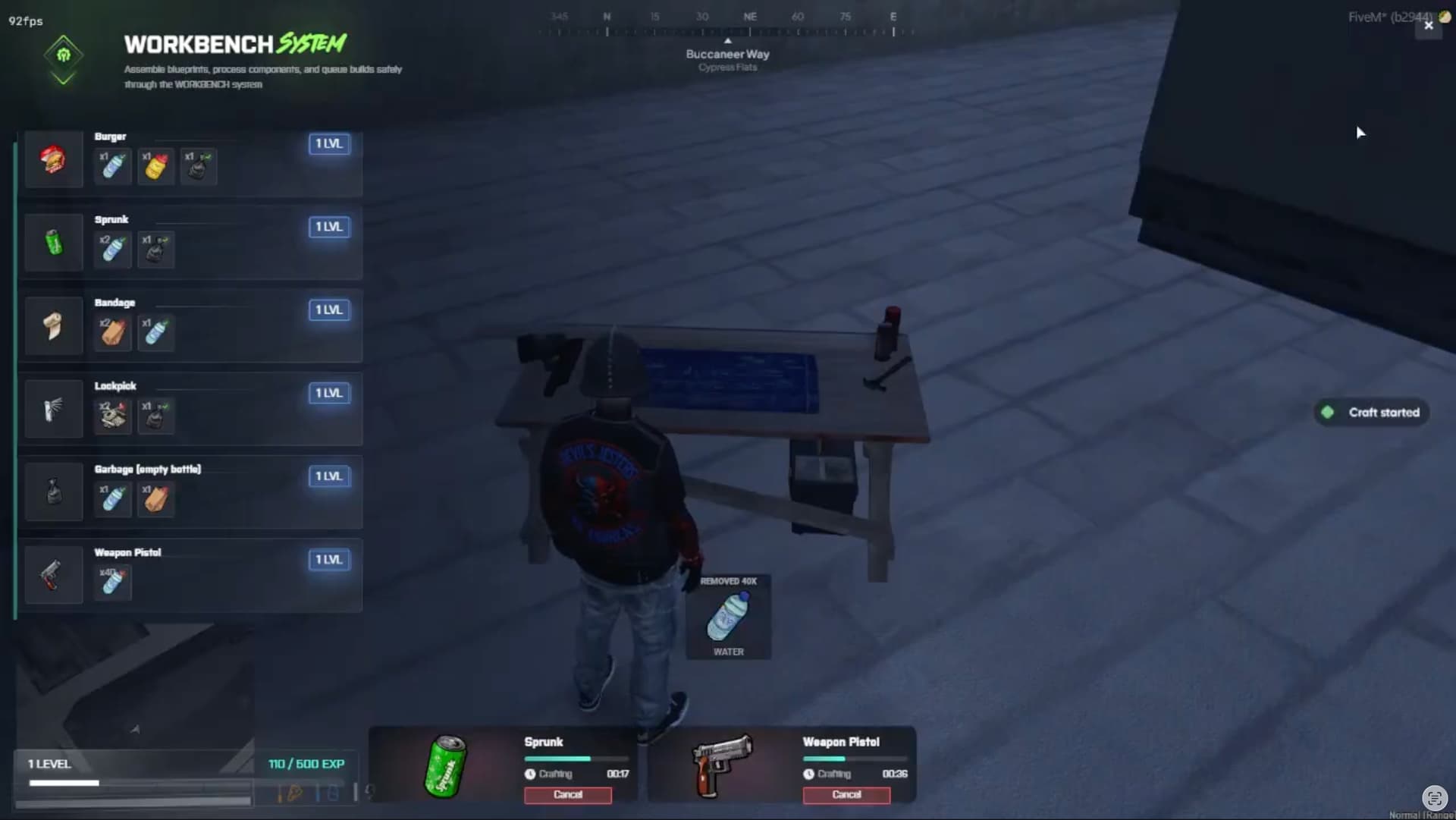
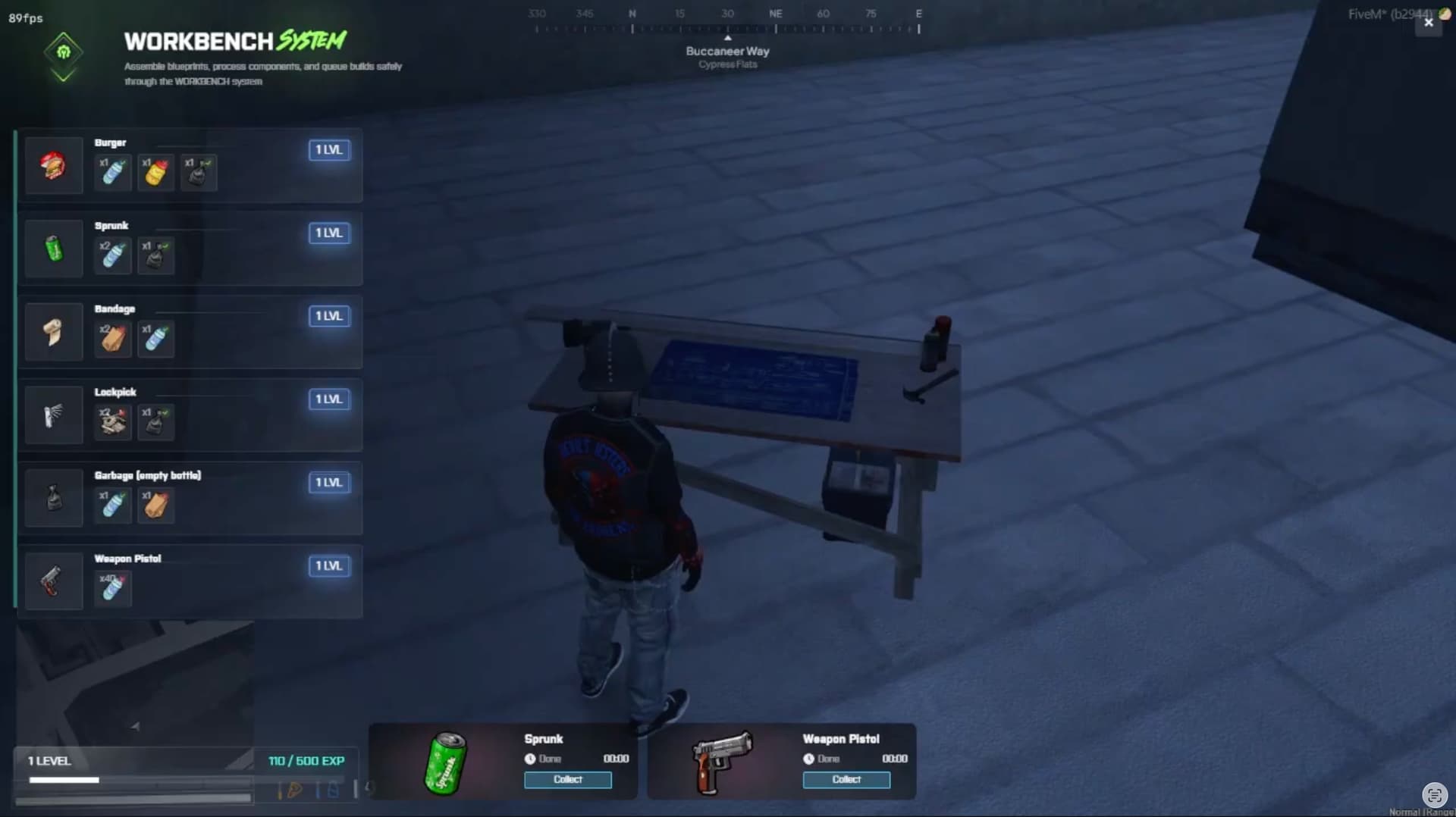
Features
-
Modern Vue 3 NUI for both player and admin interfaces
-
Persistent, database-driven workbenches
-
In-world interaction with:
-
ox_target -
qb-target -
fallback proximity interaction (
E) viaox_lib -
Timed crafting queue per player per station
-
Cancel/collect workflow for crafts
-
Optional material refund on cancel
-
XP + level system with configurable level curve
-
Optional completion notifications
-
Admin workbench management:
-
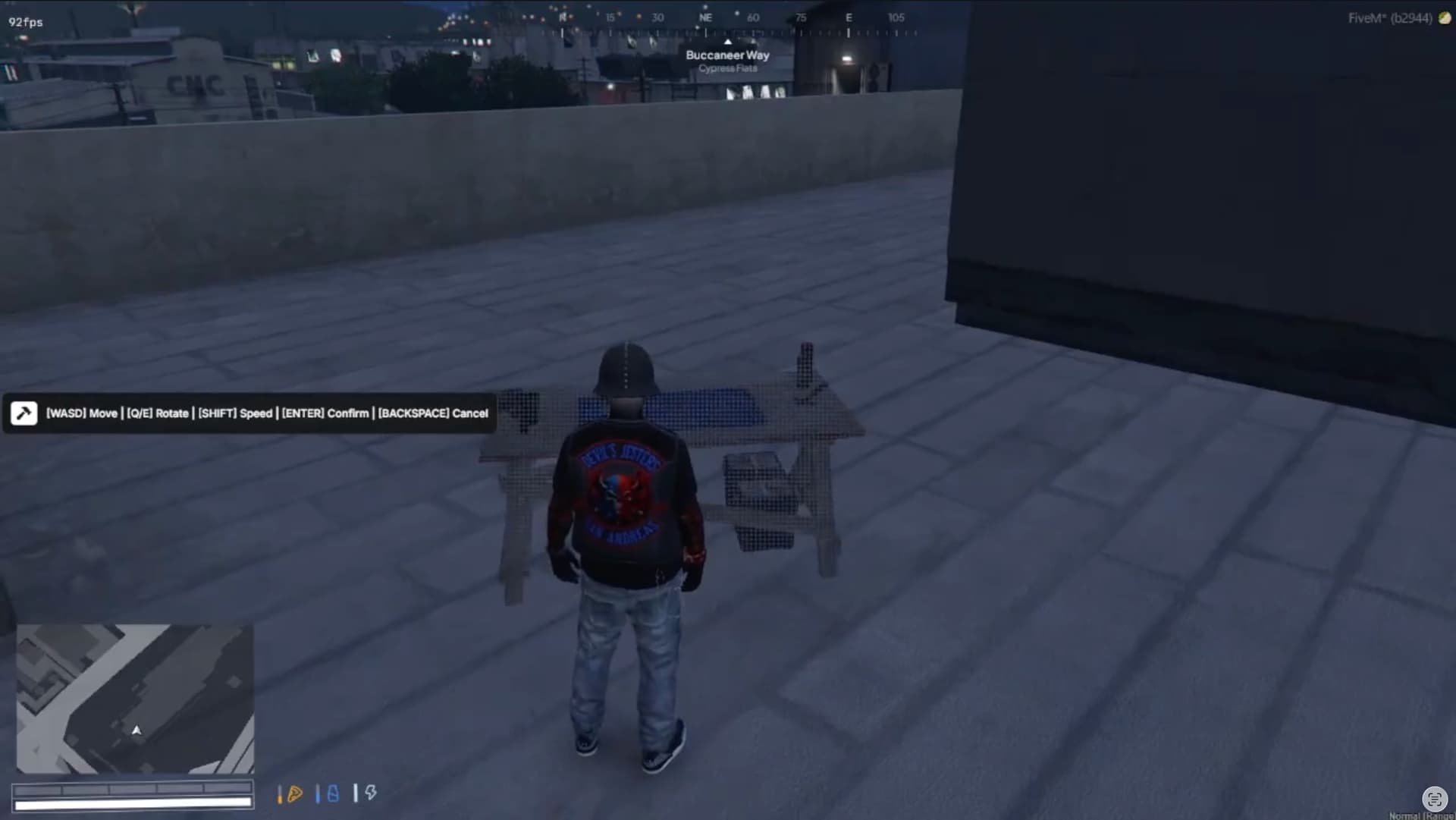
create/place in-world (ghost placement mode)
-
edit station settings
-
delete stations
-
teleport to station
-
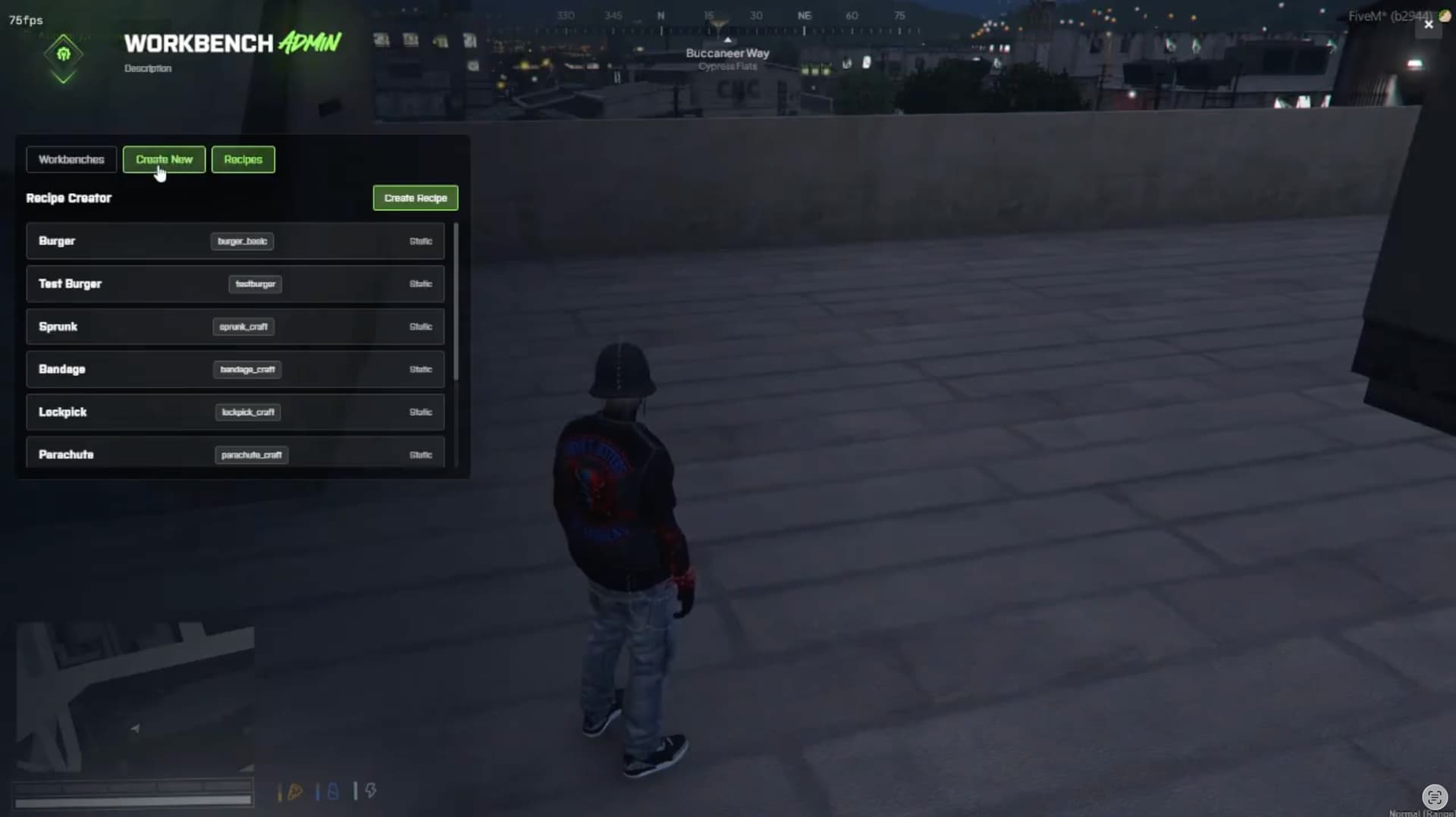
Admin recipe management (custom DB recipes):
-
create / edit / delete
-
static shared recipes remain protected/read-only
-
Works with multiple frameworks/inventories (auto/manual mode)
-
Job/gang restriction enforcement per station
Compatibility
-
Frameworks:
-
Qbox
-
QBCore
-
ESX
-
Inventory:
-
ox_inventory
-
qb-inventory
-
tgiann-inventory
-
Database:
-
oxmysql
Dependencies
-
ox_lib -
oxmysql -
Optional (recommended):
ox_targetorqb-target
Installation
-
Place the resource folder in your
resourcesdirectory. -
Make sure dependencies are installed and started.
-
Add to
server.cfg:
ensure ox_lib

ensure oxmysql

ensure UiForge_WorkBench
-
Configure
shared/config.luafor your framework/inventory. -
Add ACE permission for admin access:
add_ace group.admin uiforge.workbench.admin allow

add_principal identifier.license:YOUR_LICENSE_HERE group.admin
- Start server and use admin commands to place stations.
Important Notes
-
DB tables are auto-created on resource start.
-
If no target resource is running, the script automatically falls back to proximity interaction.
-
Static recipes are loaded from
shared/recipes.lua. -
Custom recipes are saved in DB and can be managed from admin UI.
Default Admin Command
/workbench_admin→ open admin panel
(Commands are configurable in Config.Admin.commands.)
Core Config Highlights
-
Interaction distance limits
-
Queue size per station
-
Craft completion behavior and notifications
-
XP curve (
levelstable or growth formula) -
Workbench type defaults (software/hardware/weapons)
-
UI behavior for level-locked recipes
Exports
Client Exports
exports['UiForge_WorkBench']:openWorkbench(workbenchId)

exports['UiForge_WorkBench']:openAdmin()
Server Exports
exports['UiForge_WorkBench']:GetPlayerCrafts(source)

exports['UiForge_WorkBench']:GetPlayerActiveCrafts(source)

exports['UiForge_WorkBench']:GetAllActiveCrafts()

exports['UiForge_WorkBench']:GetCraftById(craftId)

exports['UiForge_WorkBench']:GetWorkbenchActiveCrafts(workbenchId)

exports['UiForge_WorkBench']:GetPlayerXP(source)

exports['UiForge_WorkBench']:GetPlayerActiveCraftsCount(source, workbenchId)

exports['UiForge_WorkBench']:GetWorkbenches()

exports['UiForge_WorkBench']:GetRecipes()
Roadmap
-
Optional recipe import/export presets
-
Additional UI themes
Requirments
- Core
- Inv
- OxMySQL
- OxLib
Buy now
Support

| Code is accessible | Depends on Purchase Type |
| Subscription-based | Depends on Purchase Type |
| Lines (approximately) | 4000+ |
| Requirements | Core, Inv, OxMySQL, OxLib |
| Support | Yes |