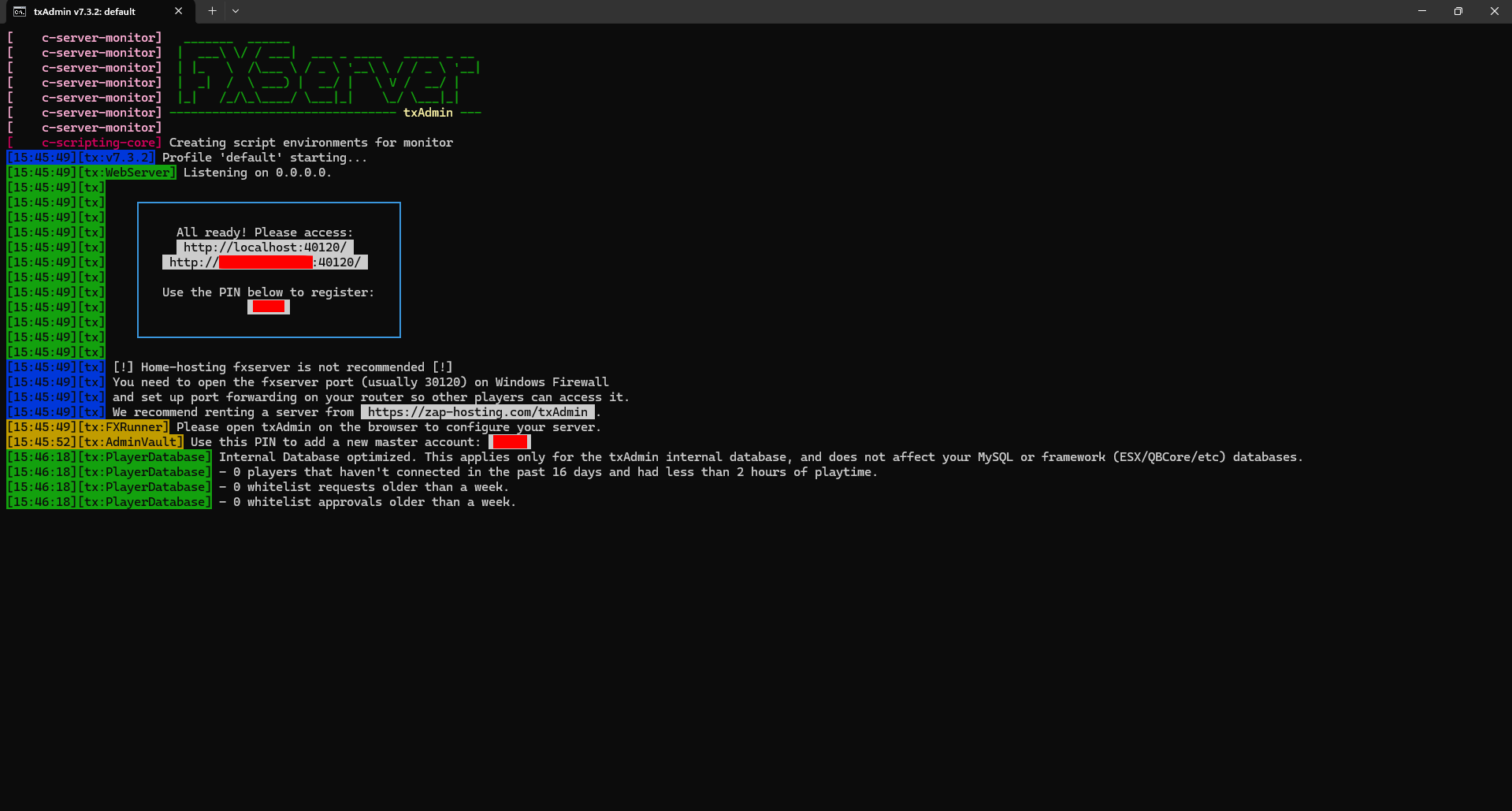
Hosting an fxServer on a Windows VPS. Server was working fine not two days ago, but now when I attempt to start it, the server will not start, and the txAdmin web console panel loads infinitely (both using http:/localhost:40120/ and http:/my-ip-address /40120/). I have tried:
- Redownloading cfx server-data and server artifacts
- Starting a brand new fxServer
- Manually inputting my IP in my browser
- Attempting to login from my main PC (Yes, I’m aware this shouldn’t work, I did it just to see)
- Starting the fxServer with zero resources loaded (except the built-in ones)
- Restarting the VPS
- Port-forwarding both 30120 and 40120 TCP & UCP
- Excluding my fxServer folder from Windows Defender scans
- Using different browsers (Microsoft Edge and Opera GX)
Attached below are two screenshots, one of my browser, and one of my entire fxServer console. I use Server Optima for VPS hosting (no issues with fxServers until today). Any help would be much appreciated. Additional screenshots / files such as server.cfg can be provided if needed.