To receive support, please fill out the following template, and remove this top text.
GTA V version? I’ve just bought this week
Up to date? Yes
Legit or Pirate copy? Legit
Steam/CD/Social Club? Steam
Windows version? 10
Did you try to delete caches.xml and try again? Yes
Error screenshot (if any)
System specifications 32GB RAM, INTEL(R) CORE™i7-7700HQ CUP @ 2.80GHZ 2.80GHZ
What did you do to get this issue? I just try to open the fivem
What server did you get this issue on? None, I can’t even open the fivem
CitizenFX.log file
.dmp files/report IDs
If an issue with starting:
**GTA V folder
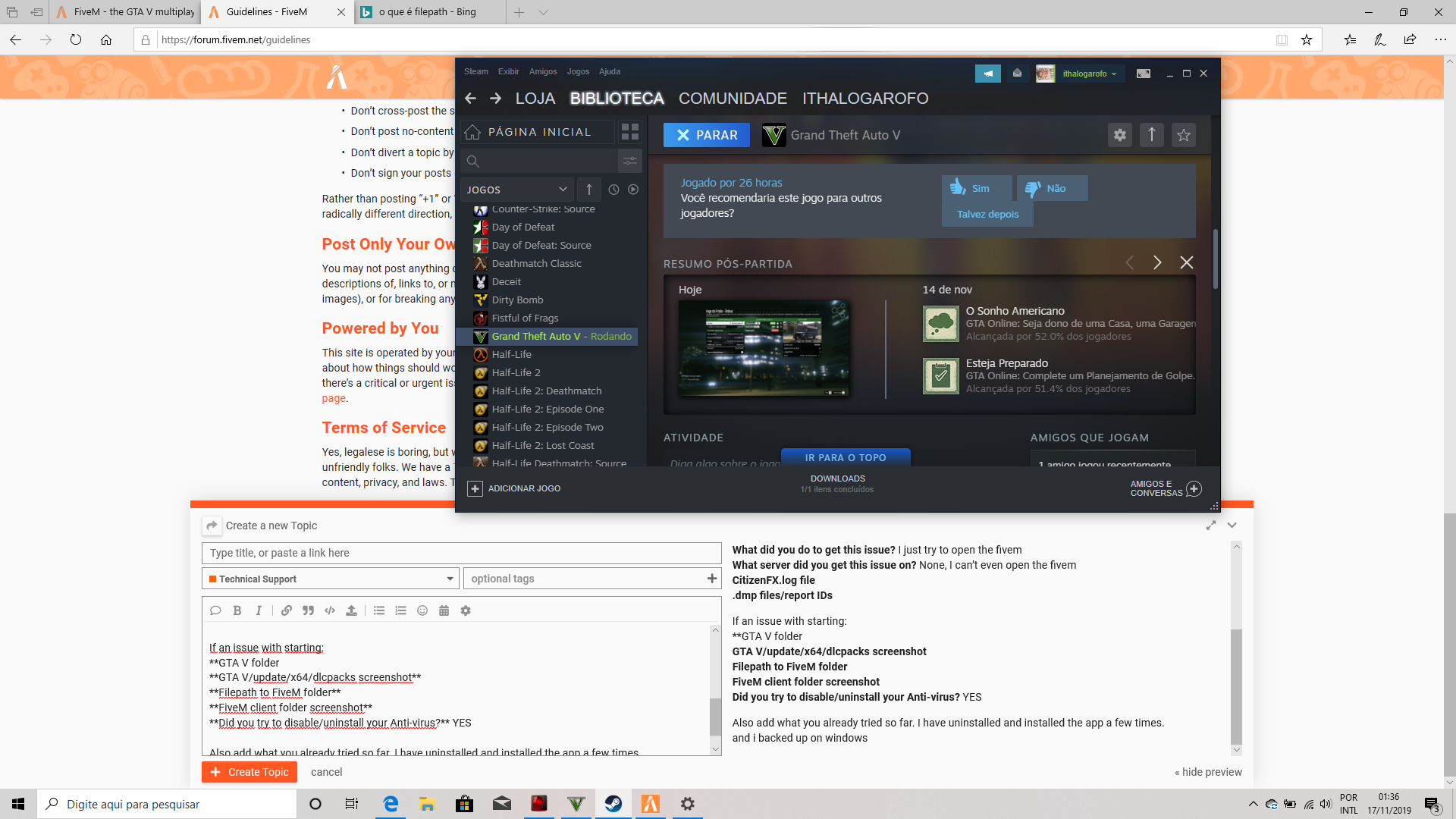
GTA V/update/x64/dlcpacks screenshot
Filepath to FiveM folder
FiveM client folder screenshot
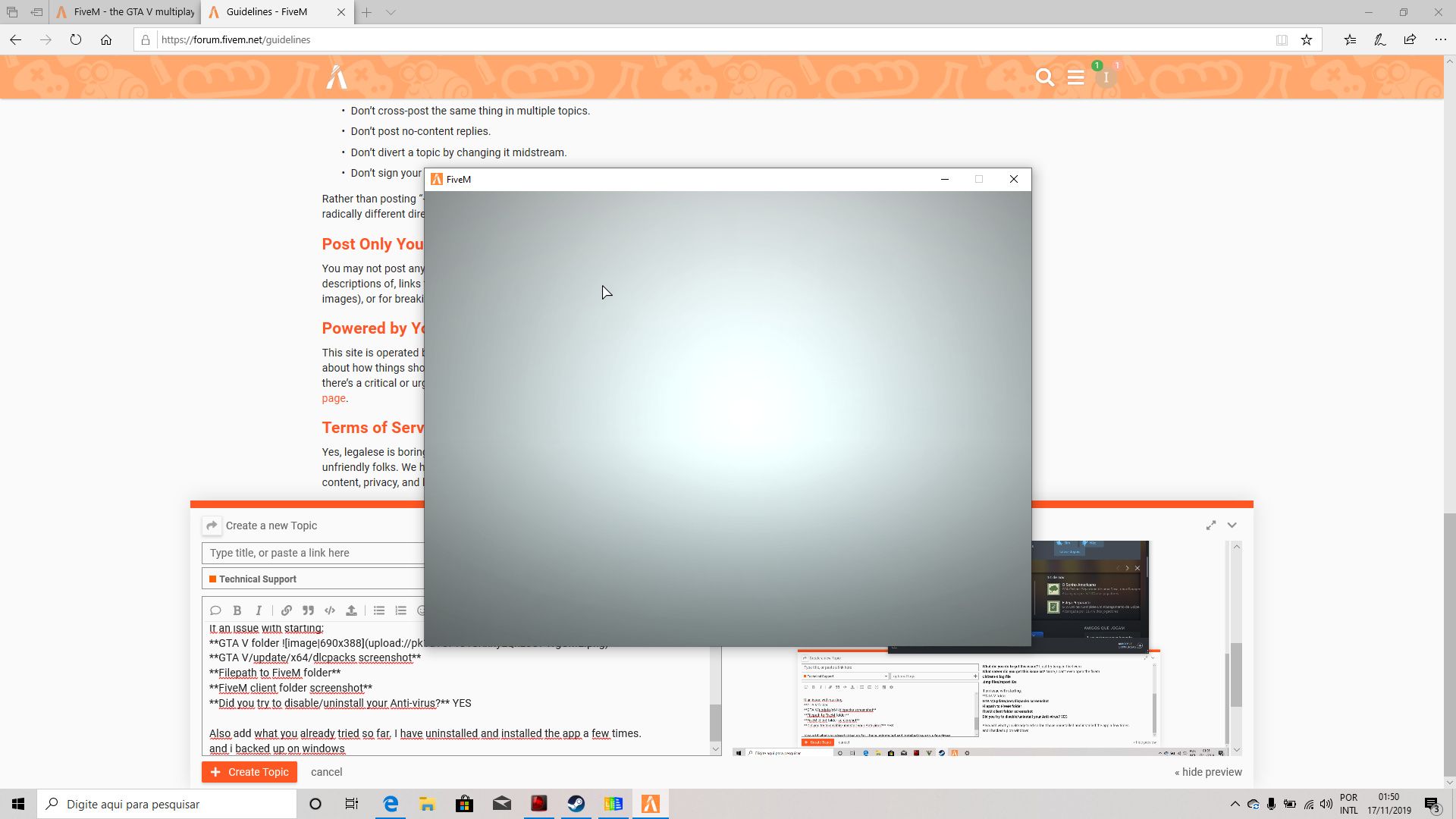
stays on this tab and the patch does not open. I just can hear the music, but i cant start the patch to search servers
Did you try to disable/uninstall your Anti-virus? YES
Also add what you already tried so far. I have uninstalled and installed the app a few times.
and i backed up on windows

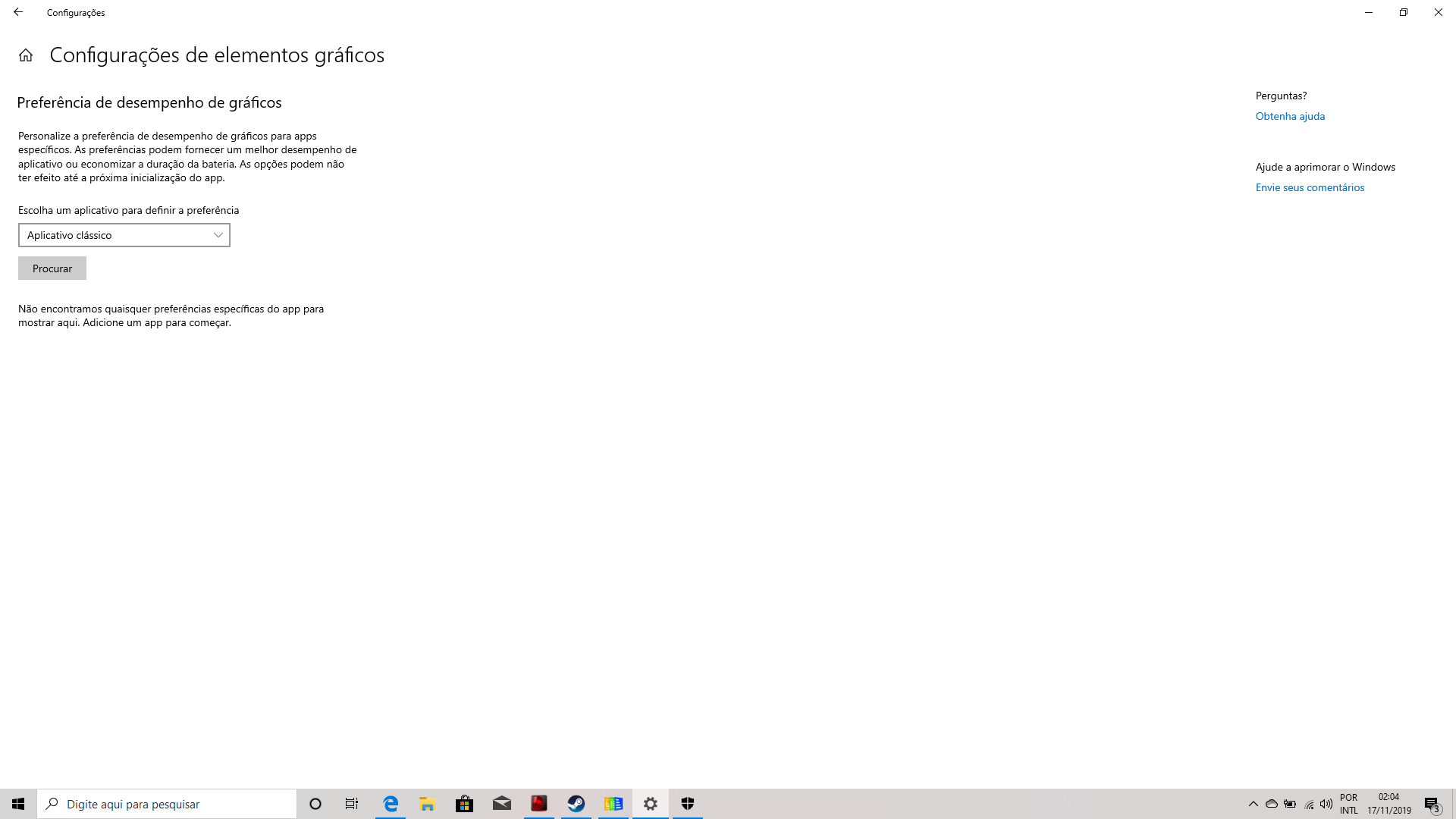


 , go to desktop, right click with your
 then select icon of your gpu. And follow fix in the link