What is the issue you’re having?
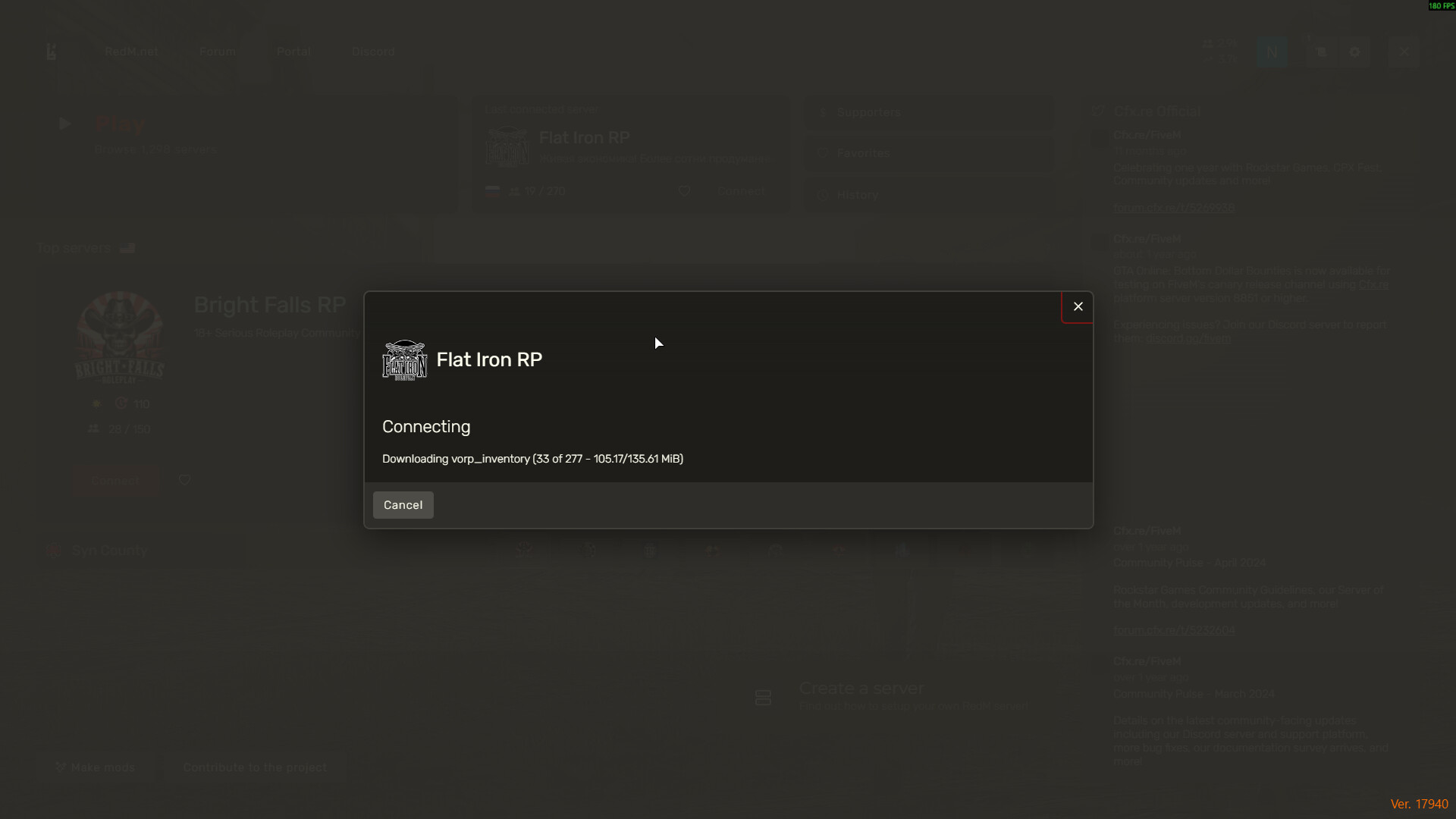
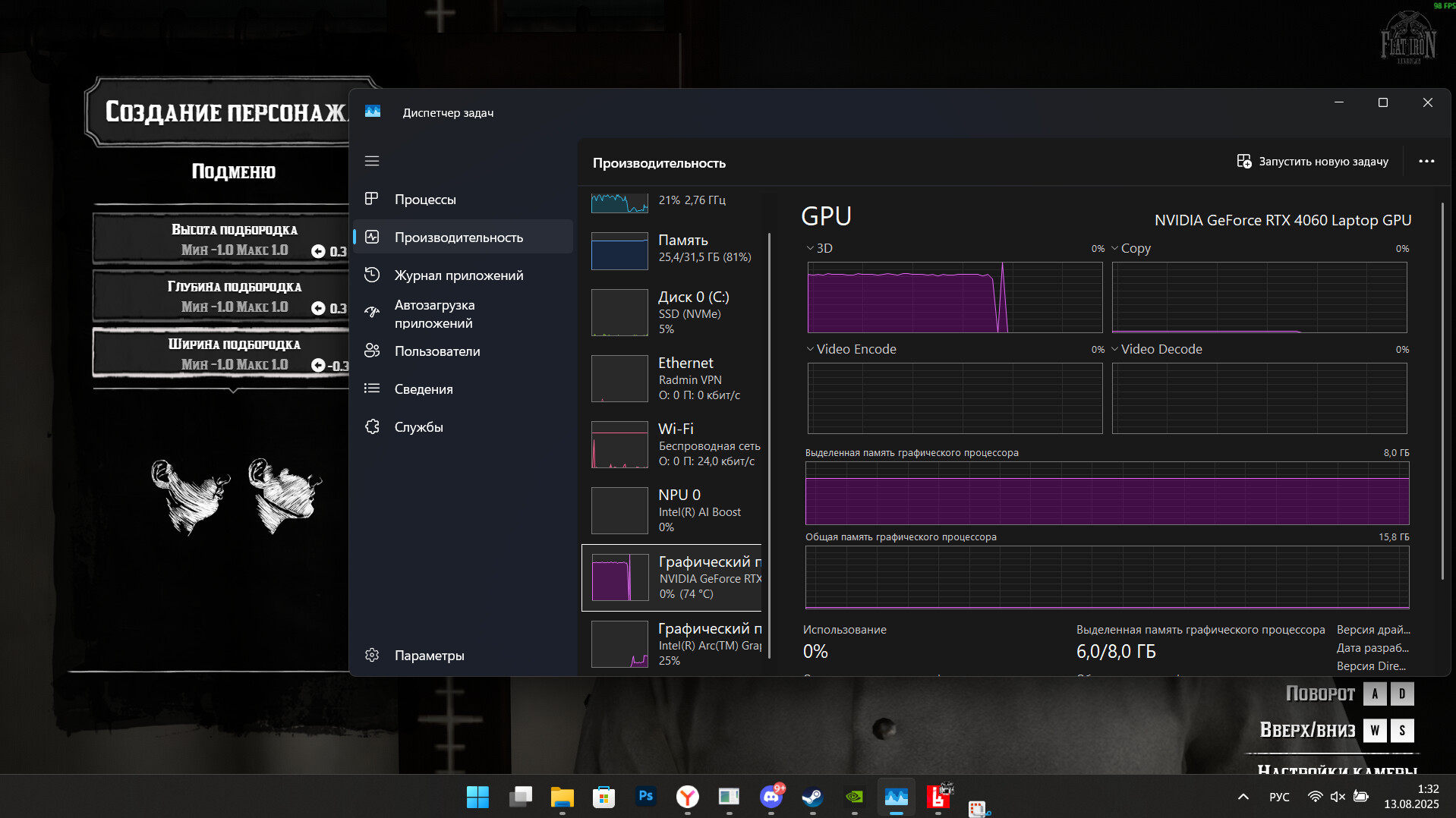
The launcher freezes 10-15 minutes after launch, without an error. This situation also occurs when connecting to the server during character creation.
What have you tried already to fix the issue?
- Reinstalling to a clean one Windows 11 Pro 24H2 (26100.4946)
- Reinstalling the GPU drivers to a clean one
- Reinstalling the game itself
- Reinstalling the launcher RedM
- Checking the integrity of the game files
- Сlearing the cache
- Change vulkan to direct12
- Reducing the game’s graphical settings
- Installing compatibility, disabling full-screen optimization
- Version RedM - 17940. I tried the beta version
What server did you get this issue on?
Flat Iron RP
Error screenshot(s)
Windows version
Windows 11 Pro 24H2 (26100.4946)
System specifications
Intel(R) Core™ Ultra 7 155H (3.80 GHz)
RAM 32 gb
NVIDIA GeForce RTX 4060 Laptop GPU (8 gb)
SSD 1 tb
Antivirus software
There is no antivirus
Additional comments
I attached a screenshot, but the launcher just freezes
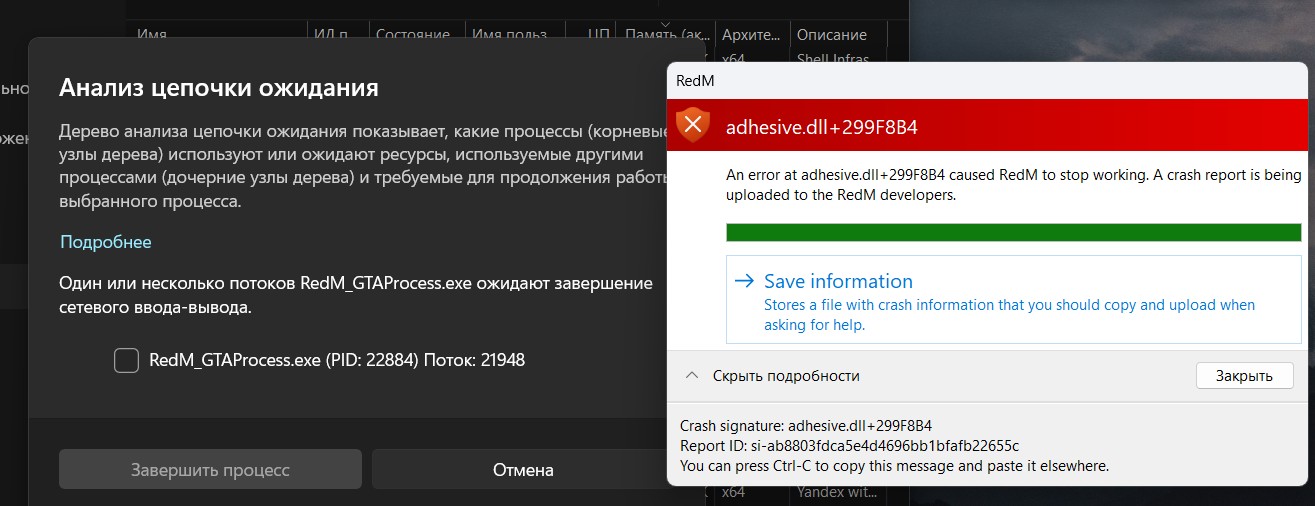
UPD:
9a5f4cae-78fa-4be0-bff2-b2e166a82dd4.dmp (11.9 MB)
CfxCrashDump_2025_08_13_12_05_28.zip (2.4 MB)
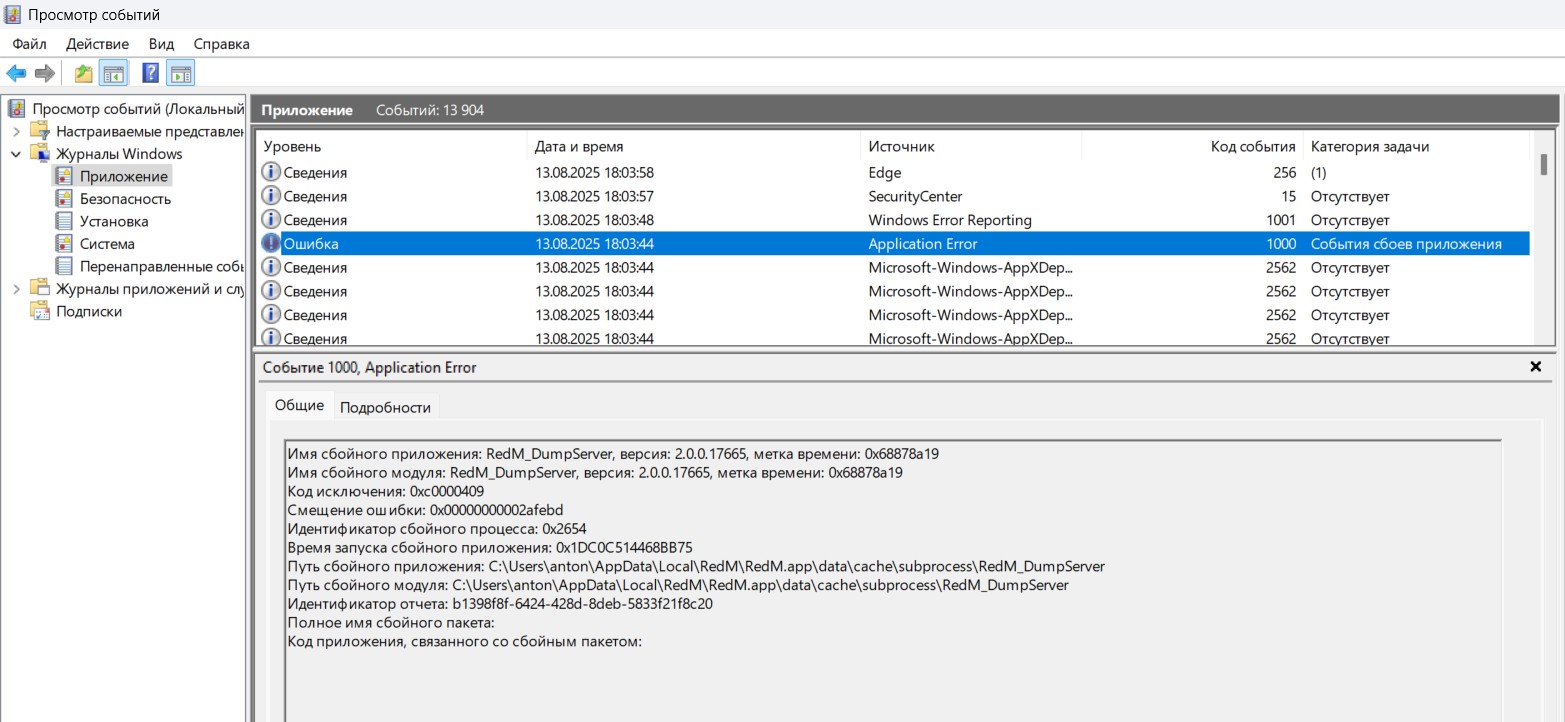
UPD2: from viewing events:
- System
-
EventData
AppName RedM_GTAProcess.exe
AppVersion 2.0.0.17665
AppTimeStamp 688789dc
ModuleName adhesive.dll
ModuleVersion 1.0.0.17940
ModuleTimeStamp 688ca040
ExceptionCode c0000005
FaultingOffset 000000000299f8b4
ProcessId 0x467c
ProcessCreationTime 0x1dc0c4997717f2c
AppPath C:\Users\anton\AppData\Local\RedM\RedM.app\data\cache\subprocess\RedM_GTAProcess.exe
ModulePath C:\Users\anton\AppData\Local\RedM\RedM.app\adhesive.dll
IntegratorReportId 6acf5eab-d366-4df7-ad95-1bf94268f560
PackageFullName
PackageRelativeAppId
