IF YOU DO NOT FILL THIS OUT, YOUR TOPIC WILL BE UNLISTED AND CLOSED
To receive support, please fill out the following template, and remove this top text.
GTA V version?
lates
Up to date?
yes
Legit or Pirate copy?
legit
Steam/CD/Social Club?
steam
Windows version?
windows 10
Did you try to delete caches.xml and try again?
yes
Error screenshot (if any)
stuck at server connect…
System specifications
i7 -6500u 16gb ram
What did you do to get this issue?
tryng to connect to a fivem server
What server did you get this issue on?
srv-evolution.anc-network.com
CitizenFX crash zip file
no
CitizenFX.log file
https://cdn.discordapp.com/attachments/771418722828156959/771418742969335818/CitizenFX_log_2020-10-29T165641.log
.dmp files/report IDs
If an issue with starting:
GTA V folder screenshot
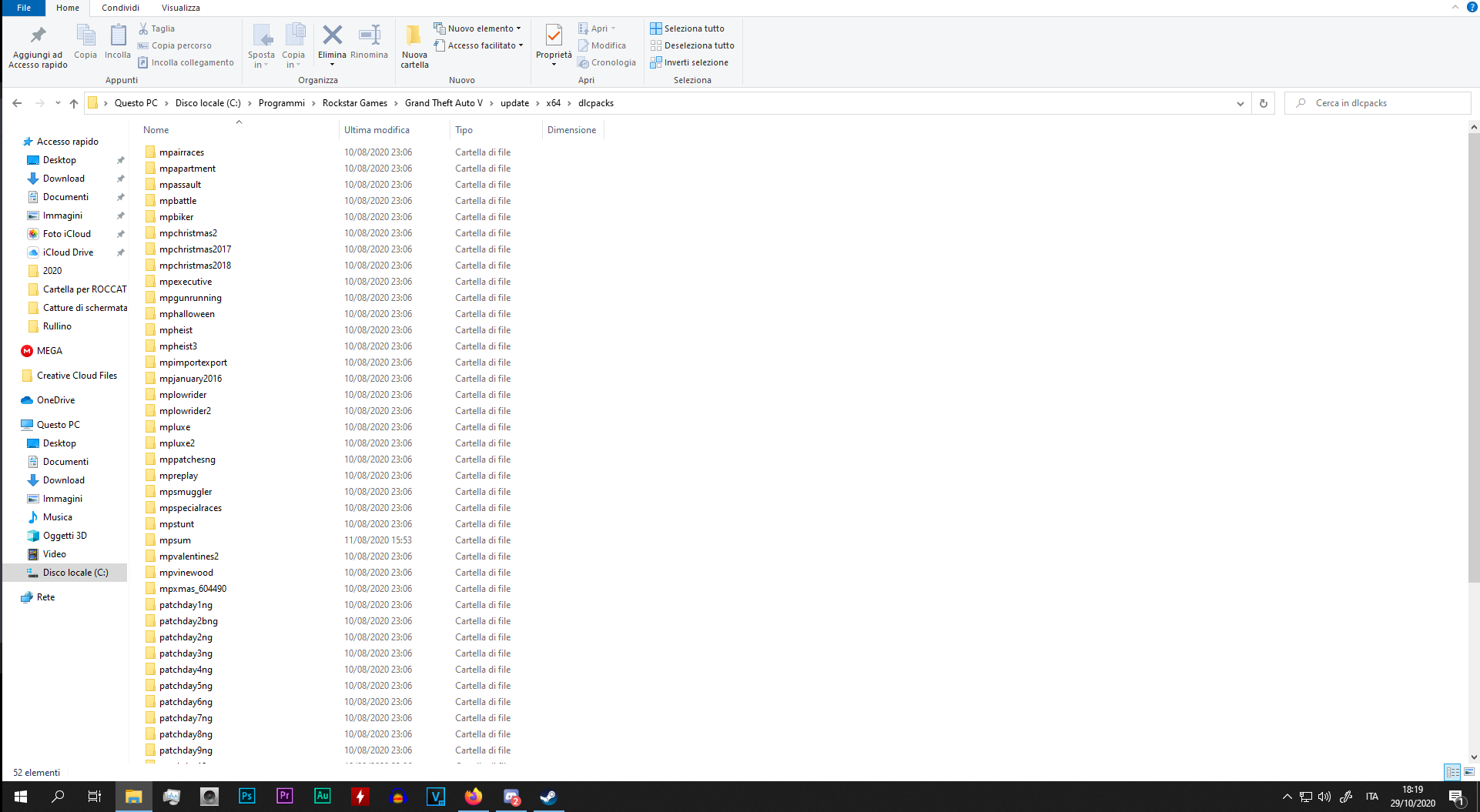
GTA V/update/x64/dlcpacks screenshot
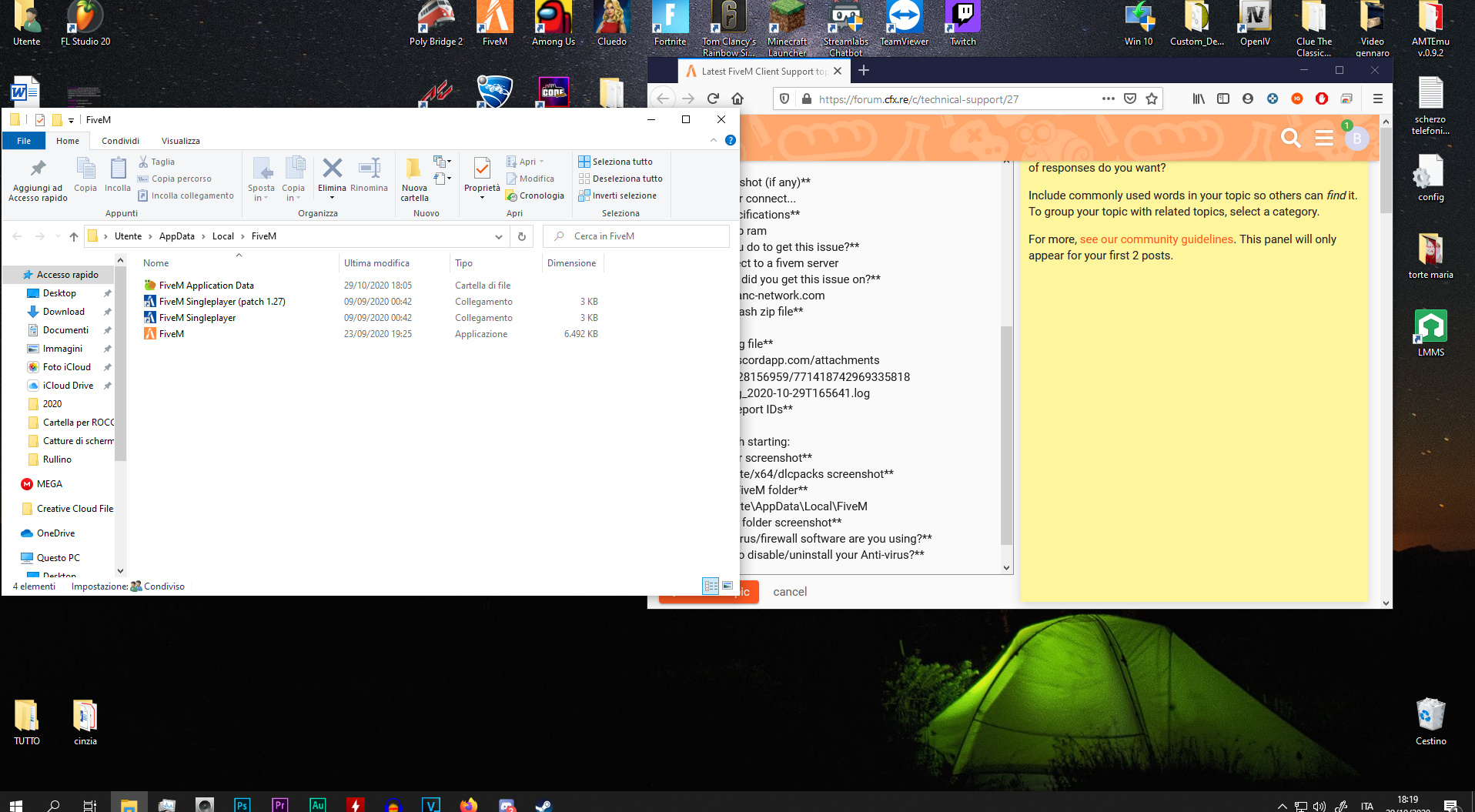
Filepath to FiveM folder
C:\Users\Utente\AppData\Local\FiveM
FiveM client folder screenshot
Which antivirus/firewall software are you using?
no
Did you try to disable/uninstall your Anti-virus?
no
Also add what you already tried so far.

CitizenFX_log_2020-10-29T165641.log (53.4 KB)
