Speed Camera System | ESX & QBCore

Transform your server’s traffic enforcement with the most feature-rich, optimized, and user-friendly speed camera system on the market. Designed from the ground up for performance and immersion, this script delivers a comprehensive solution for stationary radars, average speed zones, and an engaging penalty system that will keep your players accountable and your police force busy.
Say goodbye to laggy, hard-coded scripts. Our system is built for servers that demand performance, allowing you to add dozens of radars without impacting client FPS.
Key Features
- Zero-Lag Performance: Incredibly optimized code ensures 0.00ms-0.01ms idle resource usage and minimal impact even with numerous active radars. Your server’s performance is our priority.
- In-Game Admin Panel: A beautiful, modern UI allows admins to create, edit, and delete all radars and zones directly in-game. No more file editing or server restarts!
- Stationary & Average Speed Zones: Create classic speed cameras or complex average speed zones that calculate speed over a set distance.
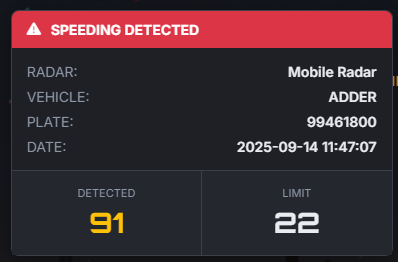
- Advanced Penalty Points System: Issue fines and penalty points for infractions. Points decay over time, and reaching the maximum can trigger a configurable license revocation.
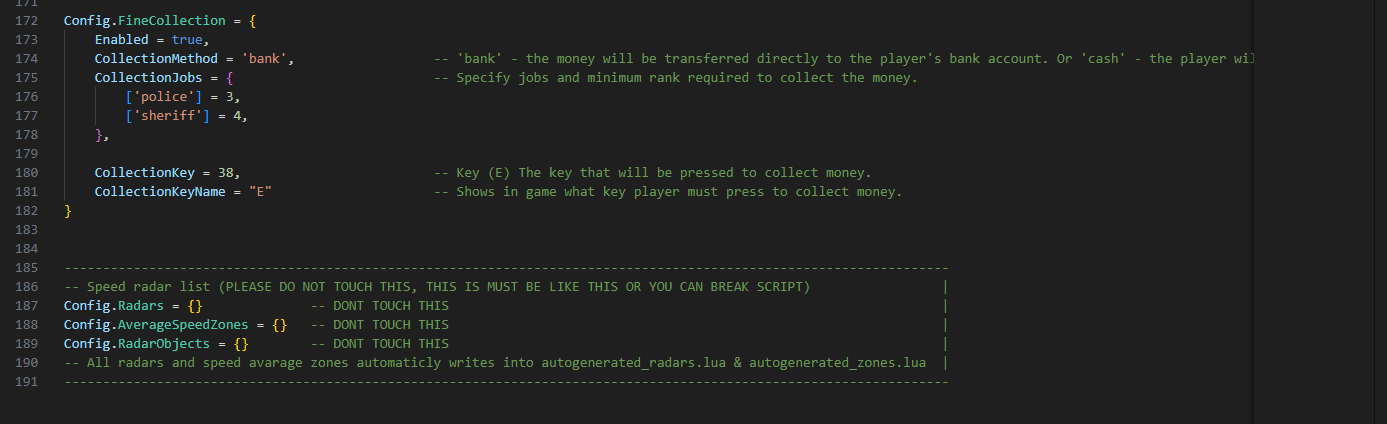
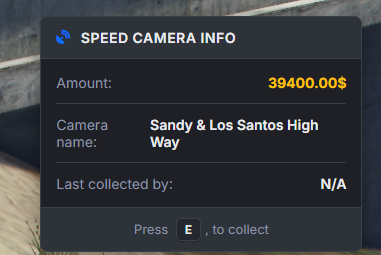
- Dynamic Fine Collection: Fines accumulate at radar locations, creating a new objective for police! Authorized jobs can collect the money, adding a new layer to your server’s economy and police gameplay.
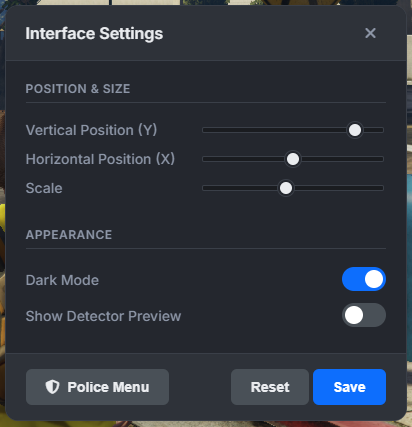
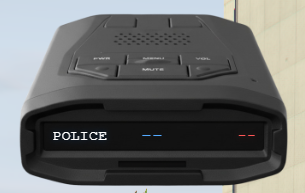
- Player Radar Detector: A functional in-game item that alerts players to nearby radars with a clean, customizable UI (position, scale, and theme can be changed by the player!).
- Plug & Play Framework Support: Works flawlessly with both ESX and QBCore frameworks right out of the box. Our “Framework Bridge” handles all the heavy lifting.
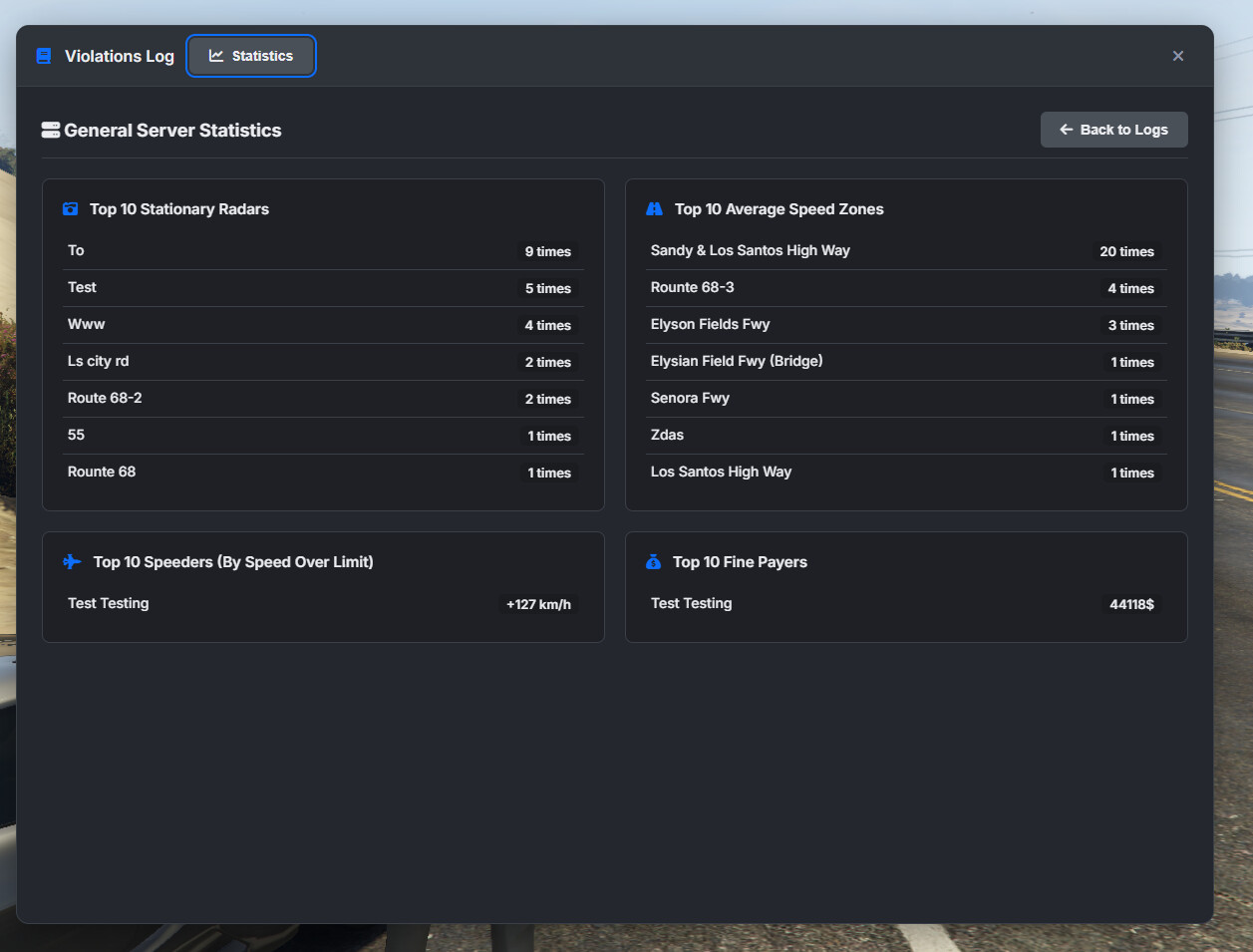
- Powerful Discord Integration: Keep track of everything with detailed Discord webhooks for admin actions, fine collections, log access, and periodic server statistics.
Immersive Enforcement & Police Gameplay
This system is designed to create engaging scenarios for everyone.
- Realistic Job Immunity: Configure police and EMS immunity with precision. Choose between a simple job whitelist or an advanced mode that requires sirens to be active in an authorized emergency vehicle to avoid fines.
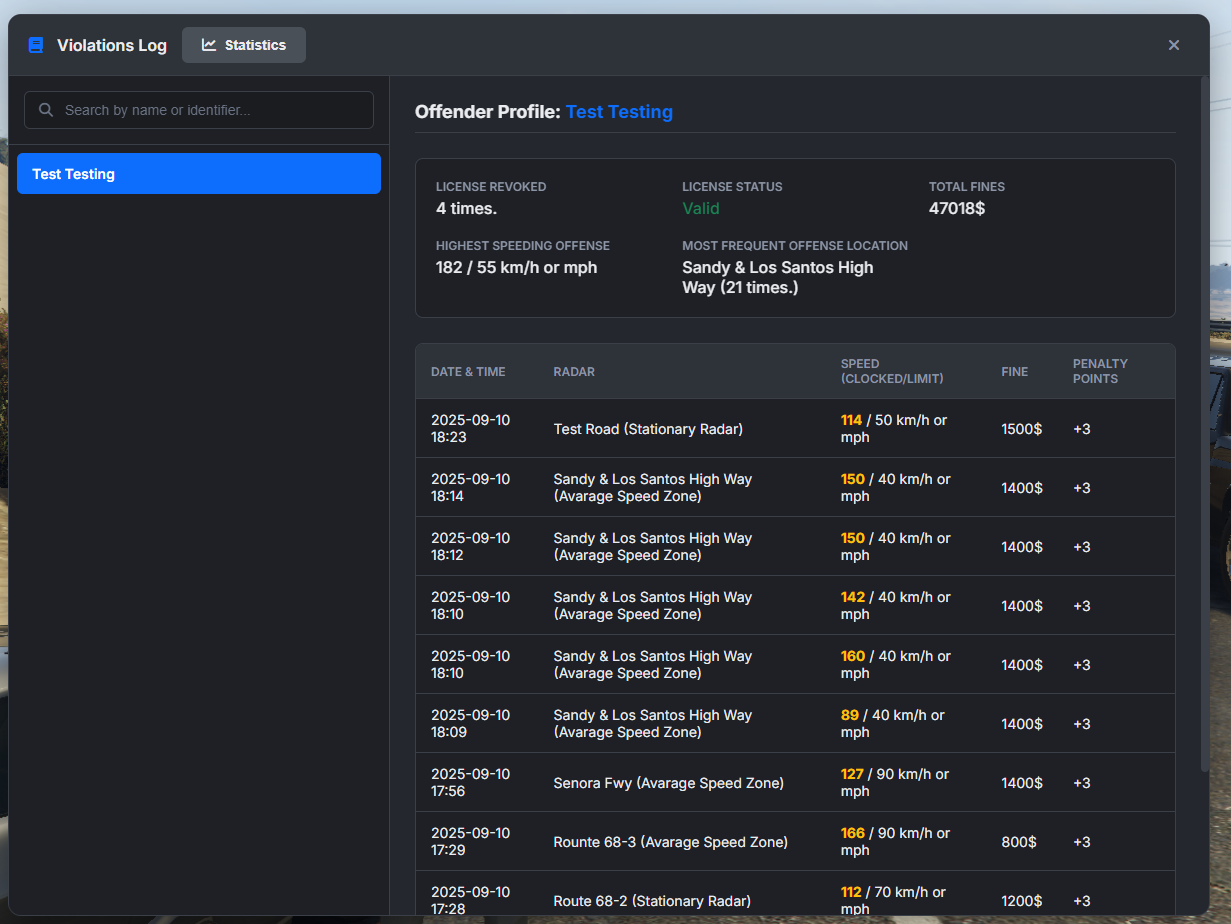
- Detailed Infraction Logs: A dedicated UI for law enforcement allows them to search for players by name or identifier and view a detailed history of all their speeding violations, including dates, locations, speeds, and fines paid.
- Configurable License Revocation: Automatically revoke a player’s driver’s license when they accumulate too many penalty points. You can configure the duration, whether points reset after, and even specify different license types for cars, bikes, and trucks (
drive,drive_bike,drive_truck).
Intuitive Creation and Unmatched Customization
You are in complete control.
- Visual In-Game Editor: Create average speed zones by simply driving the route and placing points. Set the start and end triggers, adjust the zone width, and even place physical camera props with a simple-to-use interface.
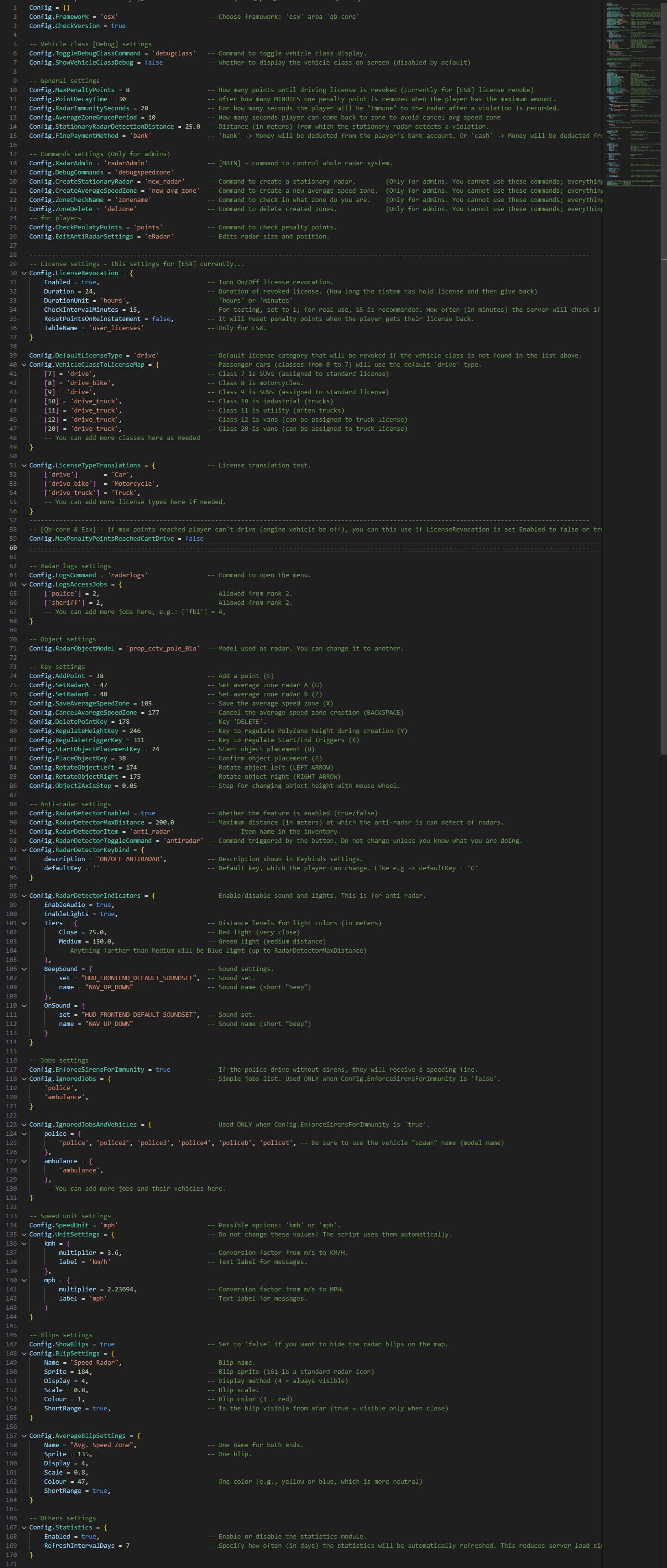
- Highly Configurable: Nearly every aspect can be tweaked via the well-documented config file. Change commands, notifications, blips, radar models, immunity settings, fine amounts, point decay times, and much more.
- Adaptable Notifications: The notification system is completely open, allowing you to integrate it with any system your server uses, such as
ox_lib,pNotify, or your own custom solution.
Why Choose This Script?
- Performance First: Built for servers that can’t afford to compromise on performance.
- All-in-One Solution: Replaces multiple scripts with one cohesive, powerful system.
- Ease of Use: From installation to in-game management, everything is designed to be intuitive for server owners.
- Constant Development: Comes with a built-in version checker to notify you of updates and new features.
Dependencies:
oxmysqlPolyZone
ESX Download from my tebex: https://iconmodz.tebex.io/package/7026425
Qbcore Download from my tebex: https://iconmodz.tebex.io/package/7026426



Updates:
1.1.0
- Added database_items.sql to the [database] folder and items.png to the [items] folder for users of ox_inventory who need instructions on how to add items (as many people requested this).
- Fixed an issue where, on some servers, objects would not spawn after a server restart.
- Removed the black screen in the UI that appeared when the confirmation window popped up.
- Added emergency_database.sql due to Linux users being unable to edit/write in auto-generated files (see configuration in config.lua).
- Fixed an issue where deleted objects remained visible until the player stayed in the same spot. They now disappear instantly.
- Added functionality to remove, add, and edit object placements.
- Added a more advanced update notification system for a better experience.
- Fixed numerous small issues.
- Fixed and updated the UI design.
1.0.6
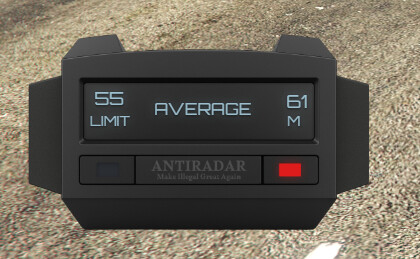
- Added a police anti-radar detector – now they can catch players using anti-radar devices!
- Anti-radar & police anti-radar: when you open the game menu, the UI now hidden.
- In the /eRadar menu, players with the Police job can see an extra button to modify police anti-radar detector positions.
- Added an extra function in the /eRadar menu to enable a dummy anti-radar for positioning purposes.
- Multi-language support added. You can now create a file with your own language, and after an update, simply add your language file.
- Optimised inventory pictures.
1.0.5
Updated antiradar display & new looks.
Now items you can use from inventory.
Added one missed text translation in notifications.lua
Most wanted racer. If player has speeds more as you set in /radarAdmin, police will start see blip of that player for short time. Check config.lua aswell.
Added tooltips in /radarAdmin menu.
1.0.4
Fixed qb-core framework not recognise admins. Please read in [shared] folder Readme.md instructions.
Fixed issue when you creating average speed zone and trying to place 1 object, it has detect as placed 2 objects.
1.0.3
- Added in statistics “Top 10 Officers (Mobile Radars)”
- Created for statistics of Top 10 Officers (Mobile Radars) the extra database >[extra_i_speeding_infractions.sql]. Check this in [database] folder.
- Fixed issue with Mobile Radar configuration set/edit values & update values.
- Added For Mobile radars a webhooks, you will find at [server_webhooks_config] folder.
1.0.2
- Added two different radar object types. Now stationary radars and average speed zones have distinct models. See Config.lua.
- Added options in Config.lua to customize screen effects and sounds.
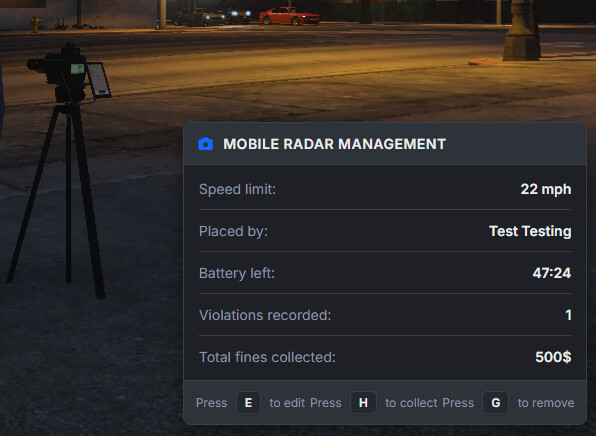
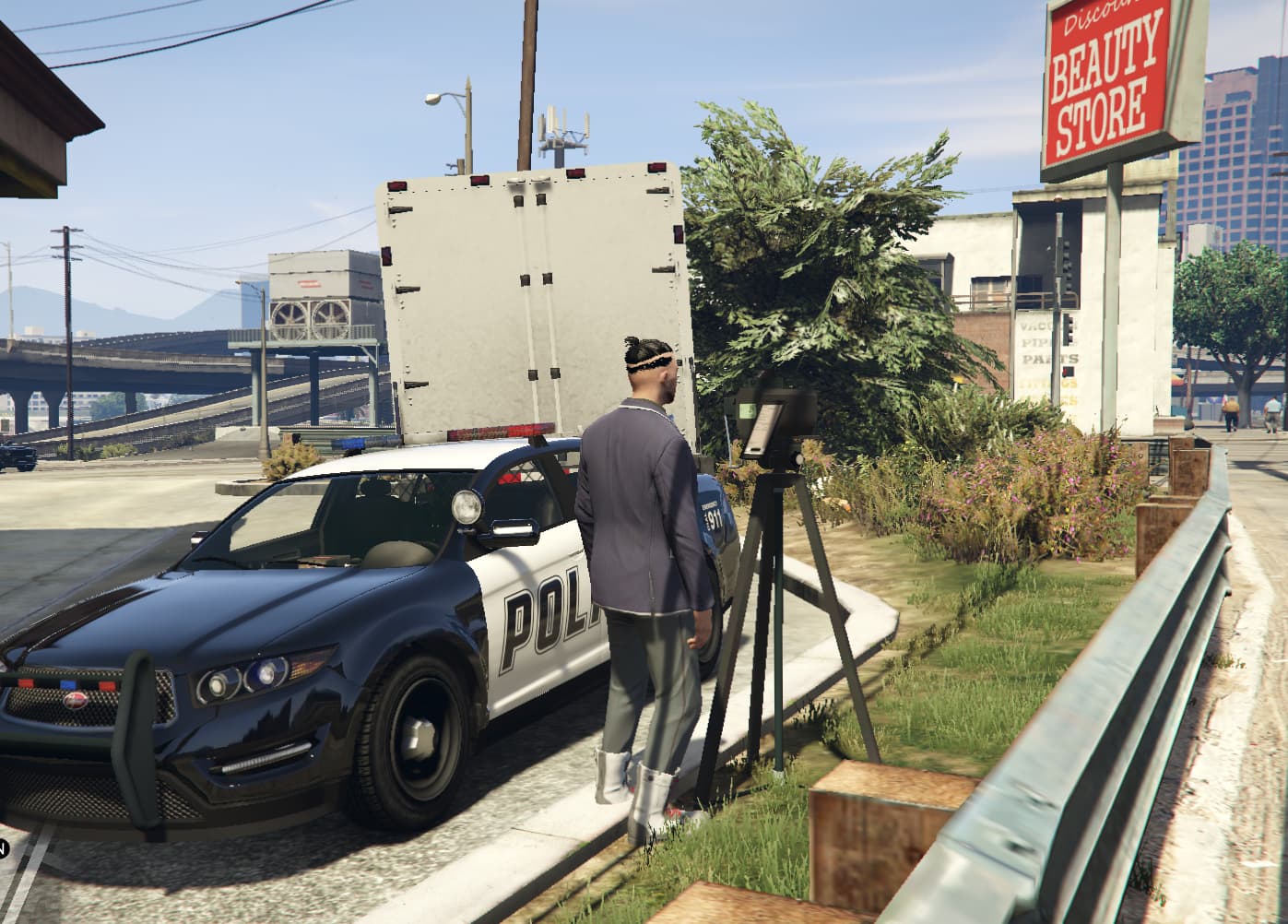
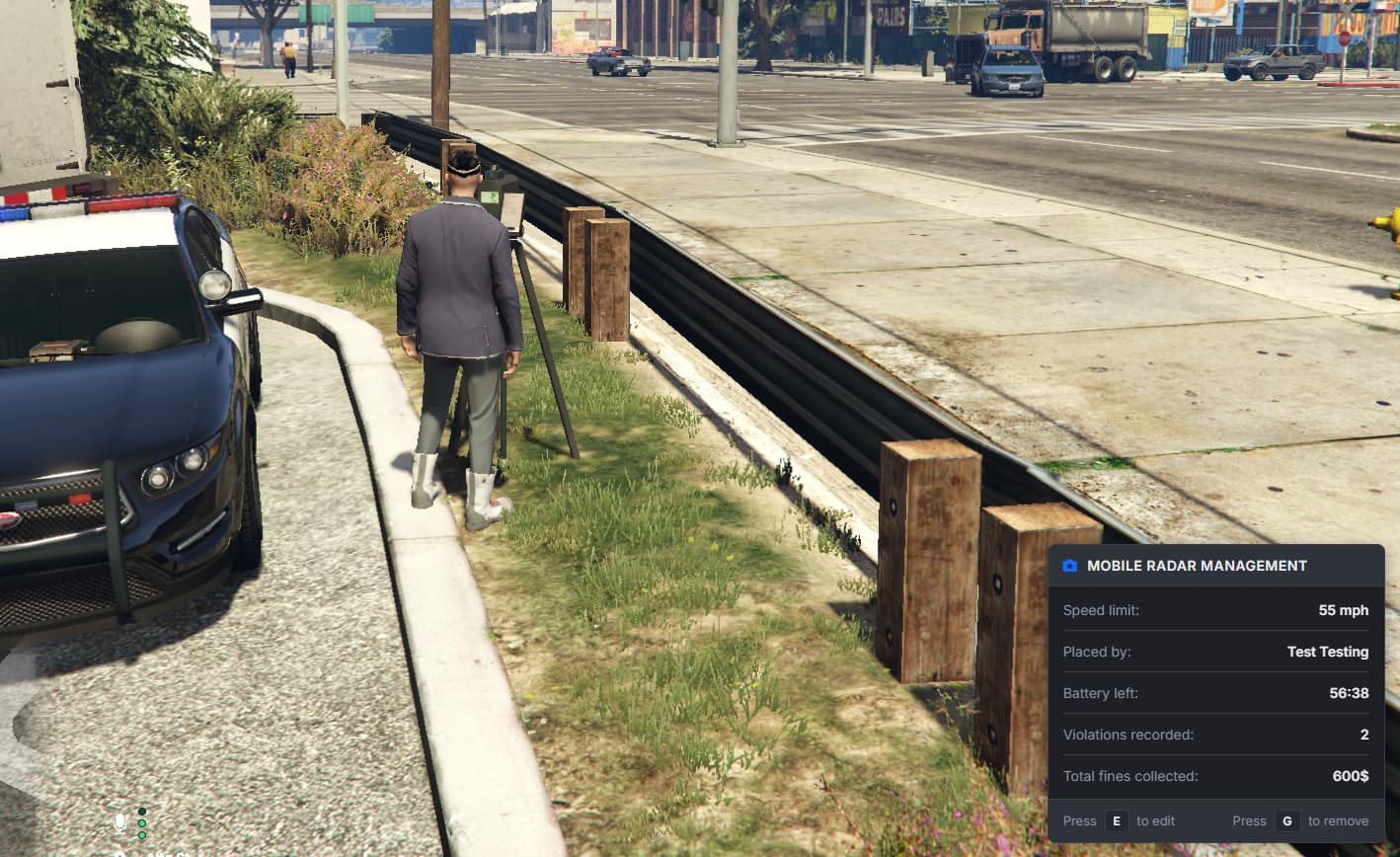
- Added mobile speed cameras.
- Added animations.
- Added “snapshot”.
- Fixed minor things.
- Check [database] folder in [item.png] folder you find mobile camera icon.
- For mobile camera prop:
ensure_bzzz_pdradar
ensure intersystems_speed_camerasTo download mobile prop camera, please visit this link and download it [FREE] -https://bzzz.tebex.io/package/6631002
1.0.1
- Fixed imports in some older versions of the ESX Framework.
- Fixed incorrect display of the Place object key in index.html
Check out my other release!

| Code is accessible | Config.lua, notifications.lua, all html files, and some rest. No client.lua & server.lua |
| Subscription-based | No |
| Lines (approximately) | Total around +5k |
| Requirements | ESX or QB-CORE |
| Support | Yes |
 Many thanks to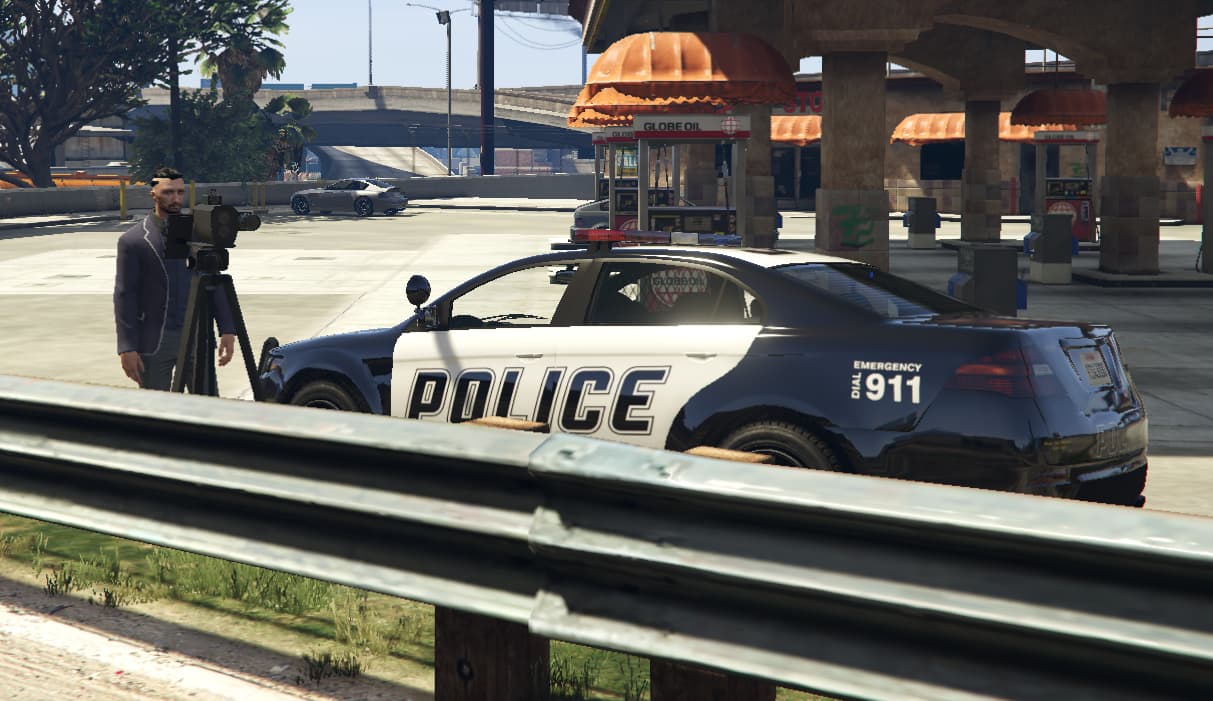


 P.S. love the script and it is better than I could do.