vorp_prop_gizmo — Prop Placement Tool
This resource is in beta-testing stage: bugs, behavior changes and updates without notice are possible.
Please report issues in our Discord: https://discord.gg/MWY6JYZp
The code is partially closed — not all source code is available or open for free modification.
English Version
What it is and what it’s for
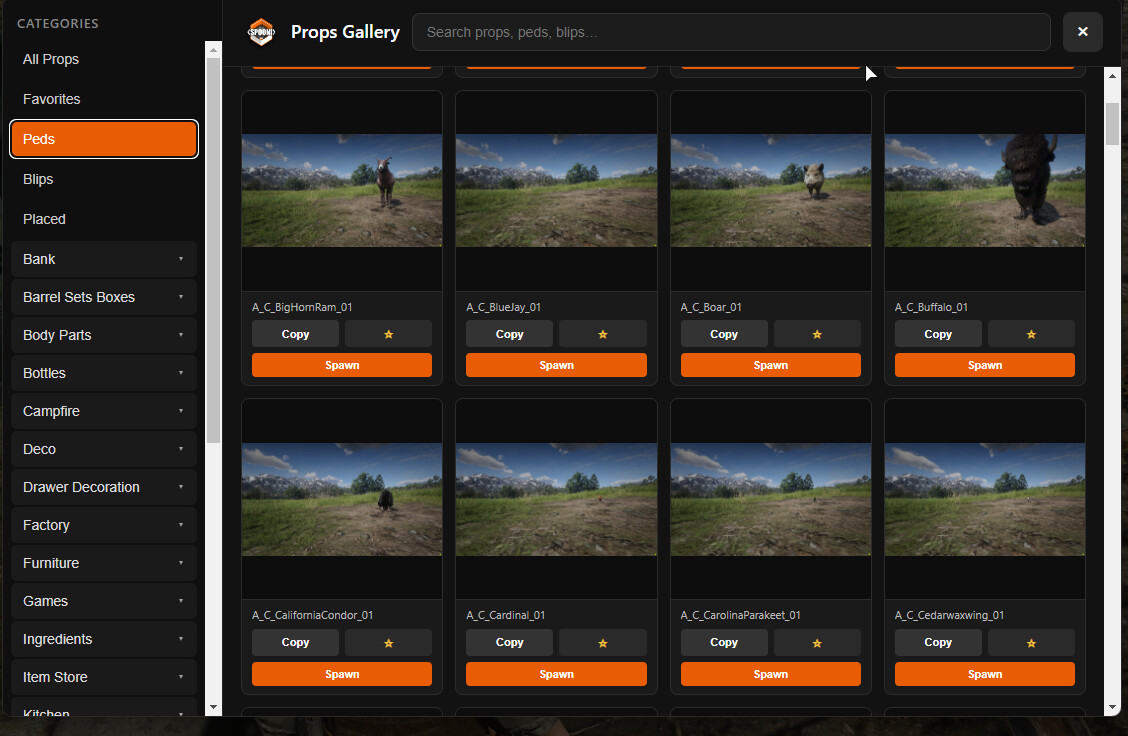
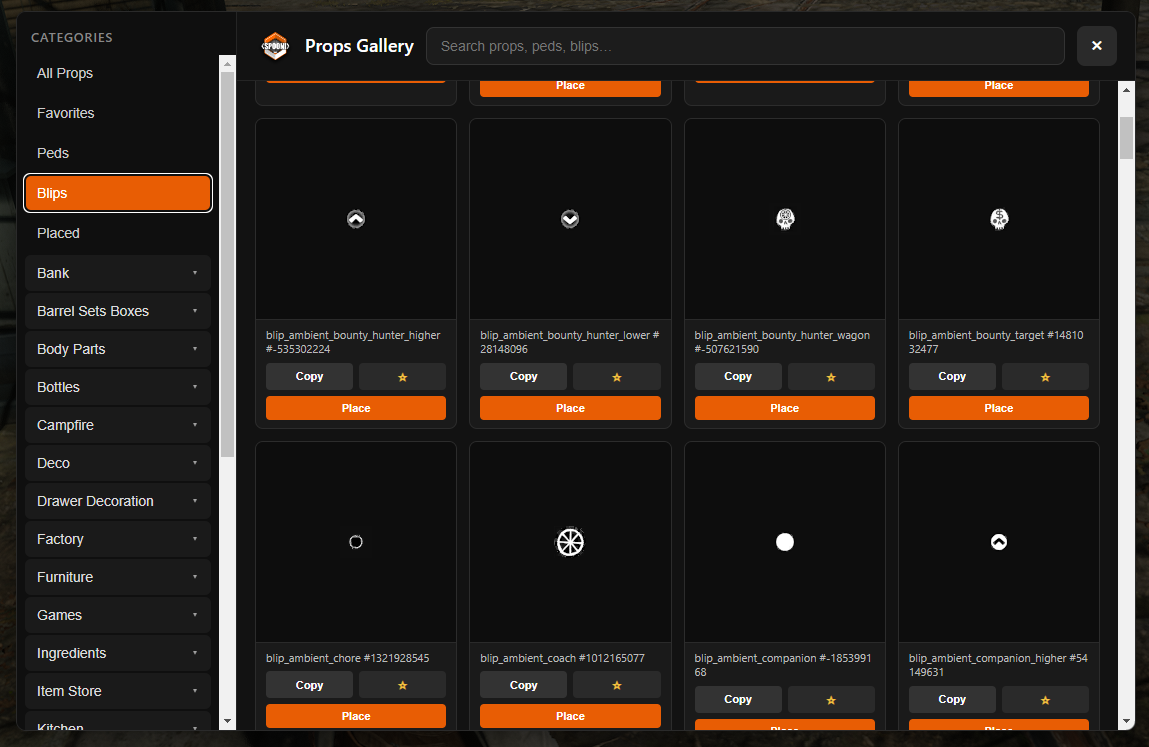
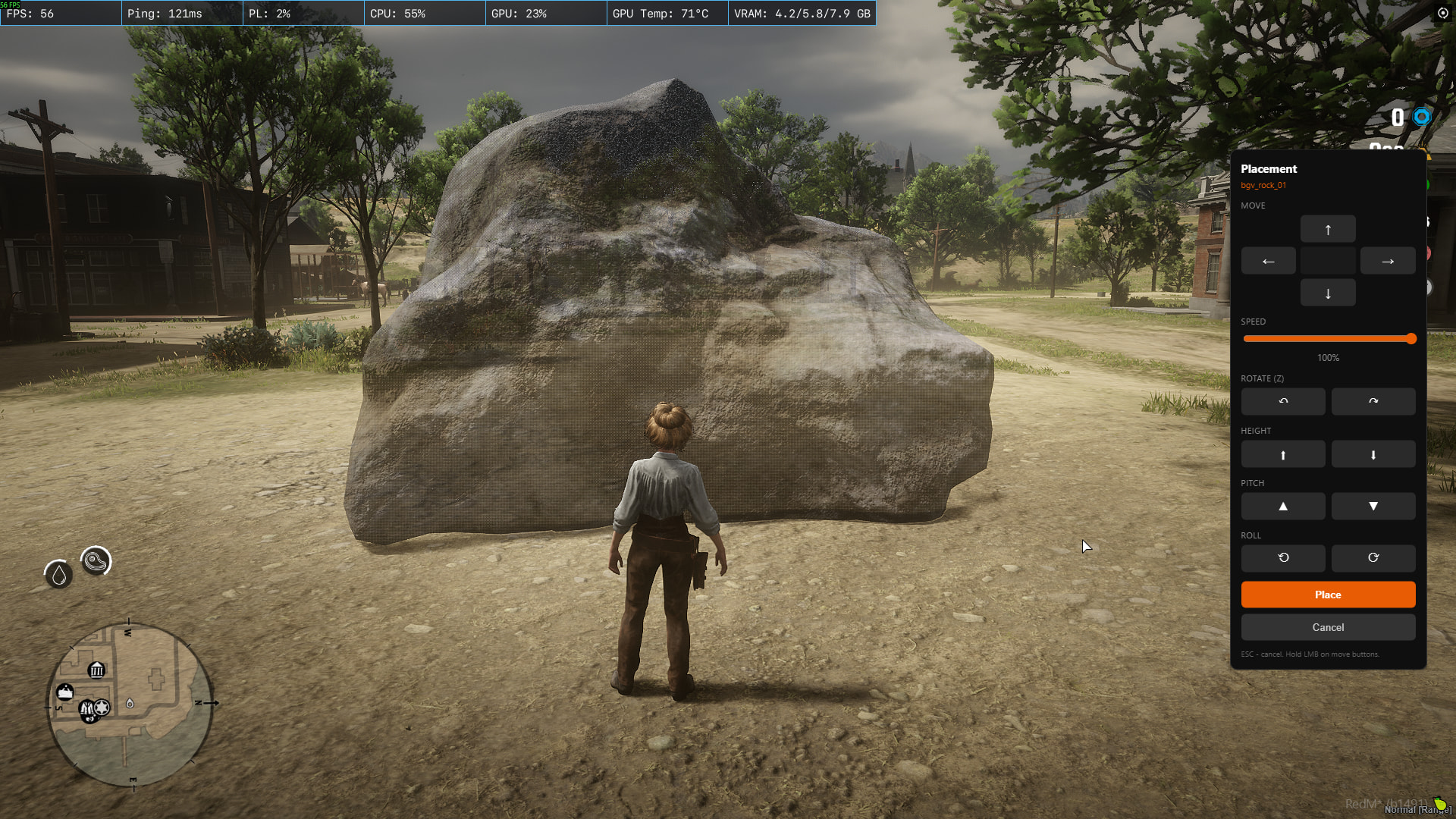
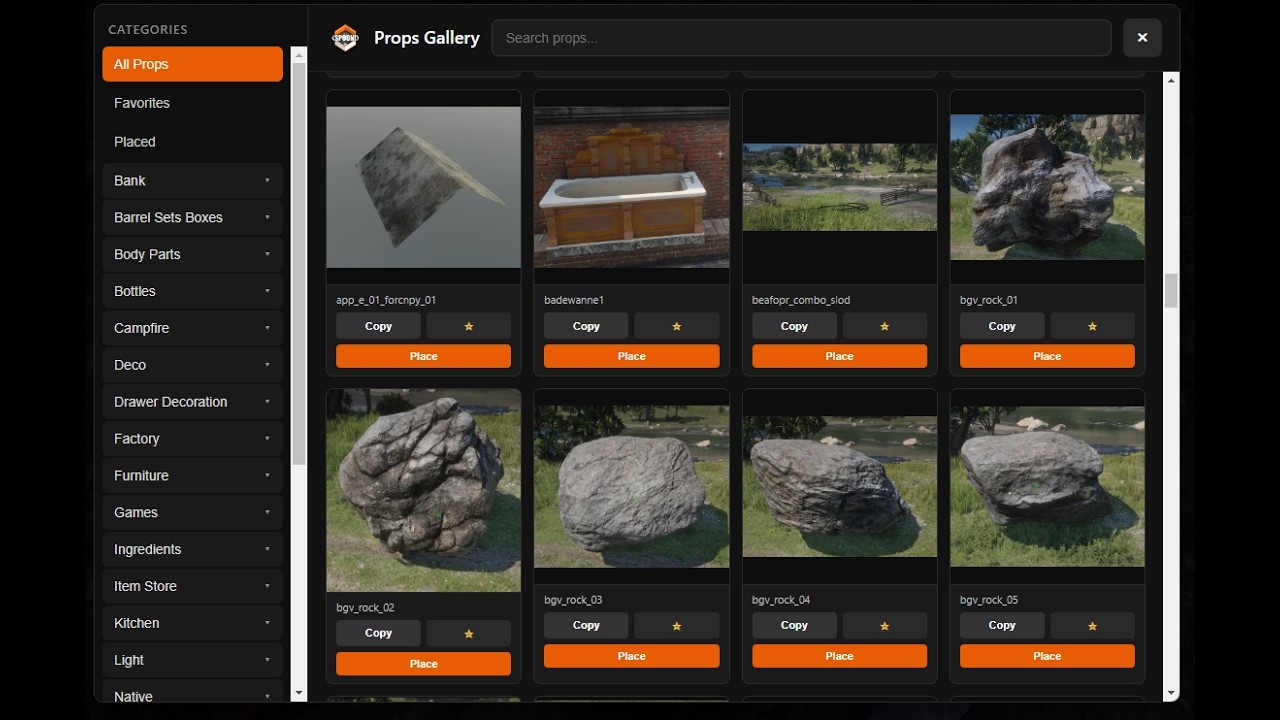
What it is: A client-side tool for RedM (VORP) with NUI prop catalog, live preview and in-world prop placement with server-side persistence (/gizmo command).
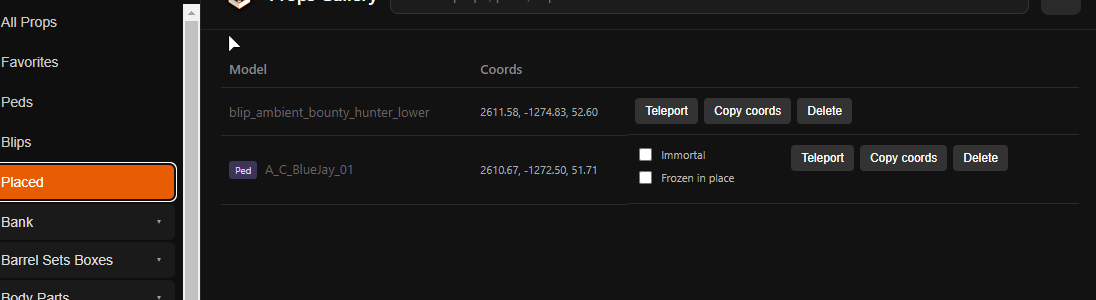
What it’s for: Quickly browse models by categories, place decorative and scene props without manual coordinate input, and manage a list of all placed objects.
Installation & Requirements
-
Place the resource folder in your server resources directory (example: resources/[VORP]/vorp_prop_gizmo).
-
Add to server.cfg: ensure vorp_prop_gizmo (Resource must start after vorp_core).
-
Required dependency: vorp_core.
-
Configure config.lua (language, permissions, distances, etc.).
-
Make sure all files declared in fxmanifest.lua are present (data/bank_props.json, data/spooni_catalog.json, html/ folder).
6. Props by G1zmo` (download)
Note: This resource is designed exclusively for RedM / RDR2, not for FiveM.
placed_props_sync.json
All props placed via the gizmo are saved in the file placed_props_sync.json (located inside the resource folder next to fxmanifest.lua).
You can change the filename in config.lua via Config.ServerPlacedPropsFile.
Always make backups of this file when moving the server or creating world backups.
Default Streaming Distances
Placed props are loaded/unloaded based on player distance:
| Setting | Default | Description |
|---|---|---|
| PlacedPropLoadDistance | 180 m | Prop spawns when player is within this radius |
| PlacedPropUnloadDistance | 220 m | Prop despawns when player goes further |
| PlacedStreamRefreshMs | 1200 ms | How often streaming is recalculated |
| PlacedStreamSpawnBudgetPerTick | 12 | Max props spawned per tick (FPS protection) |
config.lua — Quick Reference
-
Language — en / ru
-
CommandAccess — groups/jobs allowed to use /gizmo
-
CategoryAccess — control which categories are visible
-
PlaceStep* — movement and rotation step sizes
-
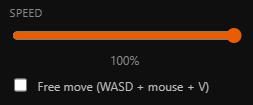
PlaceMovementMaxRadius — max placement distance (default 8 m)
-
ServerPlacedPropsFile — name of the save file
-
PlaceMaxDistanceCheck — anti-cheat distance limit (default 30 m)
-
PropThumbnailBaseUrl — base URL for prop thumbnails
-
SpooniFetchCatalogOnResourceStart, SpooniSupabaseUrl, SpooniSupabaseAnonKey — automatic Spooni catalog loading
Full descriptions are available directly in config.lua.
Spooni Props
The catalog can contain Spooni prop names, but models are not included with this script.
To use Spooni props you must purchase the official assets from the official store:
https://spooni-mapping.tebex.io/
Without the official Spooni streaming assets, these props will not work (model load errors).
Support
Discord: https://discord.gg/MWY6JYZp — bugs, questions, feedback.
Русская версия
Что это и для чего
Что это: Клиентский инструмент для RedM (VORP) с NUI-каталогом пропов, предпросмотром и расстановкой объектов в мире с сохранением на сервере (команда /gizmo).
Для чего: Удобно искать модели по категориям, расставлять декорации и сценарные объекты без ручного ввода координат и вести список всех поставленных пропов.
Установка и зависимости
-
Положите папку ресурса в папку ресурсов сервера (например resources/[VORP]/vorp_prop_gizmo).
-
Добавьте в server.cfg: ensure vorp_prop_gizmo (ресурс должен запускаться после vorp_core).
-
Обязательная зависимость: vorp_core.
-
Настройте config.lua (язык, права, дистанции и т.д.).
-
Убедитесь, что присутствуют все файлы из fxmanifest.lua (data/bank_props.json, data/spooni_catalog.json, папка html/).
6. Props by G1zmo` (download)
Важно: Ресурс предназначен только для RedM / RDR2.
placed_props_sync.json
Все расставленные пропы сохраняются в файл placed_props_sync.json (находится в папке ресурса рядом с fxmanifest.lua).
Имя файла можно изменить в config.lua (Config.ServerPlacedPropsFile).
Делайте резервные копии этого файла при переносе сервера или бэкапах мира.
Стандартные дистанции прогрузки
| Параметр | По умолчанию | Описание |
|---|---|---|
| PlacedPropLoadDistance | 180 м | Проп спавнится при приближении игрока |
| PlacedPropUnloadDistance | 220 м | Проп убирается при удалении |
| PlacedStreamRefreshMs | 1200 мс | Частота пересчёта стриминга |
| PlacedStreamSpawnBudgetPerTick | 12 | Макс. пропов за тик (защита FPS) |
config.lua — Краткий справочник
-
Language — en / ru
-
CommandAccess — группы/профессии с доступом к /gizmo
-
CategoryAccess — управление видимостью категорий
-
PlaceStep* — шаги перемещения и поворота
-
PlaceMovementMaxRadius — максимальное расстояние расстановки (по умолчанию 8 м)
-
ServerPlacedPropsFile — имя файла сохранений
-
PlaceMaxDistanceCheck — античит (по умолчанию 30 м)
-
PropThumbnailBaseUrl — ссылка на превью изображений
-
Параметры Spooni* — автозагрузка каталога Spooni
Подробные комментарии — внутри файла config.lua.
Пропы Spooni
Каталог может содержать имена пропов Spooni, но сами модели этим скриптом не поставляются.
Для их работы необходимо приобрести официальные ассеты здесь:
https://spooni-mapping.tebex.io/
Без покупки и правильной установки ассетов Spooni пропы работать не будут.
Поддержка
Discord: https://discord.gg/MWY6JYZp — баги, вопросы, обратная связь.

 Important:
This script is in beta and has not been tested for the RSG framework.
Some models may not work, as you need to purchase the official models from the author’s store.
If you want to support the author of the script, purchase the products: