To receive support, please fill out the following template, and remove this top text.
**GTA V version?**1.0.1604.1
Up to date? yes
Legit or Pirate copy? legit
Steam/CD/Social Club? CD
**Windows version?**10
Did you try to delete caches.xml and try again? yes
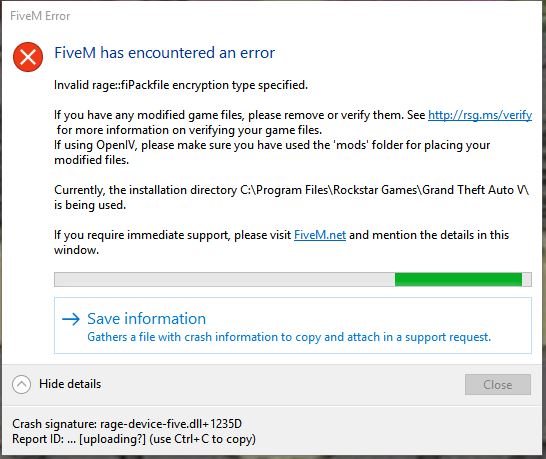
Error screenshot (if any)
System specifications Radon R7 250 Series, AMD FX 6300 Six-Core Processor, 8 Gigabytes of RAM
What did you do to get this issue? I installed a soundpack, a siren pack, and radiance v
What server did you get this issue on? i cant open fivem so all of them i guess
CitizenFX.log file
CitizenFX.log (9.4 KB)
.dmp files/report IDs
de9f936b-8c71-436b-be9d-4a3f9c11d53e.dmp (3.9 MB)
"[Window Title]
FiveM Error
[Main Instruction]
FiveM has encountered an error
[Content]
Invalid rage::fiPackfile encryption type specified.
If you have any modified game files, please remove or verify them. See http://rsg.ms/verify for more information on verifying your game files.
If using OpenIV, please make sure you have used the ‘mods’ folder for placing your modified files.
Currently, the installation directory C:\Program Files\Rockstar Games\Grand Theft Auto V\ is being used.
If you require immediate support, please visit FiveM.net and mention the details in this window.
[^] Hide details [Save information] [Close]
[Expanded Information]
Crash signature: rage-device-five.dll+1235D
Report ID: … [uploading?] (use Ctrl+C to copy)"
If an issue with starting:
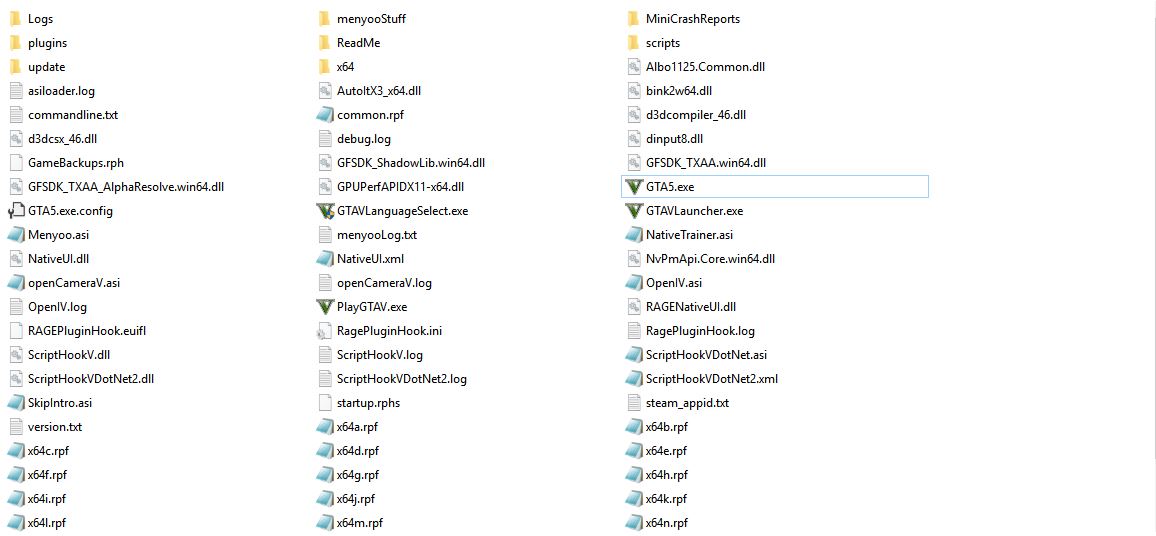
GTA V folder screenshot
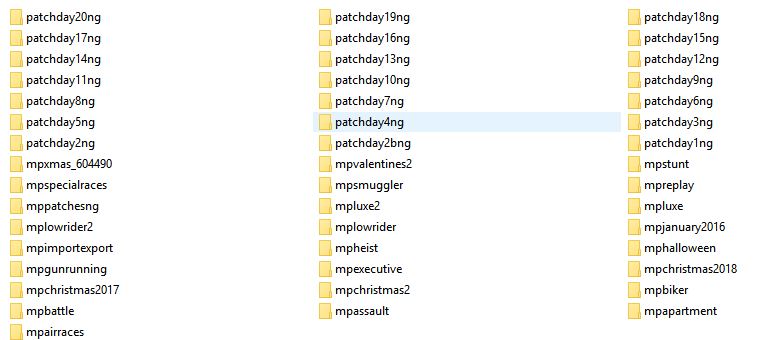
GTA V/update/x64/dlcpacks screenshot
Filepath to FiveM folder
C:\Users\Braizyn\AppData\Local\FiveM\FiveM.app
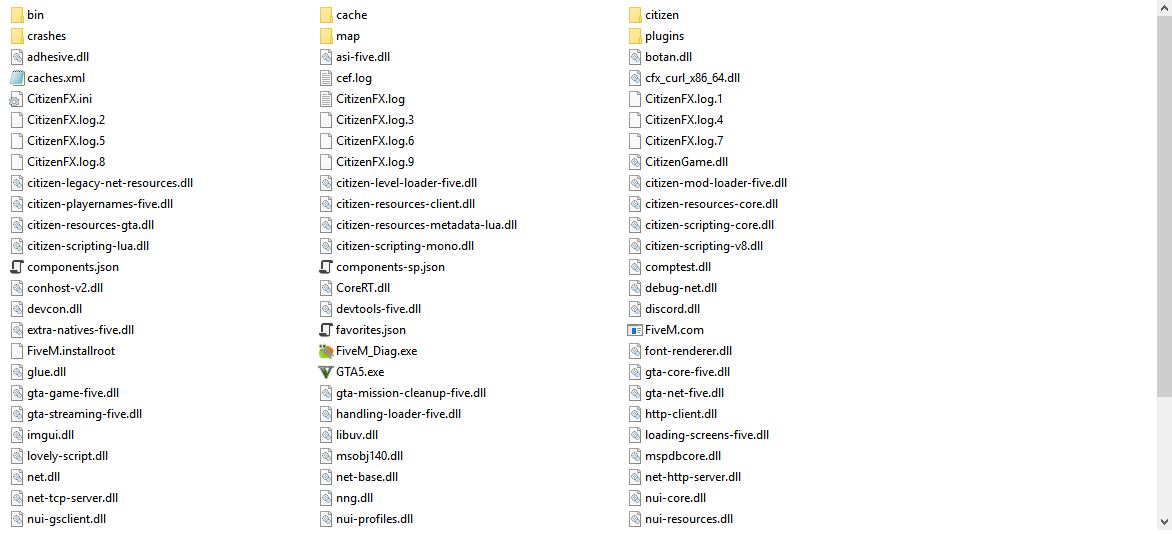
FiveM client folder screenshot
Did you try to disable/uninstall your Anti-virus?
i dont have one
Also add what you already tried so far.
Ive tried cleaning out all of the files that were edited. I have backups. This has never happened with audio packs before so idk why its doing this.