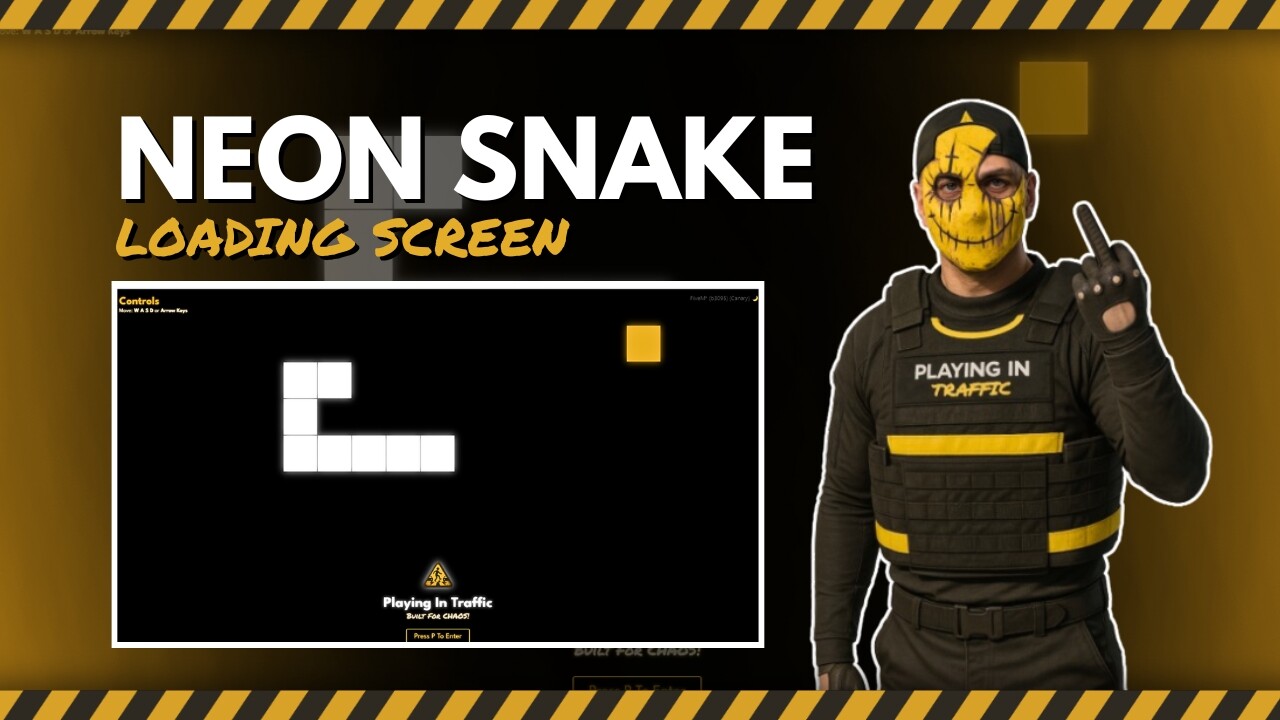
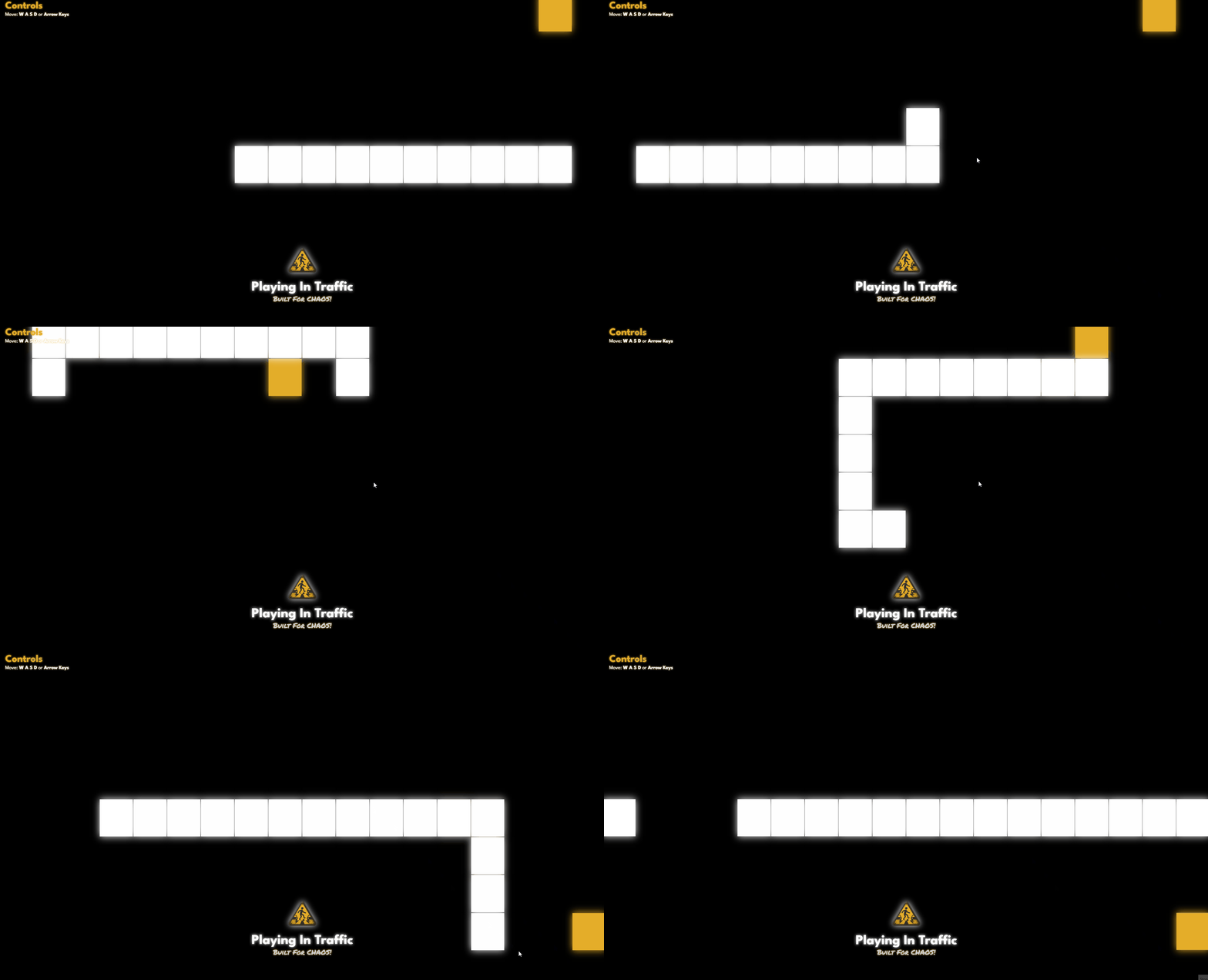
Purchase
Purchase
Previews
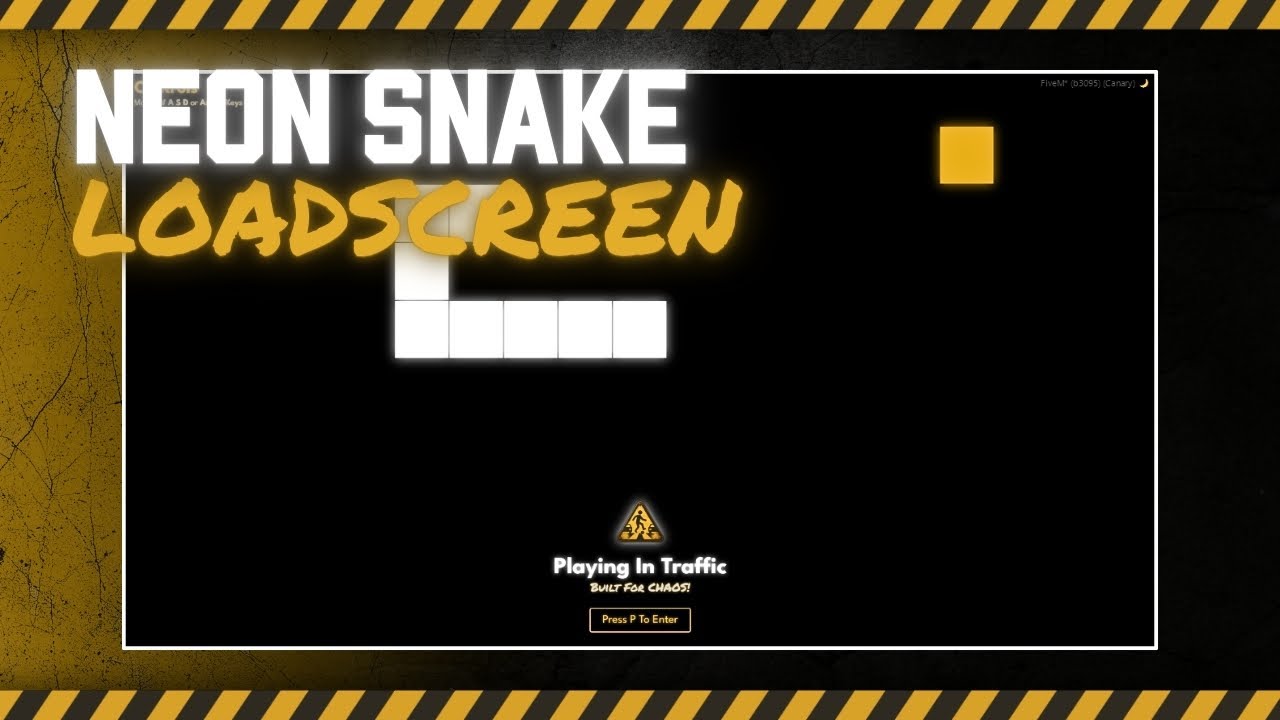
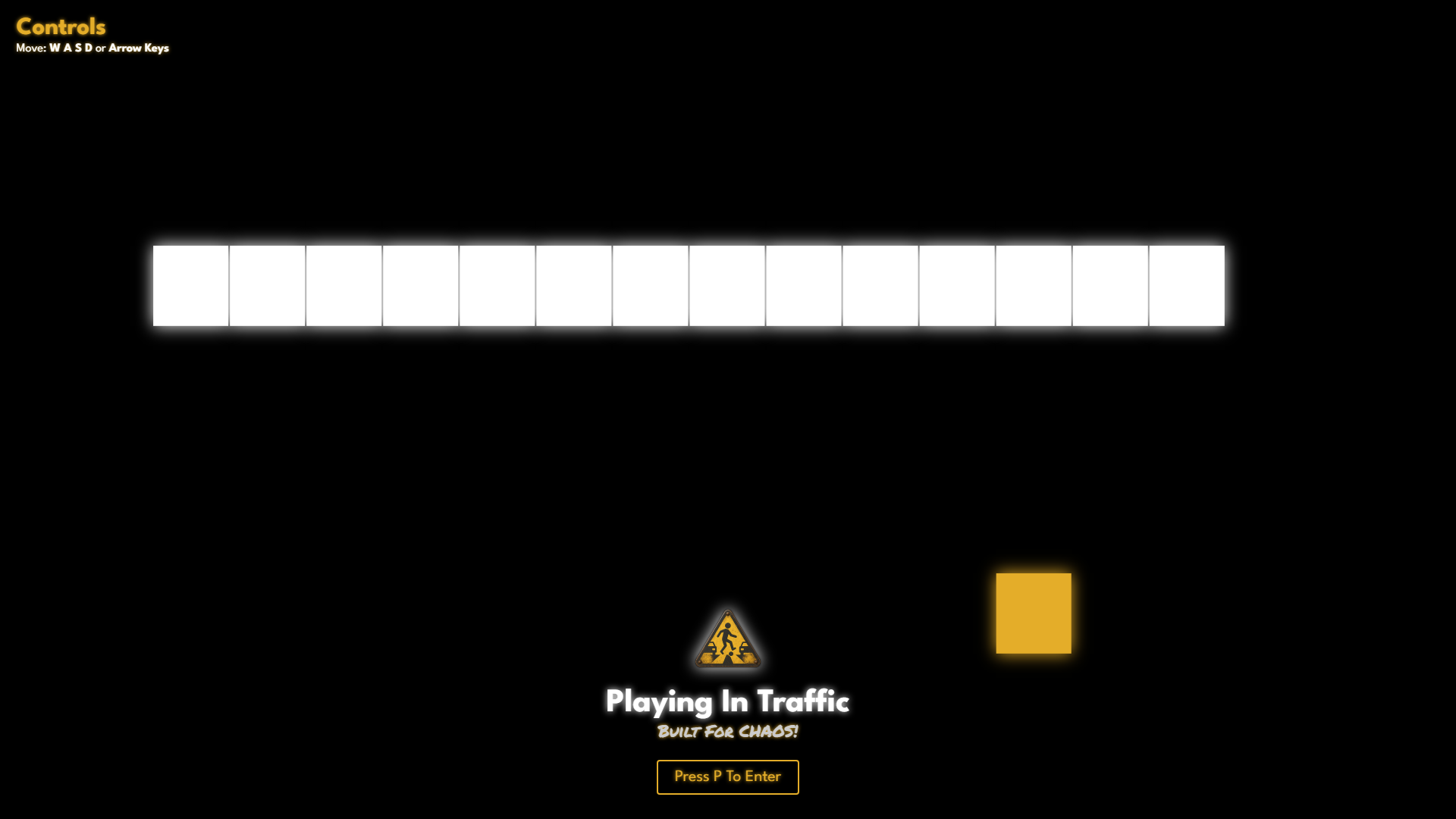
Snake Loading Screen
Press to play. Or don’t. Snake doesn’t care.
This isn’t your average loading screen.
It’s not a slideshow of server rules.
It doesn’t waste your time.
It’s just a screen.
With a button.
And Snake.
Because why not.
You wait anyway. Might as well dodge your own tail while you’re at it.
What it is
A minimal, loading screen system with a working Snake game and a dead simple hook system.
No dependencies.
No junk.
Built for FiveM servers that don’t want to feel like every other soulless clone.
What it does
- Shows your logo, name, and motto
- Waits until the player is actually ready
- Gives them a button to press when it’s time
- Lets you hook in custom logic when that happens
- Runs Snake in the background the whole time
That’s it. That’s the product.
Why it exists
- Because 90% of loading screens are garbage.
- Because you’re already waiting 20+ seconds.
- Because Snake is THE superior game.
- Because pressing a button is cooler than watching a progress bar?
How to use the hook
If you want to run your own logic when the player clicks the “Play” button, just set this:
hooks.on_enter = function()
    --- Add your custom code here for when the player enters server
    --- TriggerServerEvent("entry:sv:create_player")

    print(("Welcome %s! Have fun!"):format(GetPlayerName(GetPlayerServerId(PlayerId()))))
end
That’s it. The button fades, Snake pauses, and your function runs.
Integration for QBCore users
If you’re using qb-multicharacter, comment out the auto-launch thread:
-- qb-multicharacter/client/main.lua

-- Comment this out:
CreateThread(function()
    while true do
        Wait(0)
        if NetworkIsSessionStarted() then
            TriggerEvent('qb-multicharacter:client:chooseChar')
            return
        end
    end
end)
Then use the hook like shown above to TriggerEvent('qb-multicharacter:client:chooseChar')
It’ll trigger properly after Snake when the player presses play.
Config
You can load in your server branding from a JSON file:
{
    "server_name": "PLAYING IN TRAFFIC",
    "server_motto": "Built For CHAOS!",
    "play_text": "Press P to Play",
    "logo_src": "pit_logo_x100.png"
}
Save that as /custom/config.json.
Optional thoughts
- You want a high score system? Add one.
- You want to replace Snake with Pong? Sure.
- You want random quotes or glitch effects? Do it.
- You want to skip it entirely? Just call the hook directly.
This loading screen isn’t precious. It’s just a screen.
Customize it. Break it. Inject your own chaos.
Built for servers that don’t do normal.
Built for servers that don’t hold your hand.
Built for servers that don’t want fake polish.
Built for PIT.
Done.
Support
Need help?
Ran into bugs?
Screaming at a missing comma?
Support Hours: Mon-Fri, 10AM-10PM GMT
Outside hours? Sacrifice a chicken or leave a message.
Links
| Code is accessible | Source Yes/Escrow Limited |
| Subscription-based | No |
| Lines (approximately) | 400 ish with UI |
| Requirements | None, standalone. |
| Support | Yes |


