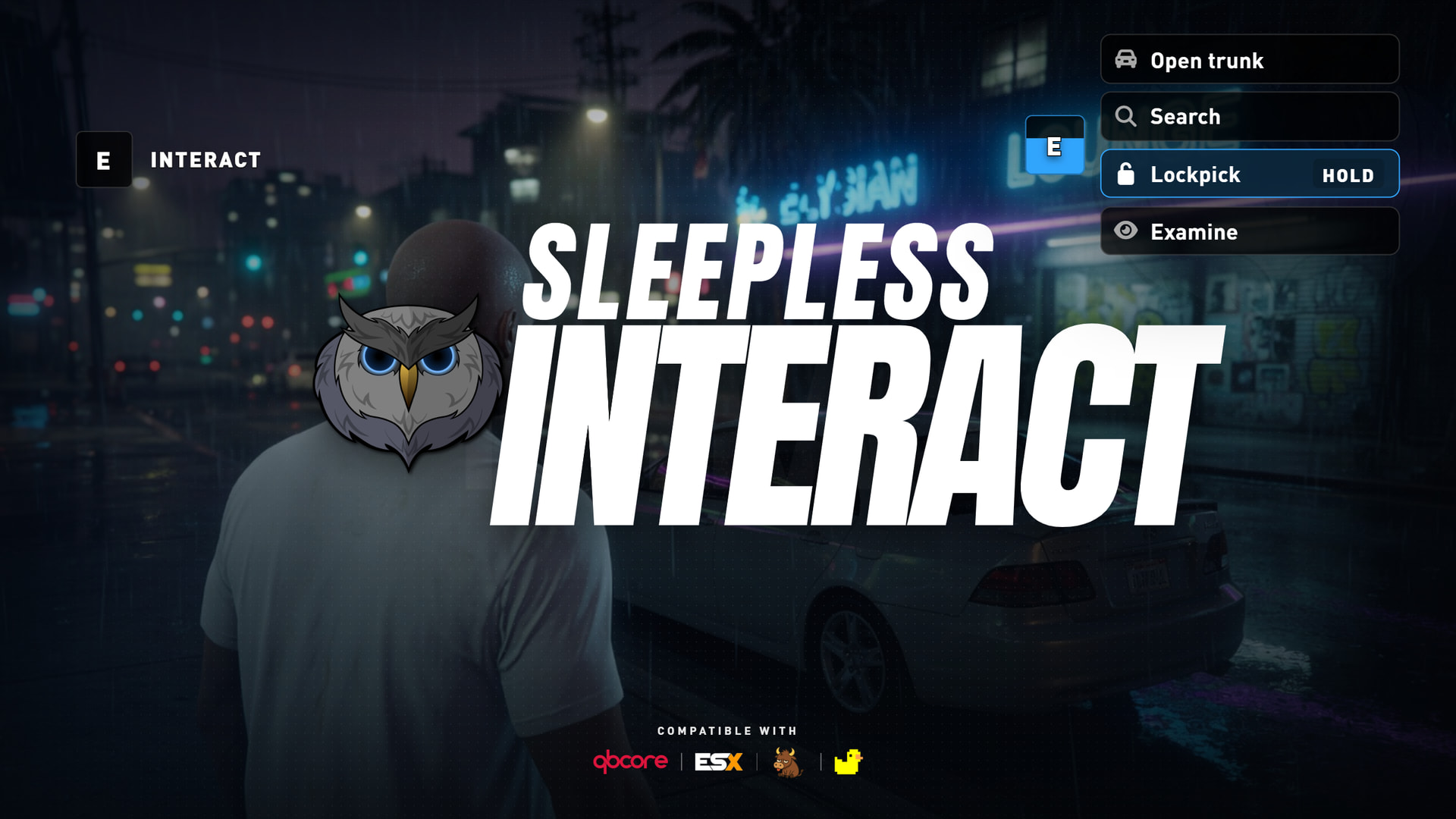
sleepless_interact V2
now with ox_target support
A FiveM library for creating DUI world interactions
Returning Features
- uses dui, allowing for full style customization through css
- supports ox_core, esx, and qbx
- add interactions to models, players, ped, objects
- entity bone support
- group option filtering
- required item(s) filtering
- networked and local entity handling
- cleanup for dead interaction data (entity no longer valid)
new features
- Full ox_target pass through support. it has built in export handlers for ox_target/qtarget
- the fundamental way the options are built has changed from v1, so now you will have proper option stacking like in ox_target if 2 calls are made to add options to the same entity from 2 different resources.
- optional press and hold for specific options
- color theme override per option
- new cooldown state styling
- removed React UI and am using vanilla js instead
breaking changes
- v1 is not compatible with v2 at all. if you are looking to upgrade, their will be a few small things you will need to change. the documentation has been updated and i have kept thr v1 documentation up as well so you can compare.
Depedencies
- ox_core, qb, or ESX (this is for job checking and item checking)
- ox_inventory (optional, item checking)
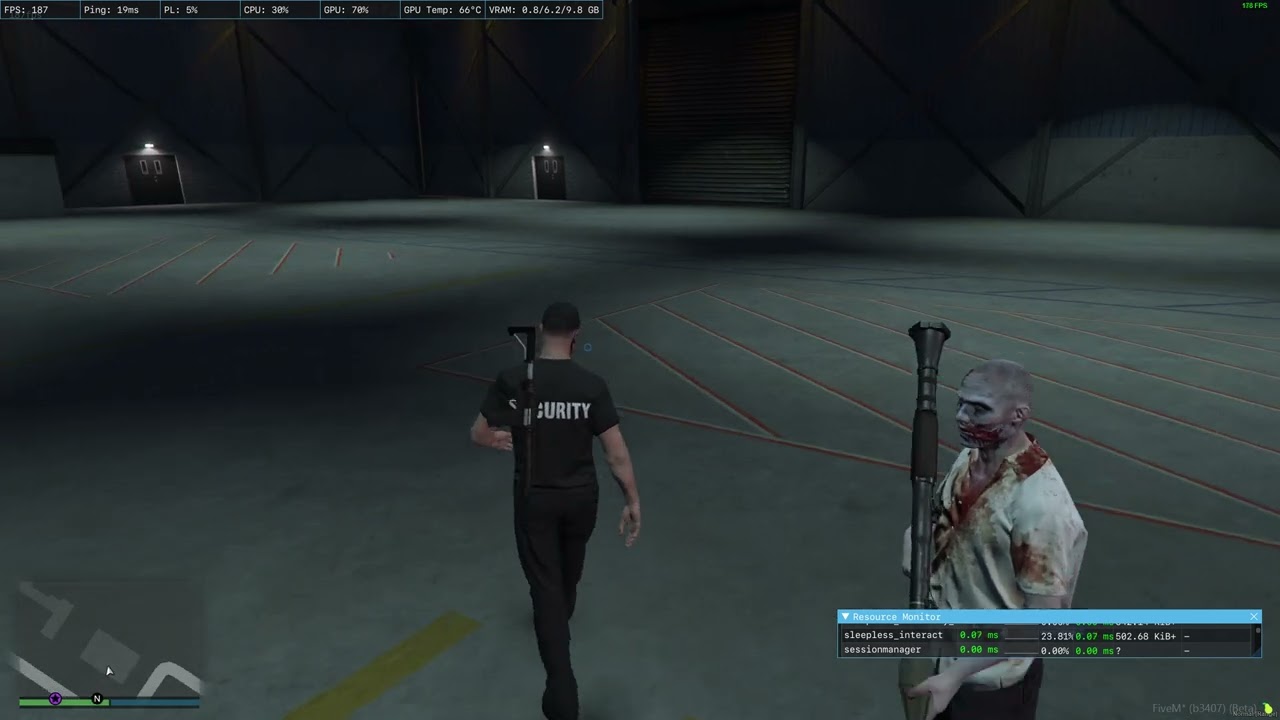
resmon:
- inactive: 0.00-0.01
- active drawing 1 interaction: 0.03-0.04
- active drawing a few: 0.08-0.10
resmon will be vary for different computers. this is what my computer got
preview
Links


UPDATE 9/11/2026
sleepless_interact 2.3.1
The prompt no longer pops open on whatever is closest. You look at a target, a radio marker sits on the rest, and the HUD fades instead of snapping. The old single look is gone: the world prompt is a themed HUD now, and modern is the default.
Themes
The world prompt is no longer one hardcoded skin. Themes are a new system.
Pick a look in config. Each one is its own CSS file. Accents are per-theme, or one color across every look. Drop in your own file and it loads without a code change.
config.theme = 'modern'
Ten built-in looks:
| Id | Look |
|---|---|
legacy |
Original sleepless_interact prompt |
modern |
Default. Black plates, white type, Sleepless blue |
minimal |
Quiet hairline frames |
light |
Light panels, dark type |
retro |
CRT amber with scanlines |
cyber |
Angular HUD with a clipped corner |
vice |
Magenta-to-cyan neon rim |
noir |
Circular iris key, letterbox title cards |
industrial |
Riveted plates, hazard stripe on select |
fantasy |
Manuscript corner brackets |
Per-theme accents live in config.themeColors. Set config.themeColor to force one accent on every theme. An option’s color field still overrides the accent for that row only.
config.themeColors = {
    legacy = { 28, 100, 184, 200 },
    modern = { 49, 164, 252, 255 },
    -- ...
}

config.themeColor = nil -- or { r, g, b, a } to override every theme
Add your own: put web/themes/<id>.css next to the built-ins, scope every rule to [data-theme="<id>"], then set config.theme to that id. Unknown ids load automatically and fall back to modern if the file is missing. Preview in a browser with ?theme=<id>.
Modern is the default.
Docs: custom themes
Look-at targeting
The prompt only opens when a valid target sits inside the reticle radius. Nearby interacts still draw, they just stay as markers until you look at them.
Nearby targets are sorted by screen distance to center, and that distance now accounts for aspect ratio so the radius is a circle, not an oval.
-- client/modules/config.lua
config.requireLookAt = true   -- false = old closest-in-range behavior
config.lookRadius = 0.05      -- fraction of screen height. raise to aim looser
Radio marker and center pip
Distant / inactive interacts use a white radio PNG instead of the old shared/emptydot_32. Theme accent no longer tints the marker.
While any usable interact is in range, a small pip draws at screen center so you know something is available even before you look at it.
Sprites can load from a PNG in the resource (file) or from a GTA texture dict.
config.IndicatorSprite = {
    dict = 'slp_ind',
    txt = 'radio',
    file = 'web/indicator.png',
    rotation = 0.0,
    color = { 255, 255, 255, 200 },
    scale = 0.011,
}

config.CenterDot = {
    enabled = true,
    dict = 'mpcarhud',
    txt = 'leaderboard_car_colour_icon_singlecolour',
    color = { 255, 255, 255, 255 },
    scale = 0.004,
    x = 0.5,
    y = 0.5,
}
Set CenterDot.enabled = false to hide the pip. Omit file and set dict / txt to go back to a GTA texture.
HUD fade
The world prompt fades in and out instead of appearing and vanishing. Hide is ~160–240ms opacity. The sprite stays in the world for that window so it does not pop off. Reduced motion shortens the fade.
The DUI starts hidden and only becomes visible when a prompt is actually on screen.
Prompt polish
config.duiScalecontrols world prompt size. Default0.7(was a full1.0sprite)- Compact
INTERACTlabel uses DINPRO, thinner outline, less tracking - Selected fills on modern, vice, industrial, and fantasy are opaque so they read over the world
- Legacy theme matches the other looks: larger E key, left-aligned bar, consistent row size and icon gap
config.duiScale = 0.7
Fixes
- Global player interacts were dead after an ox_lib change.
- Docs URL in the README now points at sleeplessdevelopment.dev/docs/interact
If you want old feel still
config.requireLookAt = false
config.CenterDot = { enabled = false }
config.IndicatorSprite = { dict = 'shared', txt = 'emptydot_32' }
config.duiScale = 1.0
