GTA V version? Last version
Up to date? Yes
Legit or Pirate copy? Legit
Steam/CD/Social Club? Steam
Windows version? Windows 10
Did you try to delete caches.xml and try again? Yes several times
Error screenshot (if any) 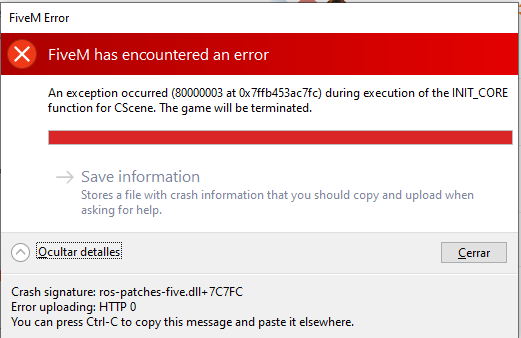
System specifications I7-6700K
What did you do to get this issue? just start fivem
What server did you get this issue on? not in a server in the main menu
CitizenFX crash zip file
CitizenFX.log fileCitizenFX_log_2020-05-30T183423.log (91.7 KB)
.dmp files/report IDs23c4fbea-14b9-4cff-b1e4-fe2c87a7a3d5.dmp (7.7 MB)
If an issue with starting:
GTA V folder screenshot

GTA V/update/x64/dlcpacks screenshot
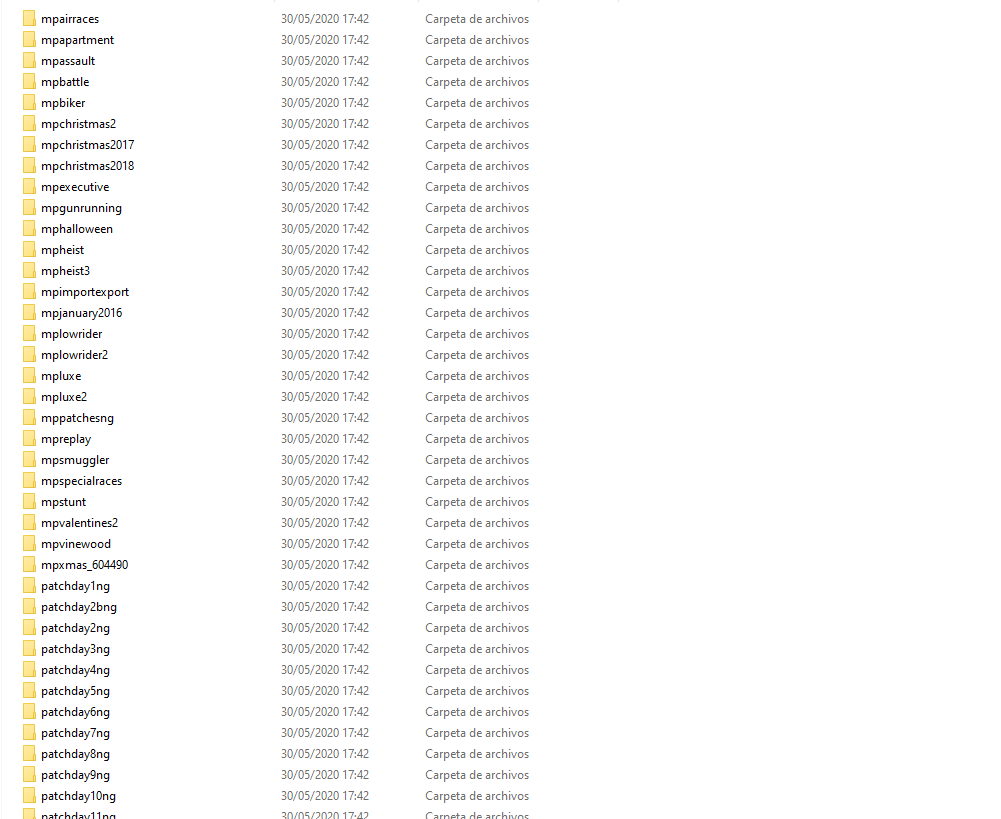
Filepath to FiveM folder

FiveM client folder screenshot Screen capture - 9de11102a31029472fbc3d36a6e2f7b5 - Gyazo
Which antivirus/firewall software are you using? The windows defender
Did you try to disable/uninstall your Anti-virus? yes
Also im gonna put here the cfxcrashdump: CfxCrashDump_2020_05_30_18_59_00.zip (1.2 MB)
Also add what you already tried so far. i tryed uninstaling gta v uninstalling fivem installing both, and cleaning cache
