Description
Roby Items is a comprehensive FiveM resource that provides administrators with a modern, responsive graphical interface for managing server items. The system integrates seamlessly with ESX Legacy and OX Inventory, offering powerful features for item administration with multilingual support.
Key Features
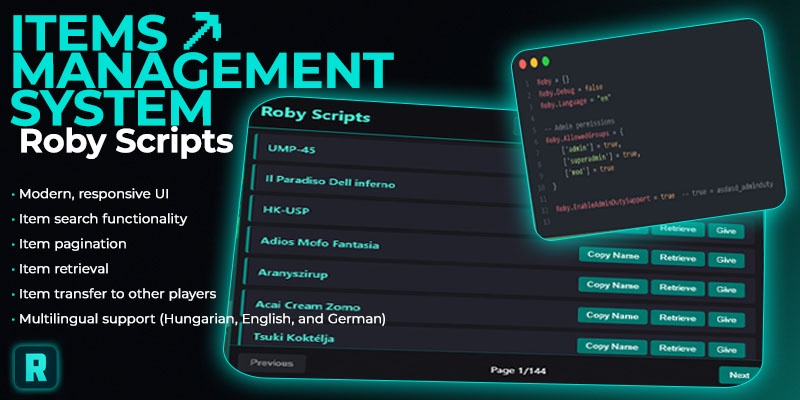
- Modern & Responsive UI: Clean, intuitive interface that works perfectly on all screen sizes
- Advanced Item Search: Real-time search functionality to quickly find specific items
- Pagination System: Efficient navigation through large item lists
- Item Management:
- Retrieve items directly to your inventory
- Transfer items to other players
- Copy item names to clipboard
- Multilingual Support: Full support for Hungarian, English, and German languages
- Admin Permission System: Configurable group-based access control
- Admin Duty Integration: Optional support for
asdasd_admindutysystem - Debug Mode: Comprehensive logging for troubleshooting
- ESX Notifications: Native notification system integration
Usage
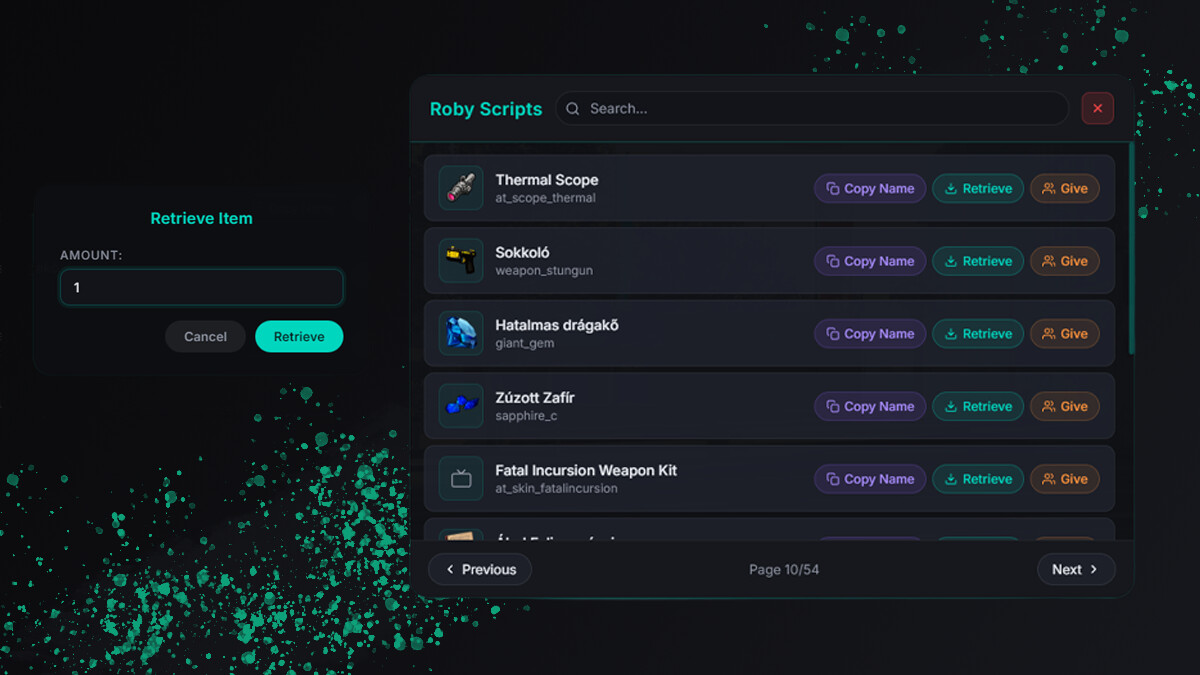
Simply use the /items command to open the item management interface. The UI provides:
- Search Bar: Filter items by name in real-time
- Item Cards: Visual representation of each item with action buttons
- Quick Actions:
- Copy item name to clipboard
- Retrieve item to your inventory
- Give item to another player (with ID input modal)
- Navigation: Previous/Next page buttons with current page indicator
Showcase | Roby Items
Configuration Options
The resource is highly configurable through config.lua:
Roby.Debug = false -- Enable/disable debug messages
Roby.Language = "hu" -- Language setting (hu/en/de)
Roby.AllowedGroups = { -- Authorized admin groups
    admin = true,
    superadmin = true,
    mod = true
}
Roby.EnableAdminDutySupport = true -- Admin duty system integration
Multilingual Support
Built-in translations for:
- Hungarian (Magyar) - Default
- English - Complete translation
- German (Deutsch) - Complete translation
Easy to extend with additional languages through the lang.lua file.
Security Features
- Server-side permission validation: All actions are verified on the server
- Group-based access control: Only authorized groups can access the system
- Input validation: Proper validation for player IDs and item names
- Admin duty integration: Optional support for duty-based permissions
Performance Optimized
- Lightweight code: Clean, efficient Lua code (~1010 total lines)
- Optimized UI: Vanilla JavaScript with minimal overhead
- Caching system: Smart item caching to reduce server requests
- Responsive design: Optimized for various screen resolutions
Installation
- Download the resource from the link below
- Extract the
roby_itemsfolder to your server’sresourcesdirectory - Add
ensure roby_itemsto yourserver.cfgfile - Restart your server or use
refreshandensure roby_itemscommands - Configure permissions in
shared/config.luaif needed
Requirements & Dependencies
- ESX Legacy (1.2 or newer)
- OX Inventory (latest version)
- FiveM Server with Lua 5.4 support
Download
Download Link: GitHub Release
Support
Need help? Join our Discord server for support and updates: asd.asd Scripts
Technical Information
| Code is accessible | Yes |
| Subscription-based | No |
| Lines (approximately) | ~1010 |
| Requirements & dependencies | ESX Legacy (1.2+), OX Inventory |
| Support | Yes |
Created by Roby - Version 1.0.4