Restricted Zone
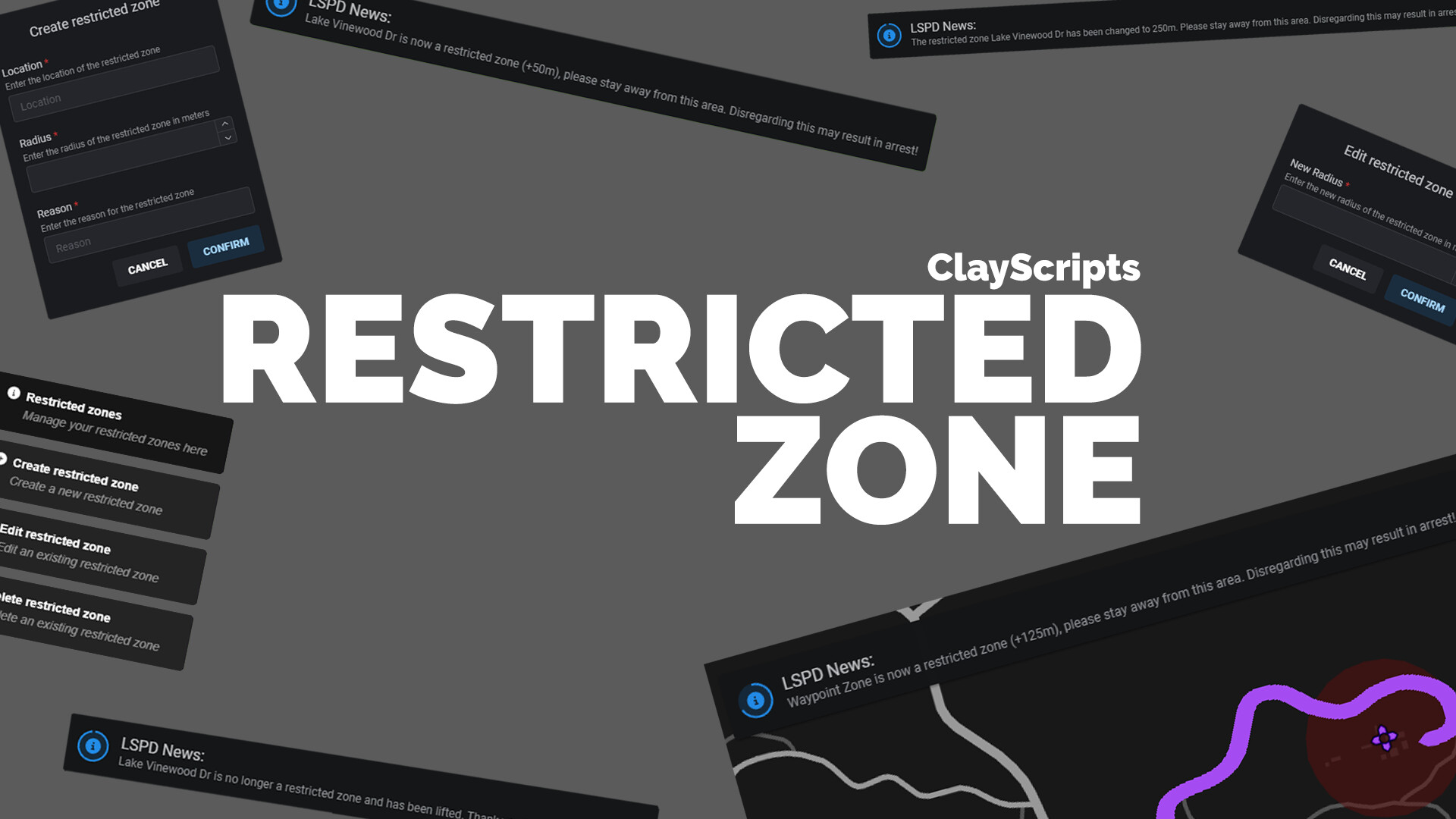
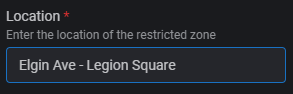
This ESX / QB script requires ox_lib (only ESX version) and allows you to create restricted zones if you have the necessary permissions. If you have set a waypoint, this will be taken as the point where the zone will be created. However, the information must be provided yourself (location, radius, reason). If no waypoint is set, your current position will be adopted. Everything can be easily configured in the config.
PREVIEW - ESX | PREVIEW - QB
BUY HERE - ESX Tebex-Store | 9.99€ incl. VAT
BUY HERE - QB Tebex-Store | 9.99€ incl. VAT
BUY BUNDLE - ESX Job Invite & Restricted Zone | 14.99€ incl. VAT
Save some money and get both straight away
Features and Capabilities
-
Zone Definition:
Define specific areas on your map as restricted zones. -
Customizable Script:
Incorporate your own penalties or restrictions for players who enter restricted zones, such as health reduction or vehicle confiscation. -
Notification System:
Inform players when restricted zones are created, edited or deleted with customizable messages. -
Database Integration:
Restricted zones are stored in the database so changes can be made later or simple script extensions can be made. -
Easy Configuration:
All settings can be adjusted in the configuration file.
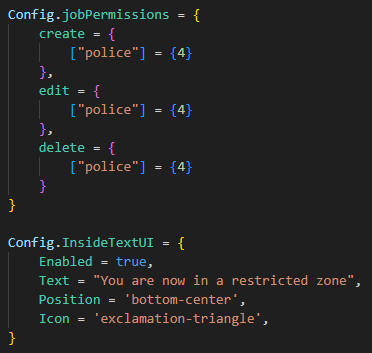
Config Preview:
Config = {}

Config.DefaultLocale = 'de'

Config.OpenRestrictedZoneMenu = 'restrictedzone'

Config.jobPermissions = {
    create = {
        ["police"] = {"*"},
        ["fib"] = {"*"}
    },
    edit = {
        ["police"] = {"*"},
        ["fib"] = {"*"}
    },
    delete = {
        ["police"] = {"*"},
        ["fib"] = {"*"}
    }
}

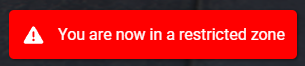
Config.InsideTextUI = {
    Enabled = true,
    Text = "Sie befinden sich nun in einer Sperrzone",
    Position = 'bottom-center',
    Icon = 'exclamation-triangle',
}
Below that in the script are the respective translation options for the script.
| Code is accessible | Yes |
| Subscription-based | No |
| Lines (approximately) | 600 - 700 |
| Requirements | esx or qbcore, ox_lib (only for esx version) |
| Support | Yes |