

DOCUMENTATION PAGE WILL BE SOON.
Radio: Lite
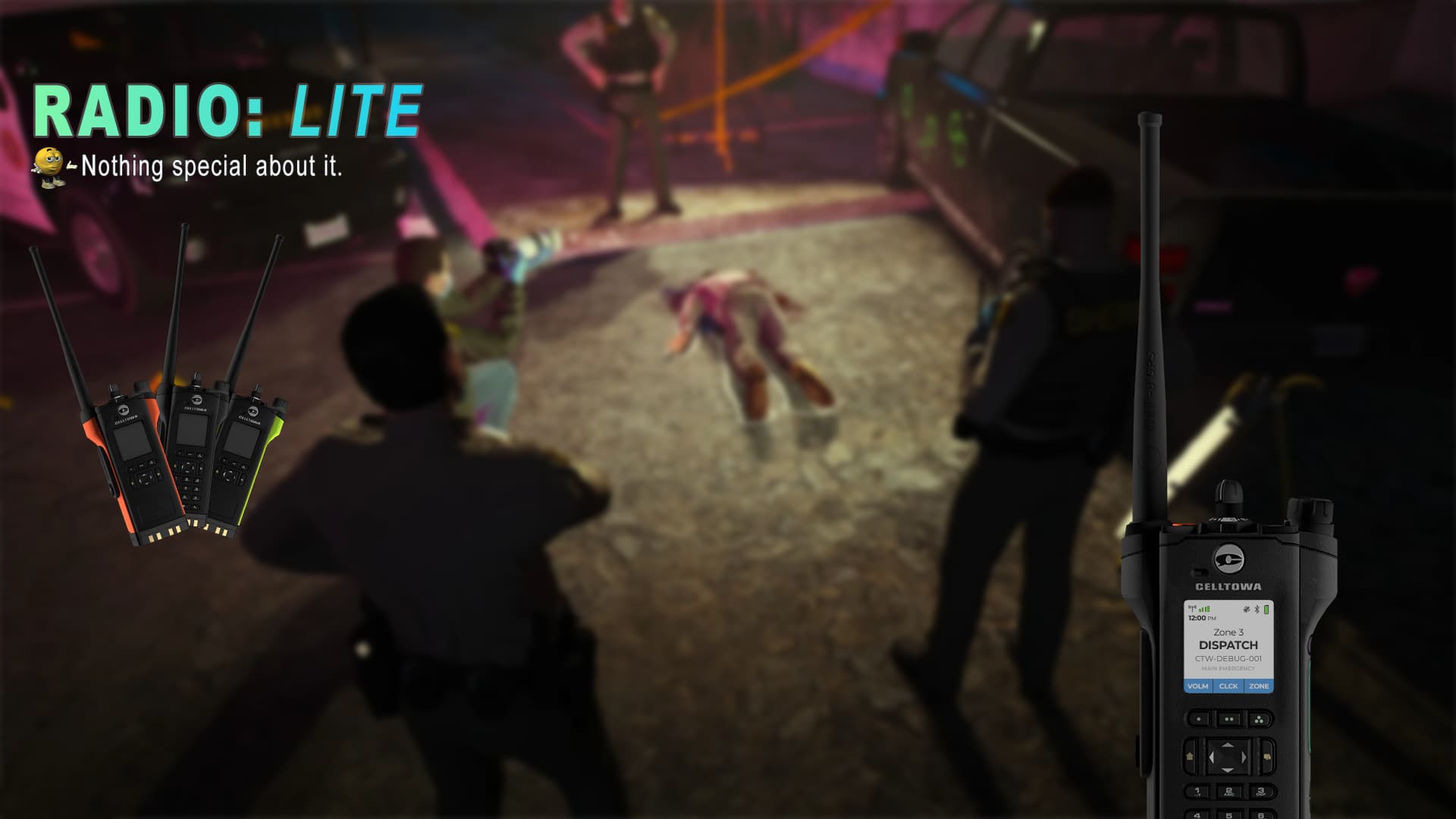
Radio: Lite is a handcrafted handheld radio built for modern RP servers that want immersive comms without the maintenance overhead. The resource ships with the exact same interface as the Advanced edition, so players enjoy a premium experience while you keep the lightweight footprint that a public server demands.
 ︎ Radio: Lite uses the built-in Mumble voice pipeline. No external dependency is required for voice.
Key Features
- Interactive UI: Real buttons for power, menu, channel step, panic, and volume. Sleek, responsive interface that feels like a real device.
- Themes: Six pre-made hardware styles with their own frames, textures, and mic-click audio packs.
- We Love Ox: Seamless ox_inventory integration that treats the radio as a tangible item, not a fake command.
- Battery System: Configurable drain rates for per model, vehicle charging, whitelisting and blacklisting.
- UI Audio: Mic clicks, and volume controls that actually change audio levels.
- Localization: Pre-translated into 19 languages (UI does not translated).
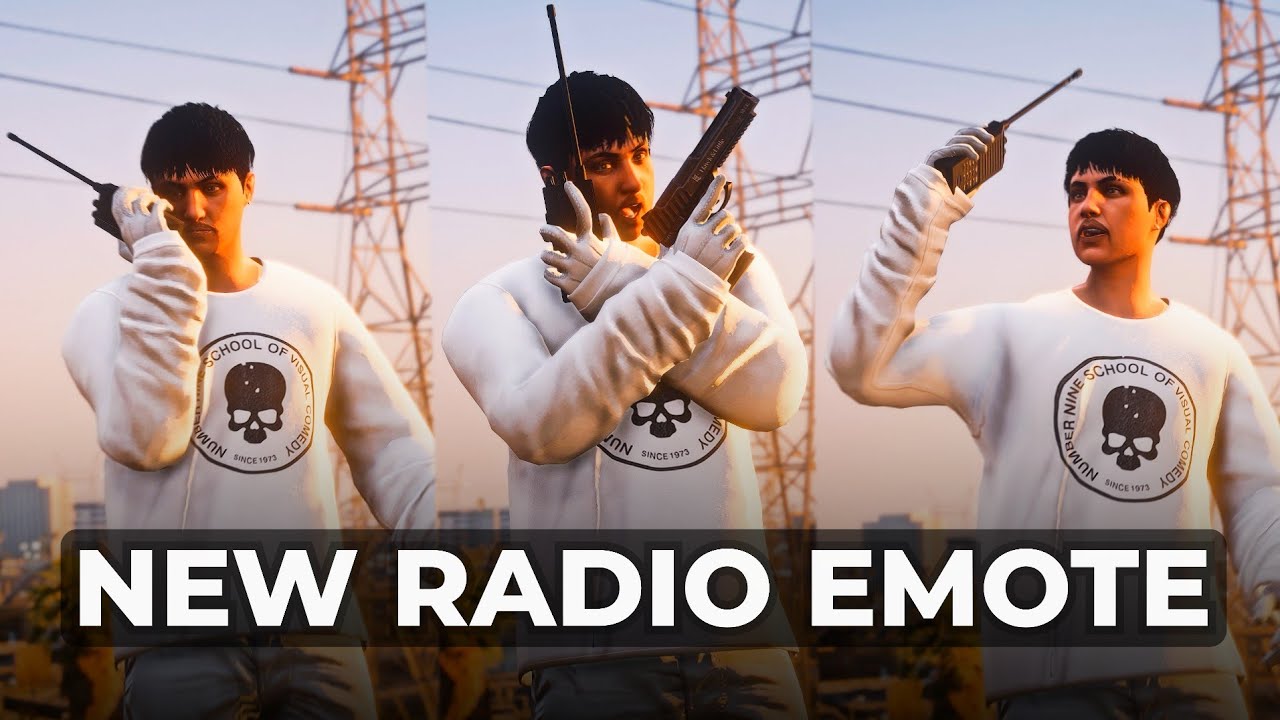
- Animations: Custom animations per radio model or clothing, fully configurable.
- Universal Bridge: Works seamlessly with ESX, QBCore, Qbox, and Ox Core.
Voice & Audio Layer
- Custom Mumble controller written for radio, no external voice resources required.
- Channel arbitration prevents double keying; the UI and the busy audio respond instantly when a frequency is occupied.
- Battery module hooks into live transmissions, so overuse drains the cell in real time.
UI & Interaction
All visible UI buttons are fully functional, with the exception of the numeric keypad.
| Button | Action |
|---|---|
| Power Knob | Boot or shut down the radio and fall back to the primary channel |
| Nav Arrows | Move through menu lists, volume, clock format |
| Menu / Mode | Open device menus, presets, or contextual UI states |
| Volume | Raise or lower volume |
| Panic | Trigger tone + dispatch hook |
All visible buttons work exactly like the real hardware.
(numeric pad intentionally inactive reserved for FUTURE)


Channel & Metadata System
| Capability | How it Works |
|---|---|
| Radio Channels | Saved in metadata, synchronized server-side, stays same in swaps and robberies |
| Channel Sync | UI and statebags stay aligned without duplicate events |
| Persistence | Disconnect/reconnect or trade radios the stored profile travels with the item |
Each radio item is treated as a unique communication device.
Radio channel state persists through inventory actions and reconnection.
Animation & Props
- Six prop variations (two diff models in black, yellow, red) ready to attach.
- Assign animations for different clothing category and drawable.
- All animation logic resides in
animations.lua, keeping your overrides easy to maintain.
Also check out @PazeIjodan’s radio animations, they fit this resource perfectly: Tebex
Development & Support
Radio: Lite is a living project driven by community feedback. Buyers receive direct support, rapid responses to bug reports, and a transparent roadmap. You can check my Discord Server for your suggestions. Your suggestions actively influence upcoming updates. The Advanced edition exists for private partners (maybe release in future idk), but Lite continues to inherit polish without the subscription requirement.
| Code is accessible | Partial |
| Subscription-based | No |
| Lines (approximately) | 4500+ |
| Requirements | ox_lib, ox_inventory |
| Support | Yes |
 We try our best.