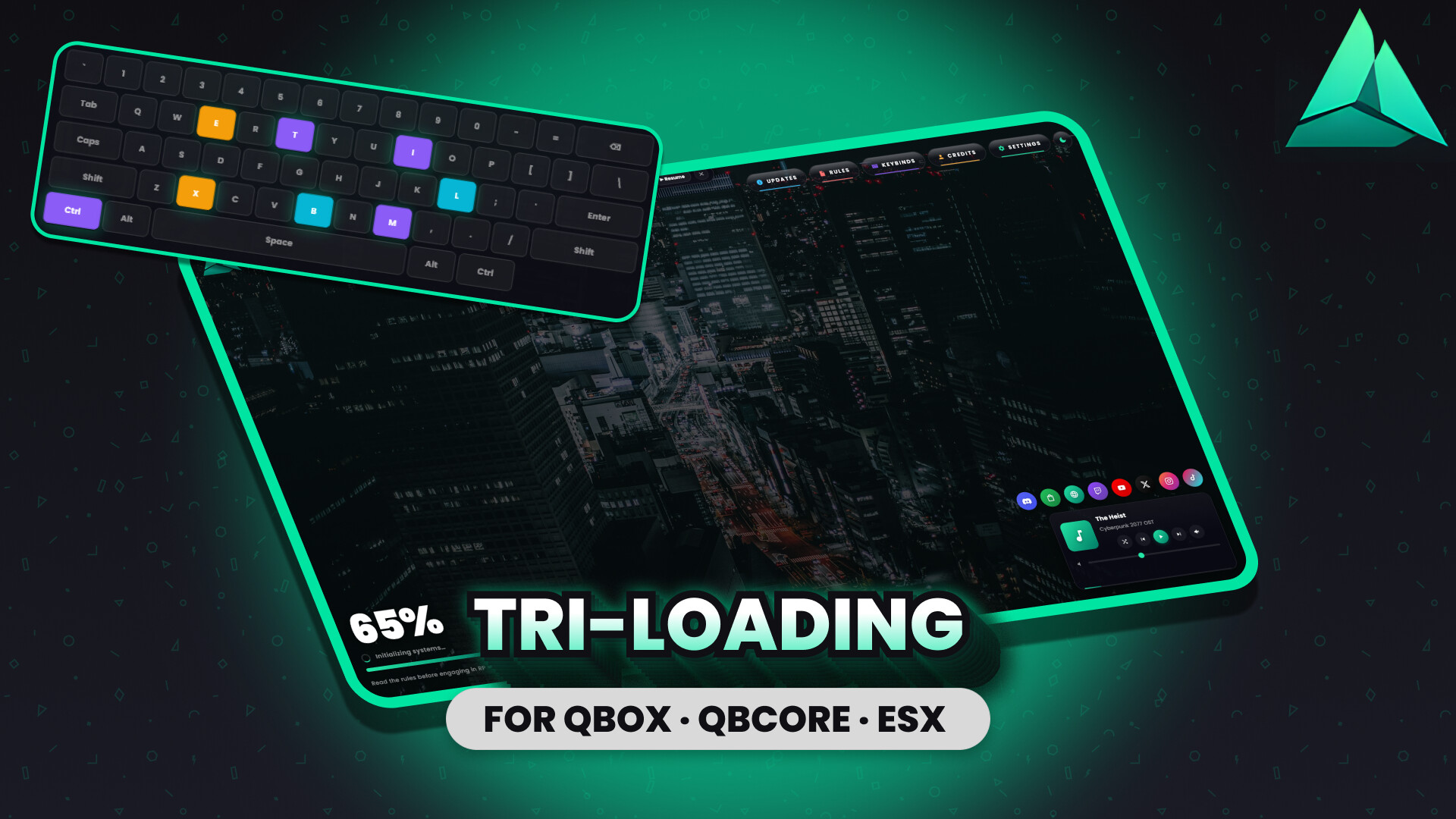
A premium FiveM loading screen — dark glass shell, music widget, live theme toggle, and a category-coloured info hub.
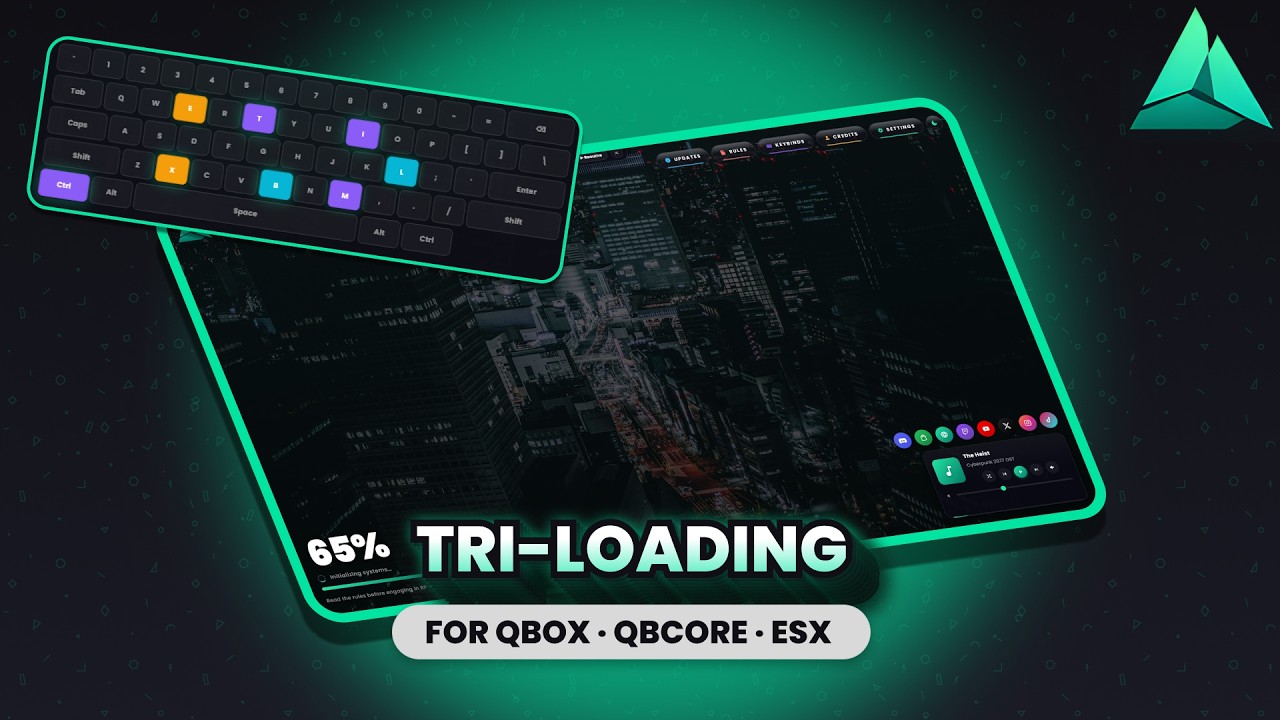
Preview video: [YouTube](https://www.youtube.com/watch?v=t3HBJjFD_MM)
Standard Edition ($9.99, escrow): [Tebex](https://tri-studios.tebex.io/package/7464288)
Source Edition ($19.99, source-accessible): [Tebex](https://tri-studios.tebex.io/package/7464303)
Discord: discord.gg/Gddp689Ch2
The loading screen the rest of your server lives up to.
Most FiveM loading screens are a placeholder — a logo, a progress bar, a tip carousel that nobody reads. tri-loading is the first impression your server actually makes, treated with the same polish you put into the gameplay behind it. Photo or video background, dark glass shell that sits cleanly over either, and five info modals that load lazily so the boot stays fast.
Standalone — no QBox, QBCore, or ESX dependency. The loading screen tears itself down the moment your player spawns and uses zero resources after that. Works on any FiveM server.


- Photo or video background — one config flag switches. Drop a still image or point at an
.mp4/.webmfor ambient looping motion. The dark glass shell tints either cleanly. - Music widget with shuffle, crossfade, and keyboard shortcuts. Fisher-Yates shuffle pins the current track. ~400ms vanilla
<audio>crossfade. Position bar is scrubable.Mmutes,←previous,→next. - Live light/dark theme toggle. Sun/moon button in the top nav, KVP-persistent across sessions. Same theme pattern as the rest of the Tri Studios suite.
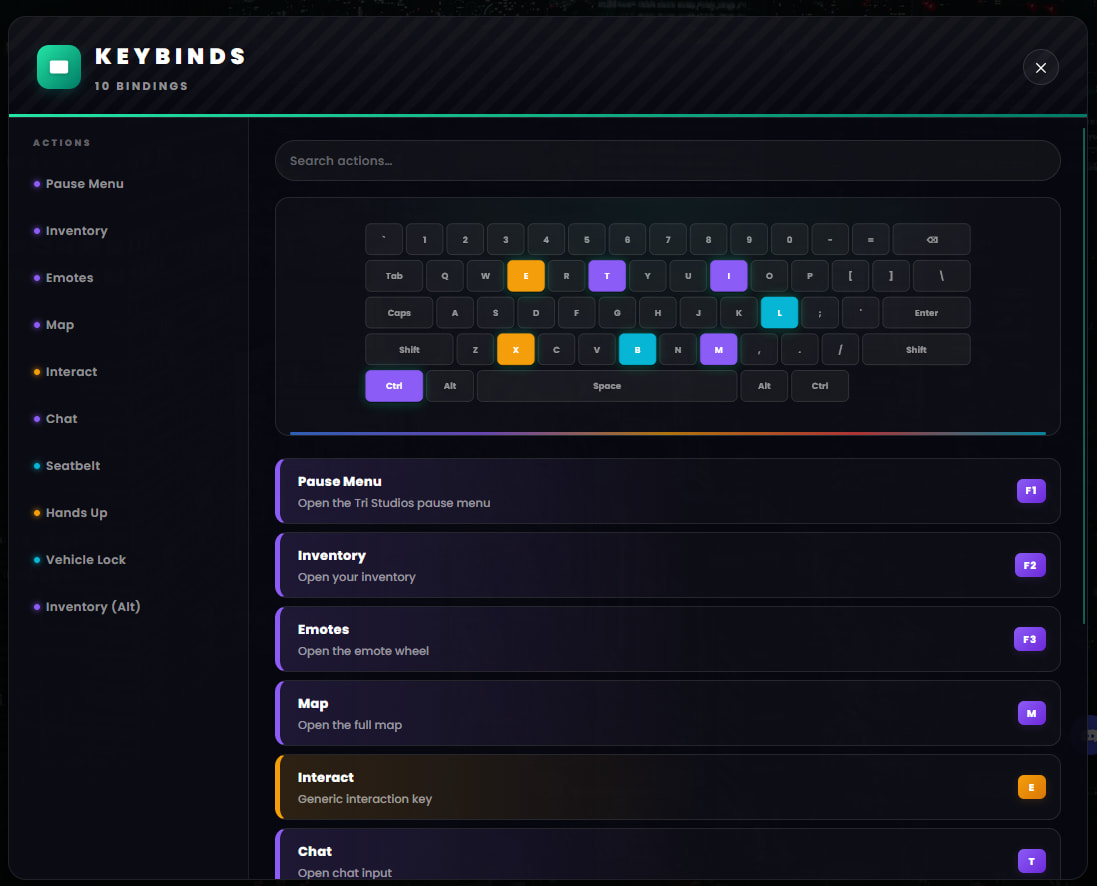
- 3D SVG keyboard on the Keybinds panel. Hover-lift, active-press-down, idle-pulse on bound keys. Category-coloured key highlighting.
- Category colours through every panel. Updates sections, Rules severity chips, Keybinds category dots, Credits role gradients, Settings per-row tones — every panel has a colour story, not just a wireframe.
- Five info modals — lazy-rendered. Updates · Rules · Keybinds · Credits · Settings. Each renders on first open, not at page load — keeps initial boot snappy even with hundreds of rule entries or update versions.
- Self-cleaning. The loading screen disappears the moment your player spawns. Zero resources used after that. Works under any framework or none.
- Top nav with per-pill colour cycling. Updates blue · Rules red · Keybinds purple · Credits orange · Settings teal. Bottom accent strips match the pill being hovered.
- Eight social icon slots. Discord · Store · Website · Twitch · YouTube · X · Instagram · TikTok. Any URL set to
''auto-hides the icon — no empty squares. - Tips carousel with configurable interval.
 The loading sequence
- Player joins. tri-loading’s
ui_pageopens immediately — photo/video background fades in, dark glass shell renders over it, music widget queues the first track muted (browser autoplay policy compliant). - Brand block renders — logo image if set, server-name text fallback if not.
- Player hovers the top nav — Updates / Rules / Keybinds / Credits / Settings pills cycle through their category colours.
- Player opens a modal (e.g. Keybinds). First open lazy-renders the panel content — every modal is destroyed on close to keep memory flat across multiple opens.
- Tips carousel runs in the bottom-left next to the progress block.
- Player presses any key — music widget fades in from muted, “Press SPACE to unmute” hint dismisses.
- Player spawns. The loading screen tears itself down. tri-loading goes to 0.00 ms CPU.

One file, every behaviour:
- Server name and logo
- Background — photo OR video, one flag switches
- Theme default (dark or light)
- Accent gradient — mint by default, change to any palette
- Music playlist with per-track title, artist, and crossfade duration
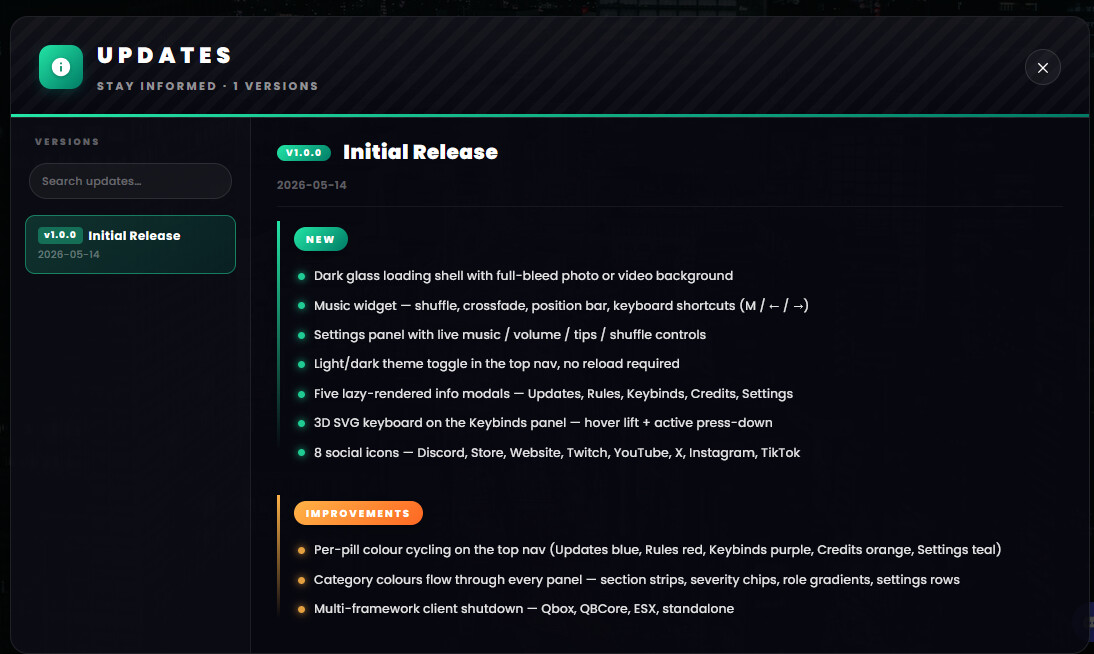
- Updates panel content — flat body or structured New / Improvements / Fixes sections
- Rules content — per-rule colour tag and optional severity (warn / kick / ban)
- Keybinds content — per-binding category for keyboard highlighting
- Credits content — role-group gradients per credit row
- Settings rows — per-row tone configuration
- Tips carousel content and interval
- 8 social URLs — empty any to auto-hide that icon
Config files stay editable on the Standard edition so you can customise without re-buying.

Measured via in-game resmon on FXServer build 6116:
| State | Client CPU |
|---|---|
| Loading screen active (UI rendered, music playing) | 0.01 ms |
| Modal open (Keybinds with 3D keyboard) | 0.01 ms |
| Post-spawn | 0.00 ms |
 What’s included
- Full tri-loading resource (Standard edition: Escrow-encrypted; Source edition: full unencrypted source)
config.lua+html/config.jsleft editable in Standard viaescrow_ignoreREADME.mdwith full install guide, content authoring guide (Updates / Rules / Keybinds / Credits content structure)- Placeholder brand assets (logo image slot, photo + video background slot, music track slot) — drop in your own files via config
 Support
Bug reports, feature requests, and install help in the Tri Studios Discord.
| Code is accessible | No |
| Subscription-based | No |
| Lines (approximately) | ~50 Lua · ~2,400 HTML/CSS/JS |
| Requirements | Standalone — no framework required · runs before QBox / QBCore / ESX boot |
| Support | Yes |