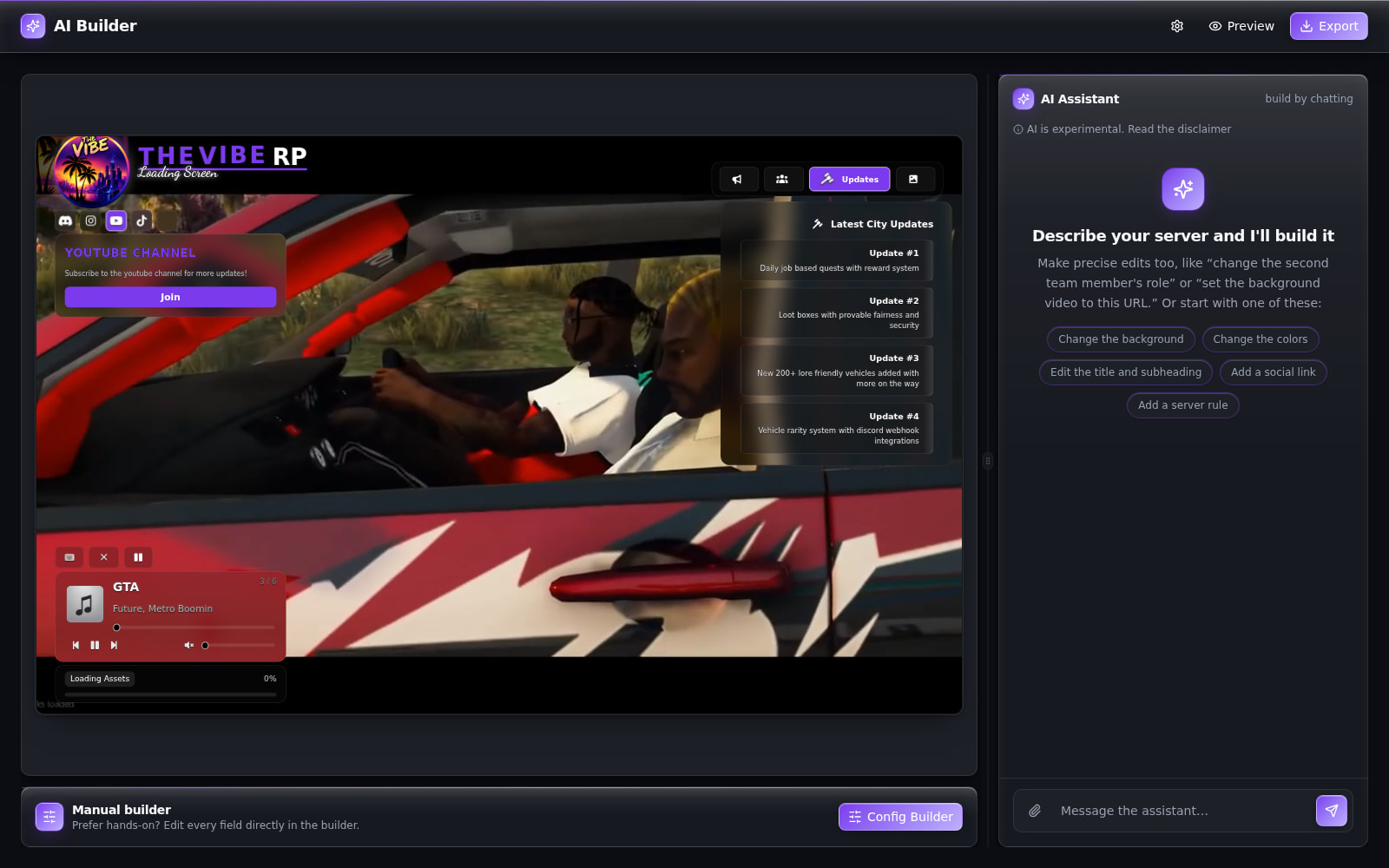
[RELEASE] [FREE] Animated Loading Screen - Customizable & Clean

:cyclone: Animated Loading Screen - Customizable & Clean

:rocket: Clean. Fast. Customizable. Built in 1 day because someone said it “wasn’t that hard.”
Now it’s free — and better than what they paid for.

Backstory

Someone recently reached out to hire me for a loading screen. They sent over a Figma mockup and asked how long it would take. I quoted 3 days.
They replied, “This could be done in a day,” and ghosted after I quoted a fair price.

So… I did it in 1 day anyway — just to prove a point.
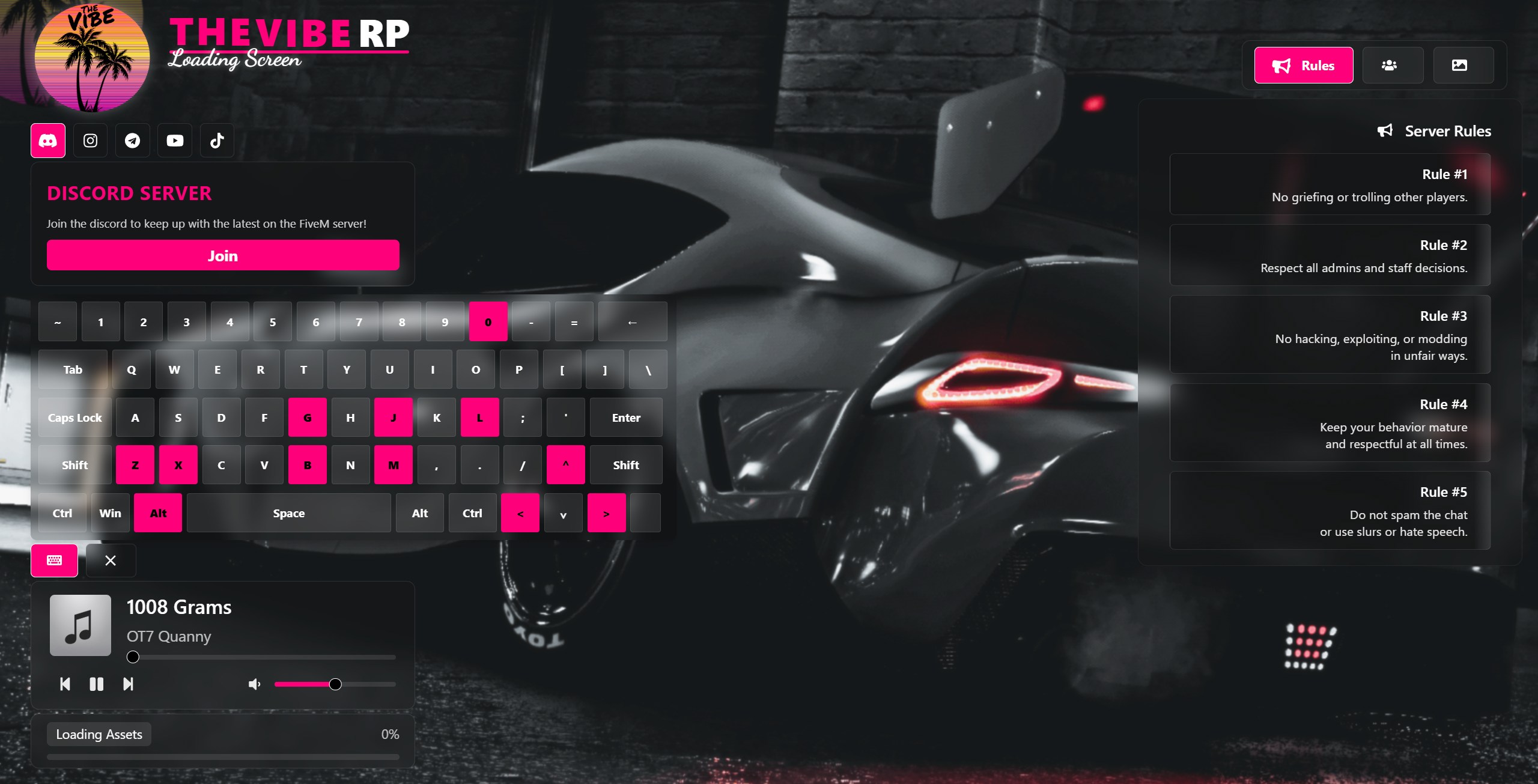
This is the result — a fully animated, modern, configurable FiveM loading screen, now open to everyone. :sunglasses:

:sparkles: Features

  • :movie_camera: Video & YouTube Background Support
    Add immersive full-screen visuals with smooth scaling and transitions.
  • :keyboard: Keyboard Overlay
    Show players the most important keybinds with support for LALT, RALT, SPACE, LCTRL, etc.
  • :notes: Music Player
    Audio player with autoplay, volume, skip, and track info.
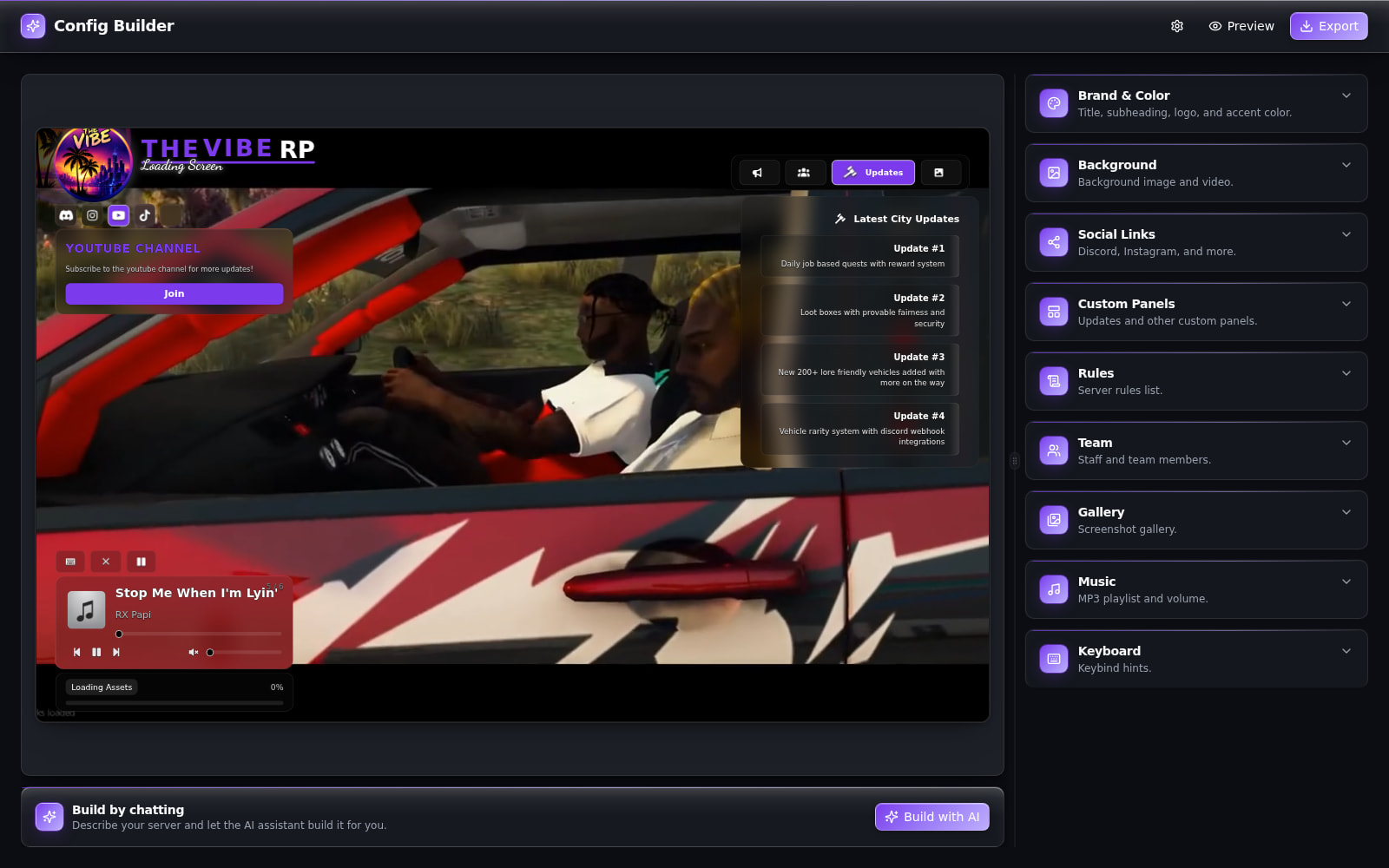
  • :gear: Easy JSON Config
    No coding needed. Set everything — colors, logo, rules, team, social — through one config file.

:package: How to Use

  1. Download the latest release:
    :link: GitHub Release Page
  2. Drop the folder in your resources/ directory.
  3. Add this to your server.cfg:
ensure gucci_loading
  1. Customize html/config.json as needed.

:framed_picture: Previews

(Live Demo)
https://fivem-loading.vercel.app/

(Customization Documentation)
https://farzama.github.io/fivem-loading-screen-docs/

Screenshot

10 Likes

Nice work :100:

1 Like


why black ?

Most likely a typo in your config double check to make sure

This is nice :+1:

1 Like

work now 100% thanks

1 Like

Hey, unfortunately, I’m not very familiar with JSON, HTML, and so on.
Is there a way to add a Tebex icon with a link to the social headers?

Sorry for the late reply, but I can look into adding this as a feature

1 Like

Failed to load config.json SyntaxError: Unexpected string in JSON at position 1939 (@gucci_loading/html/assets/index-B2Z5P4FH.js:40)

any help plz

hey i love this, but how do you change the logos that says, discord, insta, tiktok etc, i would love a option to put a tebex logo, or a my own website. appreciate your work

I’ve been messing around for a few hours and cant figure out how to properly get a video to show and play. There’s something within the json I’m not catching correctly. How do we do this?

Most likely a syntax error I recommend running your config file through a json checker

This is not yet available but may be in the future

Docs describe how to set this up

@FakalMate is there something wrong with the script? every video i use for youtube comes up with error 153, config error.
it was working then one day just stopped now no videos work at all

I will take another look at the youtube video implementation seems others are having issues as well. There is a current workaround in the github, but I will get a more robust fix in place soon.

Just pushed a new update that includes improvements for YouTube video error handling and adds support for custom icons in the social header section.

The documentation has also been updated with new guides and examples to make setup and customization even easier.

If you’re upgrading from an older version, make sure to follow the Upgrading Guide in the documentation to avoid any issues.

I’ve also added a Future Plans section so you can get an idea of what’s coming next.

Thanks for all the feedback, your support means a lot, and I hope you continue to enjoy using the loading screen!

Updated docs in new release might help with any issues you were having prior

This feature has been fully impemented

Sorry for the lateness, finally got some time to work on this, but this feature has not been implemented in the latest release