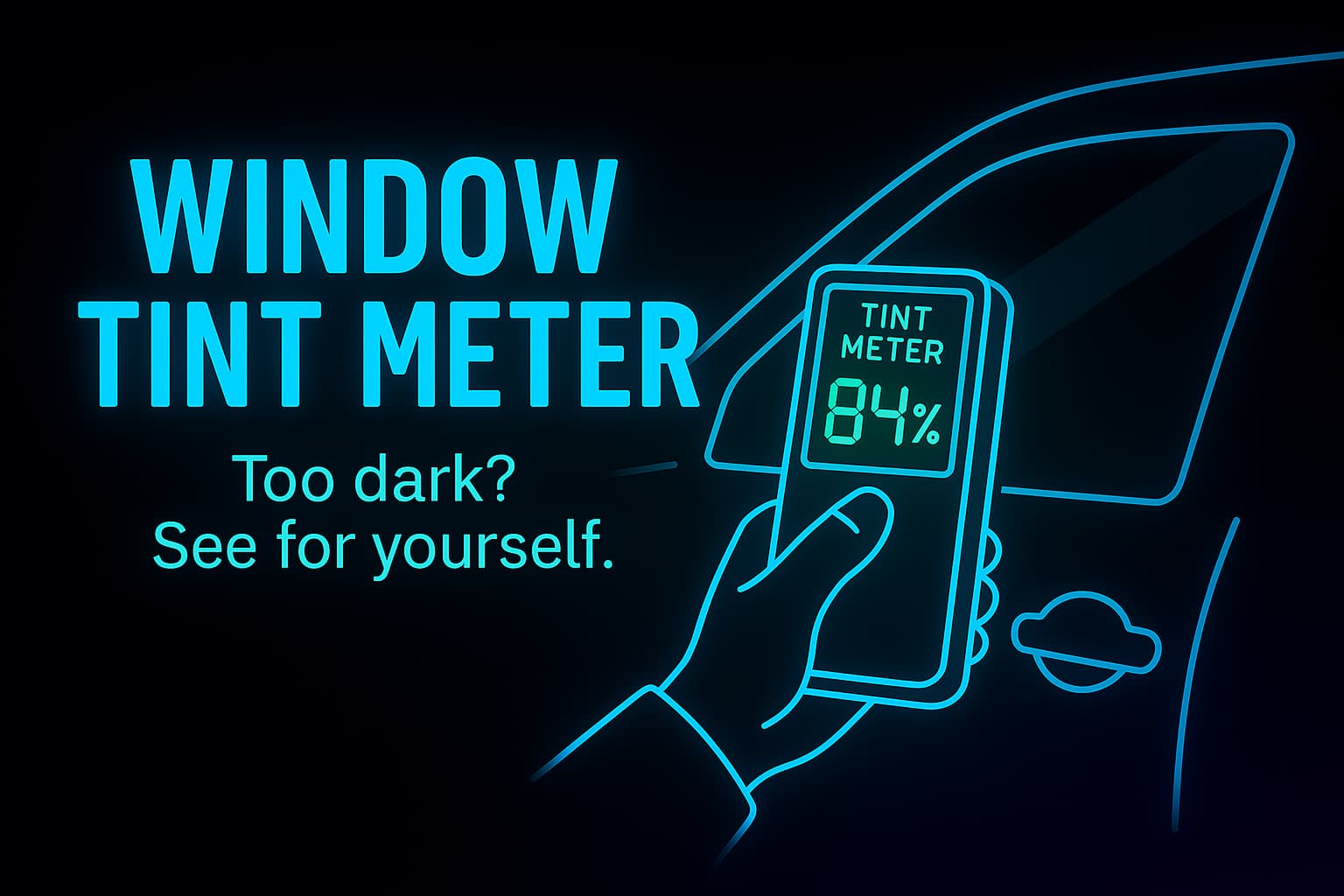
CES Window Tint Meter adds a bit of RP realism to your FiveM server with the CES Window Tint Meter. This lightweight NUI resource lets players scan any vehicle’s window tint percentage in-game:
Easy to Install: Simply drop the tintmeter folder into your resources and ensure tintmeter in your server.cfg.
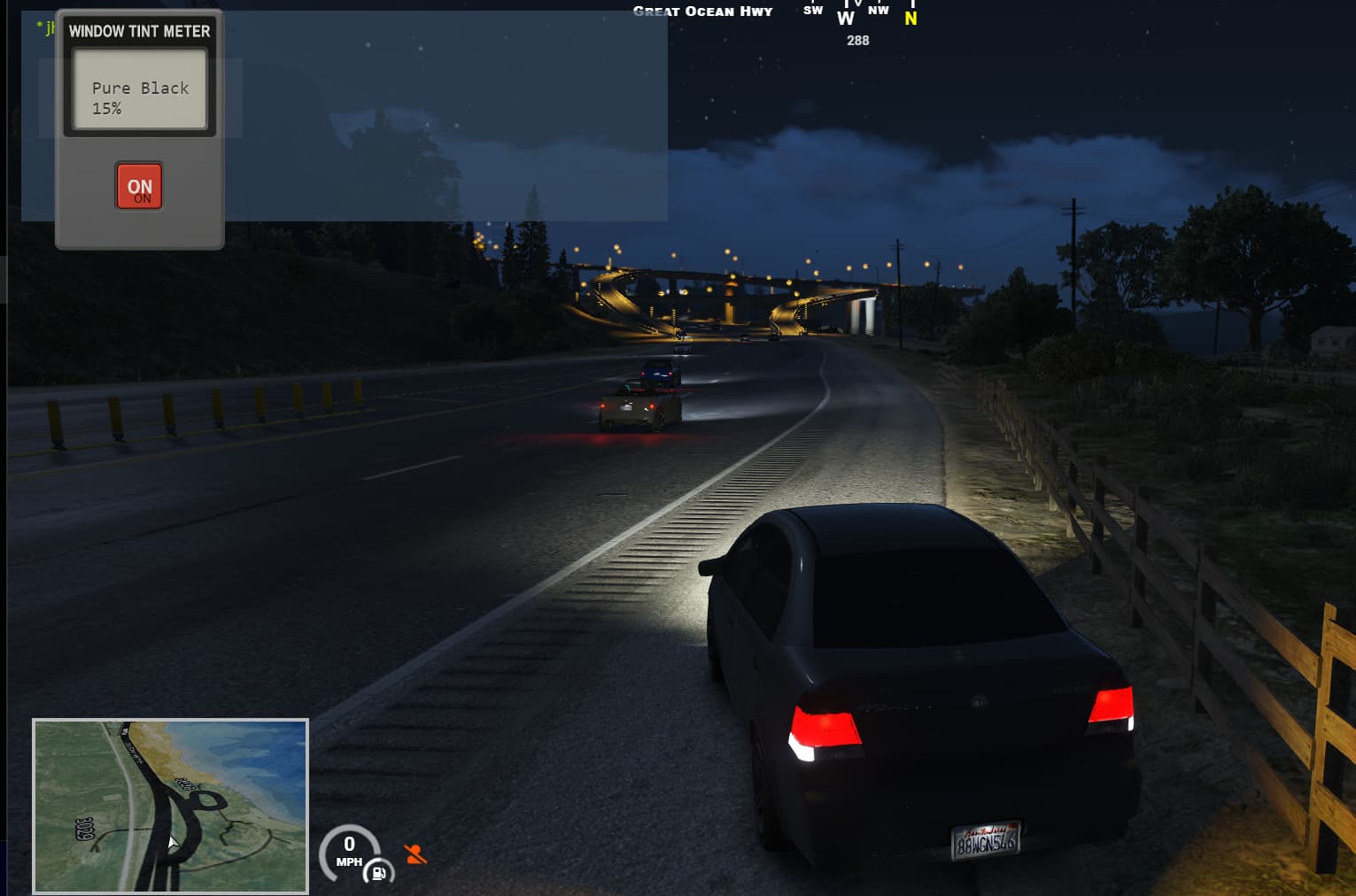
Intuitive UI: Pop-up meter graphic with an “ON” button—no clutter, no unnecessary menus.
Accurate Readings: Reads GTA’s native GetVehicleWindowTint value and translates it into a clear name + percentage.
Auto-Close: After scanning, the UI auto-hides so your players get straight back into action.
Bring measurable detail to every traffic stop, car show, or cruise night—grab the CES Window Tint Meter today!
Scan any vehicle’s window tint.
Shop CES $5
 Features
- Reads GTA’s native
GetVehicleWindowTintvalue (0–6) - Maps index → human-readable name + percentage (including “Green” 10%)
- NUI pop-up with a red ON scan button
- Auto-close after reading
- Raycasts to the nearest car window if you’re not inside
- Fully customizable tint labels & percentages
| Code is accessible | Yes |
| Subscription-based | No |
| Lines (approximately) | ~120 |
| Requirements | None (FiveM native only) |
| Support | Yes (Discord: CrazyEyesStudio#1234) |
 Tint Meter