
Dex Book is an in-game book system for RedM, fully compatible with VORP. It allows players to create interactive books using images, turning written or visual content into tangible inventory items that players can read naturally within the game world.
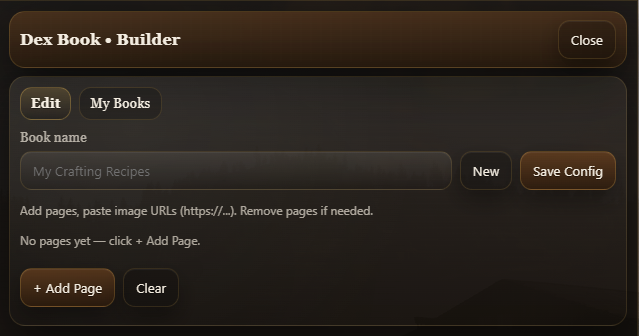
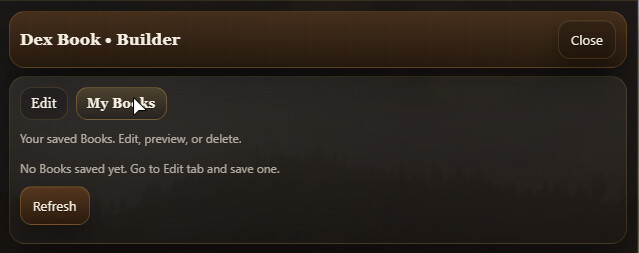
Through an intuitive NUI book builder, players can design custom books, manage pages, and store multiple configurations persistently. Each book can be bound to a specific inventory item, ensuring its contents remain consistent and unique. The interactive page-turning viewer delivers a realistic reading experience.
Preview
Config
Tebex (Free)
Dependencies: vorp_core, vorp_inventory
 Features
 In-game Book Builder UI for creating and editing image-based books
Interactive page-flip book viewer with realistic navigation
Image URL based pages
Persistent per-player book configurations (restart-safe)
Bind saved book configurations to specific items
Metadata-based binding to preserve book title and contents
Multiple book supported, each with unique content
Clean open / close handling with safe UI state management
Optional job-restricted access to the book builder command
Configurable maximum pages per book
Preview, edit, and delete tools for saved book configurations
This resource uses Turn.js by Emmanuel Garcia
Licensed for non-commercial use
| Code is accessible | No |
| Subscription-based | No |
| Lines (approximately) | 400+ |
| Requirements | vorp_core, vorp_inventory |
| Support | Yes |
