RedM Error

RDR2 version? 1.0.1232.40
Up to date? yes
Legit or Pirate copy? legit
Steam/Epic Games/Social Club? social club
Windows version? windows 10
Did you try to delete caches.xml and try again? yes
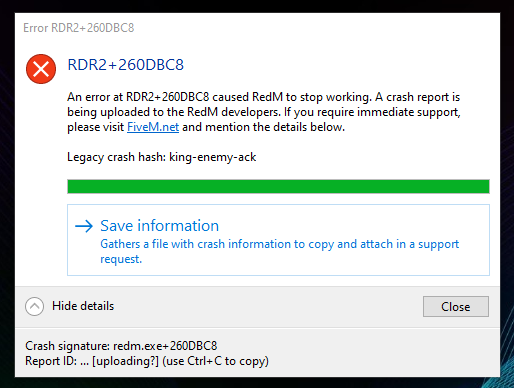
Error screenshot (if any) Error Message
System specifications intel i7-7700K, 32GB RAM, Nvidia 1080Ti
What did you do to get this issue? loaded up RedM and chose a server
What server did you get this issue on? Impulse RP Whitelisted
Latest CitizenFX_log fileer CitizenFX.ini (76 Bytes)
.dmp files/report IDs 00d7e15c-3f3e-4253-a52c-faef5a8e1e34.dmp (8.6 MB) 1d15d55d-22cb-49d6-93f8-0390c56babb9.dmp (5.5 MB) d34a3296-df0f-4d86-8bfa-d0aee87cbbbf.dmp (8.6 MB) e5e41b70-feb1-4f9f-833e-21d257ec84ac.dmp (8.5 MB)

If an issue with starting:
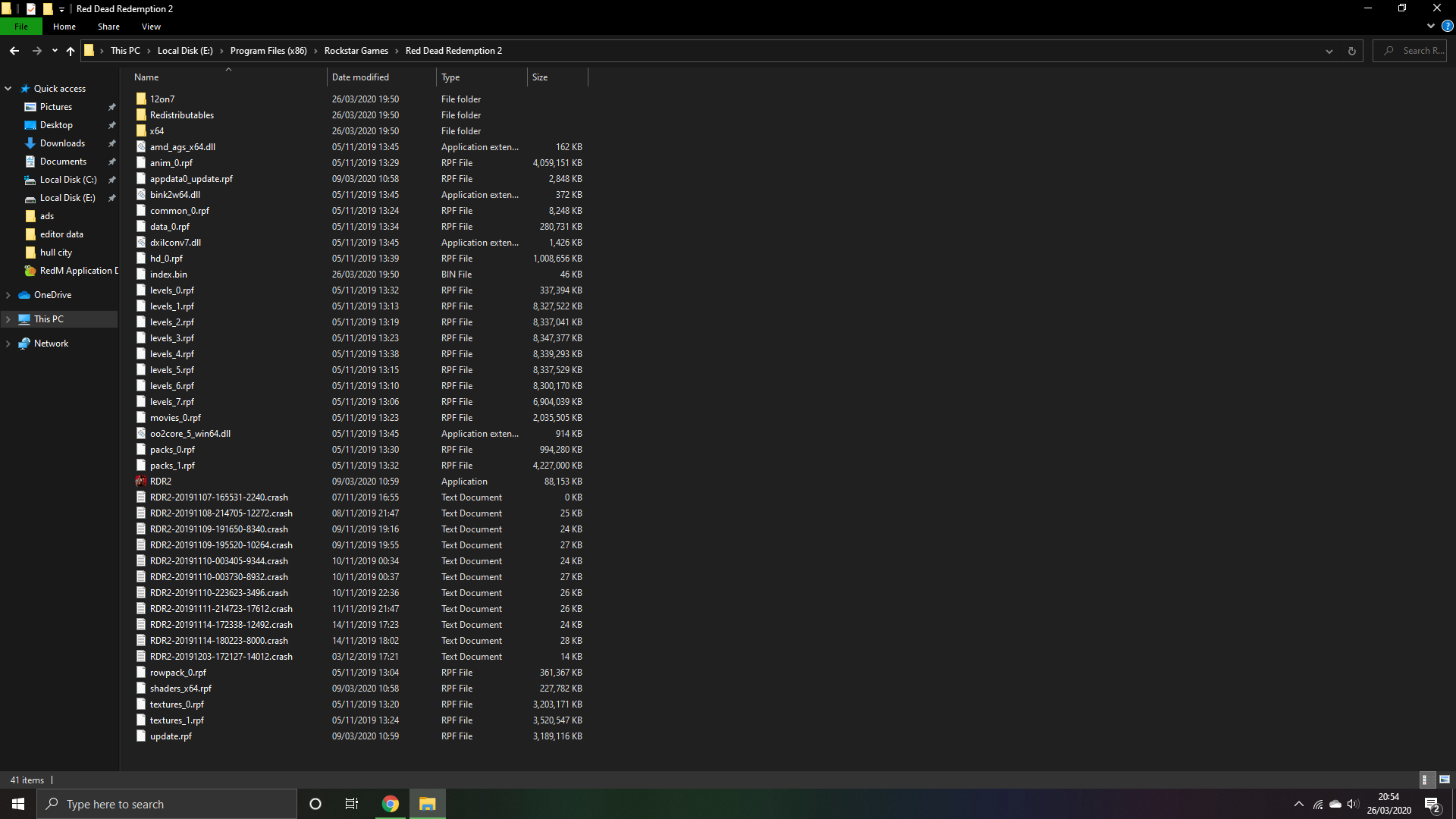
RDR2 folder screenshot


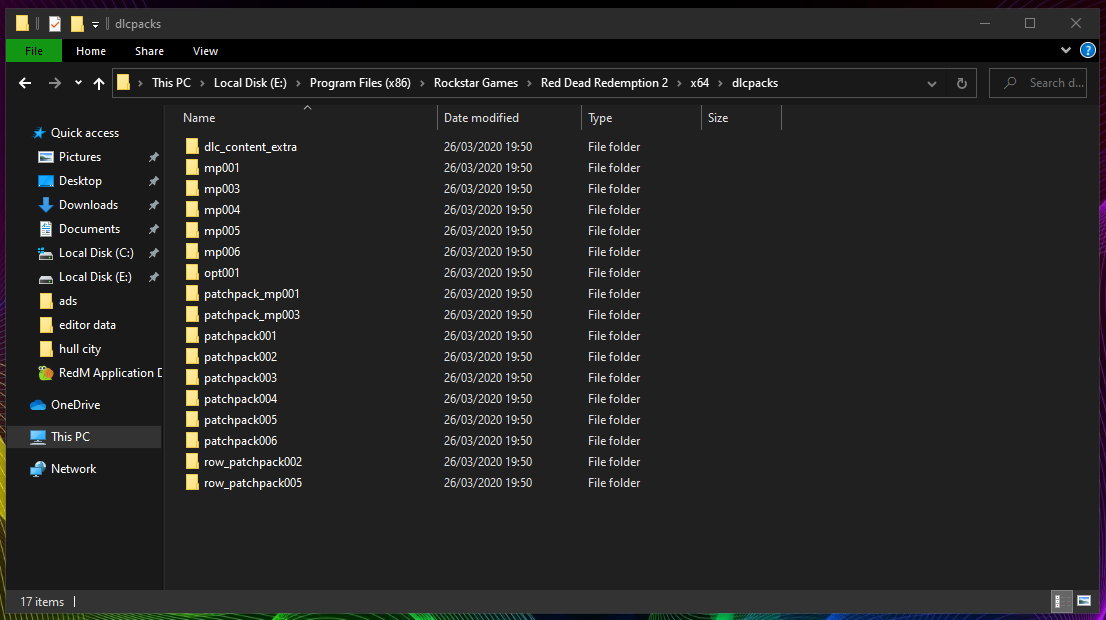
RDR2/x64/dlcpacks screenshot
Filepath to RedM folder Appears in previous screenshot
RedM client folder screenshot
Did you try to disable/uninstall your Anti-virus? Yes
Did you start Rockstar Games Launcher not as admin? Yes

Also add what you already tried so far.
Reinstalling RedM, Rockstar Launcher & RDR2, Changing Locations of RDR2 Game, Rockstar Launcher and RedM
Trying with and without TokoVoip, Restarting PC and turning off all Anti Virus software, plus everything described above.

1 Like

Hello, this is a friendly reminder because this is your first time creating a topic (or it has been a while since your last topic) in this category.

Please note that most of the support is provided by the Cfx.re community on a voluntary basis. We ask you to be patient; there is no guarantee we have a solution to your problem(s). To avoid unnecessary/duplicate topics, please browse the forums before creating a topic.

To improve your chances of your issue(s) being solved, please provide as much information as possible about the issue(s) you are having. Also —whenever possible— please use the template given to you when creating a topic.
Thanks for keeping these forums tidy!
:mascot:

I would also like to know the fix for this. I am getting the same exact error message.

just deleted and redownloaded red dead a third time and still no luck, I’ve ran out of things to try.

if you manage to get yours working again then please let me know.

hopefully one of the helpers sees this post.

you must directx ingame press of and vulkan on by me its working my english is bad^^

don’t worry, I understand you,
I have just tried this and it worked… thank you so much!

what i must do i dont understand him?

Go into your settings on Red Dead Redemption 2 (not RedM)

Change Direct X to Vulkan.
(I also put textures on medium but I’m pretty sure it was the Vulkan change that fixed it)

This topic was automatically closed 30 days after the last reply. New replies are no longer allowed.